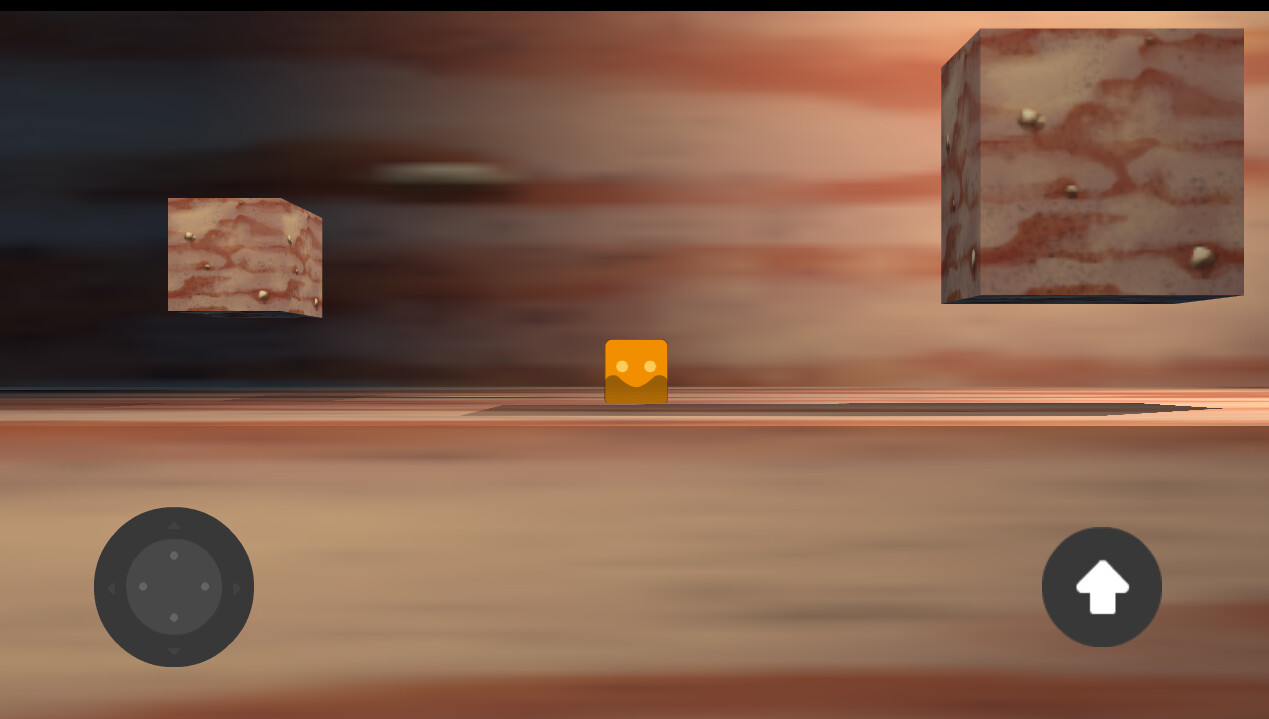
How can I get 3D lightning to work both on a 3D enviroment and a 2D sprite
Hello there! I’m super new on advanced GDevelop, since I’m a 2D artist trying to explore new ways to create art for games.
I’m interested in creating some projects that focus on a very simple side scroller narrative game, with 3D backgrounds and 2D sprites. Is there a way to get my 3D lightning to affect the 2D sprite? I tried creating a 3D sprite but it doesnt work, as I need it to be an animated sprite in the future (the result posted here is using placeholders)
yknow ive been wondering this too! but what im wondering is slightly different. It is clearly true that sprites arent affected by 3d light…and yet, the 3d particle system…its not affected either as it uses billboards.
i have…maybe a little weird of an idea and it might not work. If you could make a white 3d object that is affected by the light around it, you could read the color data of where it is on the screen and tint your object according to it. the only issue with this is that it has to be on the screen somewhere…
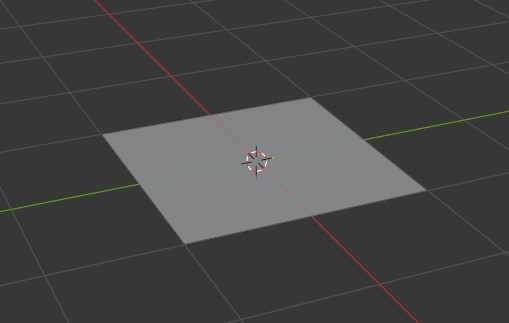
Hello there! Thanks a lot for the suggestions. While the sprite on a plane in Blender > set it as 3D model in Gdevelop seems interesting, I’m looking for a more direct approach of it. I think I’ve found a better way to achieve what I’m currently working on. It was as simple as to set a 3D light in the background layer that affets the environment, and then set a 2D on top of said 3D light in a lightning later that affects the sprite, and adds an small tint to the whole screen. Maybe is not the same effect as I’d get working on another engine as Unity or Unreal, but experimenting with this I think I can get a result I’m happy with.
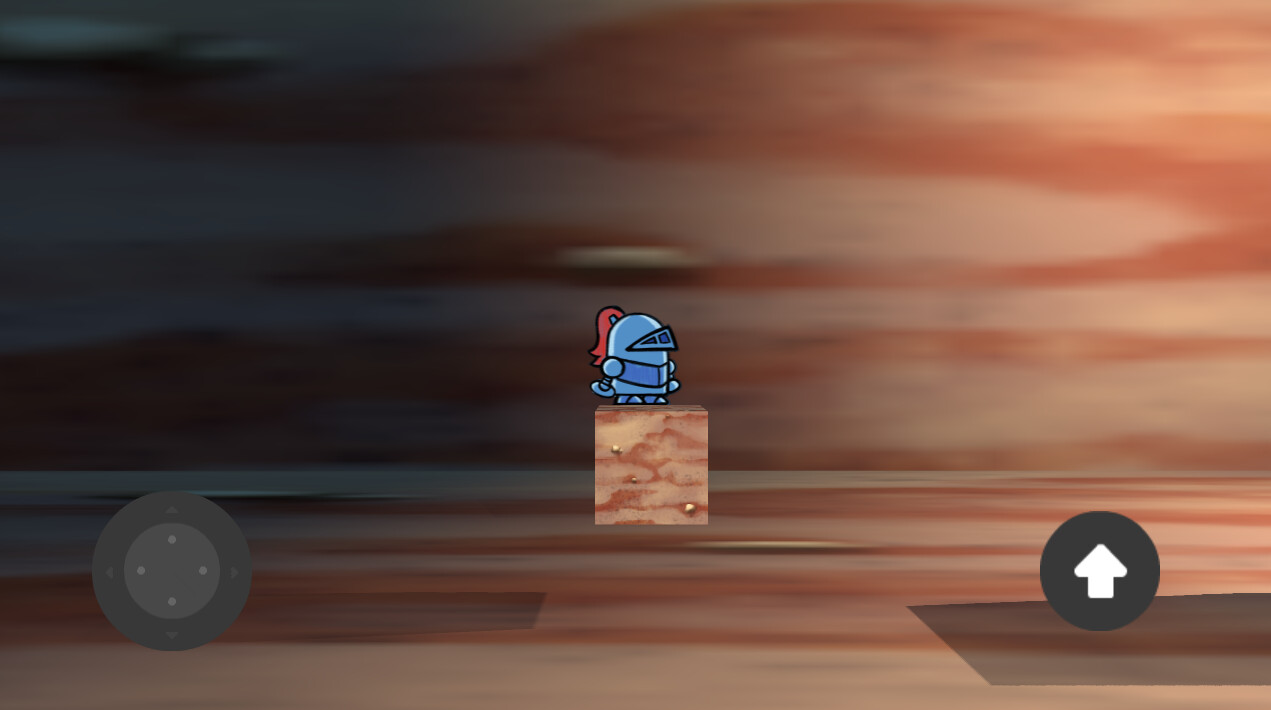
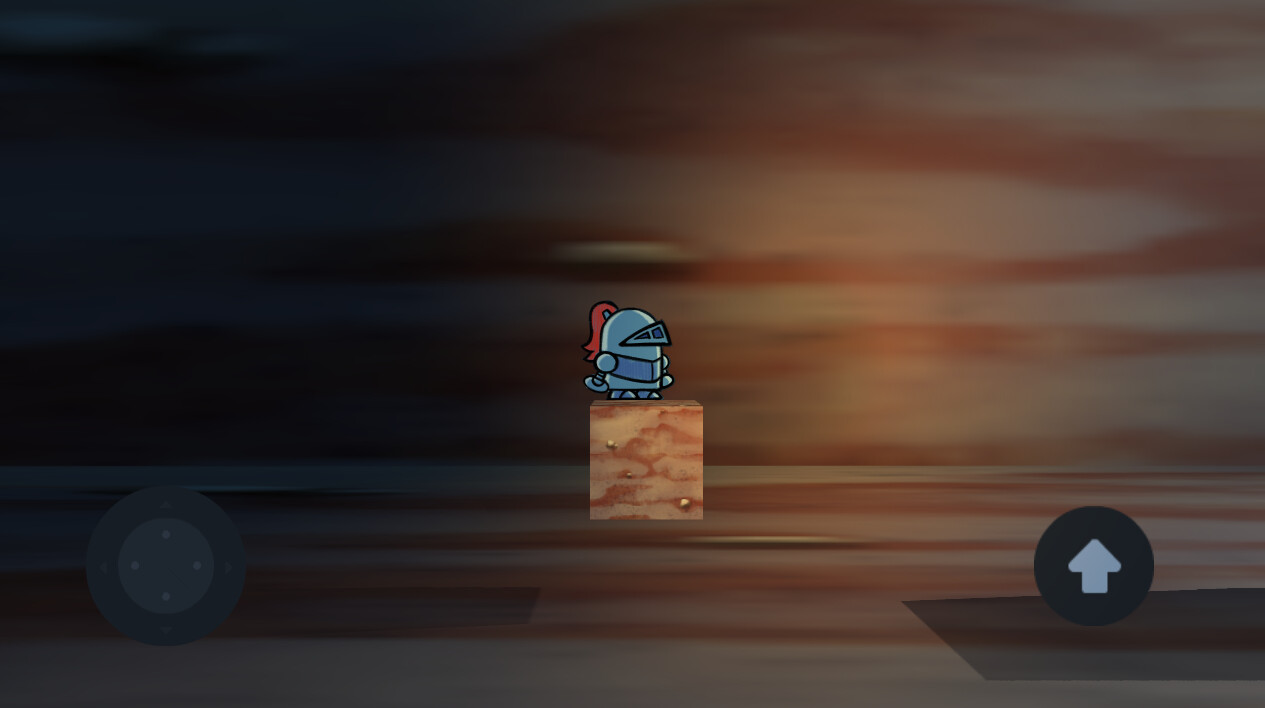
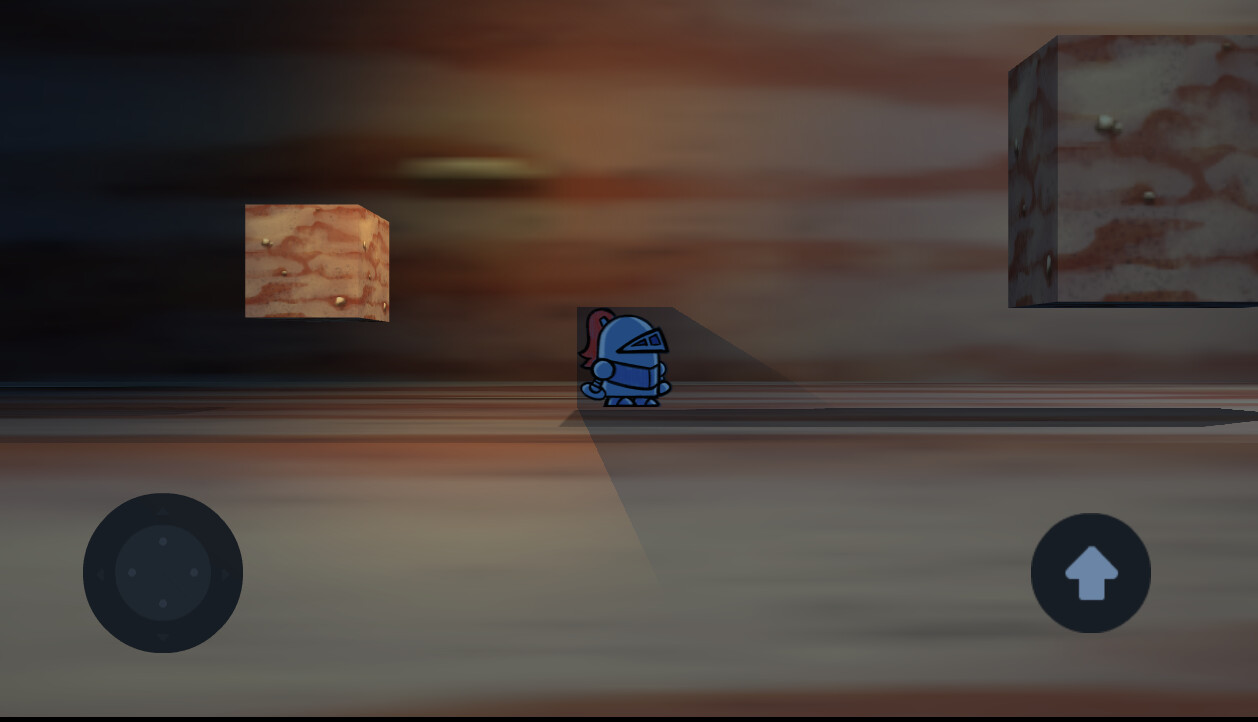
Here are some comparisons between no 2D light > 2D light added > made the player get affected by shadow, but it doesn’t work with the transparency of the sprite and shows an square. Not close to the effect I’d wanted (to make a shadow appear on the floor it would be a fake shadow or as part of the sprite, probably.) but I wanted to share the result just in case.
And here’s the silly square casted shadow. In my case I’d only want to se a casted shadow of the character on the background/floor in some cases, but I think that’s another thing to experiment with.
Thanks a lot who everyone to take the time to answer!