so i have a normal button, and i want it to change color when disabled how do i do that?(pls say if more info is needed)
You can change the tint, or have a second animation that you set the button to if it’s disabled.
thats the thing a “button” object cant do that

Ah, I didn’t realise you used a GDevelop provided button. In which case I would create another button but with a different colour, and replace the clickable one with the second unresponsive one on the screen.
it there a better way bc i have 9 buttons that need to do that
I don’t think you can get around it, but I stand to be corrected.
One thing to make it a bit easier is to put the buttons into an object group (say called buttonGroup).
Then iterate for each buttonGroup, and if the button should be disabled, create a disabled button at the position, set the label to teh original button’s label and delete the original button.
You may also want to add a string variable of the object name of the button that is being deleted, so you can recreate it if it ever gets activated.
What if you use an object effect?
i tried it but then i could disable it
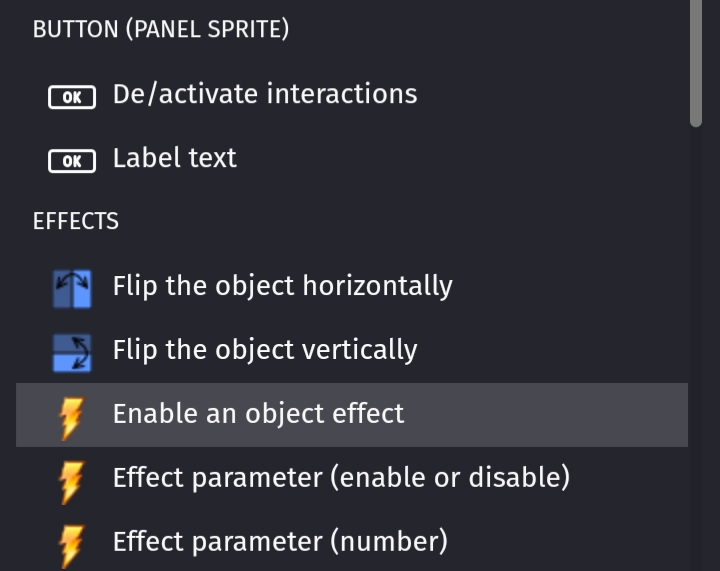
What effect do i need to use
That’s up to you. I’m not familiar with all of the effects. Try a few. I’m not sure that you can easily make them a single color. There’s color map and color replace. The map allows all of the colors to be swapped while the replace only does 1 color. You could make the buttons darker by using the brightness effect with a brightness of .5 That would give the greyed out look like in Windows.
You could use MrMen’s technique. Or try placing a semi-transparent colored sprite over the button and then show/hide it. It might require a different blending mode. Unfortunately, I’m not at my PC.
Sometimes, it takes experimenting and trial & error. Maybe also put in a suggestion for the abality to change a buttons hue or add a state image for disabled.