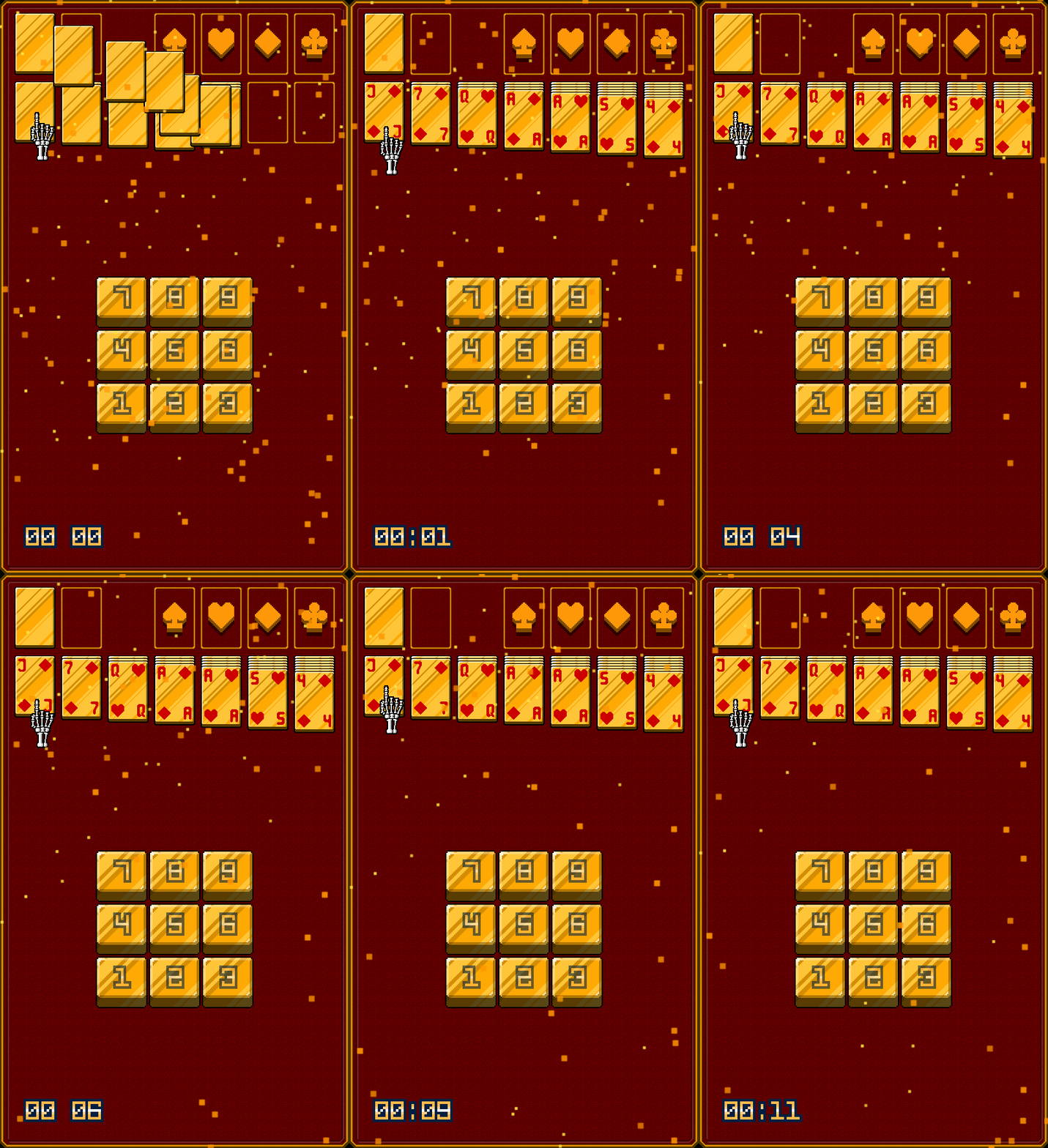
i can Achieve this by Setting the Radius of Emitter to 0 and Keep updateing its X Position from the left Camera to the Right.
now the problem with this is i have to force the player wait certain minutes before they actually playing to just let the Particle Spawned so it look Seamless.
If i set the Radius of Emitter to 1920 it will spawn on the Screen ruining the effect.
If i set Particle Below the Camera it will not Spawn any Particle at all.
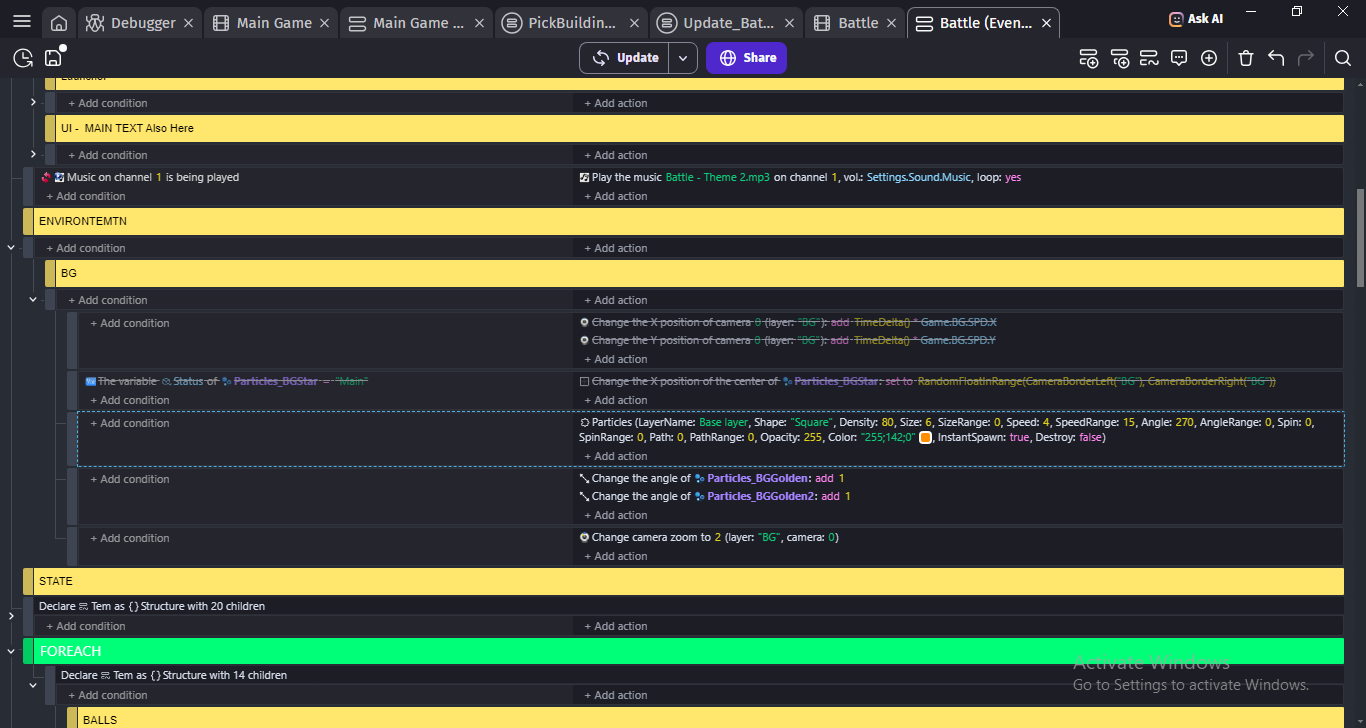
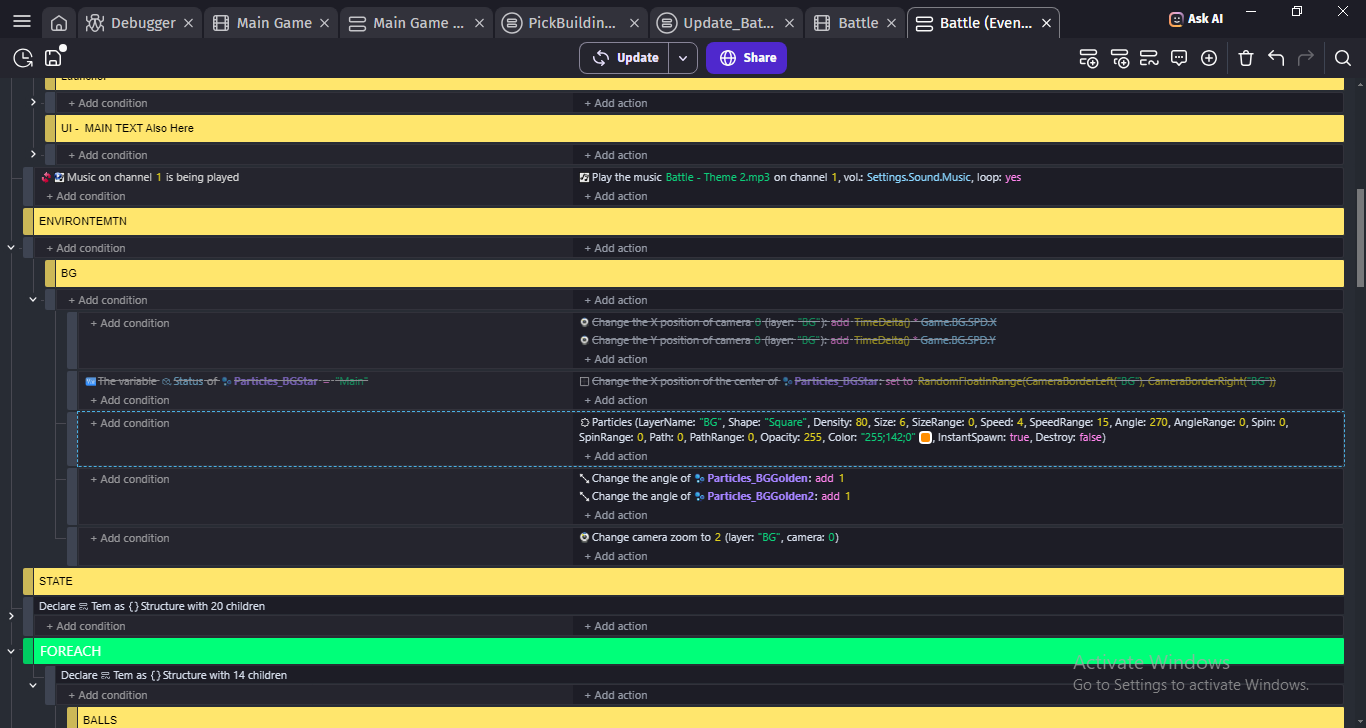
it worked at first but then i follow the code you given and idk what happen, changing the layer and its just gone? idk it doesnt appear on the layer i want and idk how to set the Position.
Instead of making dedicated action to destroy it i shoved it to same action
So you need to have destroy at false
Now issue would be size
And i almost forgot
This action needs to run each frame to maintain particles
So no condition that would prevent it from playing
Don’t use play music
To play music use Play sound ON CHANNEL
To play sounds use Play sound
And don’t use mp3 but instead ogg or aac cause mp3 are not supported by so many browsers so some ppl will not hear audio from your game well you also if you use browser which does not support them
I personally went with aac
I read it 3 times in my life and i never remember the reason
I just remember don’t use play music
But if you want to know
And i think only WAV files are absurdly huge and you should use them to play sounds cause they are supported by everything
But due them being so big i reverted to aac