Before proceeding, please use the forum search feature at the top of the page to check if your question has already been answered.
Image jiggling in preview?
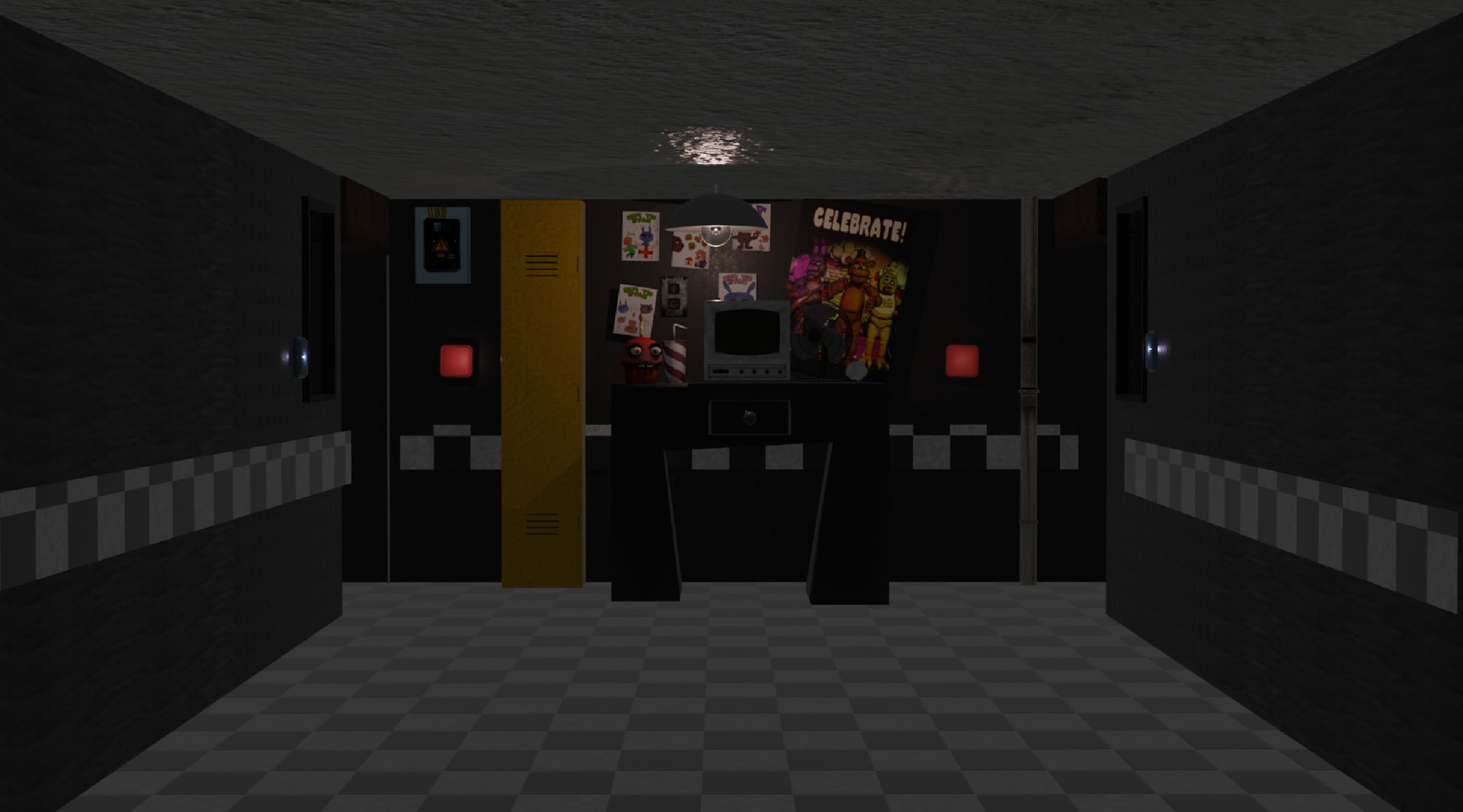
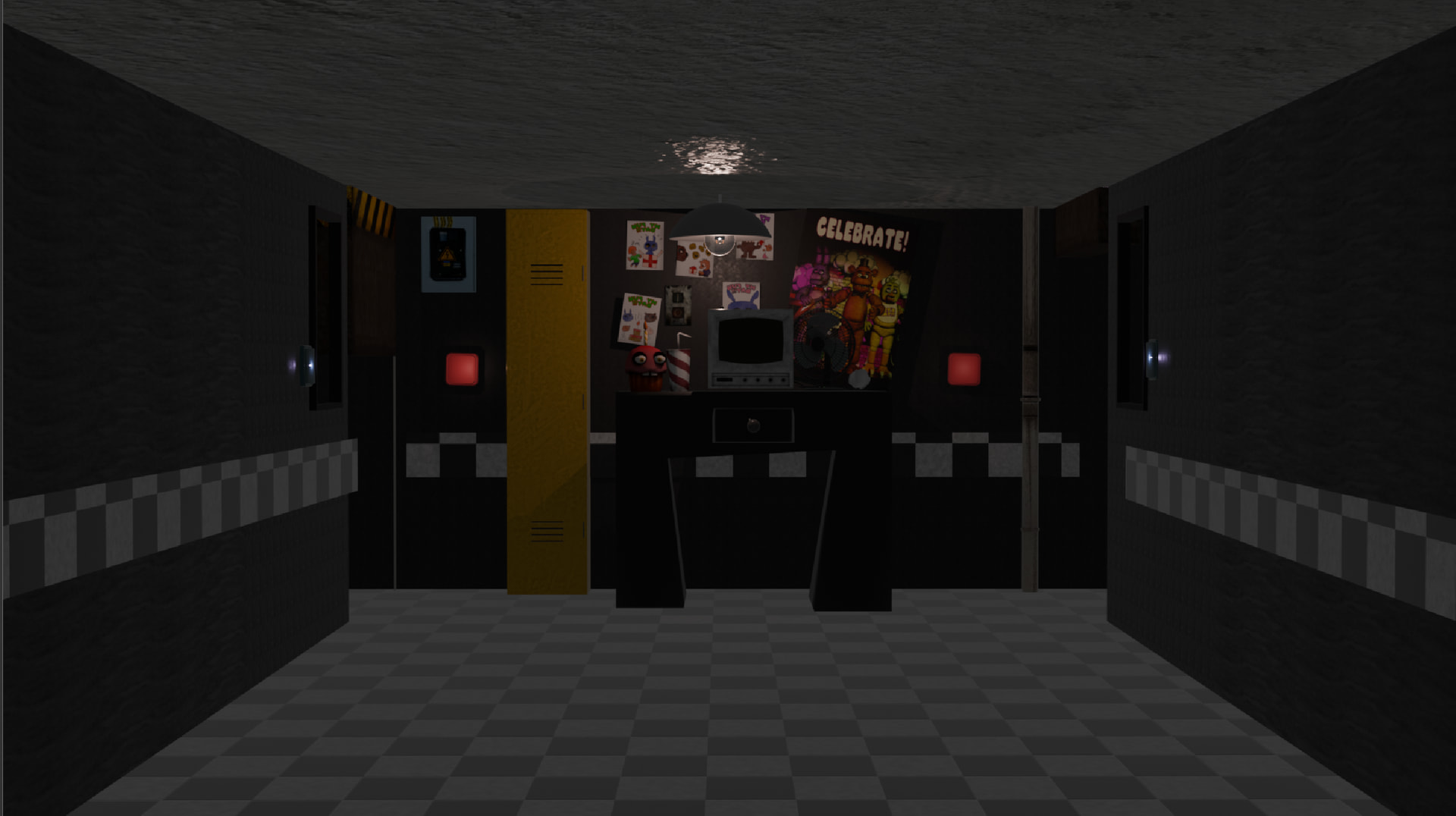
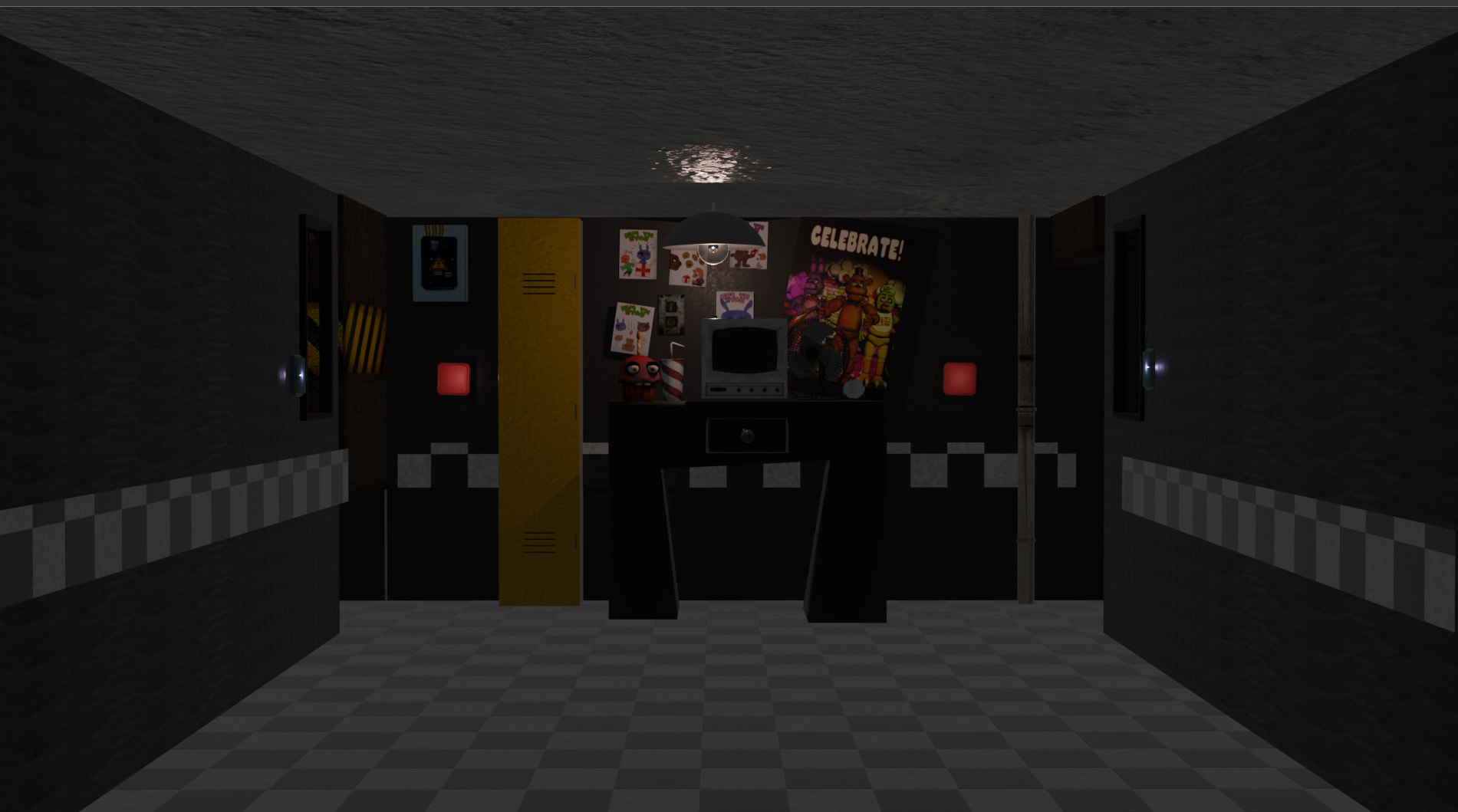
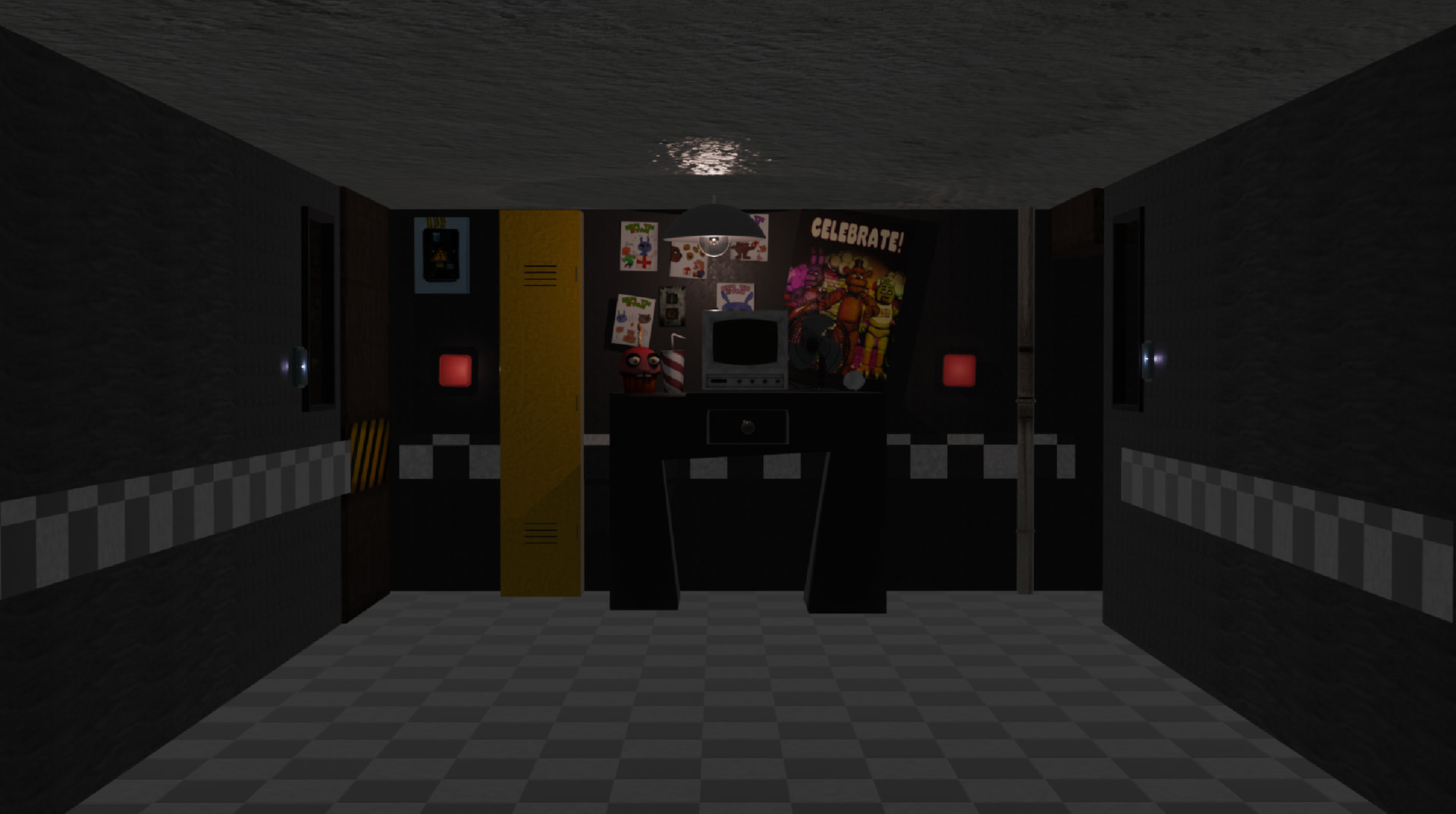
So, I’m attempting to make a fnaf fangame in gdevelop, and I’ve been using blender render screenshots. I’m not sure if this is the best way to do it, but it has worked for static images. my office and scrolling work fine, but whenever I play a preview of the doorclose animation, it jiggles all over. I’m just trying to figure out why. I have included all the frames in the door close animation.
Related screenshots
um…are you sure thats not because youve been screenshotting each one with the mouse and that the screenshots are not all the same size?
lol thats probably right. I’ll try that and report back if it works. I was using the screen snip tool.
damn man…learn about the render button
i was using it, but i was taking screenshots cause i couldnt find the rendered images to use on gdevelop. If you could tell me how, i can use that instead of what i have been.
what version of blender do you have?
4.3. it was the correct one when i dowloaded it.
i (in my subjective opinion) believe that is a modern version of blender. So, the renders are not saved anywhere. When you press render and the render viewer window opens, press image>save as
and how do you put that as a 2d sprite onto gdev? im needing to do animation frame by frame because my 7yo desk laptop cant do animations, btw.
thats very simple, and well, i suggest you find a tutorial or just start pressing buttons. But to answer that, right click on the scene editor, press insert new, press sprite, click import images, then select your images.