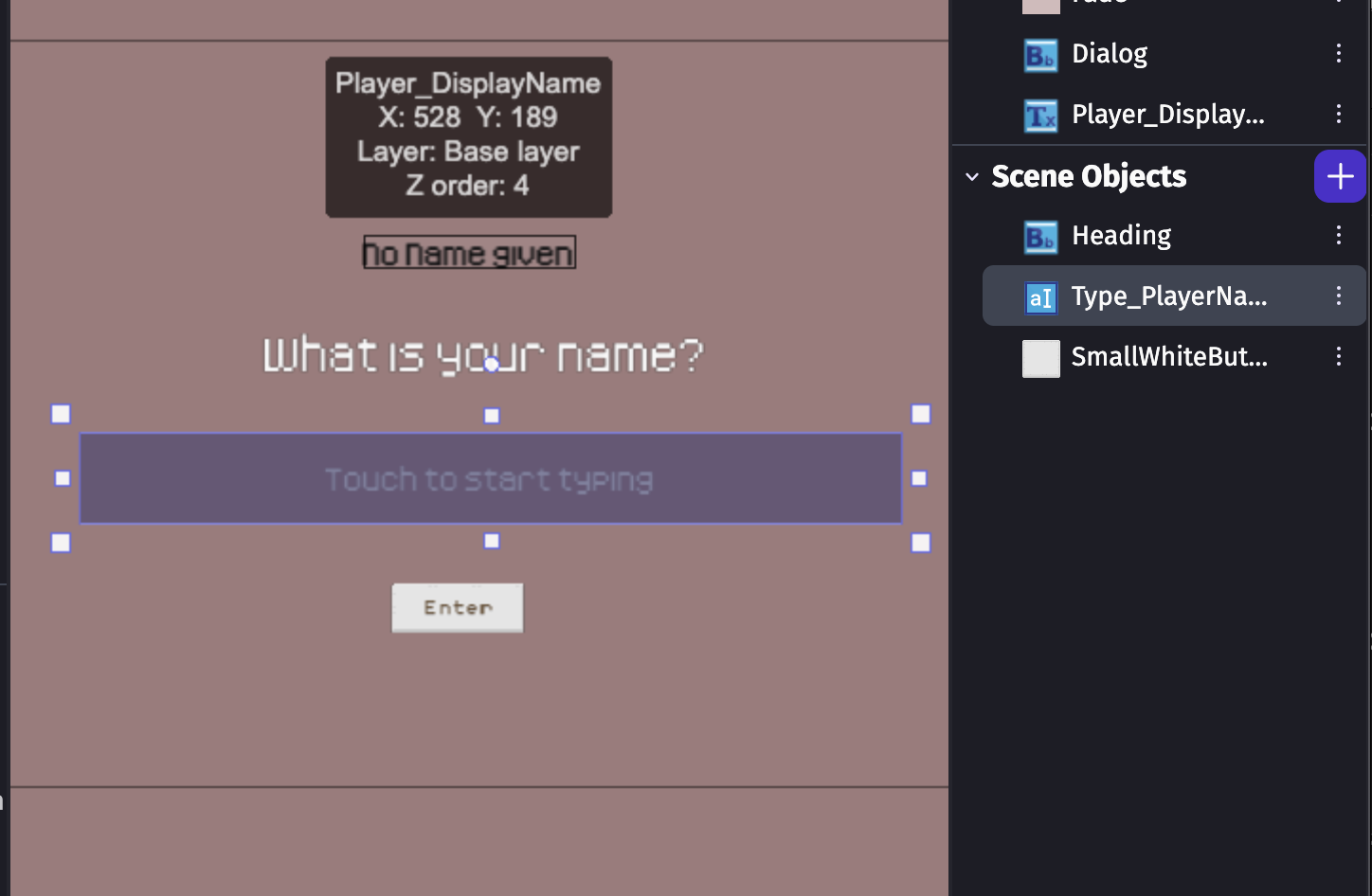
I’ve created a text input that user’s can write a name in, I’d love to assign this to the character they will be controlling, but as I am a beginner I’m confused on how to store it in a variable. Any help via screenshots or video will be greatly appreciated as I am a visual learner!
What is the expected result
When a user inputs a character name in the text input, this will be saved & used in dialogue to refer to their character.
Thank you for your response! I’m very new to this, so I find that guide is still confusing as I don’t 100% understand variables yet.
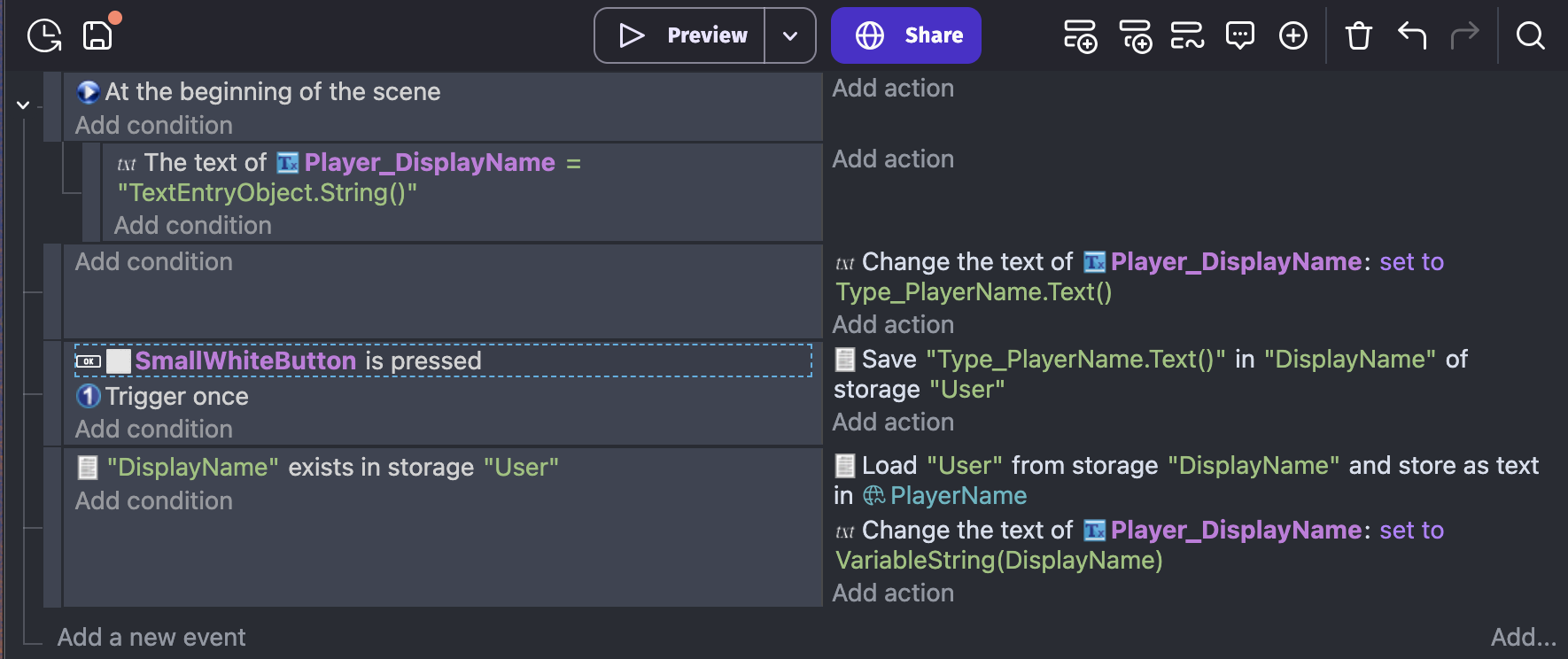
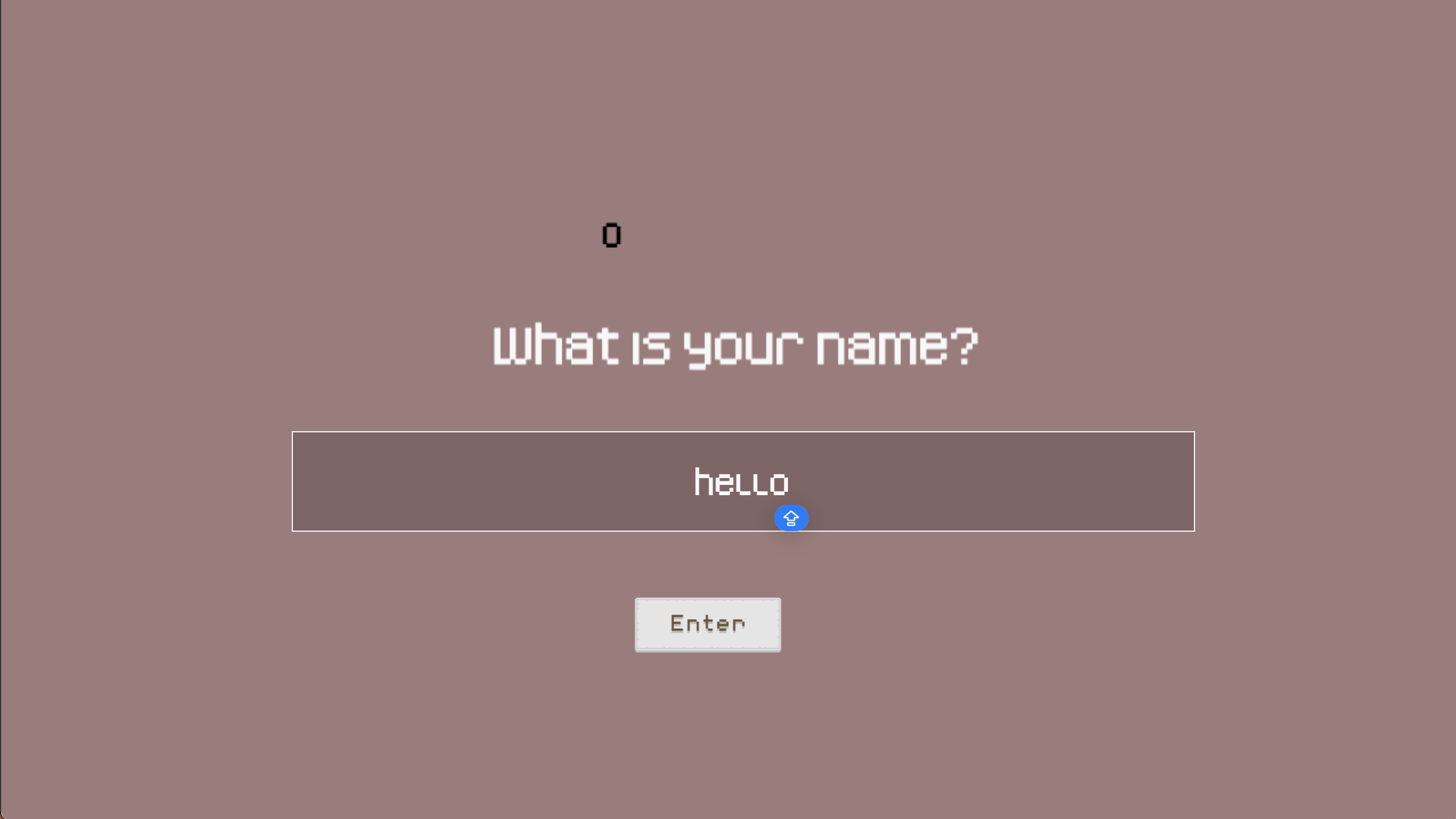
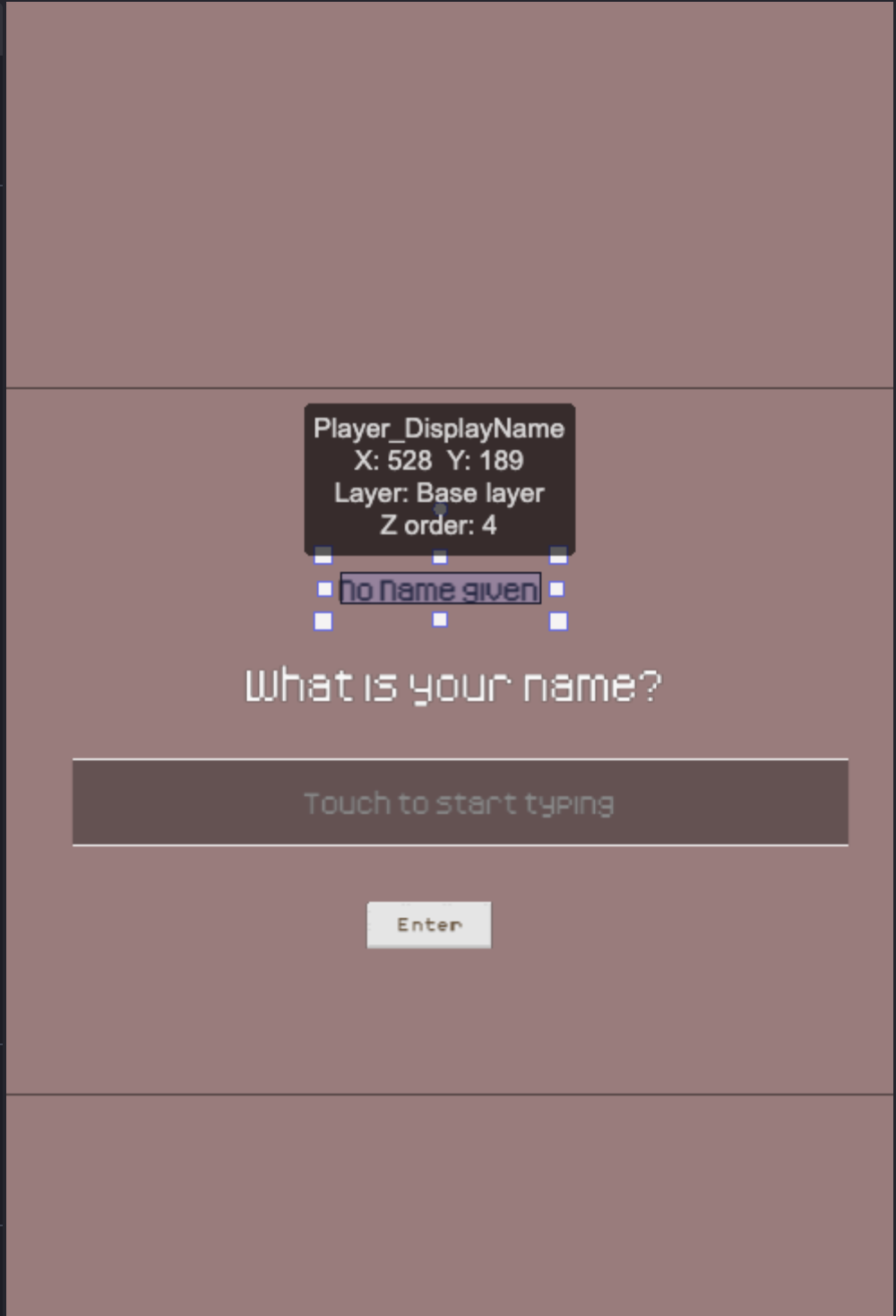
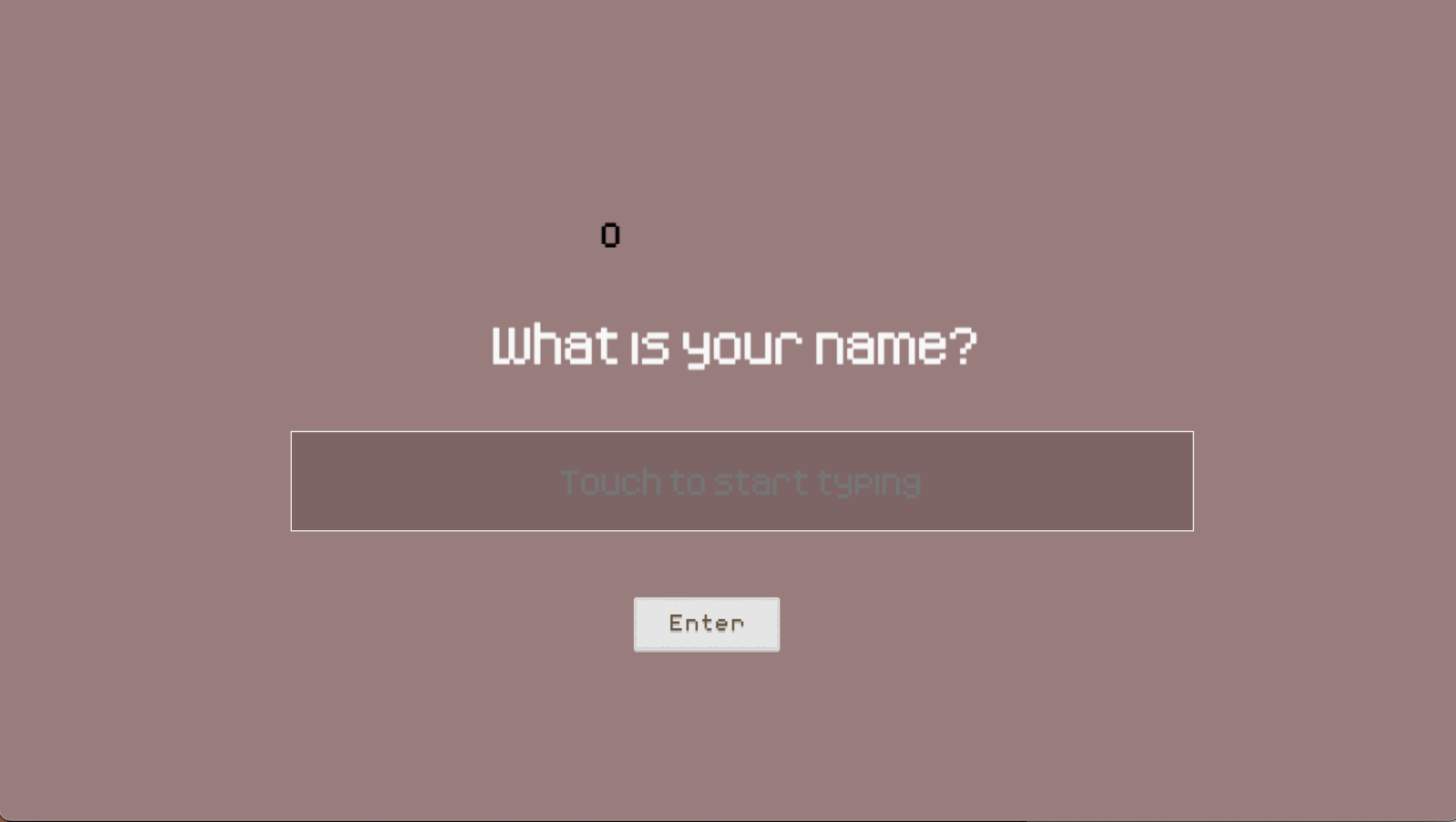
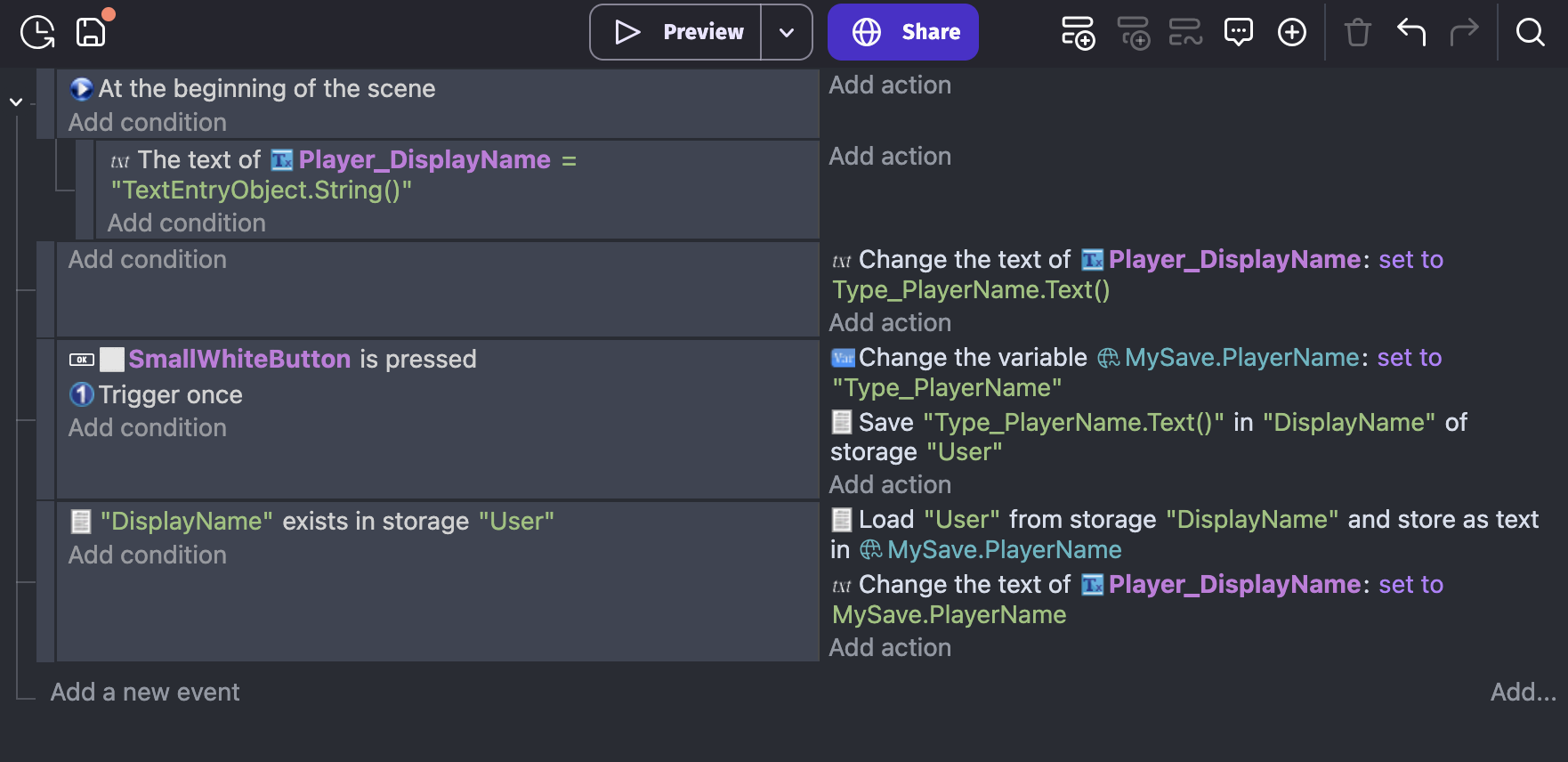
I’ve tried again to fix it, and have placed the global varaible “Player_DisplayName” onto the screen so I can check it is loading correctly, but its displaying as 0 - I’m not sure where it is pulling it from. It doesn’t seem that my efforts to ‘save’ what the user inputs is working either (from what I can understand in the debugger).
I’d love if you could point out to me what to add / remove so I can further understand the process
Do not use VariableString(NameOfVariable)
Just use NameOfVariable
If you are new you sghould 1st watch some tutorials to get the idea how stuff works in gdevelop
HOWEVER if you are up for challenge
Then you should 1st make global structure
For example call it MySave
And now add child var to it for example call it PlayerName
And now you would set variable MySave.PlayerName to text input object after nick is inputted by player
That is how you reference variable
Now you would only save/load MySave variable
Cause structures works like folders
Imagine you have 100 mp3 files you want to send them to me
But what you gonna send them 1 by 1?
NAH
You gonna put them into folder and send me whole folder
Same story with structure vars
Set up global variable (ZeroX4: you always should start your project variables with creating one structure that will work as container for your vars you gonna save)
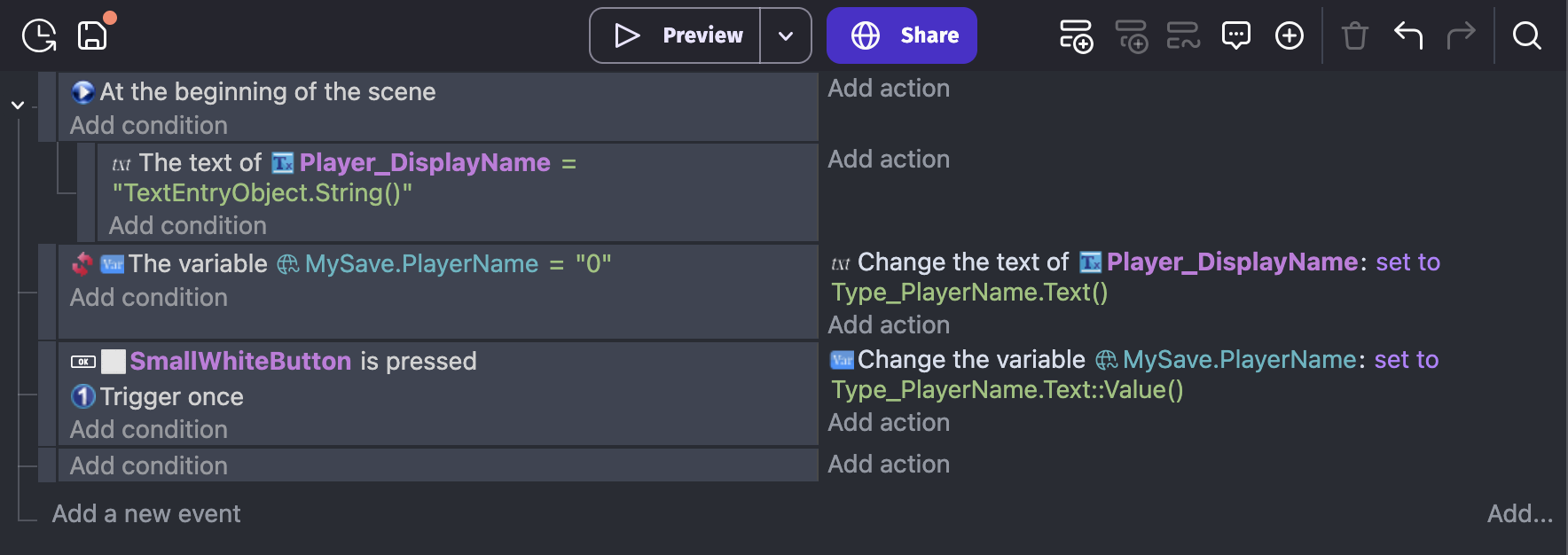
Set the condition for your global variable to be set to 0, with the action of text > set to TextInputObject.Text()
&
Change global variable value and set to the name of your TextInputObject (in my case Type_PlayerName)