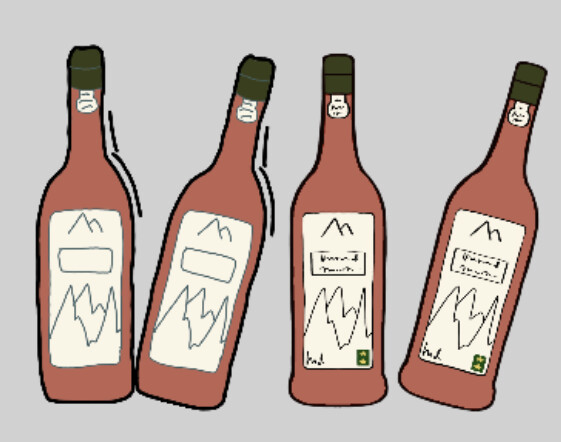
Right, I don’t know why I didn’t notice this before but now I see that my bottles do appear jaggy in the preview but smooth out once I zoom in. Which makes more sense because the outline is still displayed as let’s say 3-5 pixels wide with not much room to smooth out. It just didn’t make sense before. My bottle is much worse than yours though but not quite as bad maybe as in your scene.
Therefore, does that mean the answer is to increase the resolution of your game? You wouldn’t have to redraw your bottles as they’re still bigger than needed, just scale down less. That must be the answer, therefore, lesson learned - edges need say, 8-10 pixels width to look good.
By the way, I tried the tween angle when dragging and that’s a nice touch. It didn’t affect how it displayed.
Also, here is something really good that I bookmarked a while back. I haven’t ever done it though because I’ve never got that far into the details of a game. But actually, I guess that advice is more for pixel art which I don’t do and you aren’t either.