One benefit of using an extension for this global state is that you can add new features more easily.
For instance, let’s say your game was handling only 1 character but now you want to handle several characters:
with global variables, you would have to go through the entire code to modify the variable accesses (for instance, Inventory.Items[Index] would become Inventory.Characters[CharacterName].Items[Index]
with an extension, you could add an action “Change the current character to CharacterName”. The only extension you’ll have to modify is the global inventory. The 2 custom objects won’t even need to know that there are several characters.
I am open to doing this: Having an object that represents global state that is added to every single scene.
However, I’m still not sure how to access the object representing global statefrom within another extension. Would not adding the object that represents global state to each extension cause an issue?
Or would this involve creating custom conditions inside each respective extension that is then “glued together” on a separate event sheet interacting with the object representing global state?
I apologize if this gets further off topic: But more generally speaking what are good patterns for communicating between extensions while respecting each of their encapsulation?
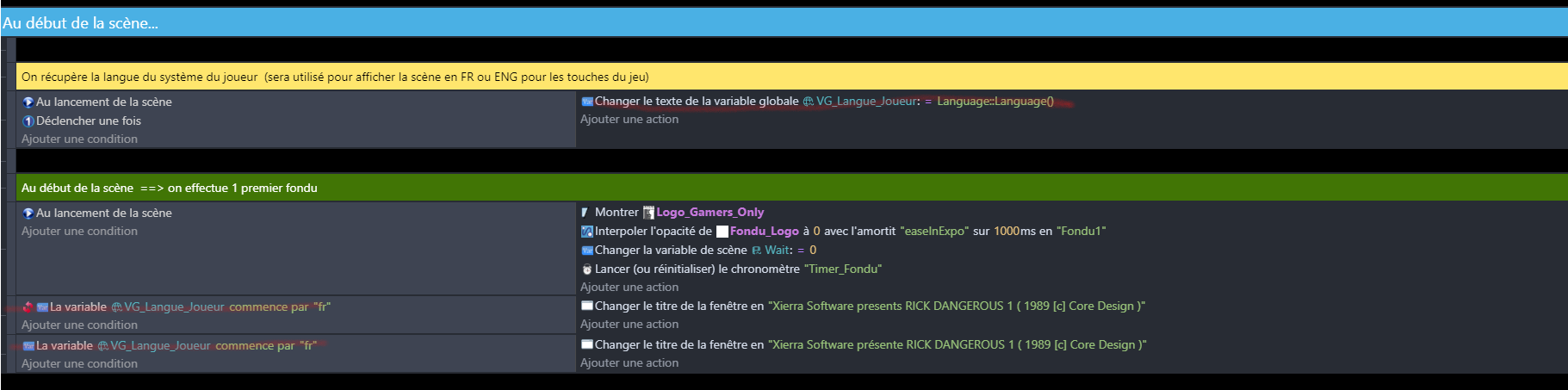
I am sorry Davy, but answers in the mentioned topic are underwhelming. I am trying to bring the name of a technique using a global variable that stores all the names. Names are in a variable (instead of hardcoded) because the system is meant to have a multilanguage function. And also it is global because the names likely will appear in several scenes. In any case, when trying to use a Global variable to feed a prefab action it does not work (maybe because prefab actions happen “post scene” but the update happens before the prefab can react?). In any case, having to create a parameter and an additional function just to call a global variable that is supposed to be global is super annoying and suboptimal.
This thread is actually about old variable actions being hidden from the UI. The new variable actions don’t give access the the global variables of the project, only the one of the extension.
In your case, you should use a custom action to change the language. Using global variables to communicate between the project and the extensions can lead to spaghetti code. This is why the extension variables have been introduced: to help people avoid spaghetti code.