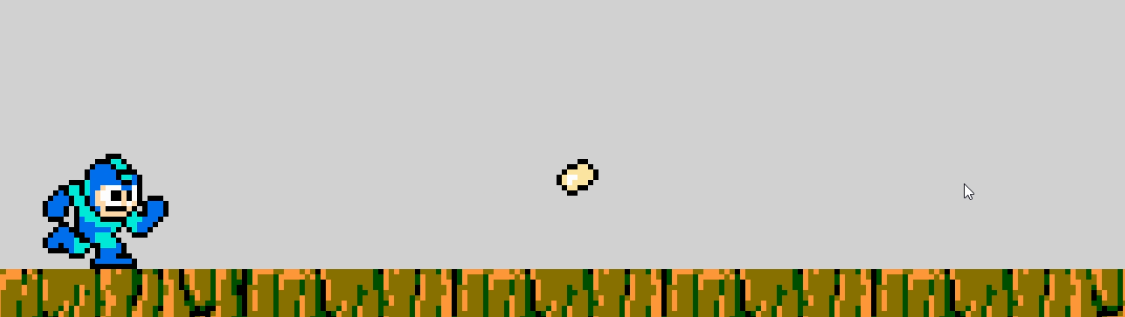
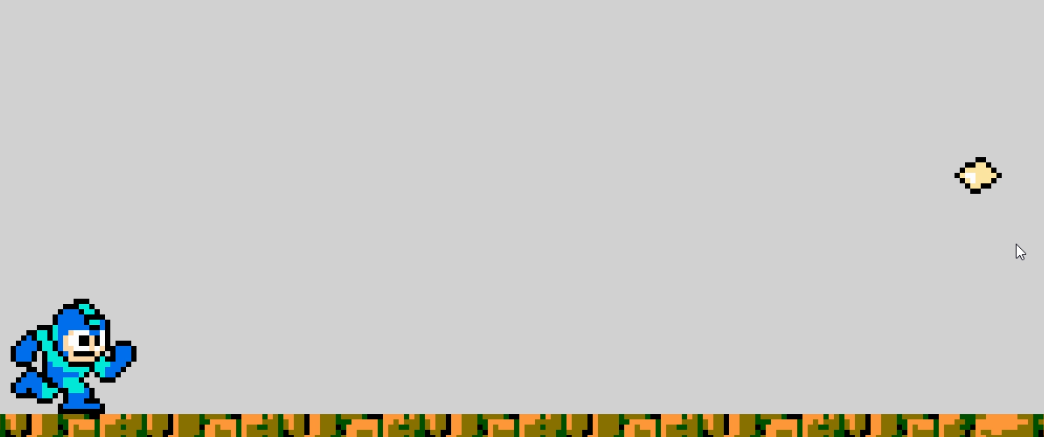
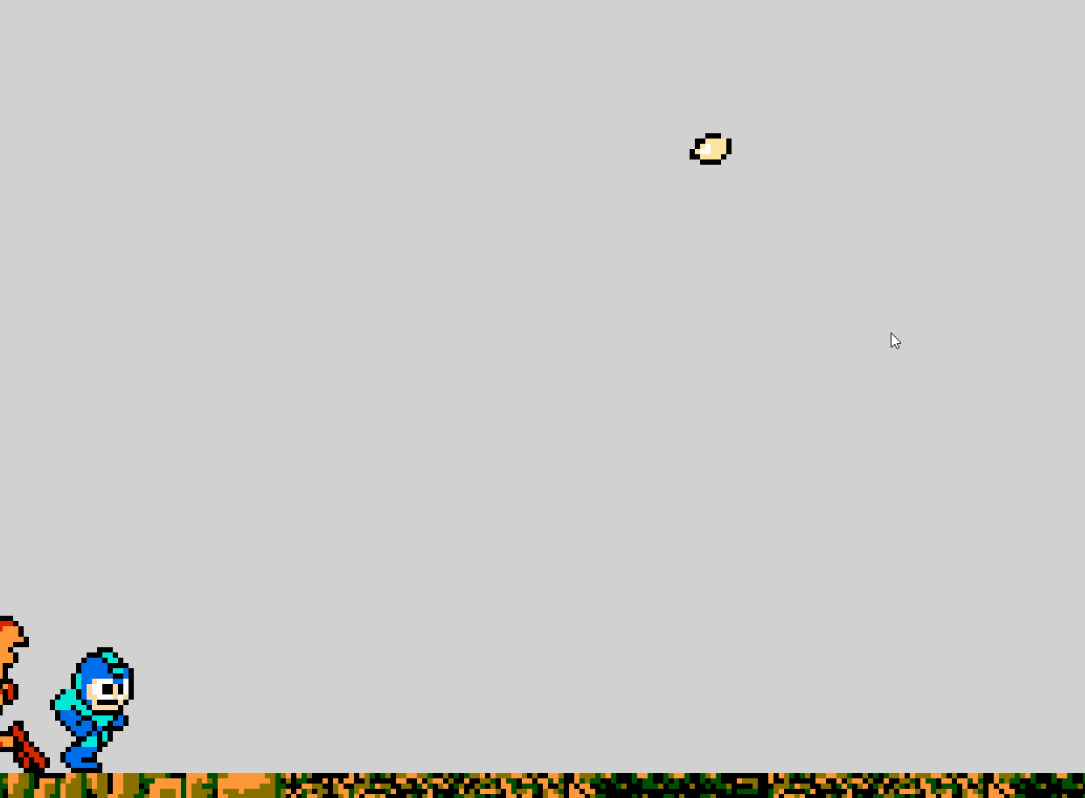
Hey guys! So, I’ve been working on an endless runner/shooter hybrid, and I surprised myself with a pretty cool mechanic. I managed to code an aiming hand that rotates to follow the cursor, but when I want to shoot (left click) bullets towards the cursor, the bullet always goes higher it. This only happens if the angle isn’t a perfect 90 degrees, and it makes shooting enemies kinda wonky.
For reference, this here is the shooting code:
I have used the FireBullet extension which I’ve grown pretty fond of, with a 0.8 FiringCooldown. The bullet is fired from the “Muzzle” point, which is the right end of the AimHand.
And to clarify a bit more, here’s the code for the rotating arm:
Overall, what could be happening for the bullet to not follow the trajectory? Do I have to tweak some values in the extension? I’d prefer not to get rid of it since it works pretty well, just need to adjust some angles.
If y’all need anymore screenshots, feel free to ask, and thanks in advance!
Oh, that’s quite a large discrepancy. I was expecting about a bullet’s height difference.
Does the game scroll left/right? If it does, does the wayward trajectory still happen at the very start of the scene, before any scrolling has occurred?
If there’s no scrolling, then try using the fire bullet action at an angle, using the angle between objects - the AimHand and the Cursor.
Okay, woah. You were right on the money with the scrolling!
Yeah, I have the player coded to always simulate pressing right, since it’s an endless runner. I disabled that, and the bullet more or less goes in the direction of the cursor.
What’s happening is that the bullet is going to the cursor position at the time of the mouse click. However, that position is moving to the left as the game scrolls, and while the bullet is moving correctly, visually it looks weird.
If the player is always moving right, you could recalculate the targeting position based on current distance and scrolling speed.
I’m not sure exactly what algorithm to use, but I think it’ll involve getting the current Y distance, working out how long it would take to scroll that far (given the player’s move speed) and multiplying that figure with the bullet speed to get the new target y position.
Welp, that way it seems I have my work cutout for me.
But I think I’ll try a bit of trickery. I’ll make a custom cursor that follows the mouse’s, put it on another layer (so the X and Y don’t change), and see if it works that way. I’ll keep you posted.
Yeah, no. I actually thought I was slick there for a second.
If I try to put a crosshair on a new layer, then code it to follow the position of the cursor ON ANOTHER LAYER, it just keeps going to the right. And if I put the crosshair on the same layer as the cursor…then I just have the same issue.
So I have to figure out an algorithm, like you said.
It will work if you add the difference between the camera centres of the two layers to the CursorX(). Make it scrolling layer CameraX() - cursor layer CameraX().
In the meantime, I’ve tried to come up with an algorithm as you said, and stuck to the DistanceBetweenPositions expression:
It’s taken quite a bit of trial and error, but it’s somewhat reliable. It still acts up a bit in the 45-90 degree range, but it’s good enough for me.
I’m being real nitpicky all of a sudden, but I’ve noticed how all the moving parts jitter, like the crosshair and AimHand. This is definitely a result of the scrolling once again, but how could I make the movement smoother? Would lerps help?
Well first of all, I am setting the crosshair up to follow the cursor in the base layer. For the AimHand, I’ve attached it to a point on the character, with a lower Z-Order, so it looks like the character is freely moving his arm.
The camera is set up to follow the player, with a small offset at the X and Y points, in order to have a lot of space to see the obstacles and enemies as they appear:
Do you simulate the keypress before or after the AimHand and crosshair positioning? Try making the simulate right key press the last event of the event sheet and see if that makes a difference.
The other thing is you could try is check the round pixels option in the game properties.
It doesn’t seem to have made much of a difference. I’m thinking, however, but I think that this is a cop out answer, that it might have something to do with how GDev runs on my PC. I had another game which I made on my laptop, with an integrated GPU, which would run pretty well. But on this desktop PC, with a dedicated GPU and some actual horsepower, games would always be clunky. The program itself would be a little slower. I’m thinking this might be it with this game.
Anyways, I think we’ve gotten about as close to a solution as we can in this thread, and I’m satisfied with what I have right here. Thanks a lot for your time, and your insight, especially regarding your answer about the cursor position and offset. You really got me to think out of the box. As always, thanks a lot for your help, you’ve been very insightful!