Hi all,
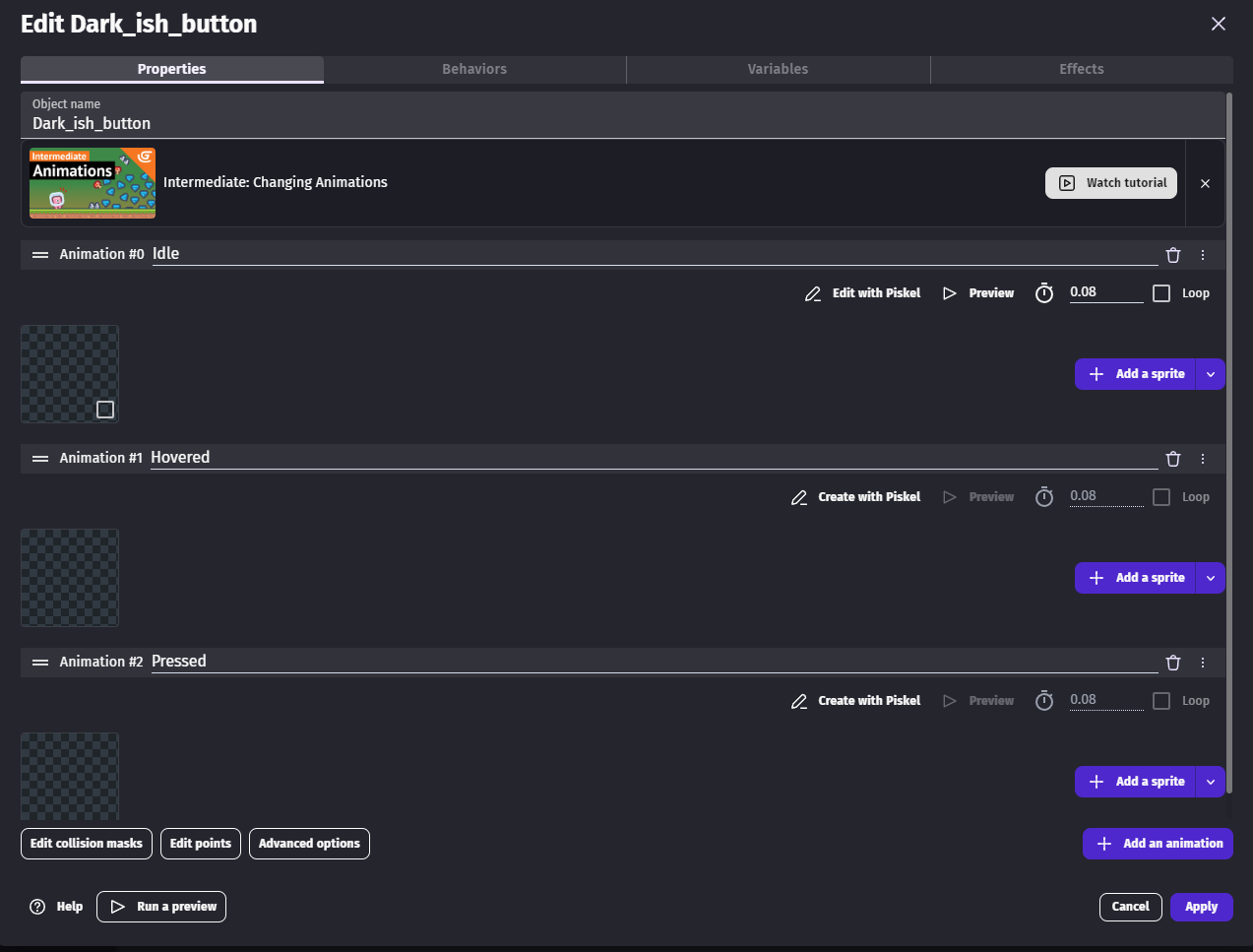
I have some issue with my button…
in every YouTube video and screenshots here, on the properties is where you can edit buttons, but on mine they are not there ?
Cheers 
Benjy.
Hi all,
I have some issue with my button…
in every YouTube video and screenshots here, on the properties is where you can edit buttons, but on mine they are not there ?
Cheers
Benjy.
That is the new update you can click the edit button and change the font or texture from the button.
Yeah, the guy who made the extension made some horrible changes. However, you can still adjust it to your liking:
First, click Change Variant and select the one you want, then click Edit.
Scroll down a bit — you’ll see properties like Idle, Clicked, and Hover. They won’t have any images set.
Click on Idle, then choose Project Resource and select the idle button image. Do the same for Hover and Clicked.
You can also change the font or size in the Edit Button Properties menu by clicking Edit.
Excellent Thank you.
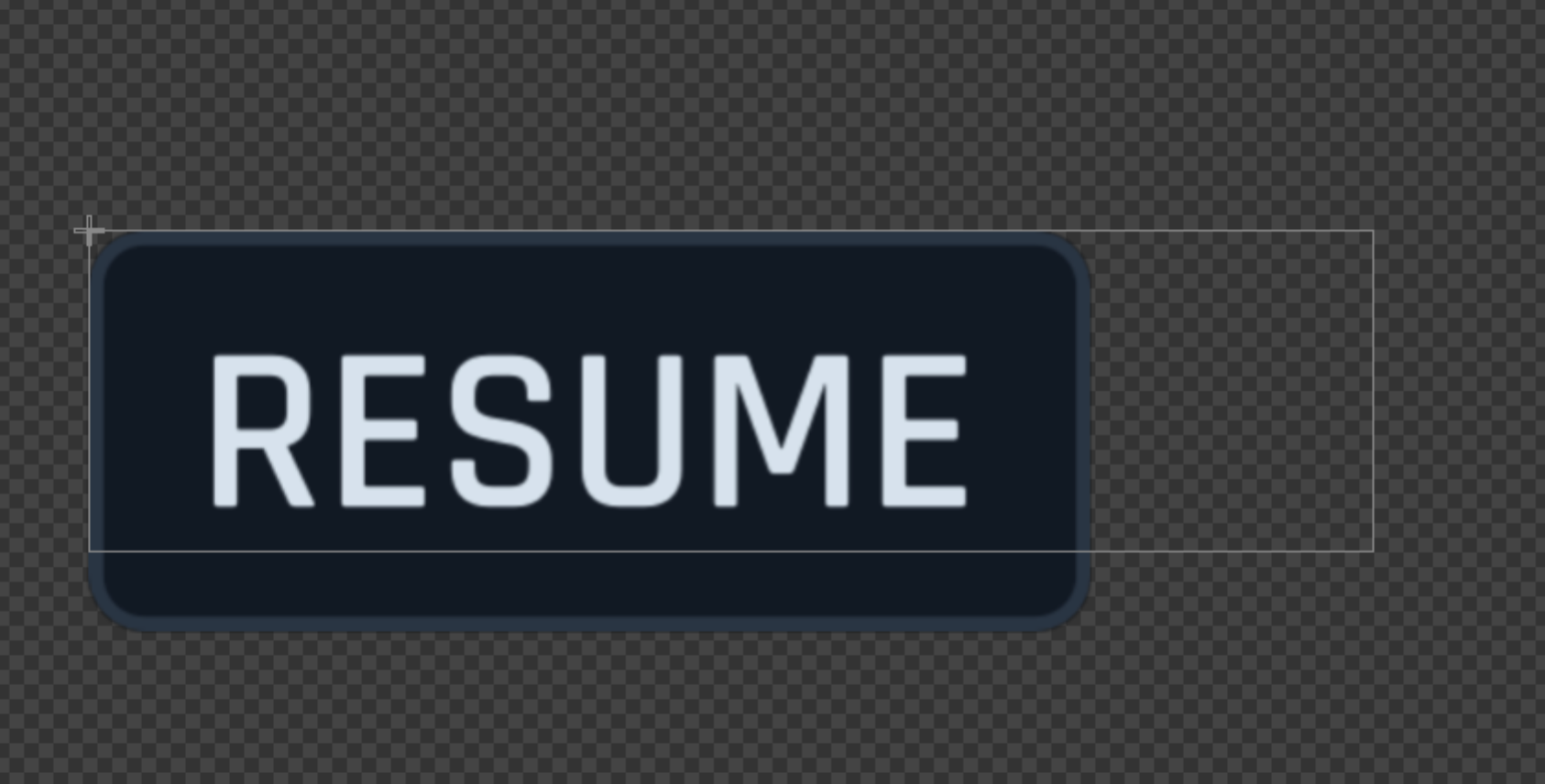
One final question, my image is 200x80 , but this white box is there when I imported the button to my game, does this matter? I can’t find a way to make it the same size as my image thats all.
Doesn’t feel like its affecting gameplay at the moment.
Cheers,
Benjy.
If you want to make your own button but still use the preset button types, you need to match the sizes. However, there’s a better method that requires a bit of setup and still quite easy:
Good idea!!! Thank you
No problem, let me know if there’s something else
It’s in the property dialog, the button to open it is on the top right.
https://wiki.gdevelop.io/gdevelop5/objects/custom-objects-prefab-template/#change-the-default-size-of-a-custom-object
I like how you guys always refer to the documentation as if most people actually read it, when in reality they just want to fix a specific issue quickly and move on.
Education is better in the long run than spoon feeding answers. If you understand then you will be better placed to resolve issues yourself rather than turning to the forum every time.
yea lol i remember a topic in the past like this, click here.
True, but sometimes a quick answer is better — just pop it up, fix the issue, and move on with your day. However, like you said, education is usually the better approach.