Think of it like functions in Python. You can use an action to call a certain name (like “damage_player”) and you can add a condition that has the same name. It allows for a more consistent work style instead of copy and pasting code or using bunches of variables.
HOW TO USE:
Using the “Call an Event” action requires you to send through an “event name”. You can then use the “Event Called” condition and put the same event name into it. When the “Call an Event” action is triggered and has the same event name, the condition will trigger.
You can get more advanced and use the JSON input in the “Call an Event” action. But really, you can send any string through it. We just did JSON as that’s how you can send a structure through this action. You can then fetch this by putting “CallEvent::LatestCallEventJSON()” through whatever input you need, and then do what you need.
“But are these just Extension Functions?”
Kinda. But this works for non-extension objects. (aka scene objects.)
That’s relatively incorrect, the source is the json of the exported extension.
It’s pretty important for it to be in the github structure so people can vet it isn’t malicious (or stolen, but I doubt anything like that in this case)
y…yes, but, the release is the json…so. i meant “really isnt source code” because there is no other code than the source, i was saying it didnt really matter.
Can it be explained to me, a mere mortal, what it actually does?
I mean, how should I use it in the project and why should I use the event’s call by name?.. and send JSON data through it.?
From what I understand, it seems like it creates some kind of shortcut for the event… without having to paste it again.
Alrighty! I’m bad at docs lol so here’s a breakdown
does a dance
Ok, seriously though.
You send an “event name” that only exists in the extension. Then you add a condition with the same event name. To send JSON, grab your variable (or JSON), then use ToJSON() to turn it into JSON, then send it through the action.
Then use CallEvent::LatestCallEventJSON() to get this JSON. It’s good if you want to send Structures or Arrays through the call.
Sorry for all of the confusion guys BTW, this is my first time sharing an extension, and publishing it on GitHub. Thanks for reading this.
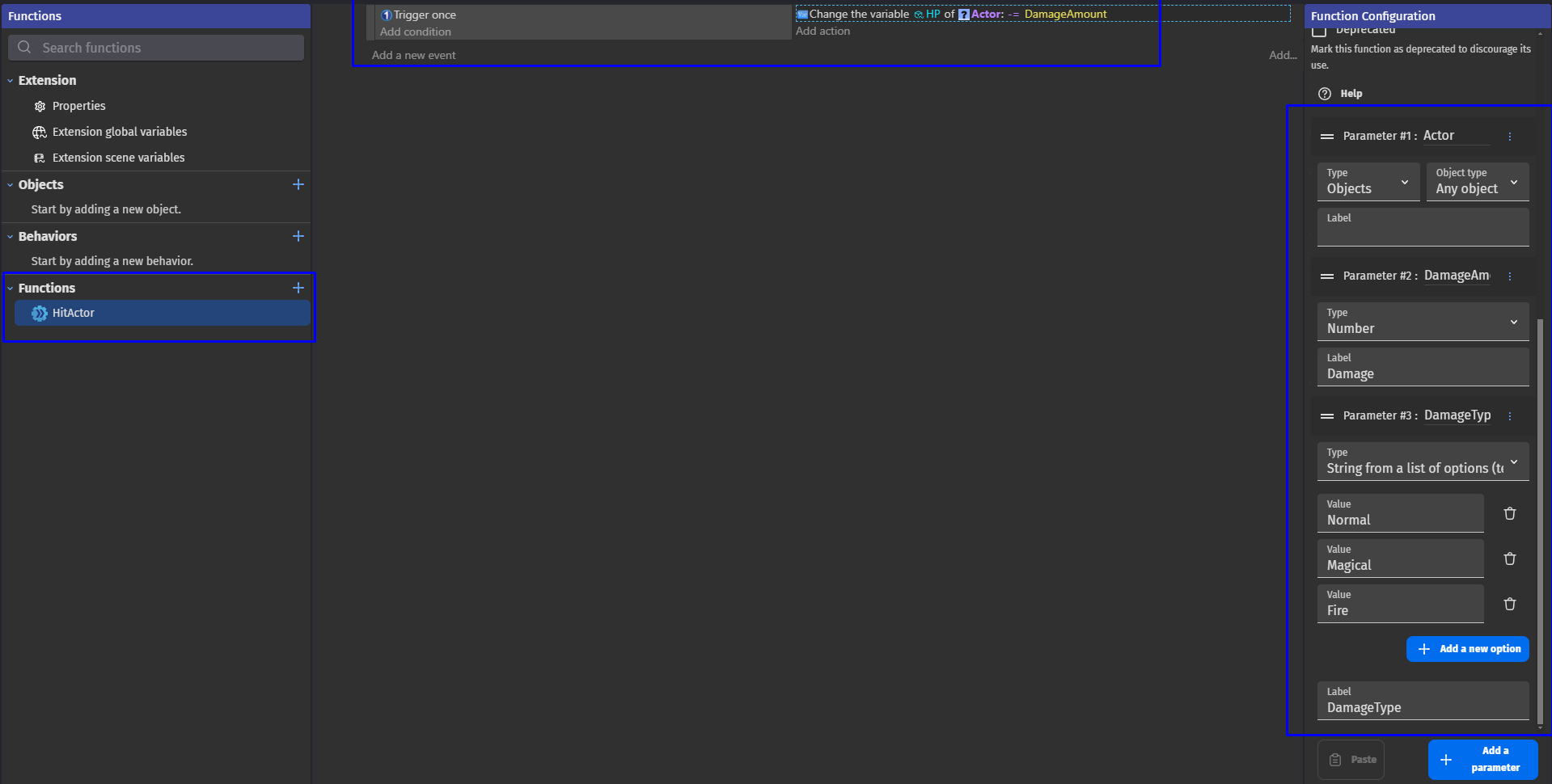
Using custom objects with object-functions instead of default sprites/3D objects with regular scene or external evens simply referencing them can be even more usefull:
edit: read into it, the whole thing is that this works for stuff in scenes! If you have objects in a scene instead of copying the code or coding it yourself per scene to manage it, this just… simplifies it. Snappy, to the point! Functions in extensions ONLY WORK with objects in that extension (well as far as I know).
So maybe we need a level transition, right? (I will use “External layouts” for this.)
You:
-delete the level
-call the “call an event” action and send your layout name (e.g. Level2)
-Add the objects from the layout by typing: “CallEvent::LatestCallEventJSON()”
So it has a use… unless External Events has this. Nothing in the documentation says so, but I do see you’re on the GDevelop Team though (hi!!!)
If Player is in collision with Projectile:
-Call an Event with event code “DamagePlayer” (json: “1”)
If Event “DamagePlayer” is called:
-Subtract Player.hp by [ToNumber(CallEvent::LatestCallEventJSON())]
This will damage the player by 1. Right now it may not look very important, but later on, when there are like, 10 enemies, and your game’s damage logic changes, it’s easier to manage.
If you can’t understand this though, I… don’t know man. Just download it and figure it out yourself. (It’s public on GitHub.)


 Nice to see someone who isn’t questioning every part of it