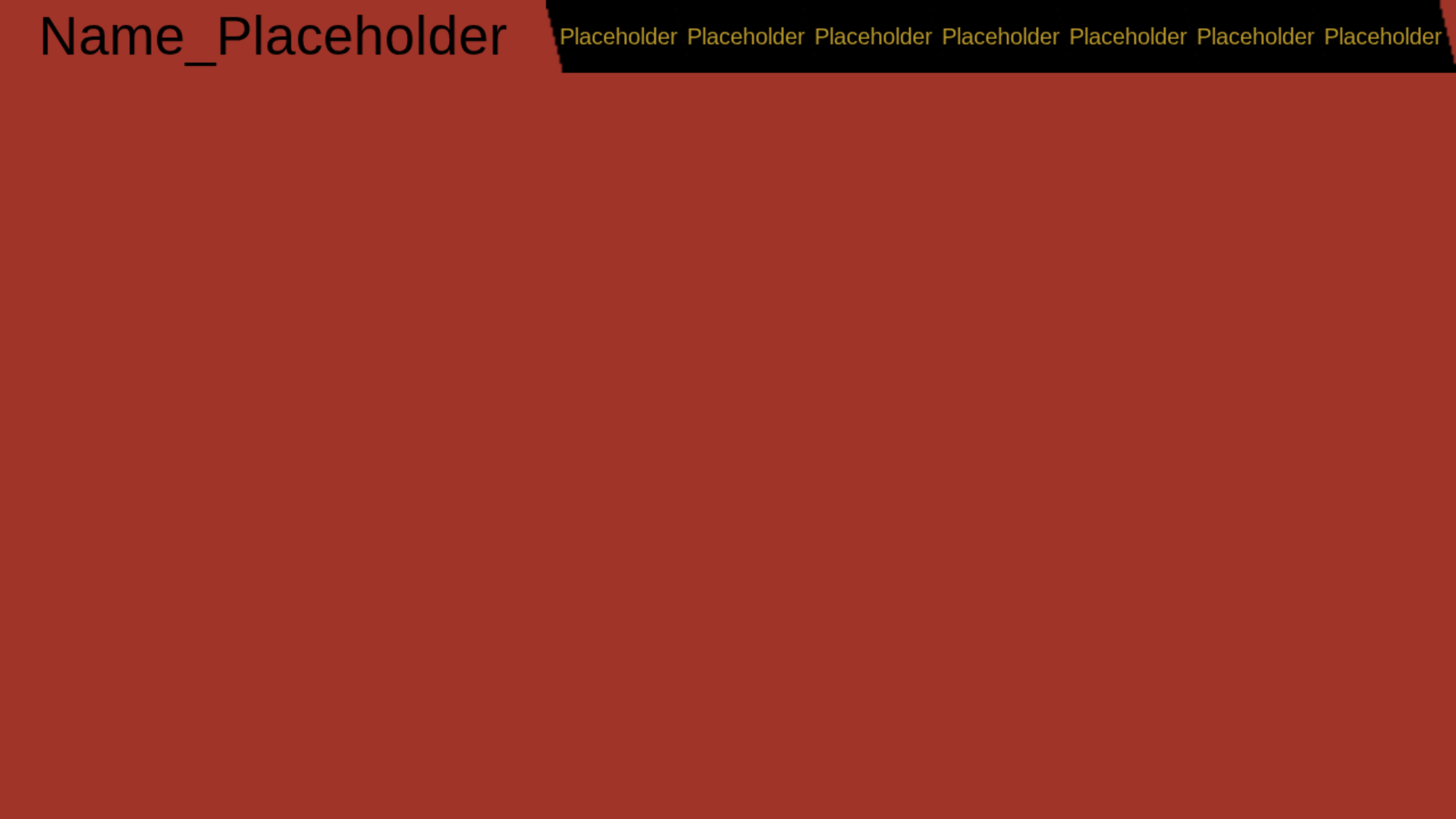
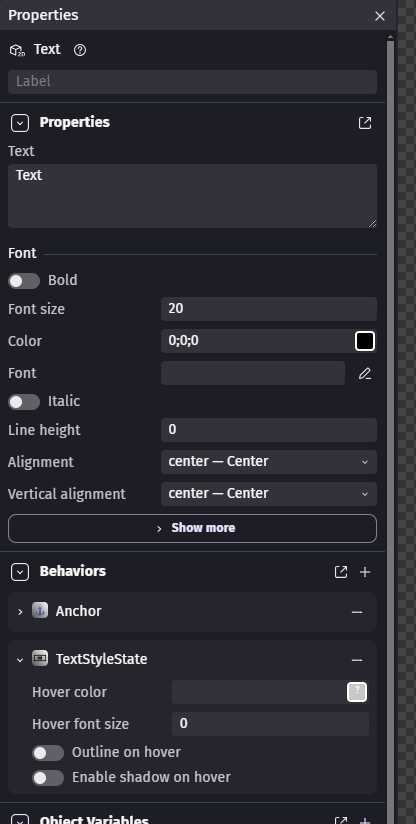
but there is no action to change the button label color. I also looked and there is no animations for a button, just the Idle, Hovered, and Pressed conditions, which change the actual button only and not the label. The only way I can think of to make it work is to have an image of the button with the label yellow appear on top of the button you are hovering, and hide it when not hovering, but I don’t want to do that because it will make it hard to edit the buttons in the future. Anyone got any ideas?
The button prefab doesn’t have that capability, nor does it have the ability to be tinted.
I personally would have also used textures with the color already in them.
Otherwise, you’ll have to make your own buttons the old-fashioned way or edit the button extension to add this color capability; it’s doable if you know about extensions.
Okay so I just edited the extension and it took me like 5 minutes to do this thank you Bouh (also I never thought I would see you respond to any of my forum posts you are an amazing person)