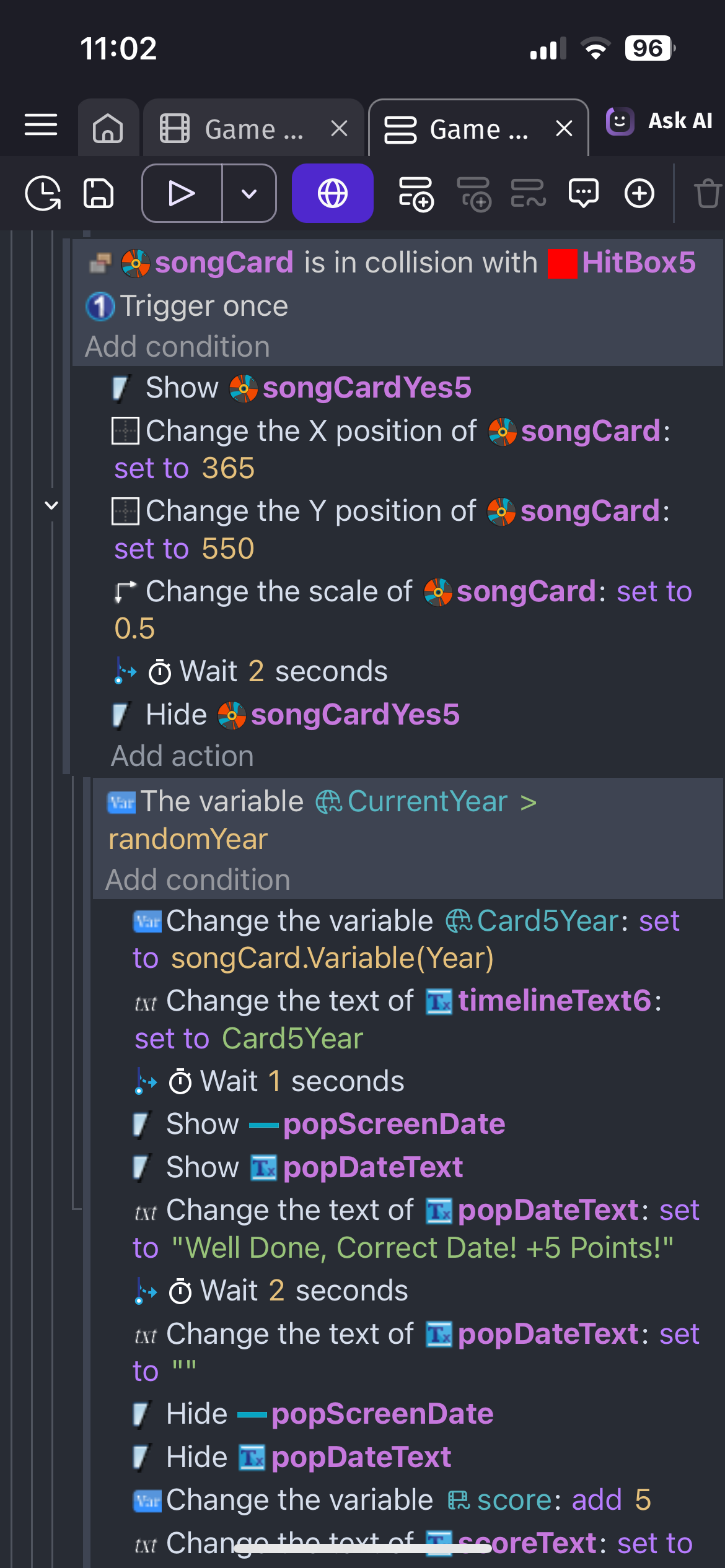
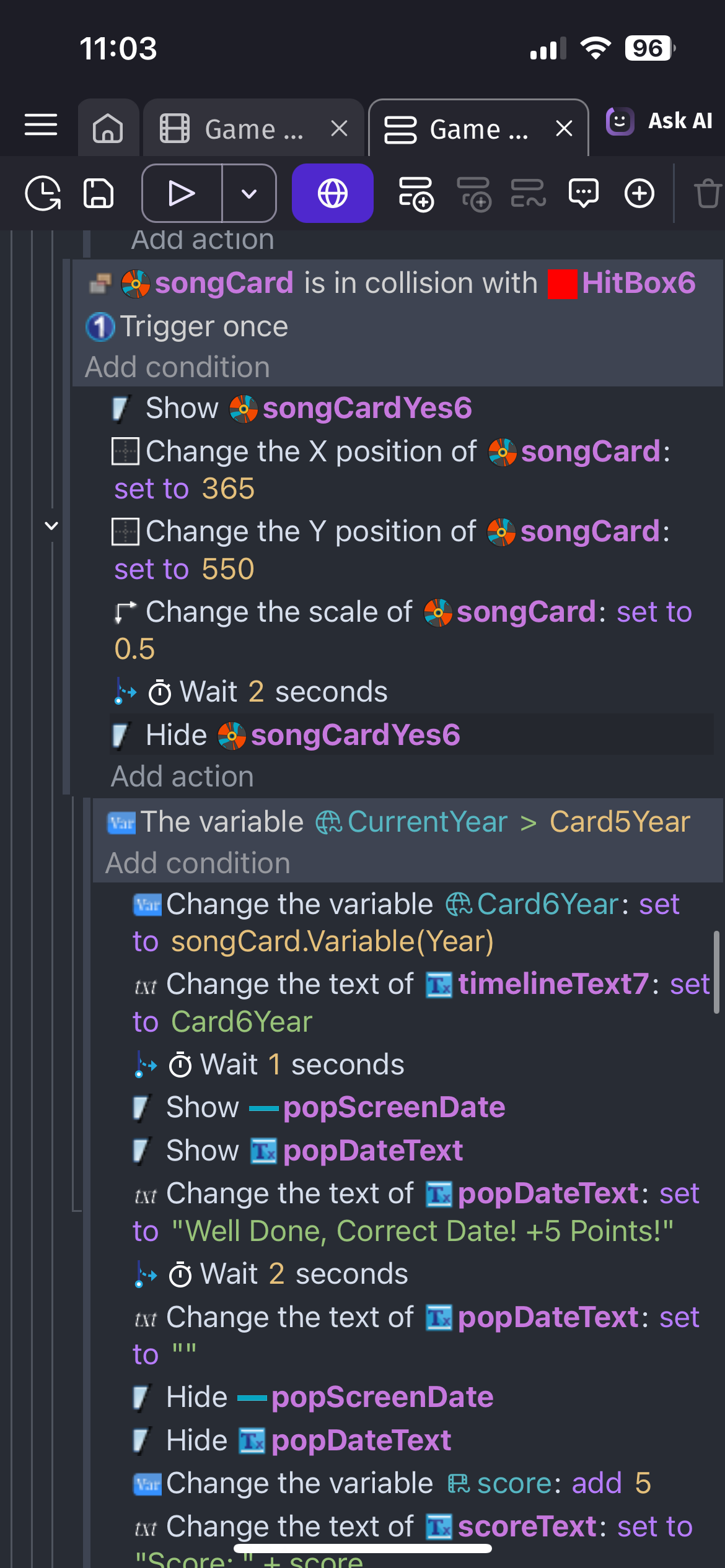
The issue I’m facing now, or where I’m stuck is, when I have year that is in between two years.
Example
Year1 = 1960
Year2 = 2002
The new generated by the song that’s currently is = 1980
How do I check if this new year variable is in between year1 and year2, and then update the timeline text to suit. So shift the variable of year2 over to next timeline text and update the text of year 2 with the new variable? Obviously shifting all the other text to suit.
Can you post a screenshot of the scene at runtime? It doesn’t need to be a video although a gif or link to a video might help. If the project is functional.
I’m imagining a column of text objects with years.
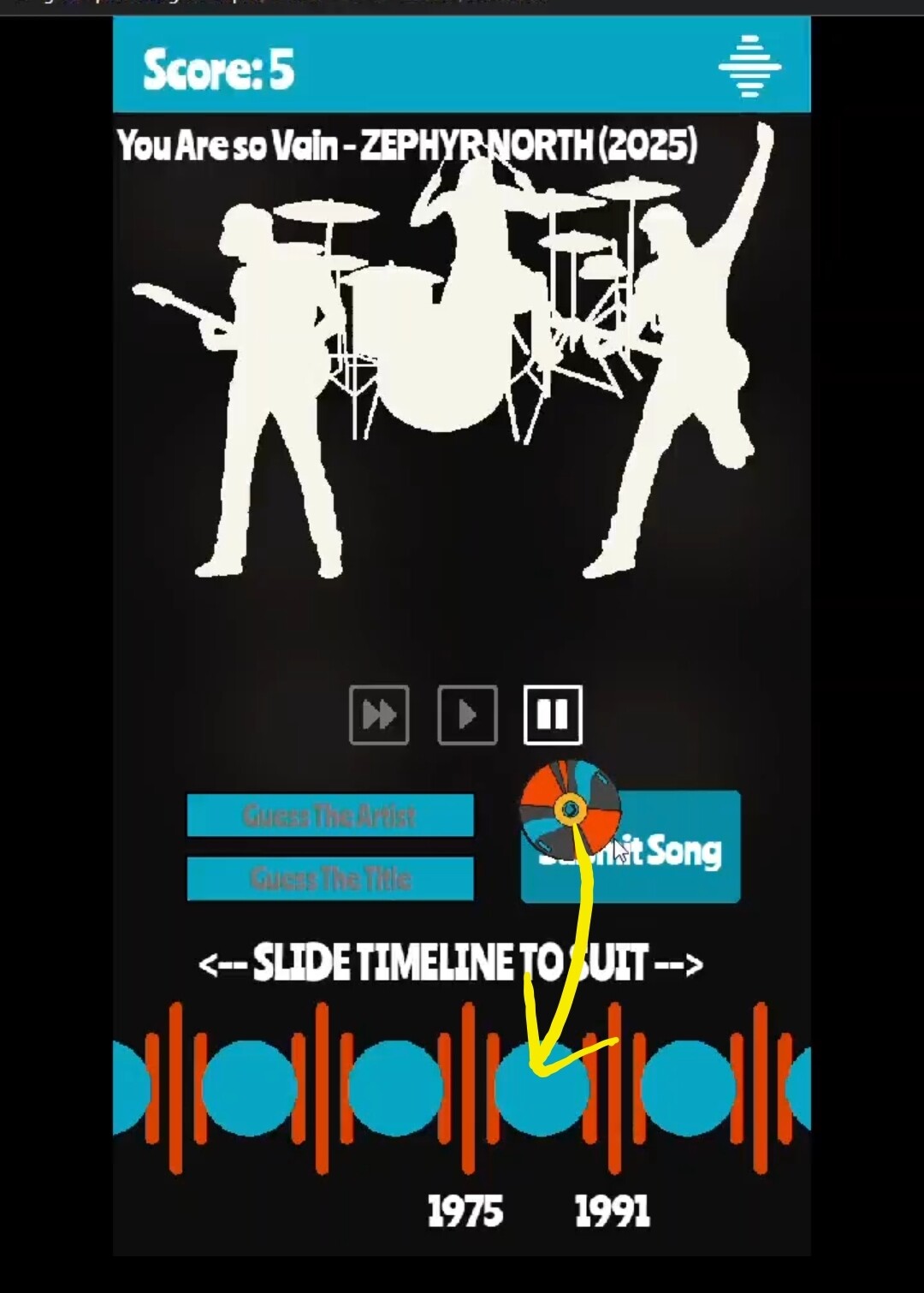
Lovely game so far. I’m not sure about the timeline. I’m wonder what it will look like after several years are added. It seems like there would be a lot of dragging of the timeline to find the correct year.
I’m wondering if it would be easier if the timeline was fixed and was labeled with the decades and when hovered over it would show a list of the 10 years in that decade. Maybe verticallly. The disc could then be dropped on the year. A small disc could be added on the timeline to track the previous correct years.
The other option would be using a year selector with the year and a button above and below the year and decade that would increase/decrease the year or the decade digit.
The style is up to you obviously. It’s your project. I like the drag method with a popup to select the exact year.
If you want to keep the current method. That’s fine. If I can help then I will.
To choose the year object that’s before and after the dropped disc. You could use the same object as years. You could pick the object before and after the drop location by filtering the pick list before picking the nearest object. Conditions work like filters.
Year object center x<drag object center x
Pick nearest year object
Variable startYear = year object year variable or text
Year object center x>drag object center x
Pick nearest year object
Variable endYear = year object year variable or text
You could then compare the drag year to the start and end year.
If it equalled one of them then just display the you’re correct popup.
If it falls in between but not equal then you would need to insert a new year.
I guess you could use the same method without the pick nearest condition. You could then move the objects on both sides half the spacing distance. That way the new year would be placed at its current position. You could also just move the years to the right of the dropped year but I think moving both sides half as far would be smoother looking.
Year object center X < drag year center x
Year object X - halfSpacing
Year object center X > drag year center x
Year object X + halfSpacing
Thank you for the feedback and help, I will take it all on board and give it go.
I have limited the timeline to 10 entries though, the idea is to later expand this to a multiplayer option that you can play against others to challenge their guess and if you are correct you get the date (and points) and the first to 10 dates win.
I will let you know how I go with the updates you suggested, appreciate the help