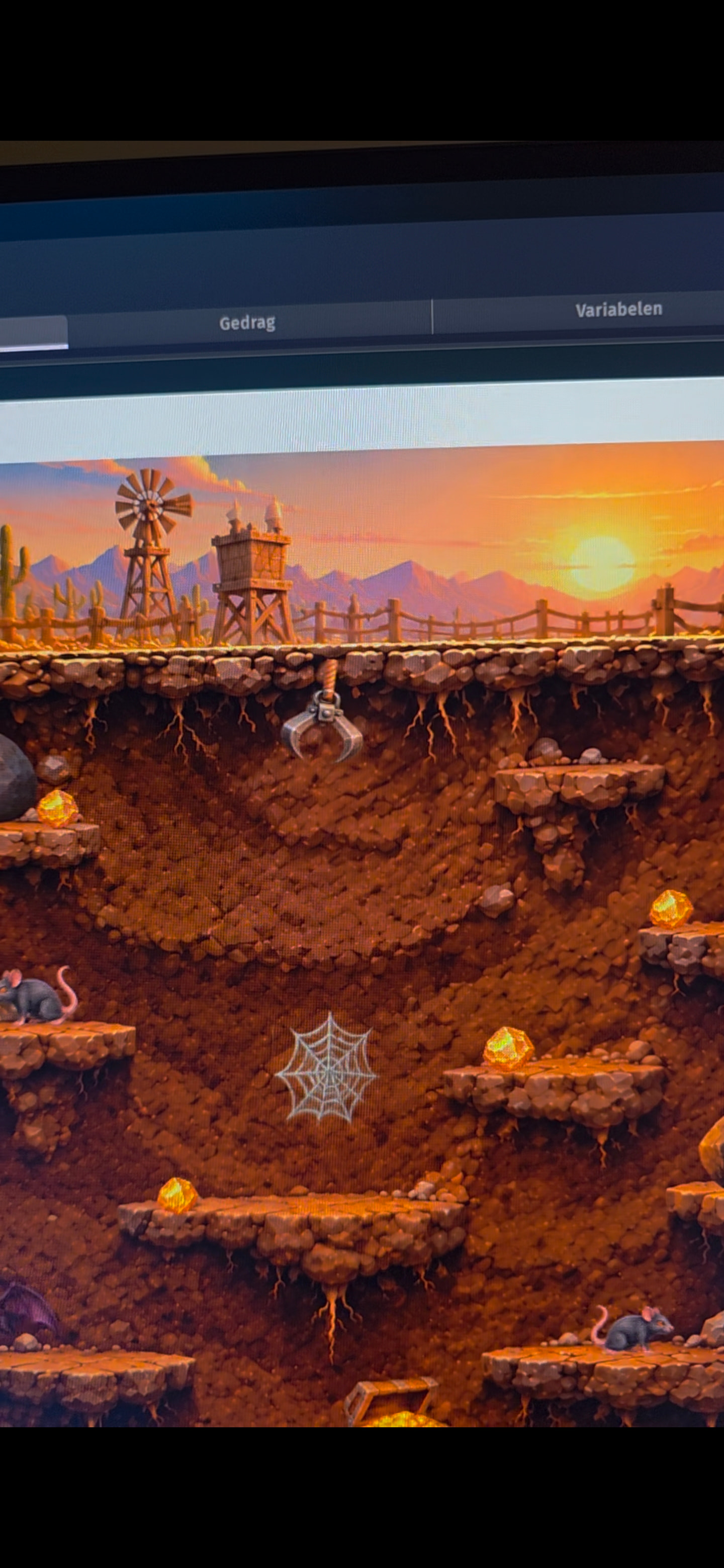
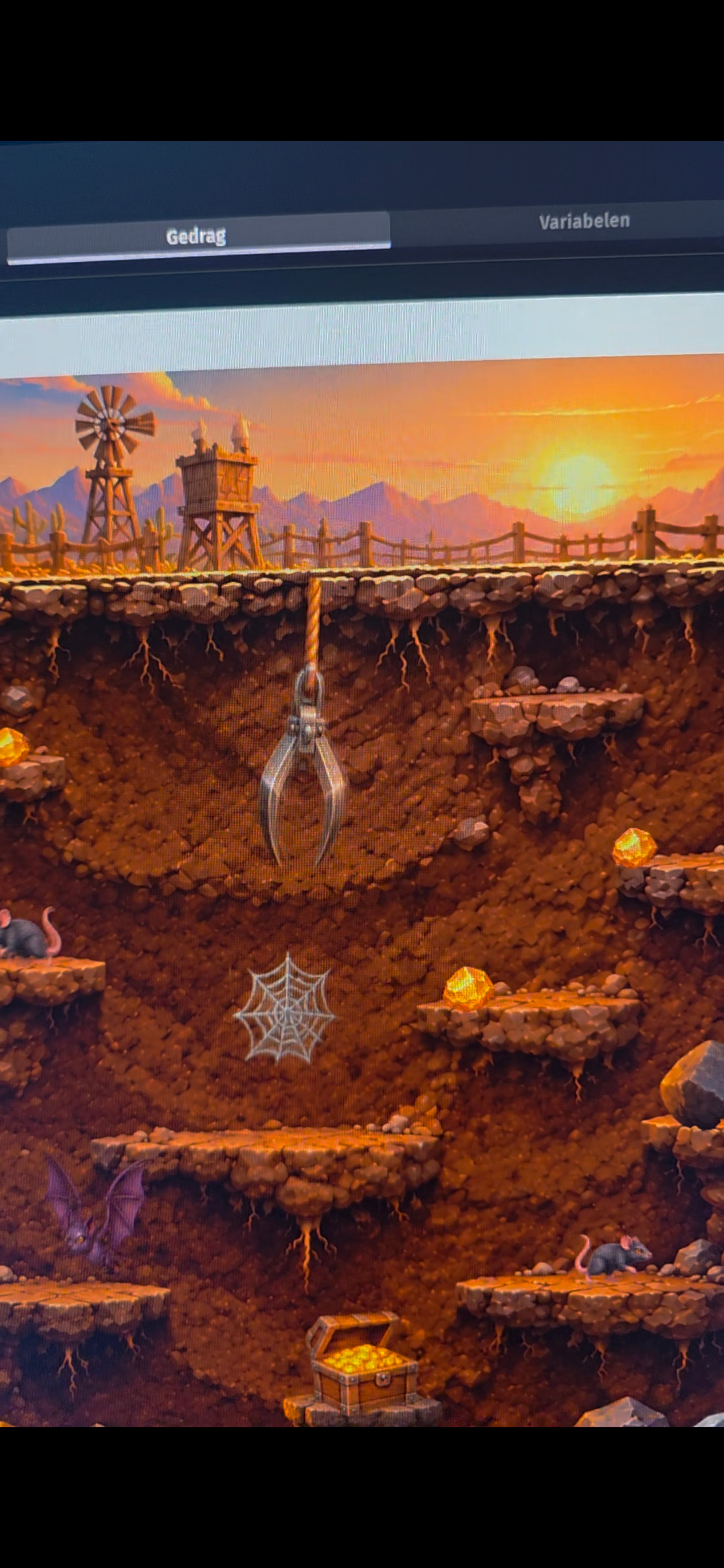
I’m having a strange issue with a claw/hook object in my game.
Previously, the claw was swinging left and right correctly. I removed some behaviors because the claw suddenly became stretched/distorted. After removing the behaviors, the sprite looks normal again, but now I can’t get it to swing anymore.
What I’ve tried:
Removed and re-added the hook sprite. Removed Sway and Tween behaviors. Set the angle manually to values like 45, 70, and -70 degrees. Checked the object size and scale. Created events to change the angle.
The sprite rotates to a fixed angle, but it does not continuously swing from left to right like it did before.
The hook is supposed to move between approximately -70° and +70° repeatedly.
I’m using the latest version of GDevelop.
I have attached two screenshots:
The first screenshot shows how the hook looked and behaved when it was working correctly. The second screenshot shows the current situation, where the hook is no longer swinging correctly.
Does anyone know:
Why the sprite was being stretched/distorted before? How to make the hook continuously swing left and right again? Whether I should use Tween behavior, Sway behavior, or events for this?
Hi, what you’re seeing is exactly what happens when the thing animating the angle is removed: a “set angle” event runs once and leaves the object at that angle. The swinging was coming from Sway updating the angle every frame. Without it nothing drives the motion, so you only get the fixed angle.
Two ways forward:
1. Put Sway back, and fix the distortion at its root.
The stretched/distorted look with behaviors on is usually the origin point: an object rotates around its origin, not its visual center. If the hook’s origin sits in the middle of the sprite, it rotates around the middle and reads as wrong. Open the hook sprite > Edit origin and points, and put the origin at the pivot (top center, where it hangs). Sway will then swing it the way it used to.
Also check that nothing else (a leftover event or a second behavior) is writing the same angle. Two writers fight each other.
2. Event-driven, no behavior needed:
Add one event with no condition:
Change the angle of Hook: set to 70 * sin(TimeFromStart() * 2)
It re-evaluates every frame, swinging between -70 and +70 degrees. sin works in radians, so the 2 is speed: about one full left-right cycle every 3.1 seconds. Raise it to swing faster, change the 70 to widen the arc.
If it still misbehaves after that, post your event sheet and a screenshot of the hook’s origin points, and it should be possible to point at the exact line.