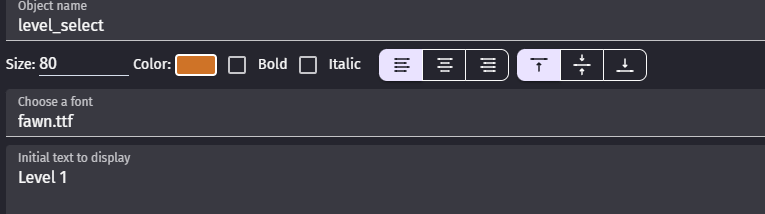
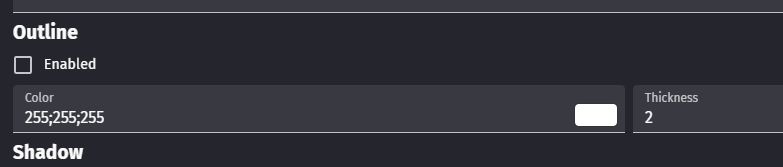
Hi - Could we have the colour string for a text object visible and copyable like it is for the shadow and outline of the object. Just to the right of the colour - so you don’t need to write it down.
2 Likes
I think that is wrong request
I mean idea itself is good but we are going wrong direction
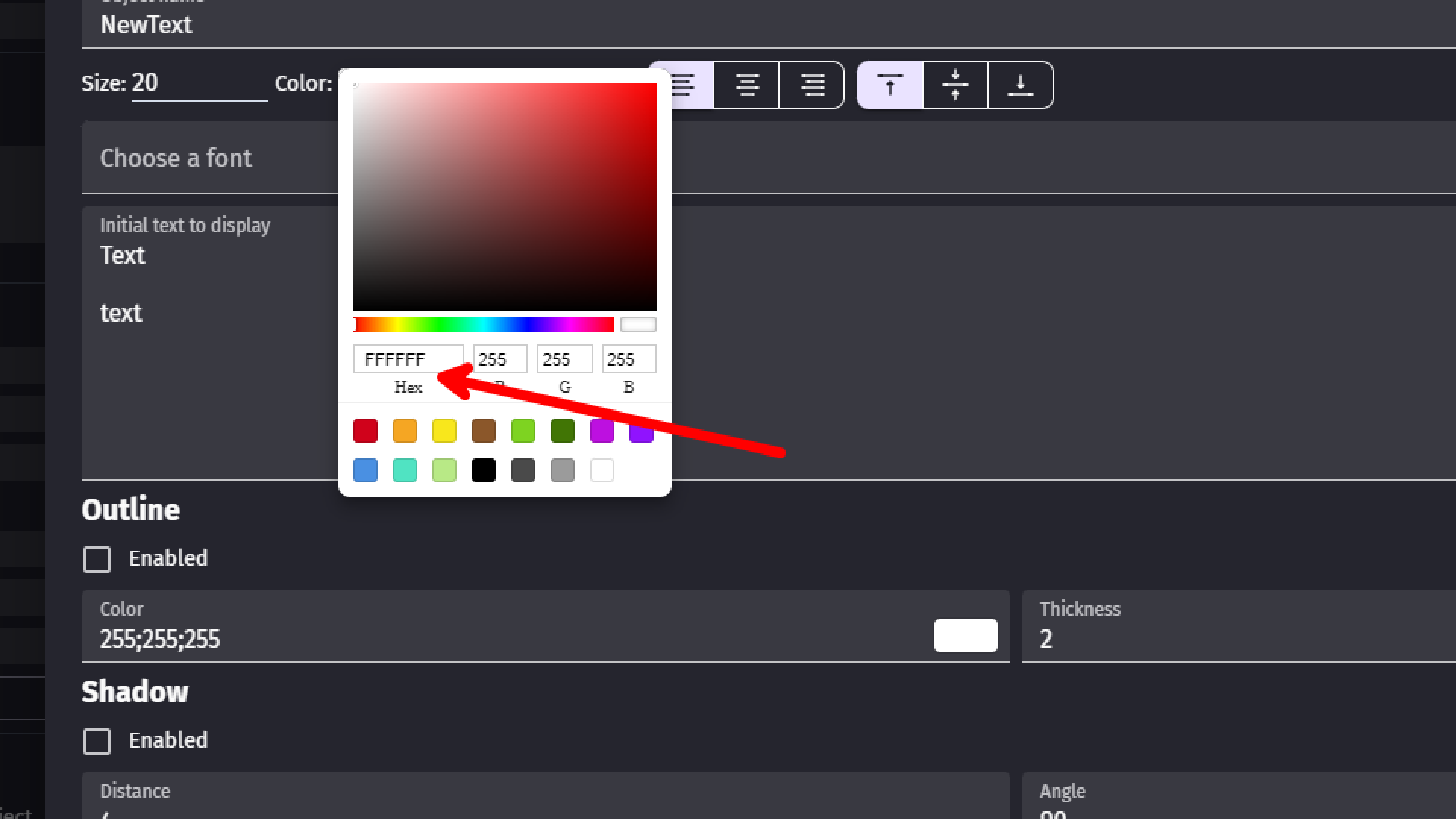
1st of all we can copy/paste hex here so we don’t need to use RGB
Aside from that
There is Color Conversion - GDevelop documentation
Which basically allow us to convert various color formats into another
And that should be built in
So we should have way to use one or another WITHOUT using extension
Like in color code we should have option which color format we want to use
Or at least choice between RGB and HSB/HSL/HEX
1 Like
Hmmm, to me this is one of those things, is it a bug or a feature request. It’s inconsistent with the other properties so feels like a bug/something forgotten to me.
Zero’s idea sounds more like a separate feature request. Even when the rgb value is displayed, it’s much easier to use the hex code instead if we want to paste to or from Piskel or an external editor. And yes, it’s possible to get the hex code as shown above by accessing the color picker but that’s a workaround.
1 Like
I even agree with that
Cause what Petlimpet wrote is right
I just believe that its not the way to solve that issue
And i even found out aseprtie is guilty of same sin of inconsistency (it also have opacity 0 to 100 and 0 to 255 depending where you look)
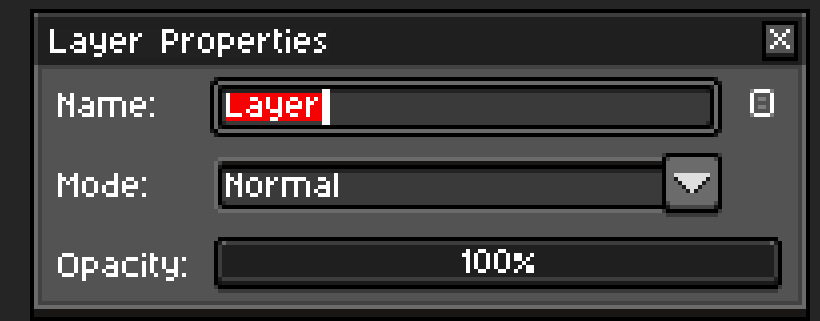
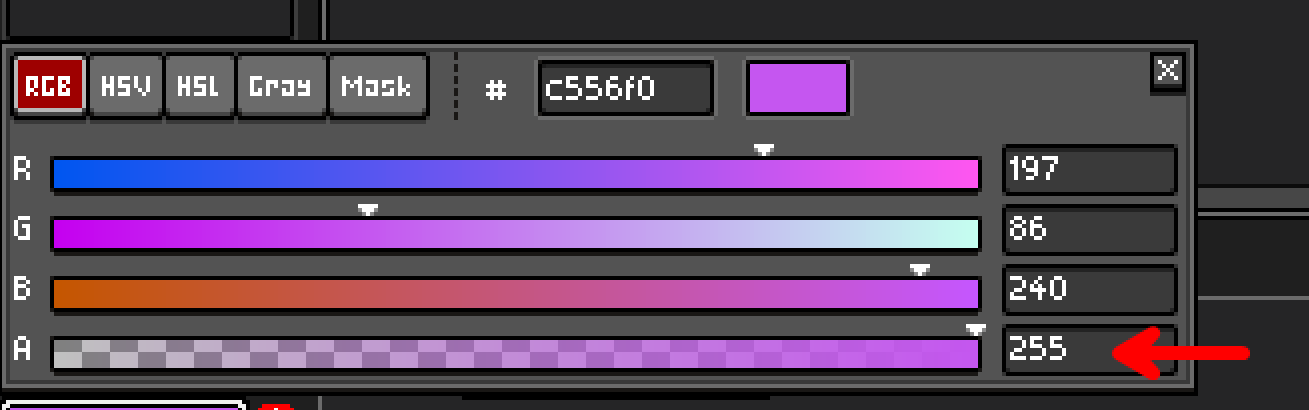
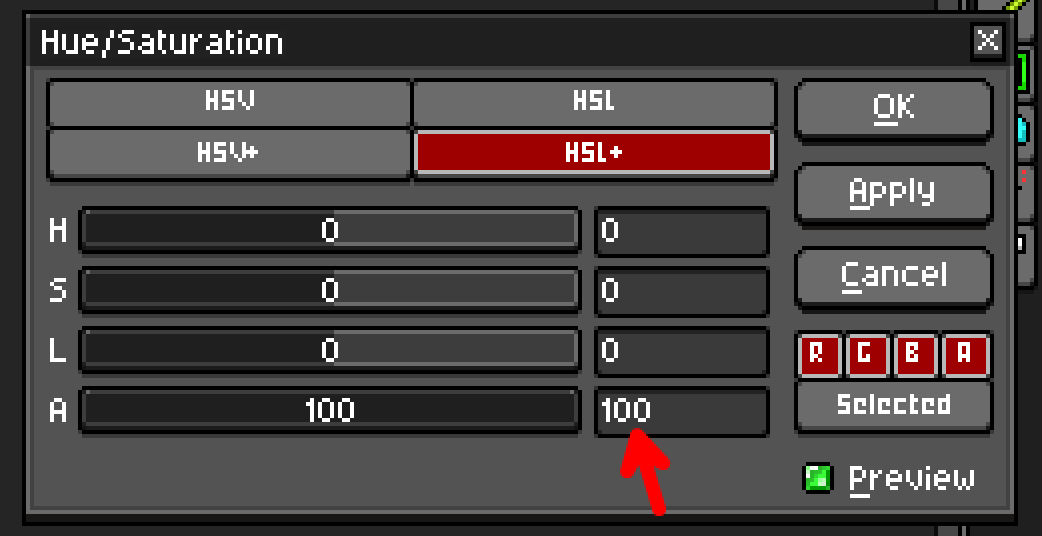
But then in aseprtie i can copy/paste hex while i can switch which color format i want to work with
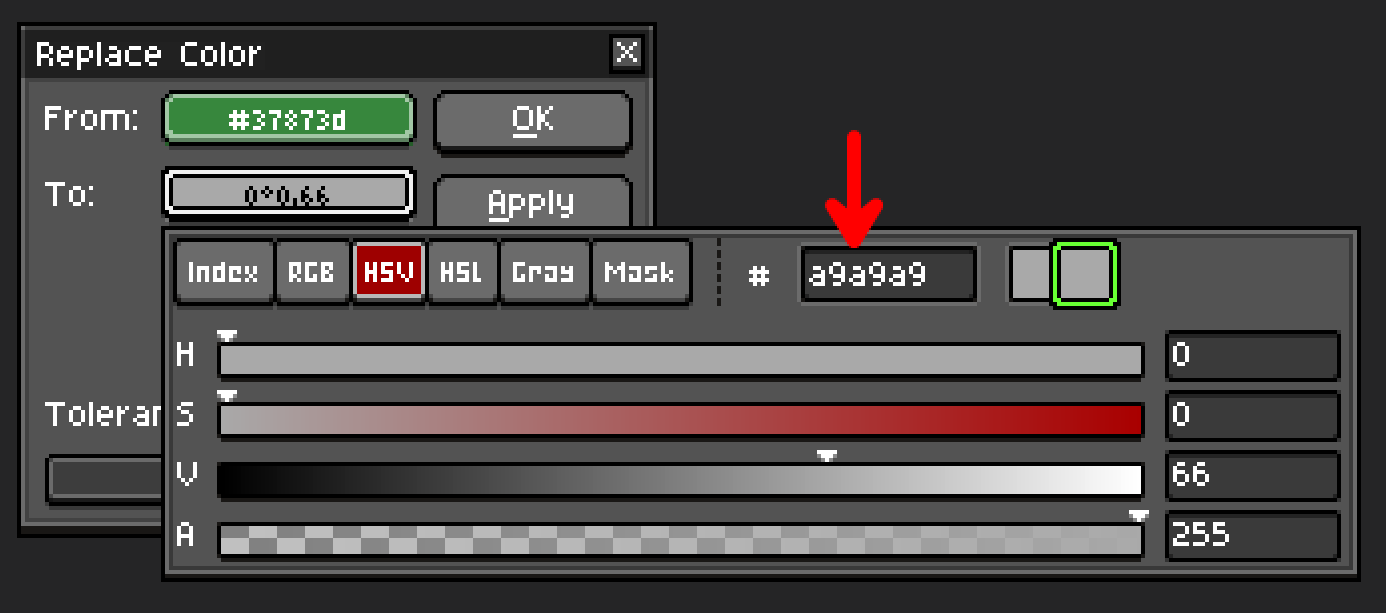
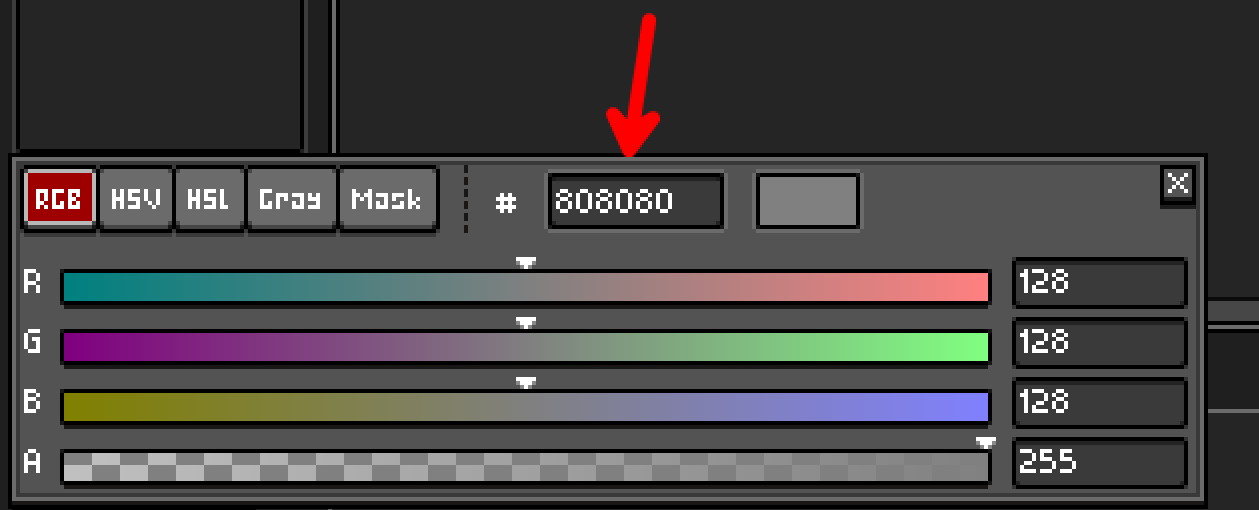
And asperite only sin is that there is no hex code support in hue/saturation window
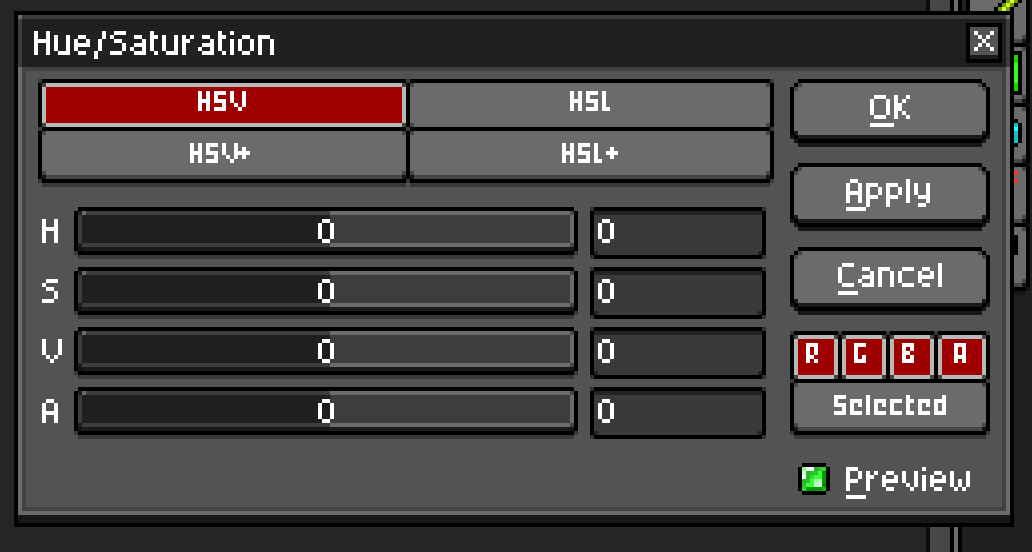
I think we are here in situation where you won’t make everyone happy
yes - i guess consistency is the thing.
It would be good to see, and be able to copy both the rgb string and the hex for the font, outline and shadow.
I wasn’t aware of the hex to rgb thing - so thanks for that!
Asesprite has loads of little things that need improving.