I have two layers: my Base layer and an UI layer - zooming and moving only affects the Base layer.
Now I want to move an object instance on the Base layer to a position on the UI layer. How can I do that?
I’ve tried multiplying the position by the zoom/scale - not correct.
I’ve tried moving the object from the Base Layer to the UI layer - but that also shifts its position on screen…
2 Likes
You need to calculate it be
* zoom + offset position from base layer
Remember on UI position do not change
This is complicated and not fun
But totally doable with some trail and error
But i would say try post below
It should be easier
2 Likes
Ow i just realized you are the same who was replying to that post
So what is not working with that extension for you?
2 Likes
I never found the extension …
So where do I find the extension?
2 Likes
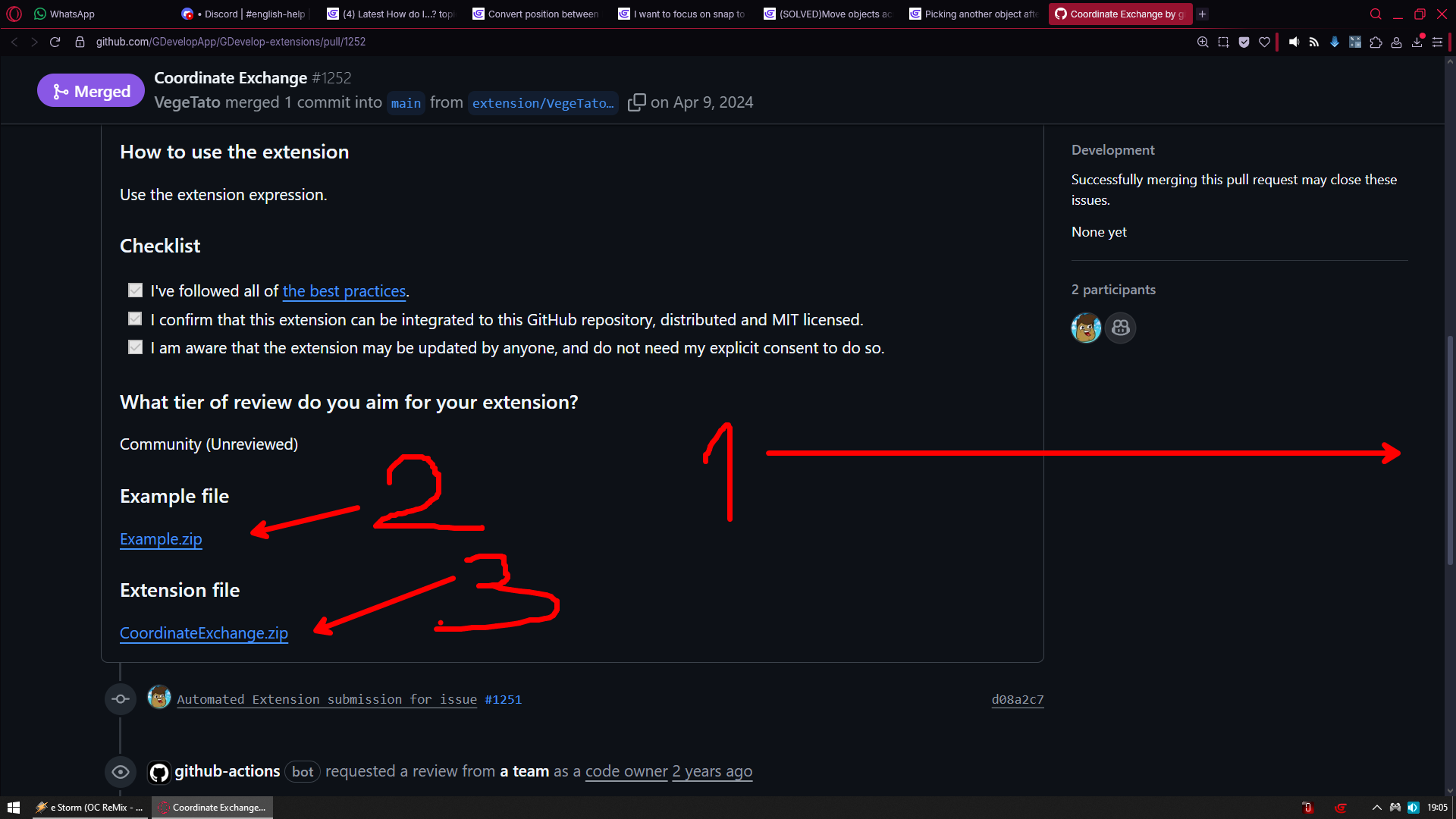
(Solved) Ok so its a manual install (and not included in Gdevelop’s extensions by default).
I solved my immediate problem by calculating the numbers in my own code:

Please note for the code above that I ended up moving the object from the base layer (where it spawns and moves around a bit first) to the UI layer, and the calculation is for the UI layer
1 Like
Dammit I have to reopen this.
It works on windows, however it doesn’t work on my iPad!
Maybe there is some iOS pixel conversion?? I seem to remember that the resolution gets somehow converted on some iOS devices…?
1 Like
Hey!
Sorry that I marked it as solved earlier, I mark them as [SOLVED] so people don’t have to look through them trying to figure out an answer.
You can always just ask for the post to be reopened (like you did) and I can edit the title for you! 
3 Likes