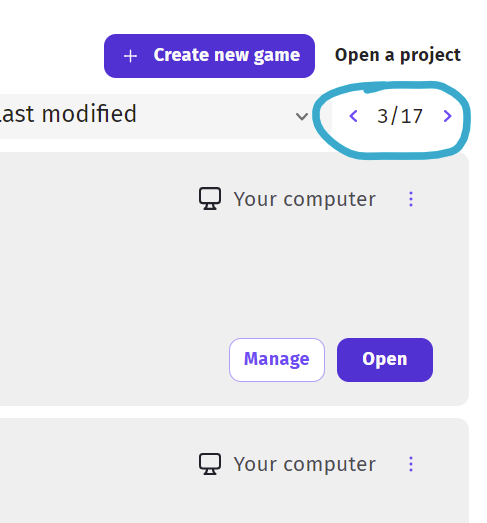
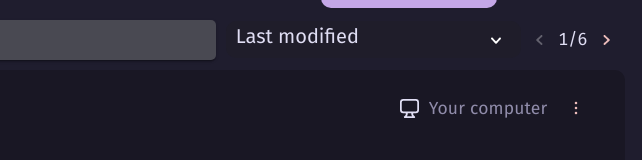
In the create section of GDevelop we have access to our projects. If we scroll to the bottom of the list there are no page links there. That means to get to the next page, we then have to scroll back up to the top to access the links.
Reasons: it’s just a basic ui thing, a little thing that makes things easier.
Also, a search tab would be nice. It sometimes takes me 2 minutes to find my project, and I only have 5 pages! I can’t imagine what Bubble’s 17 pages feels like…
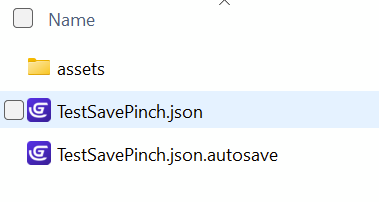
Haha, I rarely use the create games tab. I just open projects from their folder as I have set the json file to open in GDevelop. But yeah when I do use the create games tab it’s because I can’t find something I named poorly and need to see the thumbnail to find it.
Opening a project directly from its folder in Windows:
Well, I have access to all my folders easily on my computer. I guess it’s just a matter of preference, but also not knowing how to open the project from the folder.
I do know you can click “Open a project” in GDevelop, then find the folder, but at that point it feels like more work then just finding it on the create list.
Hey y’all,
Thank you for your comments. I have a “silly” question: I see that you are discussing arrow navigation, and I wonder:
Any of you use the Search bar to find their games? Yes, No?
What do you write to find the game? What are the struggles finding the game with those keywords?
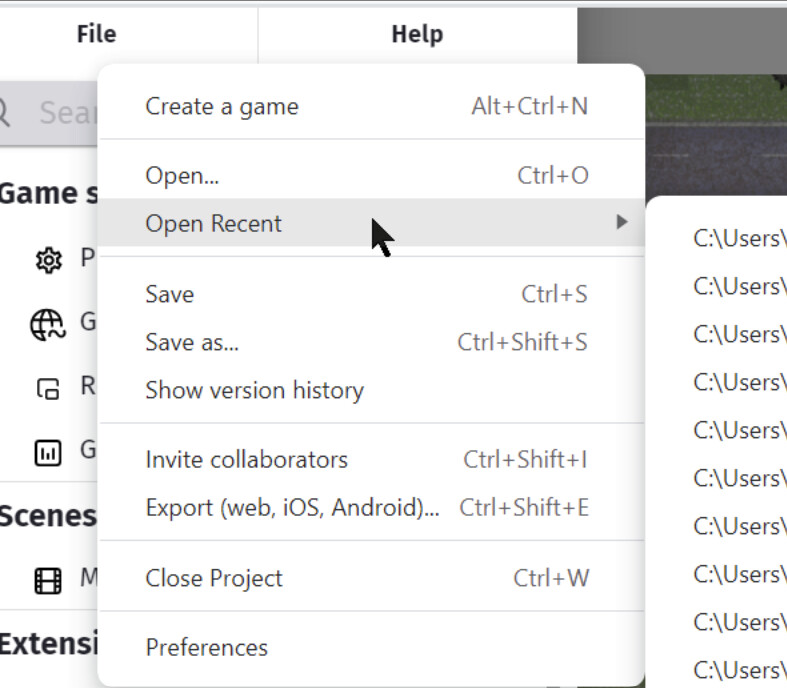
I haven’t used it and hadn’t noticed it. I think there are about four ways to open a game
Use the open menu in GD
Find the game in the games tab
Find the game in the game folders
Open game with a git system
I usually use 3. or 4.
But the game tabs way is the only visual system where we can find things by looking at the thumbnail. So, for me, it’s not about whether or not I could use the search, it’s about standard navigation. That is, if I scroll to the bottom of a list, I don’t want to have to scroll back up to the top again to go to the next page.