Hello!
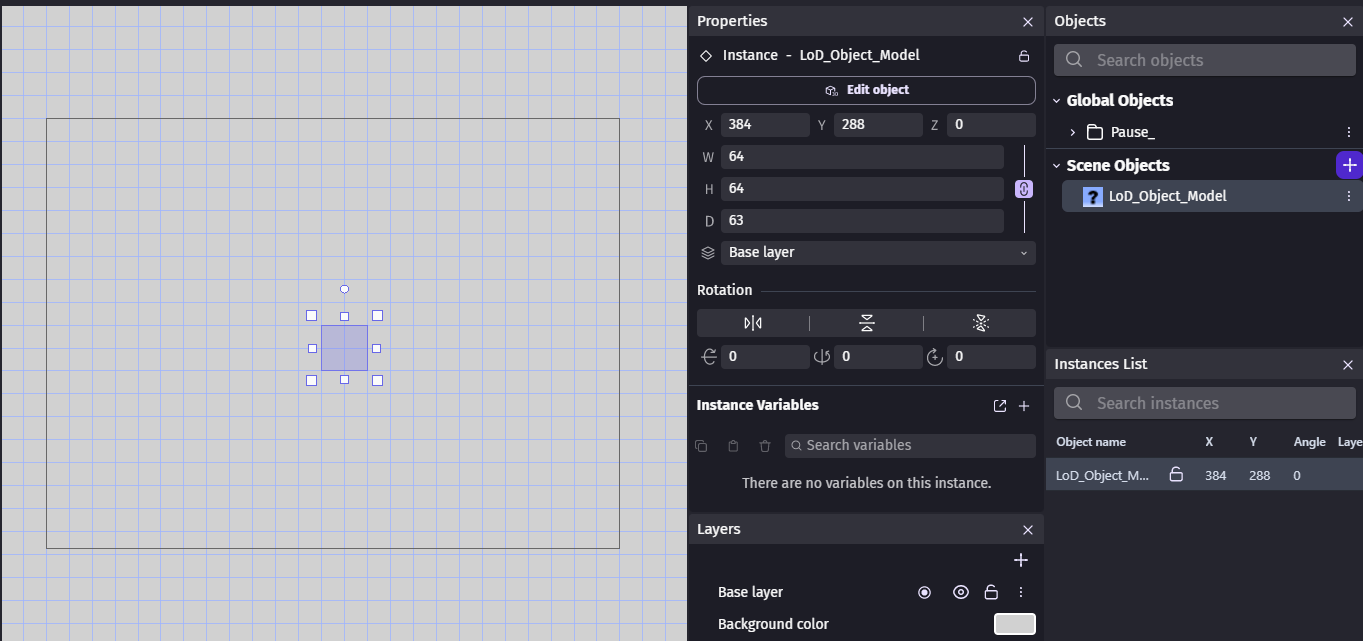
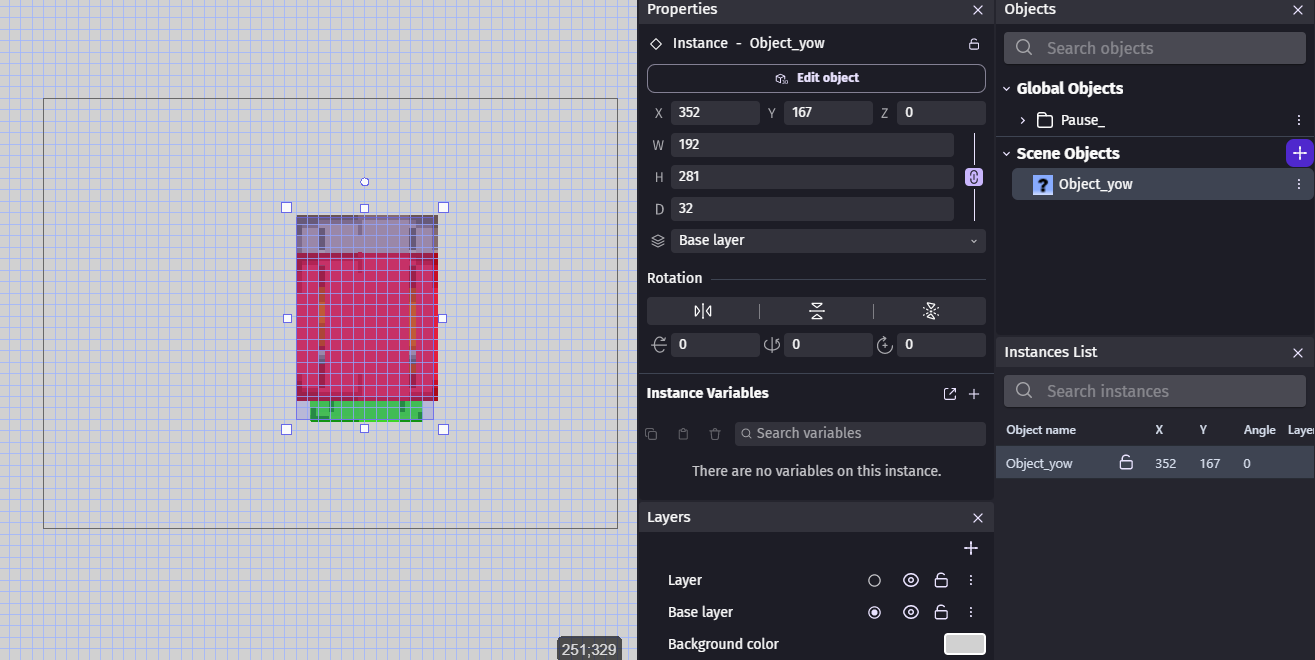
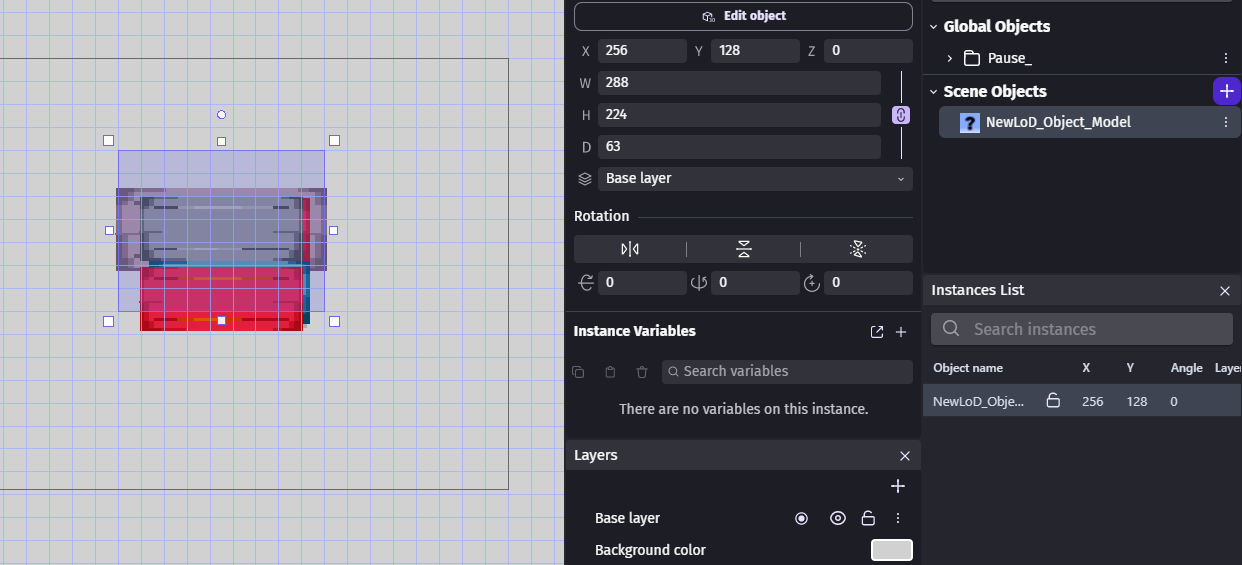
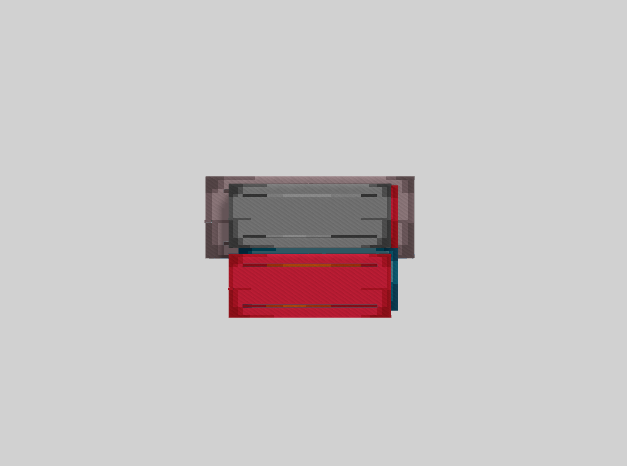
I’m trying to implement a tool for my 3D game. I created the logic with a regular scene and its events and now I’m trying to make it reusable by making a custom object. The issue I have so far is not seeing the object models I enter in the editor and preview. The View In The Editor:
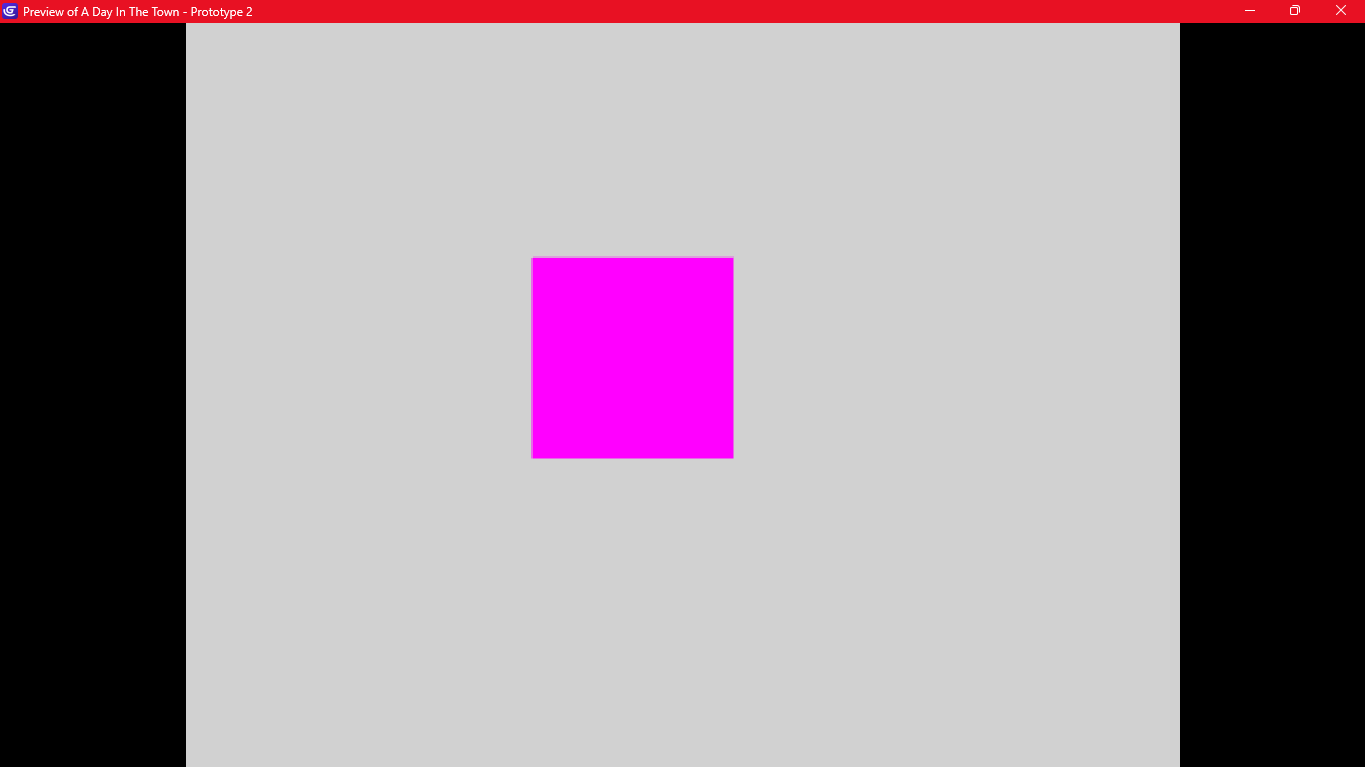
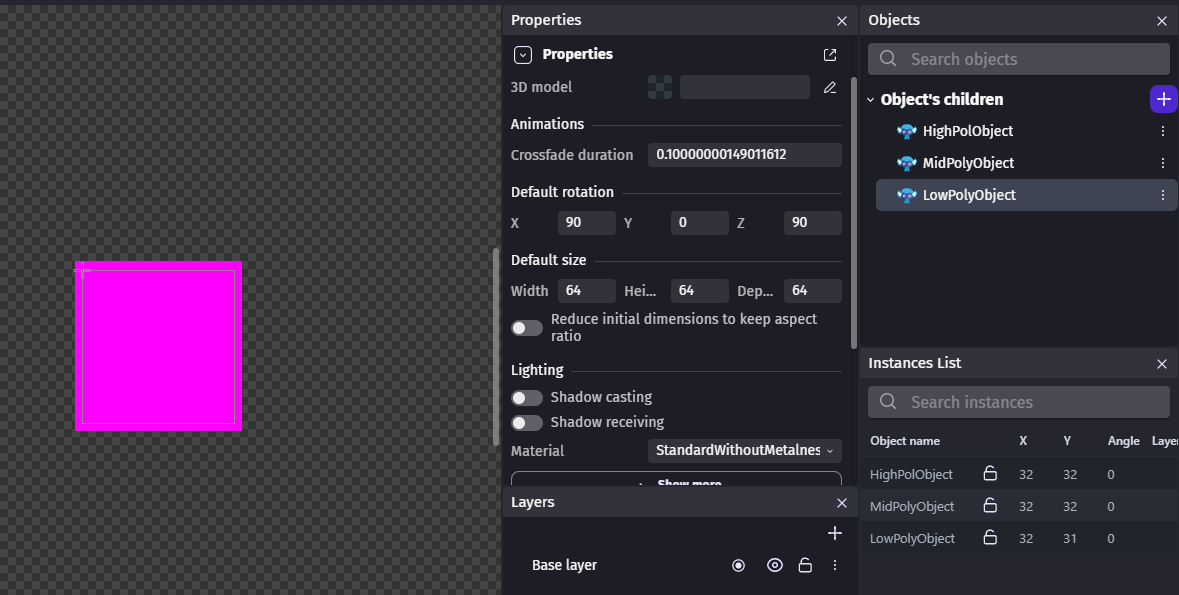
Right now, they show the child objects without a model in the preview. I tried reading the documentation, other forum posts and a few videos but they’ve either been vague to me or not for my issue.
It might (hopefully) be something minor (like setting parameters wrong). I’ve seen in another post that the child objects should inherit the properties of the parent object (in this case, the models entered through parameters) so _( ’ - ’ )_/. I am new to functions and this is the first time I’ve tried using it for 3D objects but if I get past this issue, the rest of the implementation shouldn’t be so tricky.
I haven’t done much in 3D. I never tried creating a 3D object in a custom object.
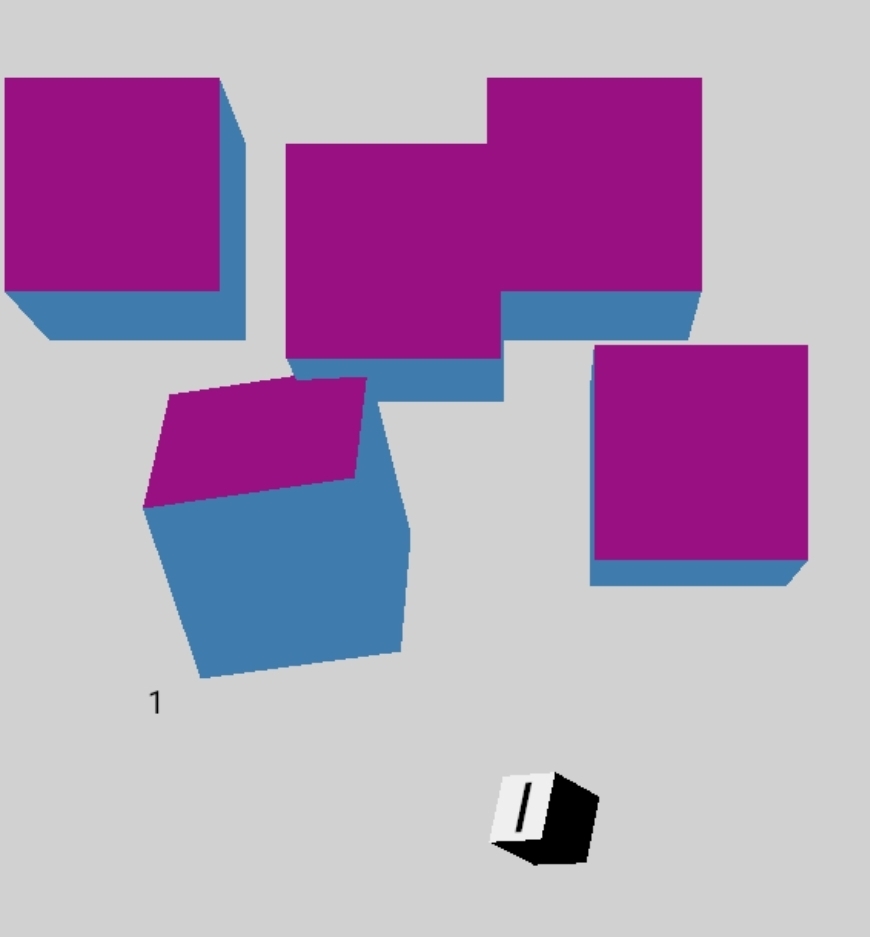
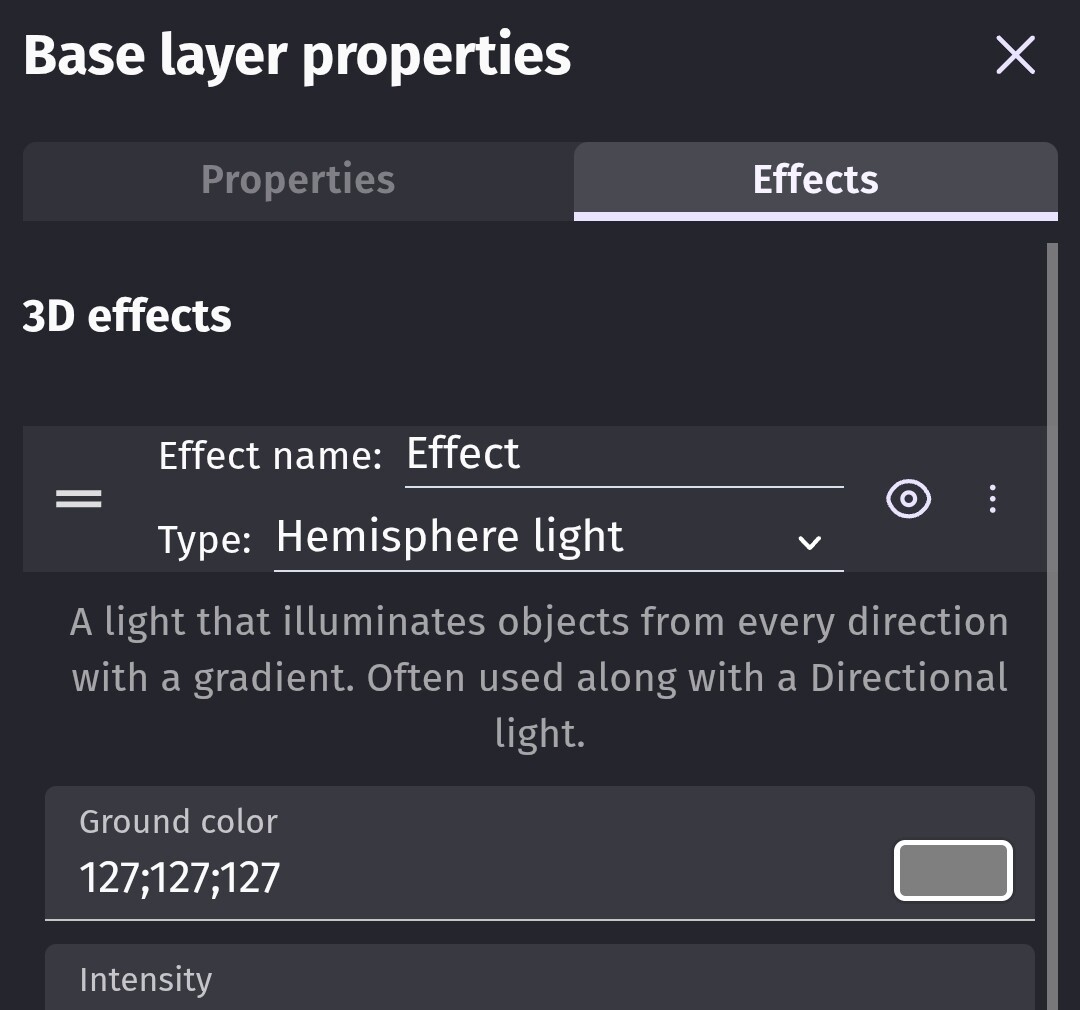
In my first attempt, the objects were just black. I messed around and the added a hemisphere light to the base layer within the custom object.
The smaller object with the number 1 is the custom object the other objects are basic cubes. I only added a texture with a white background to the top.
For my test I used basically the default settings. The main sheet’s base layer can show 2D and 3D objects on the layer settings. It has a 3D light, hemisphere. The base layer in the custom had the same. The object was created as a 3D custom object.
Purple sometimes represents a missing texture. Although, it also usually sometimes has the GDevelop logo.
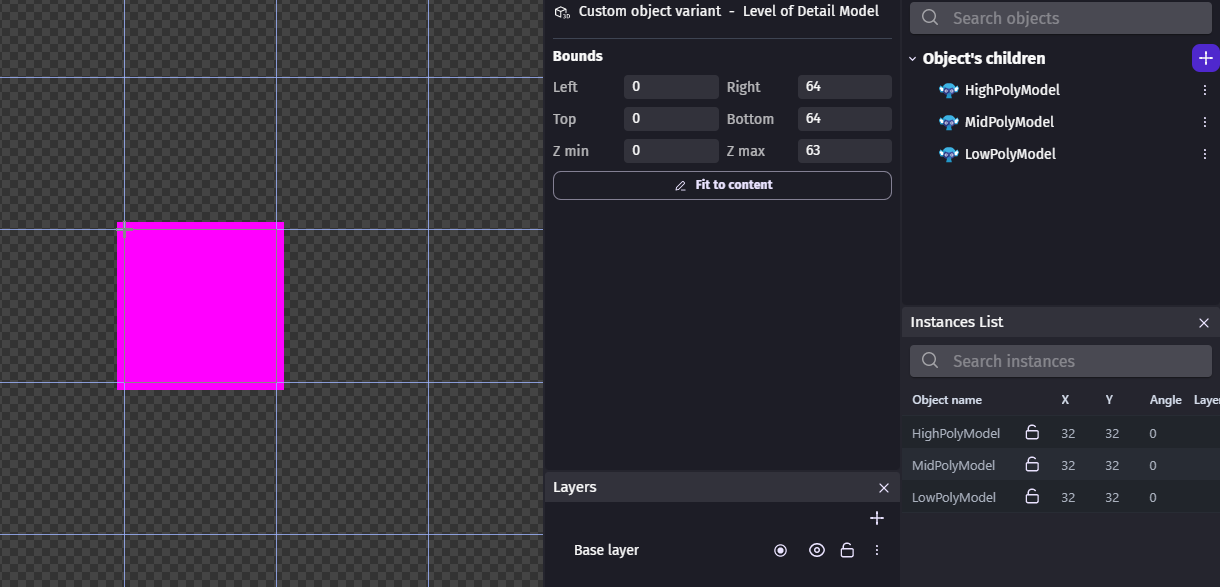
Thanks for the quick reply! I know the purple box means it has no texture since in my case it’s DEFINITELY displaying the child objects and not the object models. The object models I’m testing with have vastly different sizes and textures while the ones displayed are the child object models with a default 64 x 64 x 64 size. In the custom object editor, they don’t have a model by default because I was hoping it could be uniquely assigned.
This is how it looks in the custom object editor:
Even with lighting and whatnot, nothing changes, expectedly.
I’m wondering though, did you place the objects in the scene then extract them into a custom object? I tried and it displays in the preview and editor just fine.
but that still leaves me stumped (if that’s the case). How would I go from there? If I wanted to change their models without going to the actual editor but just clicking on properties and changing them there, how would I?
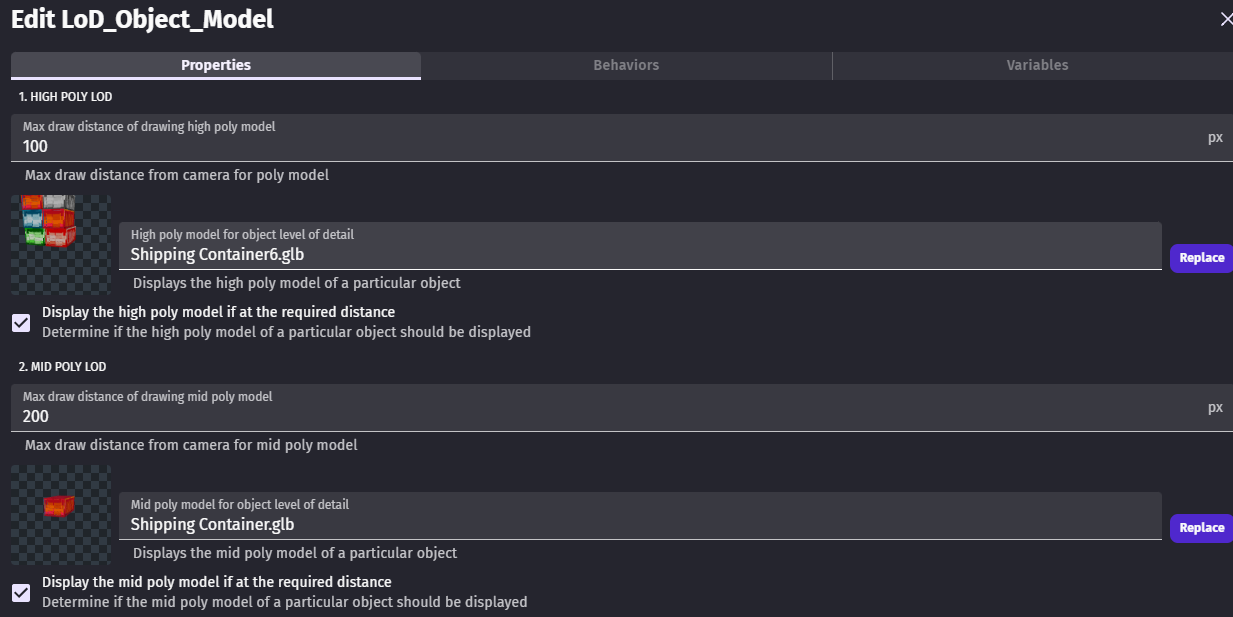
I wanted something like this:
I added simple 3d boxes in the editor not at runtime. I recall there was issue if the custom 2D object had no objects when the object was created. IDK if that was fixed.
It’s late. I’m tired. I removed all children objects and created a function to add the object at runtime. It worked. I’m not going to say fine though because I had a heck of a time trying to position things. It was probably my fault. You have the position of the custom object within the scene then you habe the position of the children inside the custom object. You add in the Z dimension and it’s chaotic. Again, I’m tired. It did work though with a basic cube. You also have the position of the bounding box where you can set it to fit contents. Add into the annoying fact that everytime I went back to the custom object visual editor it kept switching the preview to 2D instead of 3D. I don’t get that. I’m using a 3D custom object.
Sorry about that. I’m new to the whole forum thing and I’m also a night owl.
I might play around with that method and see what happens. My only gripe is not being able to see the actual objects in the editor. I did read a separate forum post for 2D objects having the same issue and that was marked as a bug. Maybe that’s the case? Not sure.
The difficulty comes from not knowing how the child objects become the objects you input. I have a chaotic day ahead of me but I’m gonna try it out and post my results.
I’ll also try duplicating one of the other behaviours and changing them to 3D.
Thanks for taking the time to look into this.
I finally got it working! After trying random things like moving parameters around, making functions to create the objects, and whatnot, I just… deleted the parameters I had.
(-_-)
Instead of using the parameters (it seems like the names were causing conflict), I just used child objects and added them to the custom object editor.
I knew it was something minor but… now I just feel bad. I didn’t need the parameters or the “Create object” events. But at least I passed that hurdle! Thanks for the help again. I think I’ll experiment with passing the object names through parameters to create a more customized menu (making it look like the one I posted before instead of the menu for 3 separate 3D models). Hopefully this whole thing helps someone who happens upon this problem, as minor as it is.
Good to hear. Were you trying to add objects using parameters? I never thought about that in the context of a custom object. I’ve tried doing that with a regular function and it works but with a custom object in the parameter being added doesn’t exist as a child inside the custom object.
Unexpectedly, you can use a parameter’s add object action to create a new object inside the custom object if there’s a child object with the same name.
That’s not a technique I’d use bc it’s too confusing to pass 1 object and get another. I don’t think they intended it to work in that manner. You can’t normally have 2 objects with the same name but a custom object is self-contained.
To create a child object within a custom object you would use the child object’s add action. Or you could create a group inside of the custom object and use the create object by name action.
That’s exactly what I was trying to do and it’s not working out. I’m experiencing a lot of friction with that method so I’ll stick with the other one. If it ain’t broke, don’t fix it.
I think it would be cool to be able to change a child object’s name with parameters, allowing you to customize menus more. For instance, instead of having the vanilla 3D model setup menu, the set up I had posted before could be made and the object still shows up in the editor. I wonder if that would be a good feature request?