Hello GDevelop Team and Community,
I would like to propose adding 3D Editor Debugging Tools: 3D Collision Shapes to improve the development experience when working with 3D scenes. These Feature provide essential visual diagnostics directly within the 3D Editor .
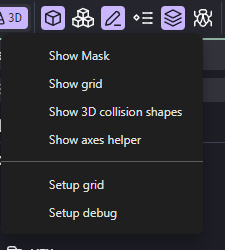
Key Proposed Feature for the 3D Editor:
- 3D Collision Shapes Visualizer: A toggle to render the collision masks of 3D objects in the scene. This is vital for verifying physics boundaries and ensuring that the collision shapes match the 3D models perfectly.
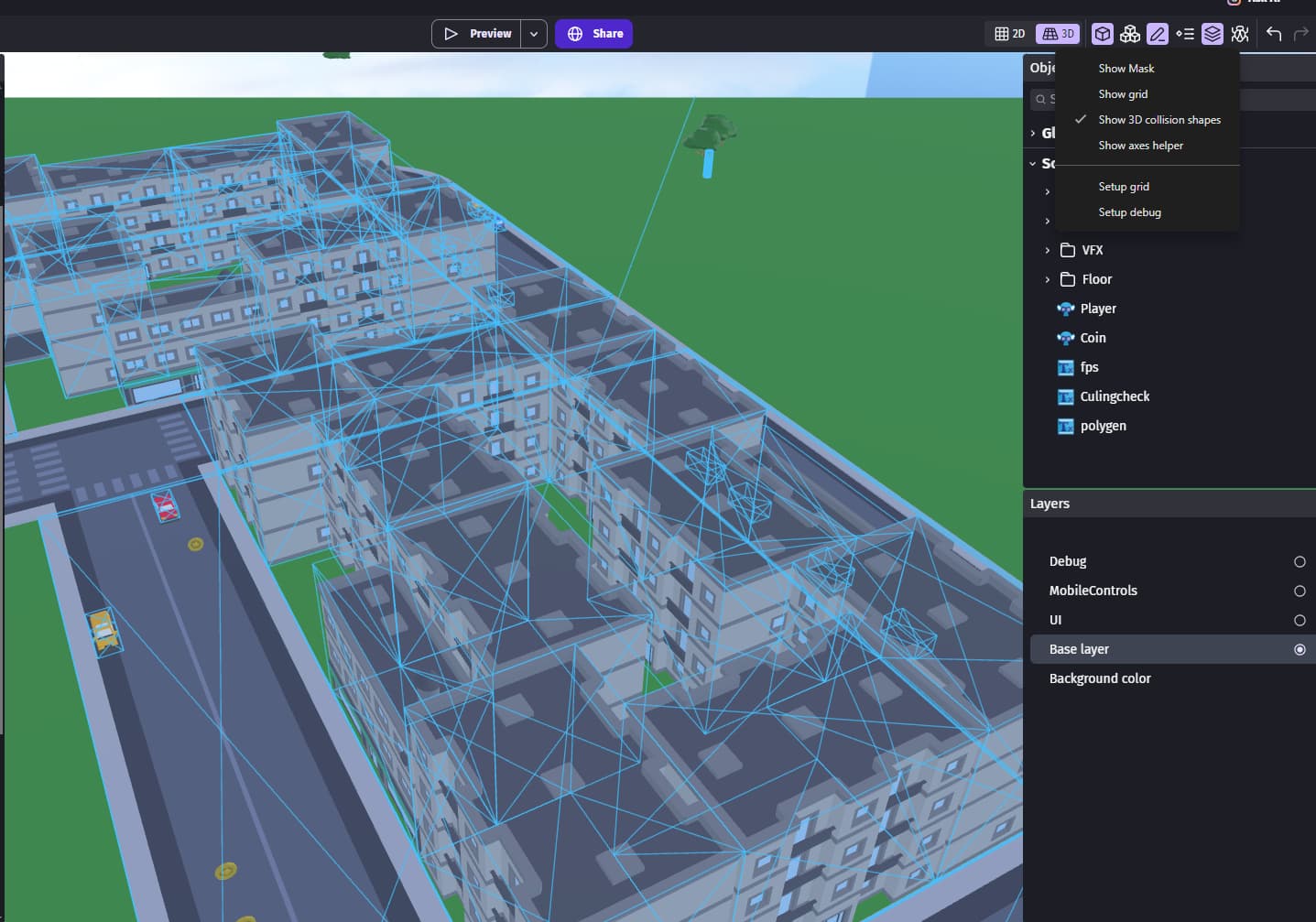
.
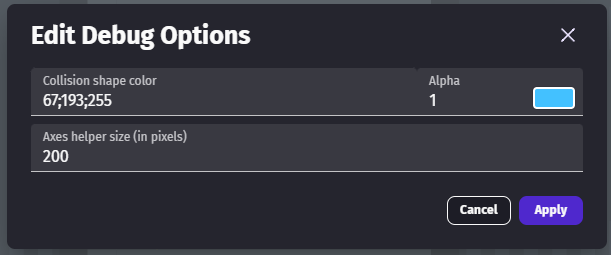
Edit Debug Options (Customization): A dedicated interface to personalize these debug elements:
- Collision Shape Color: Change the color of 3D collision shapes to make them stand out against any background in the scene.
Why this is important: With GDevelop’s 3D features expanding, having built-in debug Feature to “see” physics shapes within the 3D Editor is a necessity for precise and professional game design.
.
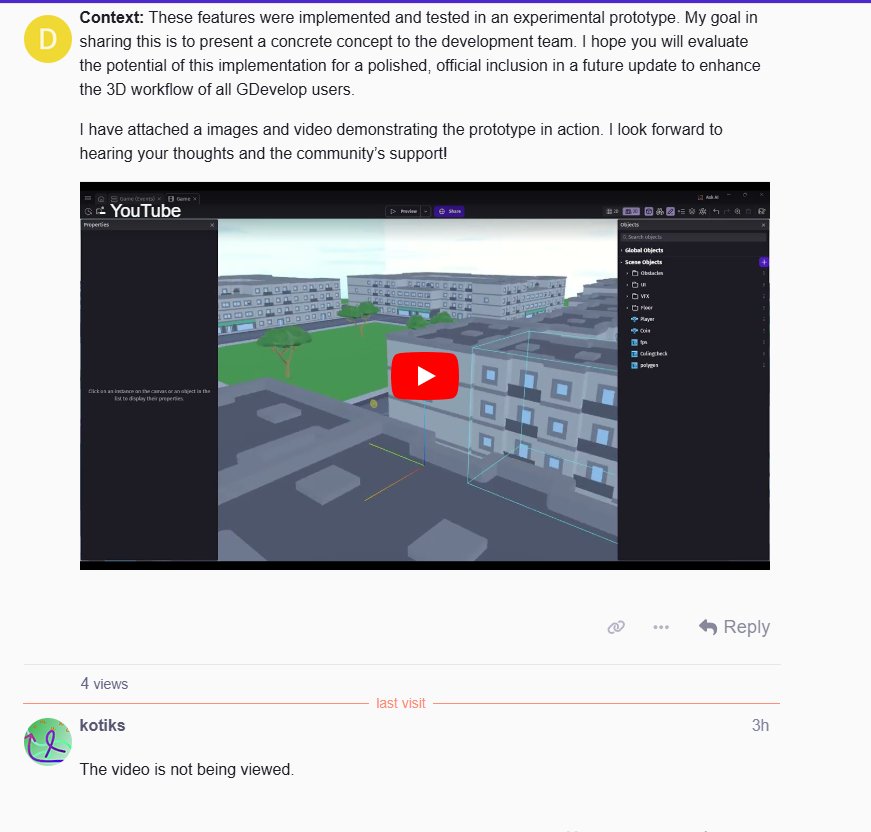
Context: These features were implemented and tested in an experimental prototype. My goal in sharing this is to present a concrete concept to the development team. I hope you will evaluate the potential of this implementation for a polished, official inclusion in a future update to enhance the 3D workflow of all GDevelop users.
I have attached a images and video demonstrating the prototype in action. I look forward to hearing your thoughts and the community’s support!
 , as you can see, it appears for me without any problem