How can I make the player jump diagonally with a single jump key press?
I was thinking this would be something really easy, but actually it’s been one big headache for me.
I’m using the platform behavior for my character, and I’ve tried to add a force, change the horizontal speed, but no matter what, I can only jump vertically. I might be missing the key action that would make this really easy, but I really have no clue what it is.
Any ideas would be rly appreciated, thanks!
Hi …you could possibly use a number variable eg ‘jumpdiag’
I always have 1 as left and 2 as right and zero don’t move
Condition…‘jumpdiag’ equals 2 then simulate right key press or add an additional force at 0 degrees.
Sub event …condition is on floor…set jumpdiag to zero.
Below this In your jump event for right diagonal set jumpdiag to 2 and simulate jump key press
I’m assuming this is isn’t for the player character
It’s not possible to jump along a perfectly diagonal line if the object has the platformer behavior attached to it …it would go against the physics.
Maybe by resetting gravity before the jump… perhaps…and with a particular force setup…
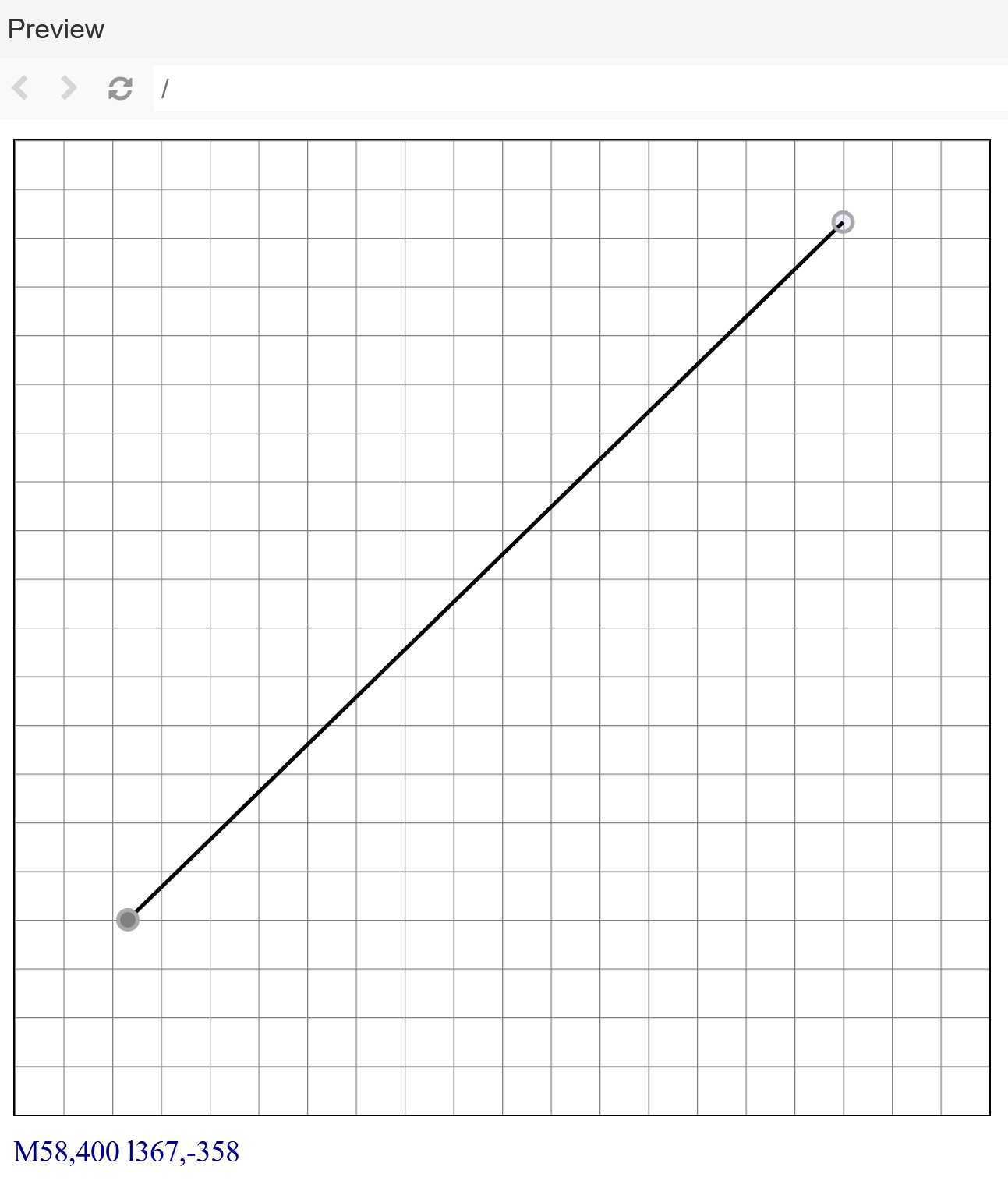
There could be a workaround: use the curved movement behavior and create the SVG of the diagonal path… and it would also preserve the collisions.
Now that you specified what you want:
Why not update your position, adding 1 to x and subtract 1 from y each timeInterval? That would result in a perfectly diagonal line for your object.
I don’t think it’s clear that they want a perfect diagonal…if they do then they could always turn off platform behavior and use a force at -45degrees …untill no longer required and then turn it back on again but I think they just want it to jump left or right instead of straight up
Update: I managed to get what I wanted, with a permanent force, that stops on landing. The diagonal jump was actually for a jump, you can perform after diving.
I really appreciate all of your willingness to help.