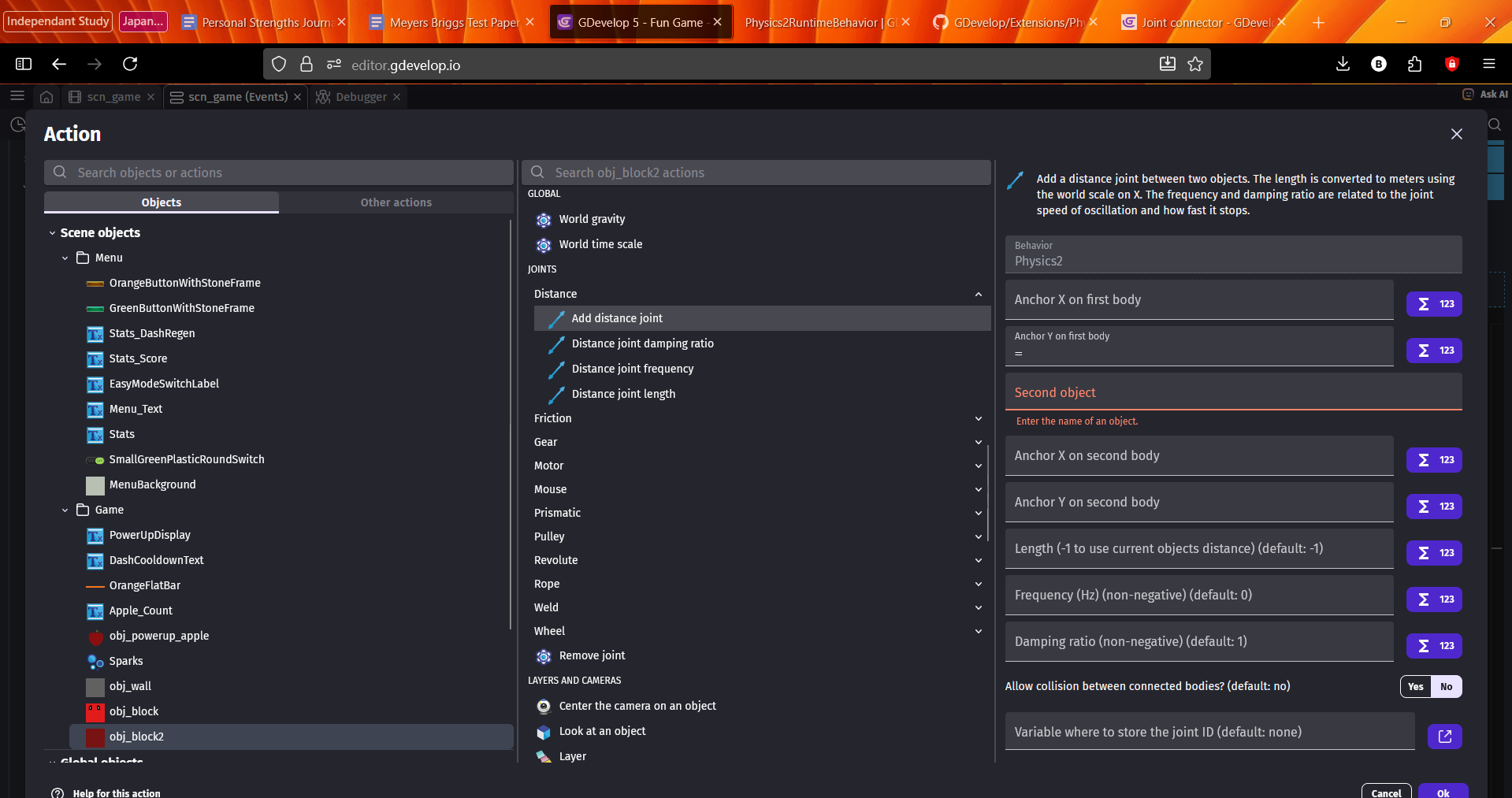
I want to add a distance joint between 2 objects using javascript.
What is the expected result
My objects should be linked together
What is the actual result
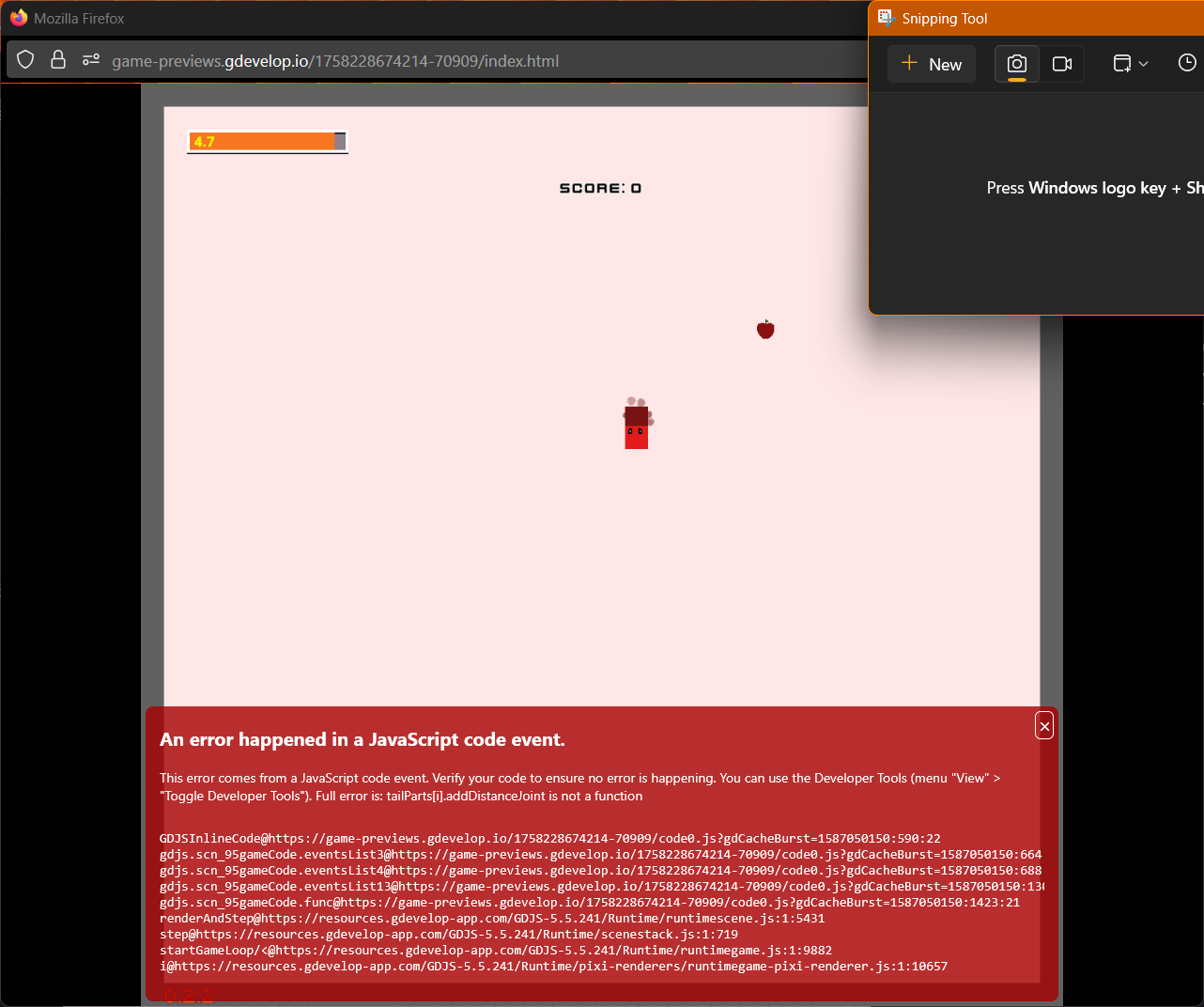
It’s giving me an error. Full error is: tailParts[i].addDistanceJoint is not a function
Me explaining what I’ve tried and situation.
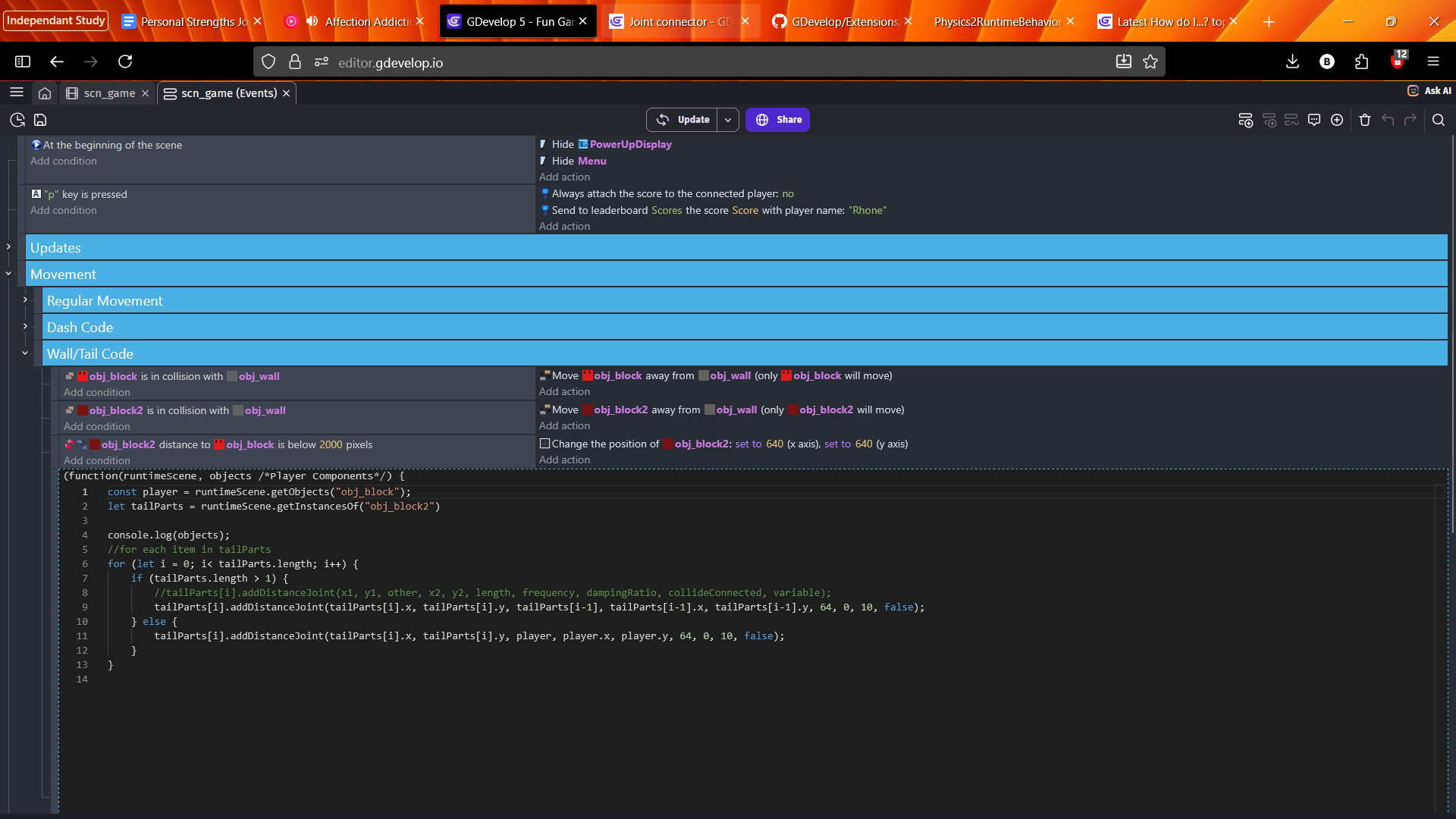
I’ve had issues sort of like this, so I tried giving an index to tailParts, because it is an array, and that is the state it’s in now. I tried removing the “tailParts.” but then it gives a different error saying addDistanceJoint is not defined. I don’t really understand the documentation on the javascript event blocks, or really I don’t think I’ve found much besides this, and that’s not very helpful for what I’ve been doing (or at least I haven’t found it to be.) I’ve looked at the wiki page for distance joint, and the GDevelop docs for distance joint (what I mostly use) as well as the github code for distance joint. I don’t know if I’m just missing something or what.
This code runs when a new instance of my obj_block2 is made, which happens when the player eats(collides) an apple. Any help appreciated!
I’m not sure why you gave false for the variable parameter. That’s for saving the joint ID to a variable. I know when you use the action that it’s optional. IDK if the same is true in Javascript. You might need to reference a variable.
I would need to test it myself but I don’t have the time for it. That might not be the only issues but it’s a start.
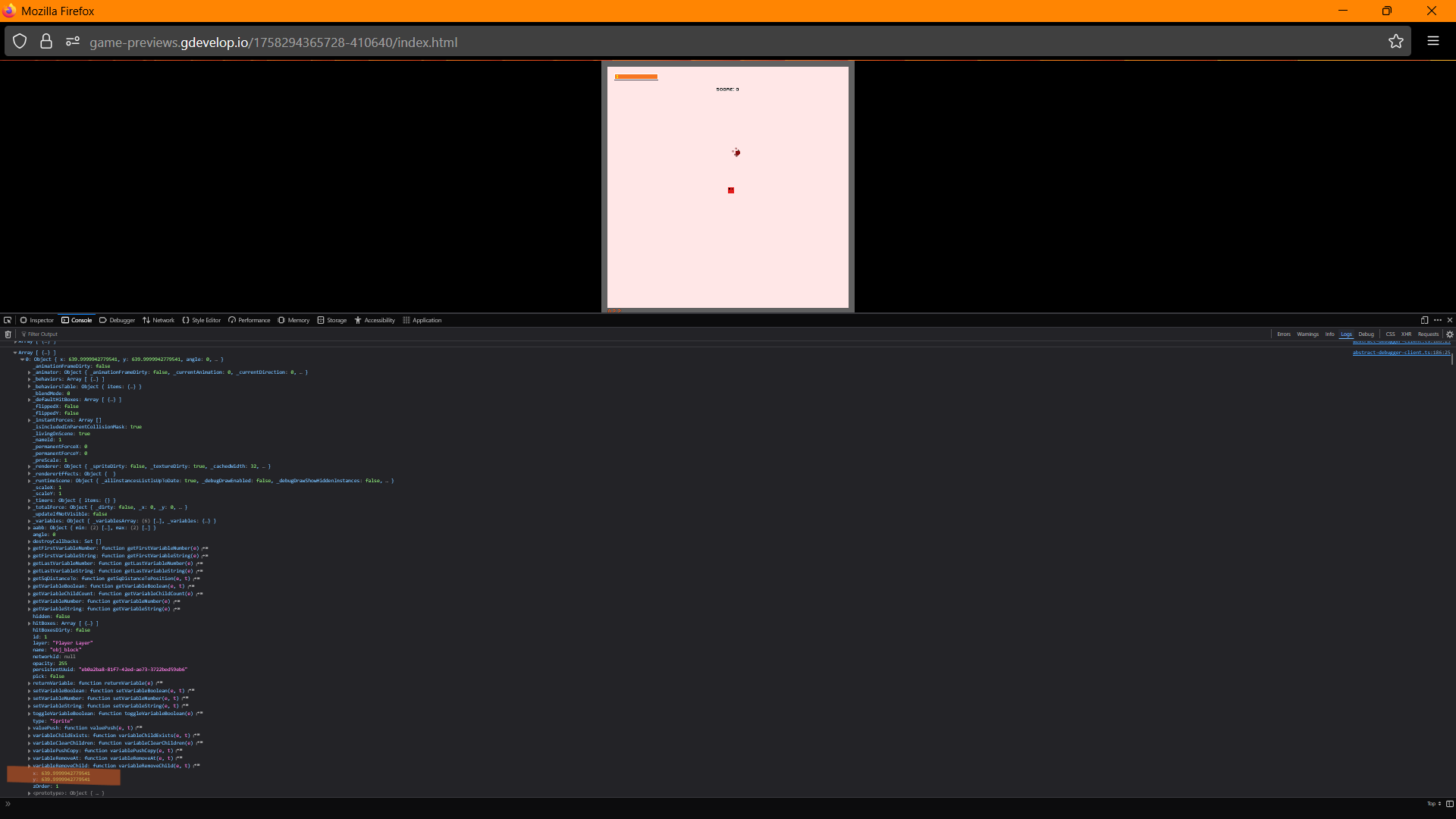
(sorry for the tiny image, wanted to get the whole object in view. the x and y property’s are highlighted at the bottom)
I don’t understand what you mean with referencing the physics behavior, could you please explain more?
I did not give false as the joint Id variable, I just didn’t include it. The action for making a distance joint says that its default value is none. (bottom right)
Thank you so much again! I was struggling to figure out what to do with getting behavior. Your example works for me which is amazing. I think I actually do need to store the JointID’s though, otherwise I think its applying joints every time it runs, every frame. Again thanks though!!
(what I ended up with so far, haven’t done joint id stuff)
const player = runtimeScene.getObjects("obj_block")[0];
let tailParts = runtimeScene.getInstancesOf("obj_block2")
let jointID = runtimeScene.getVariables().get("JointID");
const physicsBehavior = player.getBehavior("Physics2");

console.log(tailParts.length);
//for each item in tailParts
for (let i = 0; i < tailParts.length; i++) {
    if (tailParts.length > 1) {
        if (tailParts[i + 1] != undefined){
            physicsBehavior.addDistanceJoint(tailParts[i].getX(), tailParts[i].getY(), tailParts[i + 1], tailParts[i + 1].getX(), tailParts[i + 1].getY(), 64, 0, 10, false, jointID);
        }
    } else {
        physicsBehavior.addDistanceJoint(player.getX(), player.getY(), tailParts[i], tailParts[i].getX(), tailParts[i].getY(), 64, 0, 10, false, jointID);
    }
}