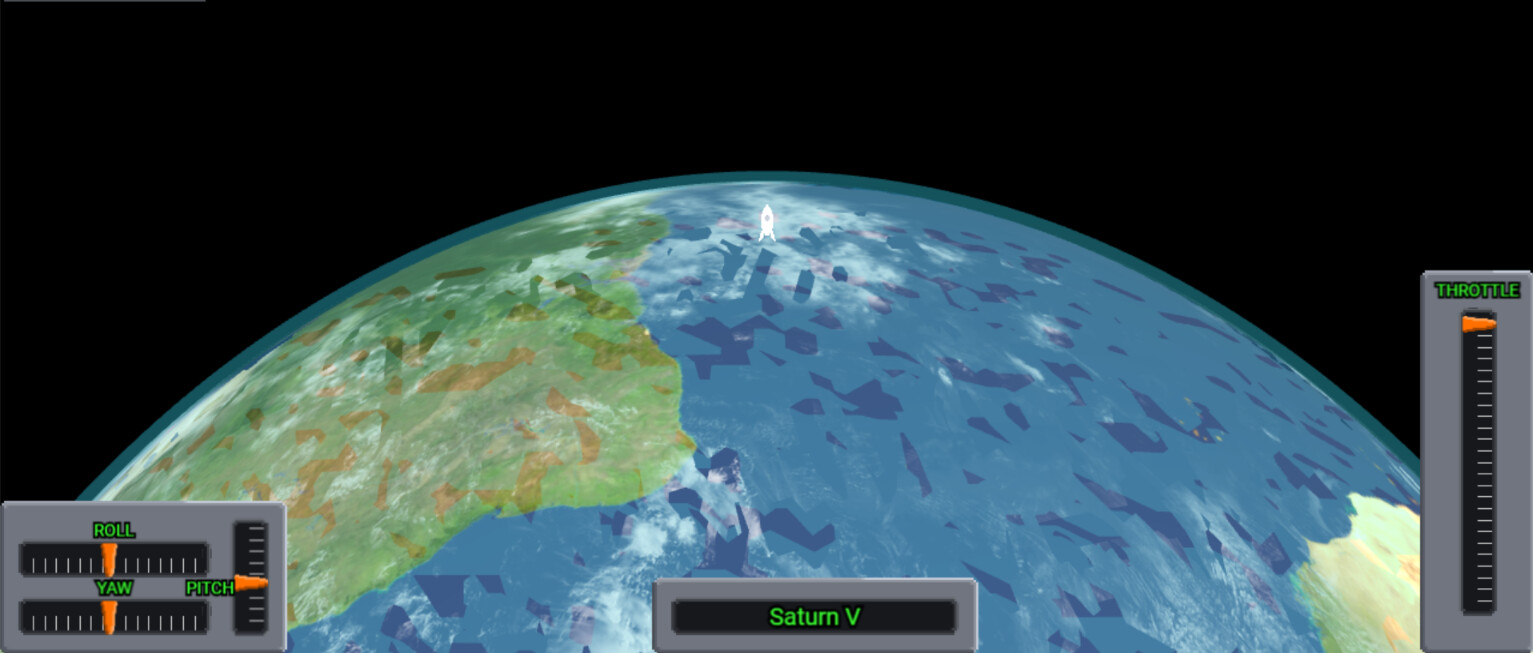
My 3D earth is made of three 3D glb spheres overlaid on top of each other: a 0.2 opacity atmosphere layer is the biggest sphere which wraps everything, below it is a 3D cloud sphere with semi transparency, and below is a fully opaque image textured earth.
However, as you can see there is flickering between the layers when I zoom out on the earth. Is there any way to stop this?
You can test it out here and press the map button to see what I mean.
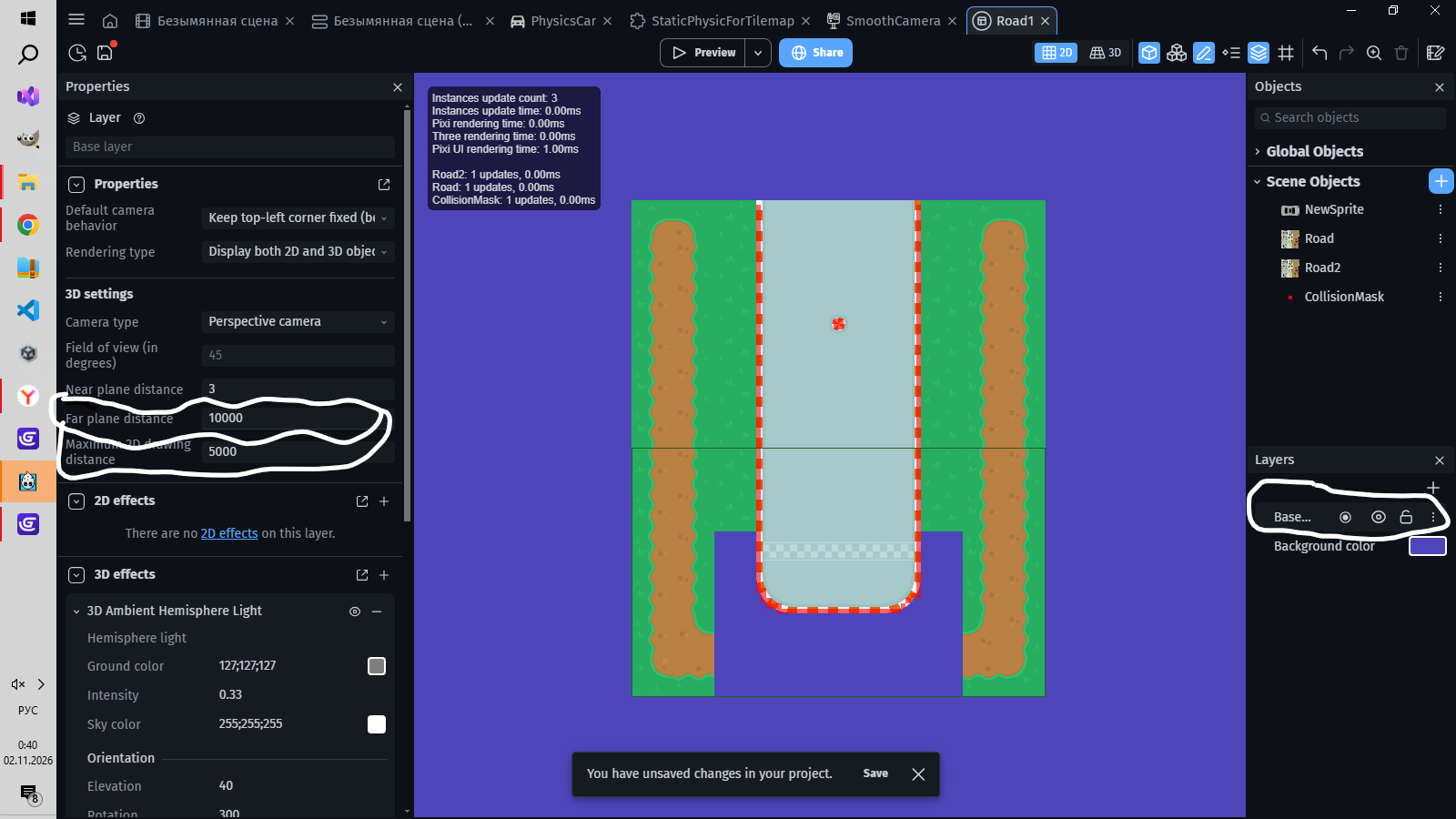
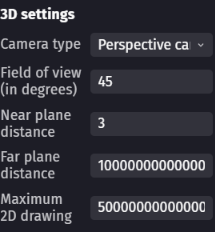
The cloud sphere is too close to the earth sphere, and because of the big size “floating-point number calculation of the engine something something is inaccurate” is my guess. Make the cloud sphere bigger?
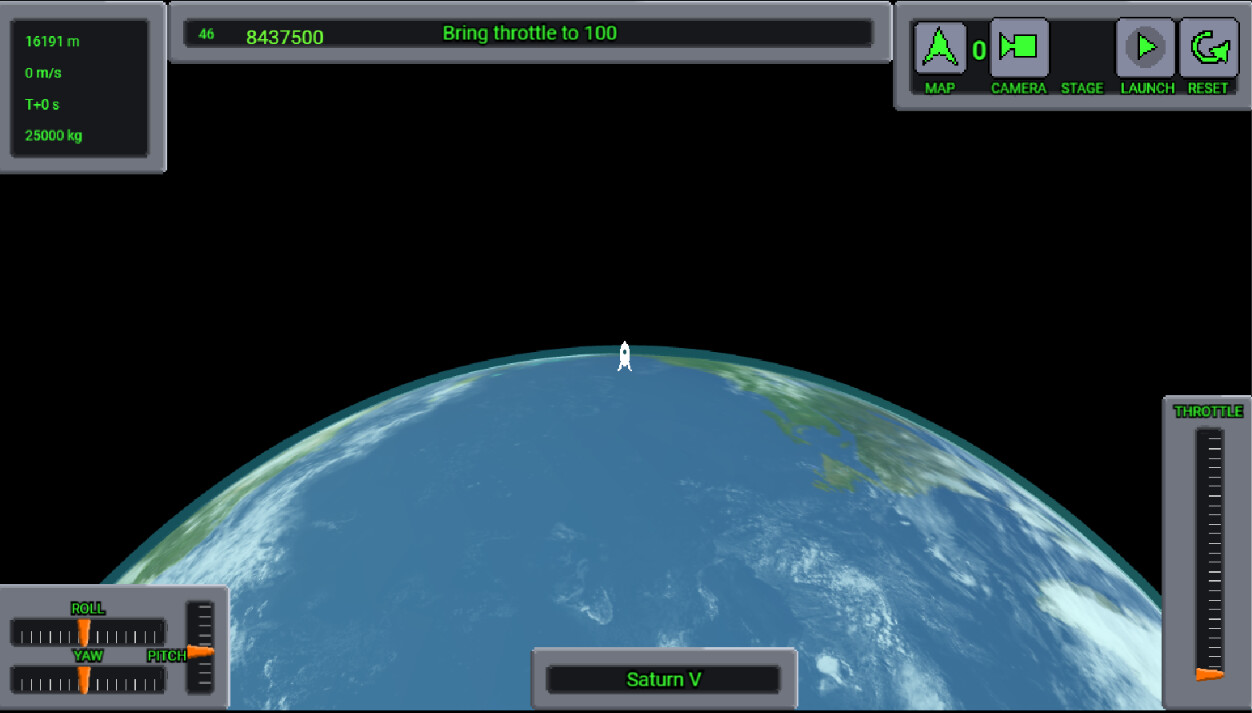
The Crowbar Space Agency thanks you for your service to make the mission possible. Thanks to you, Earth is now rendered successfully in our browser. (with moving clouds!)