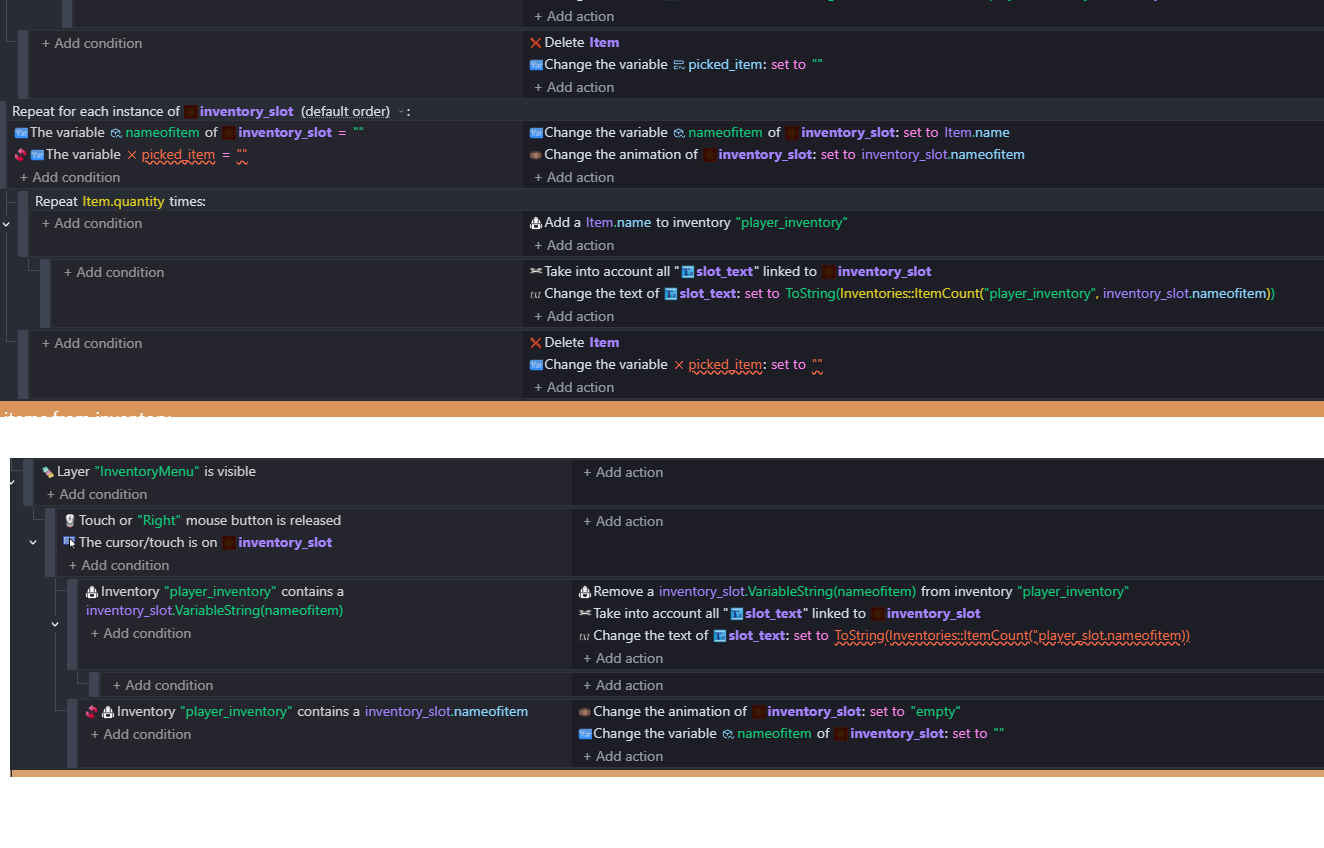
in the bottom image, you didnt add end quotes.
and underlined variable means you probably didnt make the variable.
Which tutorial exactly?
Cause i watched inventory tutorial on gdevelop youtube channel and i cannot find any event that checks if variable is equal to “”
But i also fast forwarded it
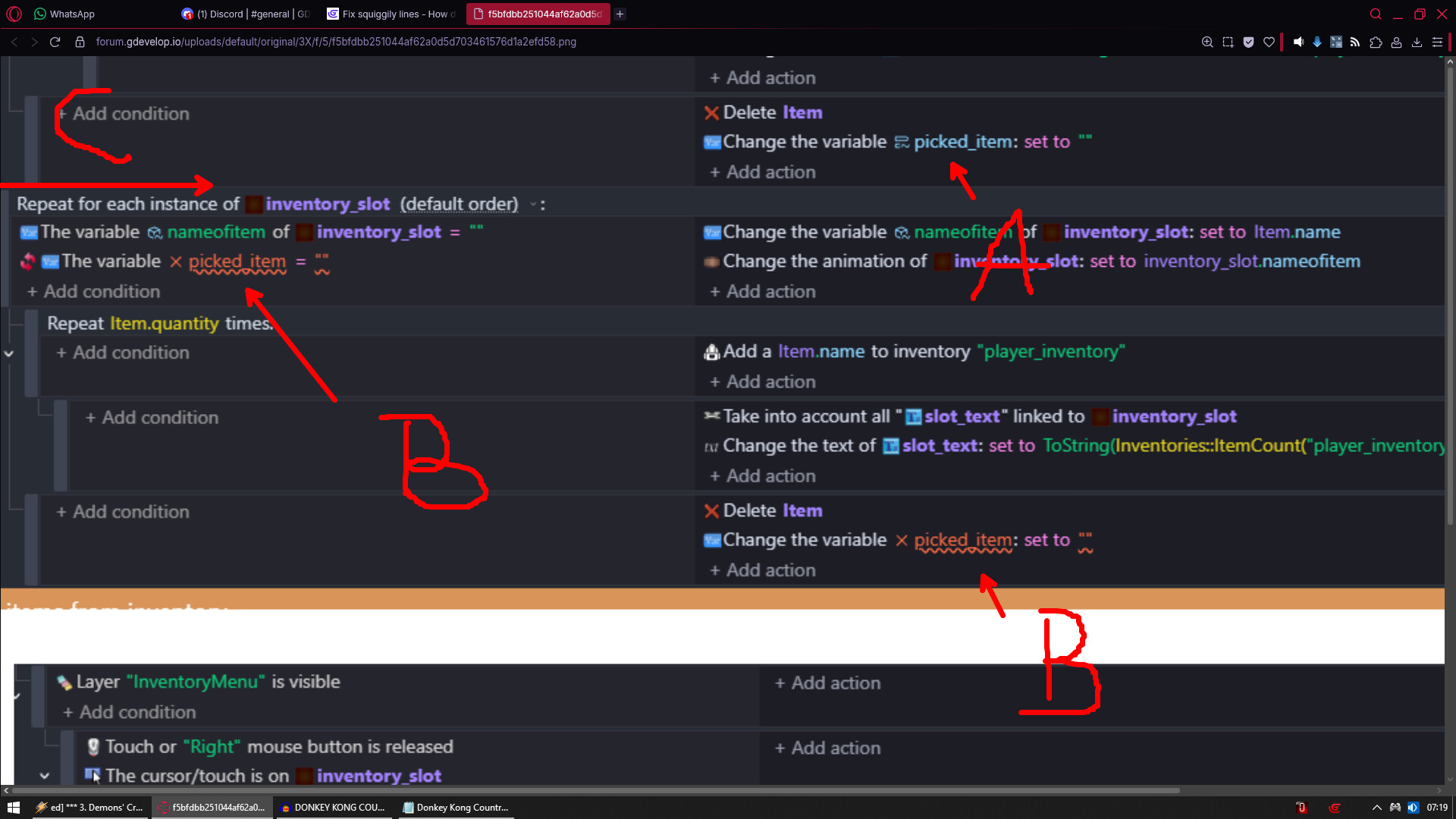
A - indicates you are using local variable
B - shows this event is moved to the left and is not being sub event that is why vars are red
C - move that event to the right so it become sub event and it will fix red variable names
Cause right now they don’t work and do nothing
Is picked_item a scene variable or local variable?
Agreed. The first squiggle is most likely because the variable is either not defined or it’s name is misspelled. The 2nd squiggle under the double quotes is likely because the variable isn’t defined, so the action defaulted to set a number. Even if the the quotes are empty, it’s considered a string. Define the variable as a text (string) and both squiggles should disappear.
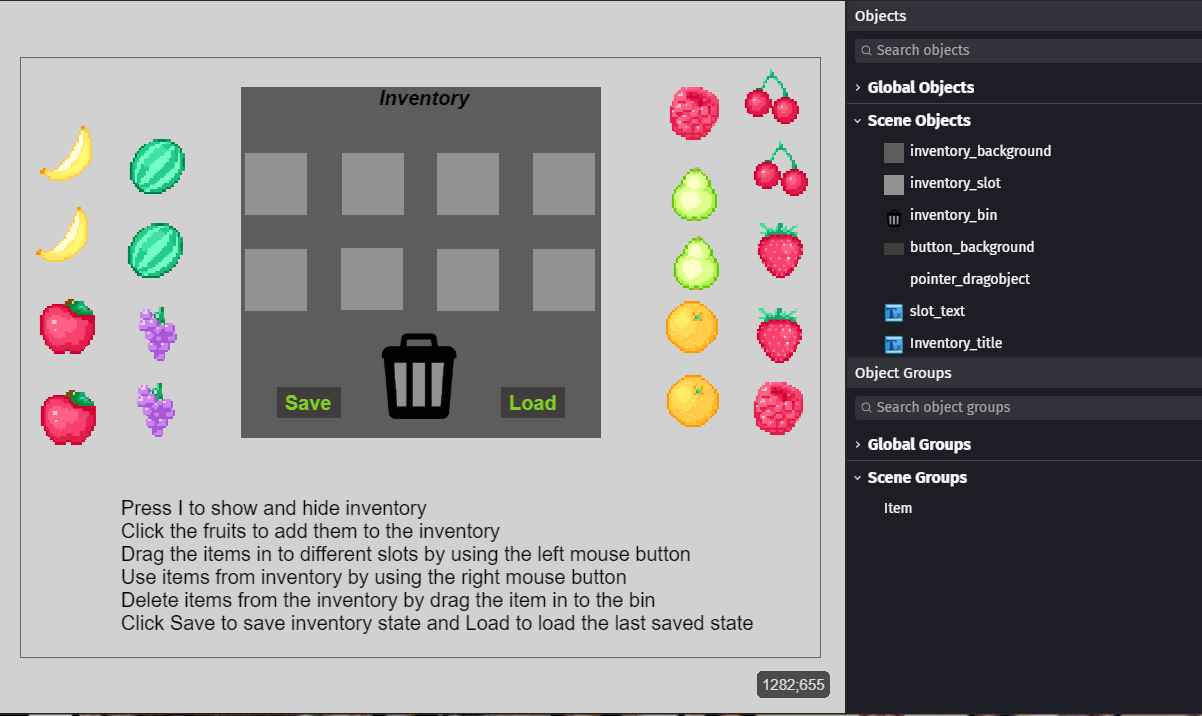
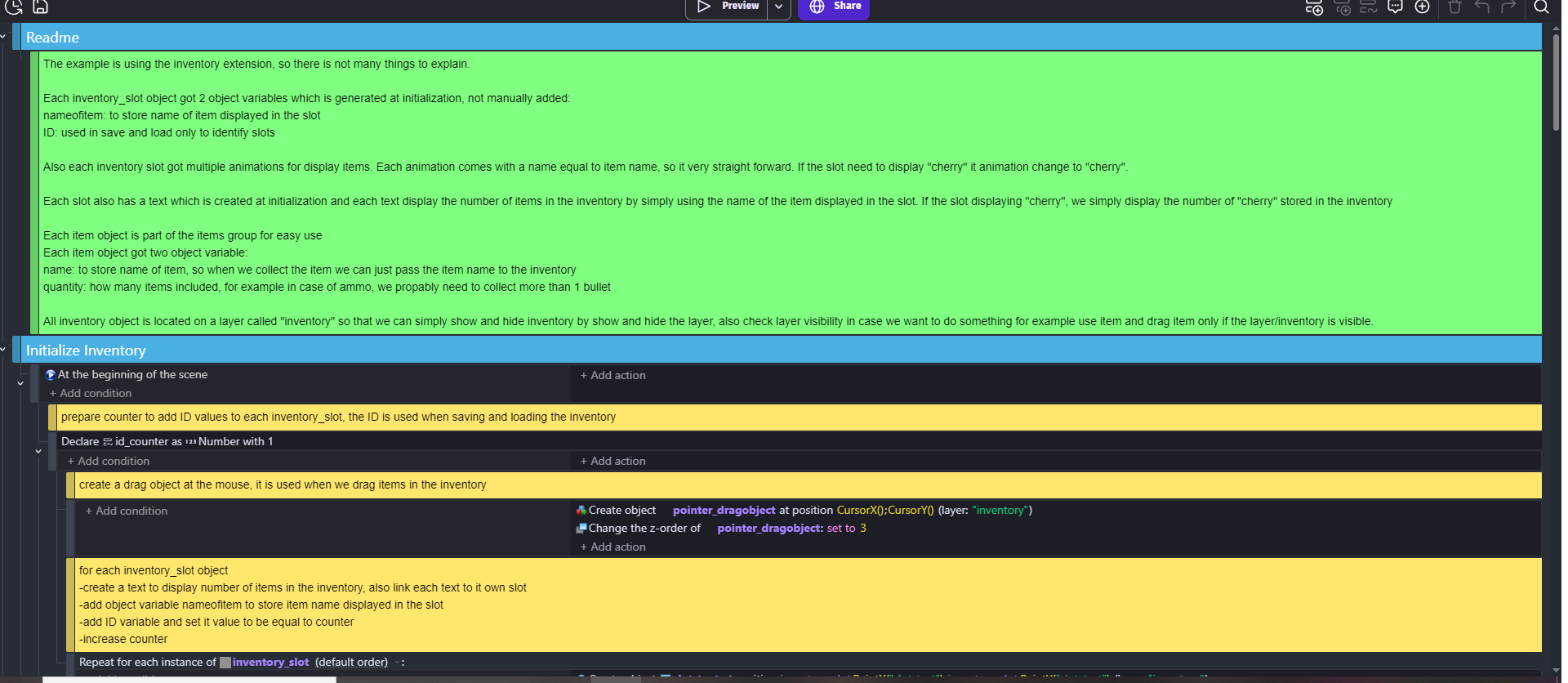
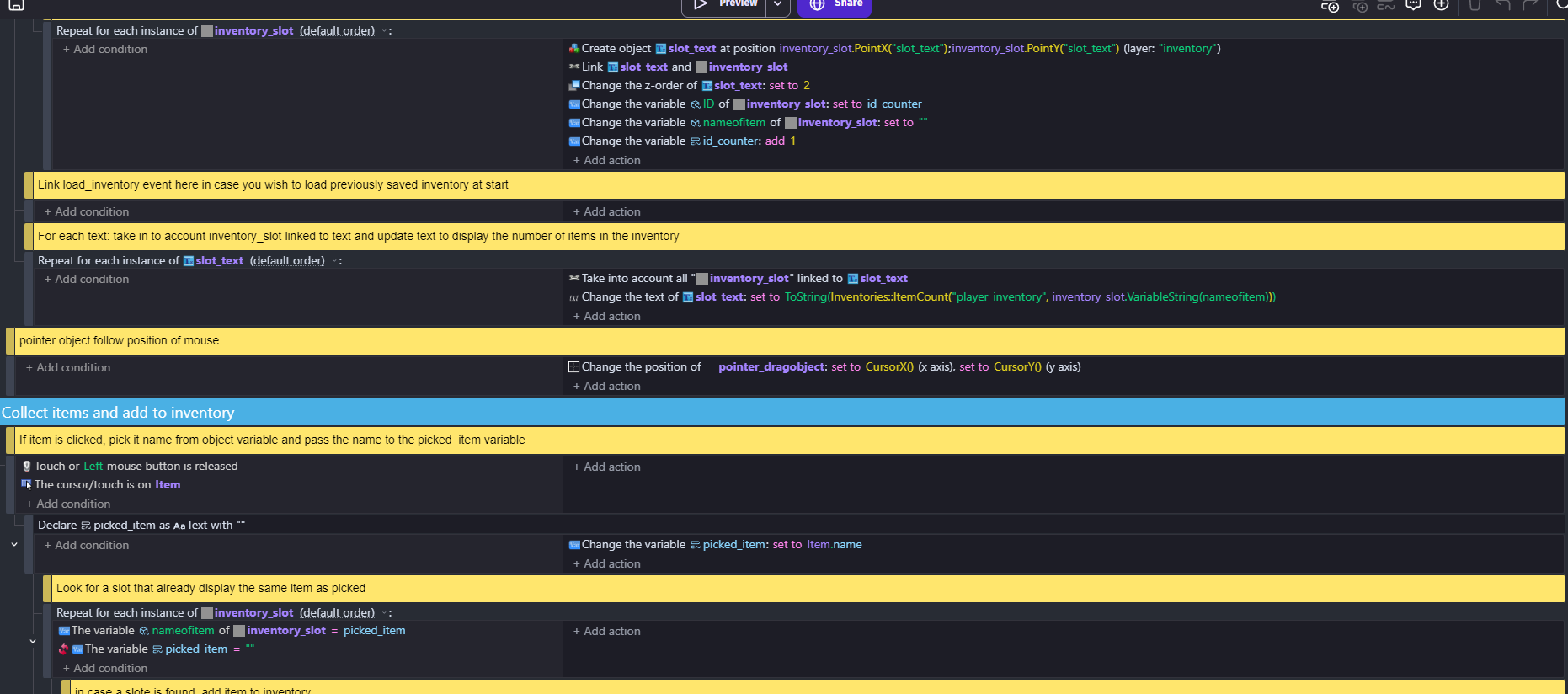
this is what I see
I don’t know why if I followed the guide
is there a simpler guide that works to make inventory?