how do I get a variable from outside a function inside it to use? All the ways I could think of to use parameters to get an outside thing inside an event inside a function results in a string in the parameter for the event, but that is a string not a variable so it doesn’t work. Is there a way to do this? or do I need to do what I’ve been doing which is copy and pasting code and painstakingly changing the variables one by one over the ~80 times the variable is used.
What exactly are you trying to do? What type of information are you trying to use?
There are functions that can be used with a variable parameter to get/set variables between functions although for some reason it’s frowned against.
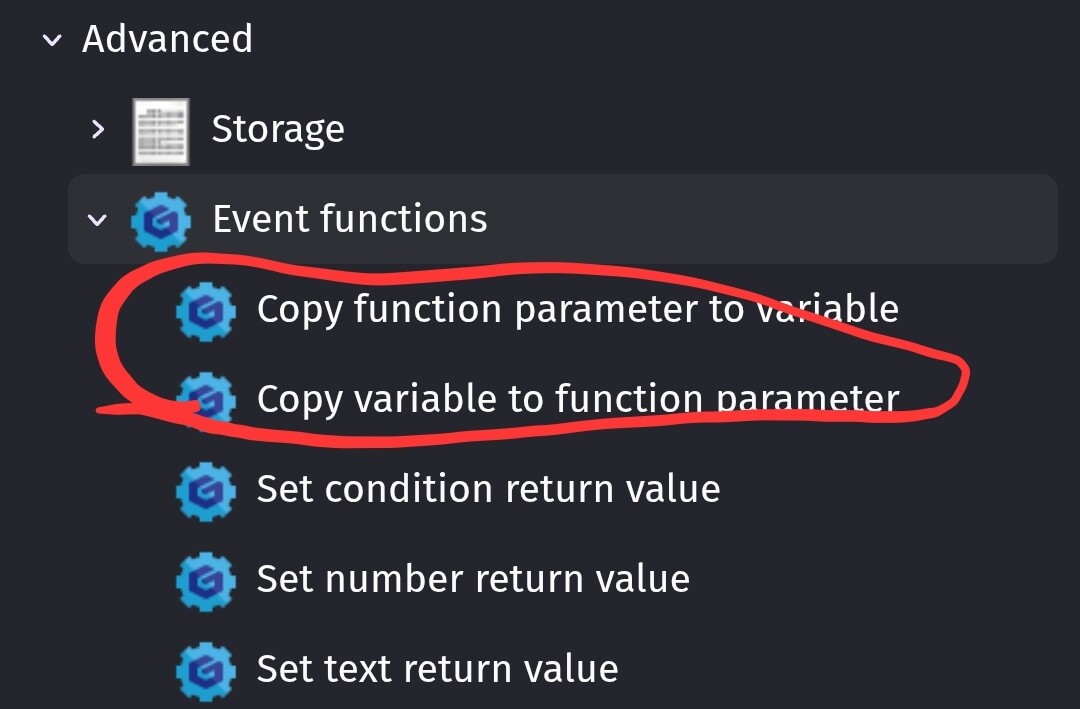
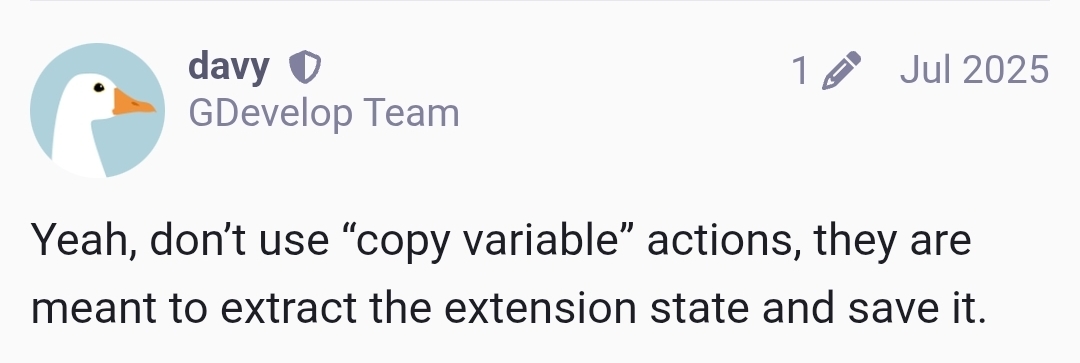
The preferred method is to transfer data to the function with parameters and return them with expressions.
The alternative would be to use extension variables and keep the data within the extension. You could then manipulate it with functions.
I honestly don’t know what the best practice is other than than using parameters and expressions or properties.
I recognized a problem but not the proper solution, problem: need to copy and paste and change minute details but that takes too long
(wrong) solution: make a function and make the minute detail a parameter so I can use the function instead of the long process of changing it manually
solution: make an empty external event, paste there, find and replace in parameters
I hate when I make things more complicated than they are
The thing you’re missing is a variable parameter. A string parameter substitutes its text into the field; a variable parameter hands over the variable itself.
What to do
- Open the function in the extension editor, go to the Parameters tab, add a parameter with type Scene variable. The same dropdown also has Global variable, Object variable, and a generic Variable that accepts any of them.
- In the function’s events, put that parameter name where a variable is expected: the variable-name field of a condition, or “Change the value of variable …”. GDevelop resolves it as a parameter, not as text, so the function works on the caller’s actual variable.
- Call the function once per variable, instead of duplicating the events ~80 times.
Why it works (checkable, not just my word)
- Inside a function, a variable field can name a scene/global/object variable, a property, or a parameter. That lookup is
GetVariablesContainerFromVariableOrPropertyOrParameterNameinGenerateGetVariable(GDJS/GDJS/Events/CodeGeneration/EventsCodeGenerator.cpp, line 1413). - When the name is a parameter, the generated code is
eventsFunctionContext.getArgument("<ParamName>")(GenerateParameterGetterWithoutCasting, same file, line 1672), and the caller passes the variable object itself. So the function is operating on your variable, not on a copy. - The exact type labels come from
newIDE/app/src/EventsSheet/ParameterRenderingService.js(lines 199-201).
Two limits, straight from the source
- A variable parameter can’t have children.
MyParam.ChildKeyin a variable field is rejected (if (hasChild) return "gdjs.VariablesContainer.badVariablesContainer", same file, line 1457). Pass the parent and index inside the function instead. - For plain number/text/boolean parameters, the docs are right that actions can’t write back to the parameter itself. If you need a value returned, use a custom expression (docs: Functions, section “Use parameter values”).
That retires the find-and-replace workflow for this case. If what you pass changes type per call (a scene variable one time, an object variable another), pick the generic Variable type.