I resurrect this topic, but it seems for me still that there is still a bug here:
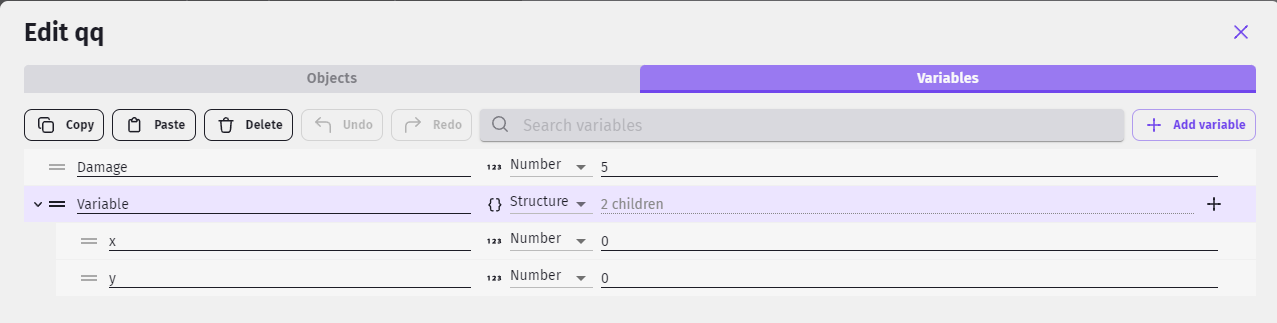
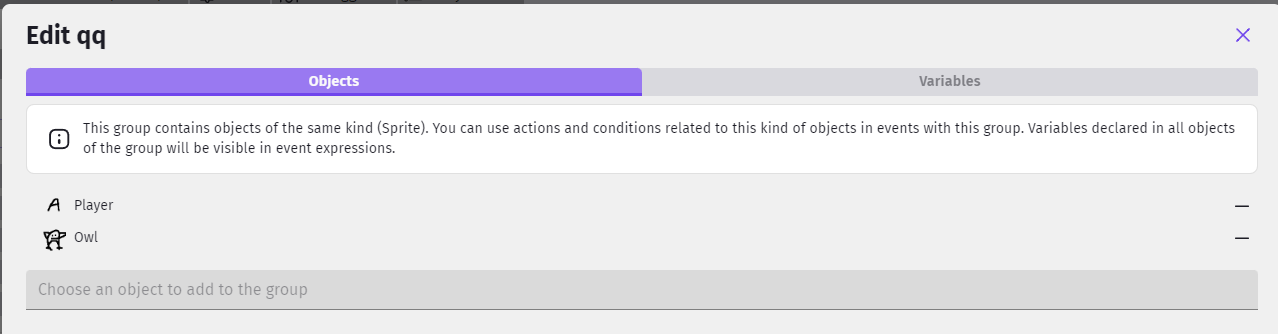
The variable declared in the group are always deleted after a while, because the object prefab have set different values for these variables.
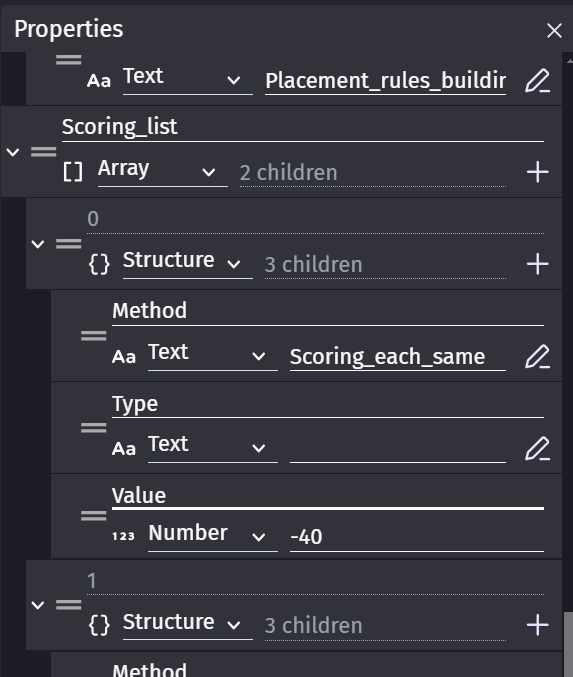
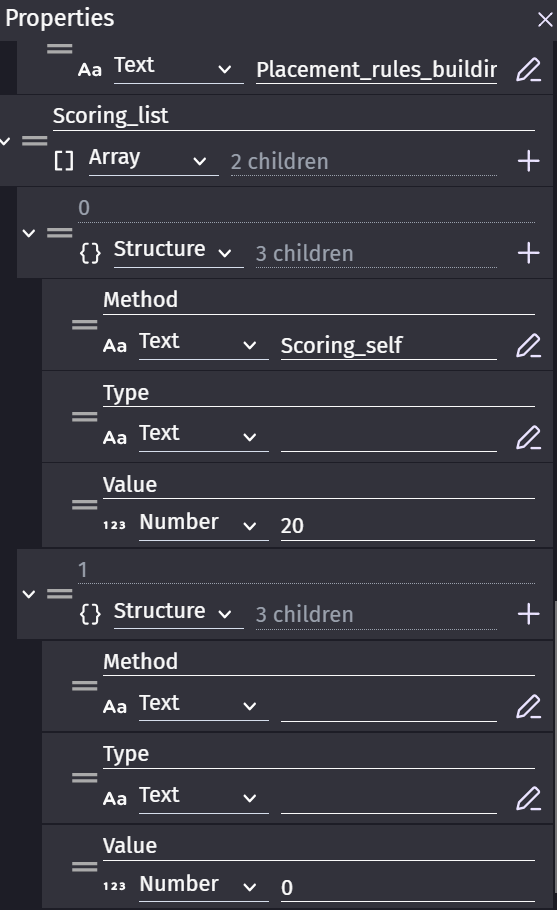
My concrete example: I create a variable list of structure “scoring_list” in my group, with 2 child, and in each child the 3 same variables: “method” “type” (both str) and “value” (number). The value of the variable is by default “” or 0.
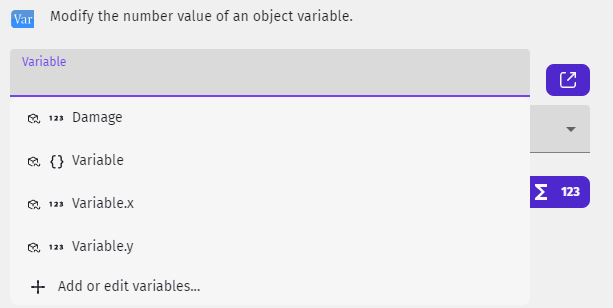
When I edit the variable values (and not the variable type or naming, which is why I see this as a problem) of any of the structure variable for the global objects prefabs belonging to the group, then the group behave weird, and display “mixed values” for the list, with no children (meaning both structure and structure children disappear for the group variable window). If try to re-type in the group window exactly the same structure childrens, it is visible for few seconds, and is again replaced by “mixed variables” as before. If I look in the global object prefabs, I see my field properly being presents, however further group edits of this list are not visible.
For me it is not clear what gdevelop expect me to do.
In a very minimal bugfix, it should be written something like “mixed variables or values in group objects, delete all the group objects variables and values in order to restore from the group object”, or describe whatever is blocking.
A lower bugfix would be to prevent modifying variables and values from the object belonging to group object is this lead to instability at group level and mark them with different color in the editor, to understand it have an impact.
A good fix would be that, when there are mixed variables or variable values, the group object variable windows offer a button to force to apply to all group object items, and that there should be a clear separation beetween mixed variable and mixed variable value, only a mixed variable type or naming should be blocking.