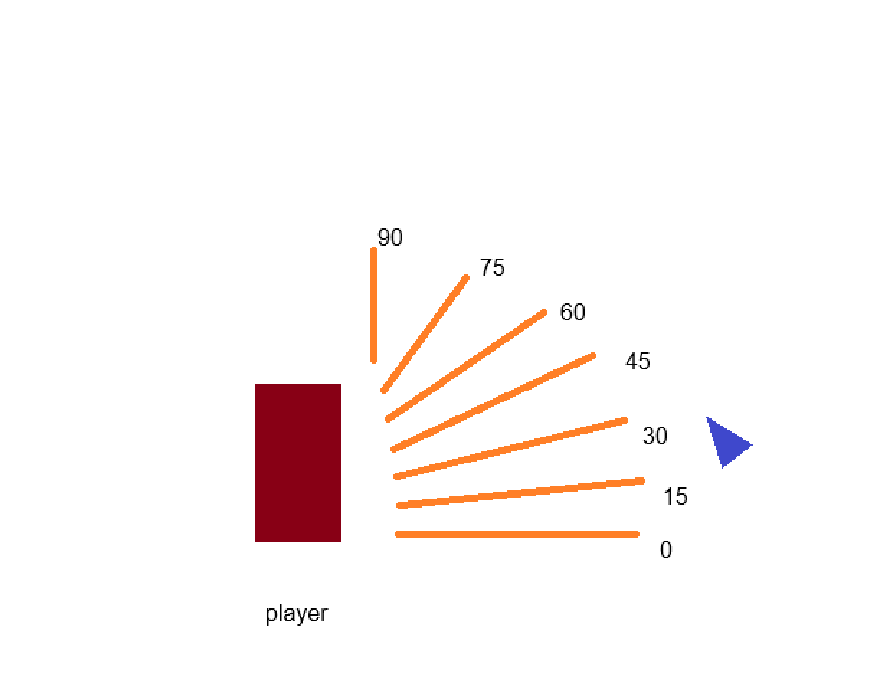
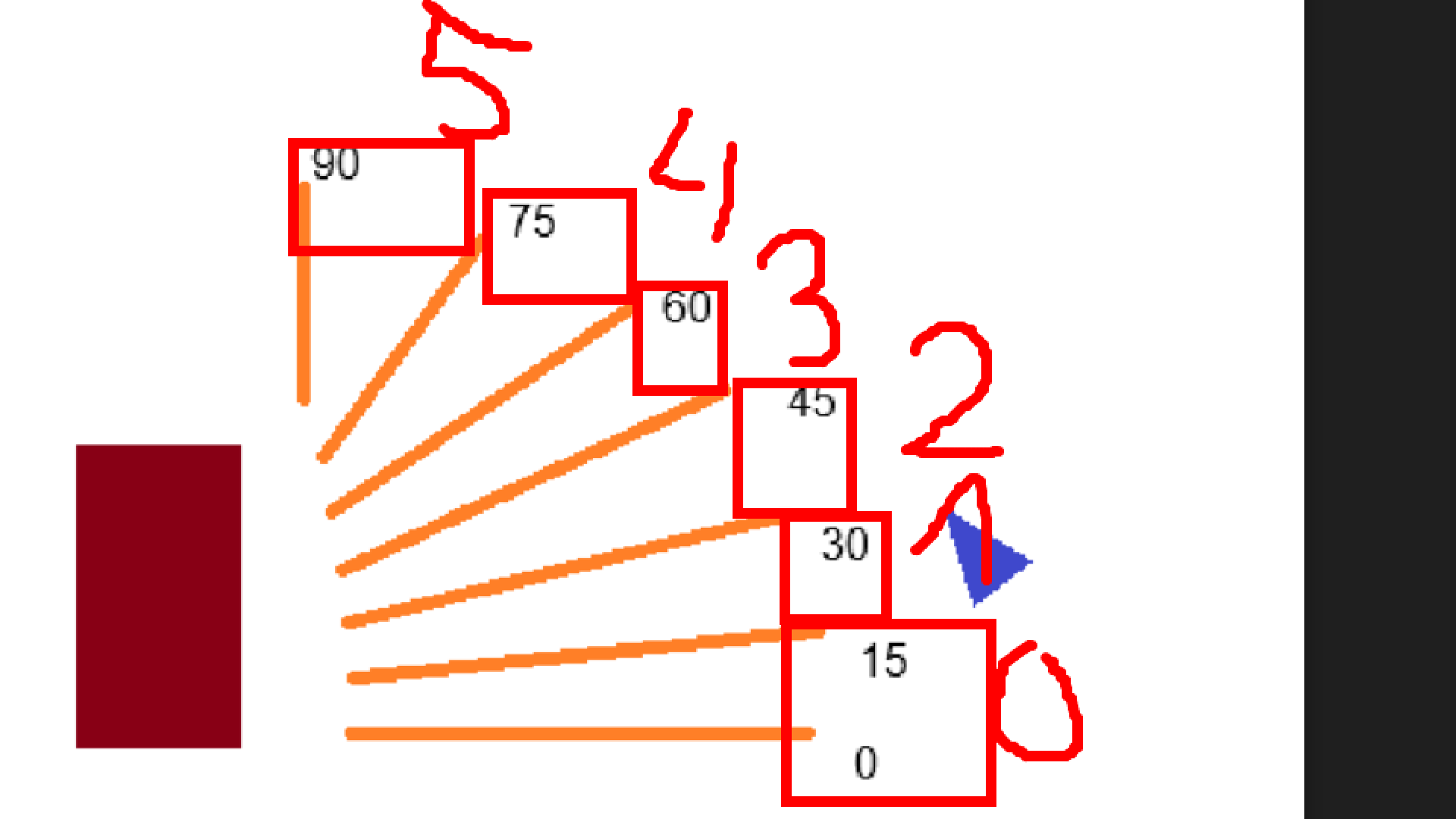
I am trying to create a mechanic that changes the frame of my arrow sprite based on the angle between my Player or my Player.PointX(“Center”) if possible. So basically, if the angle created between the mouse and the player is greater than 0 but less than 15 degrees, frame 1 of the sprite will show and so on and so forth.
Sorry for the poor illustration but basically in this scenario, the angle generated between the player and the mouse is roughly within the range of 15 and 30 degrees so I want the sprite following my mouse to be on frame #2 and the frame changes depending on the angle being created from the movement of the mouse
What is the actual result
I still haven’t tried creating actual results since I am stuck at the event sheet on finding the right conditions on how to check the angle generated. So far my progress is that I created a scene variable in which there will I store the angle and later on use that variable to compare it to a set of ranges of angles which have a correspoding sprite frame if satisfied.
Hi i think its something like this
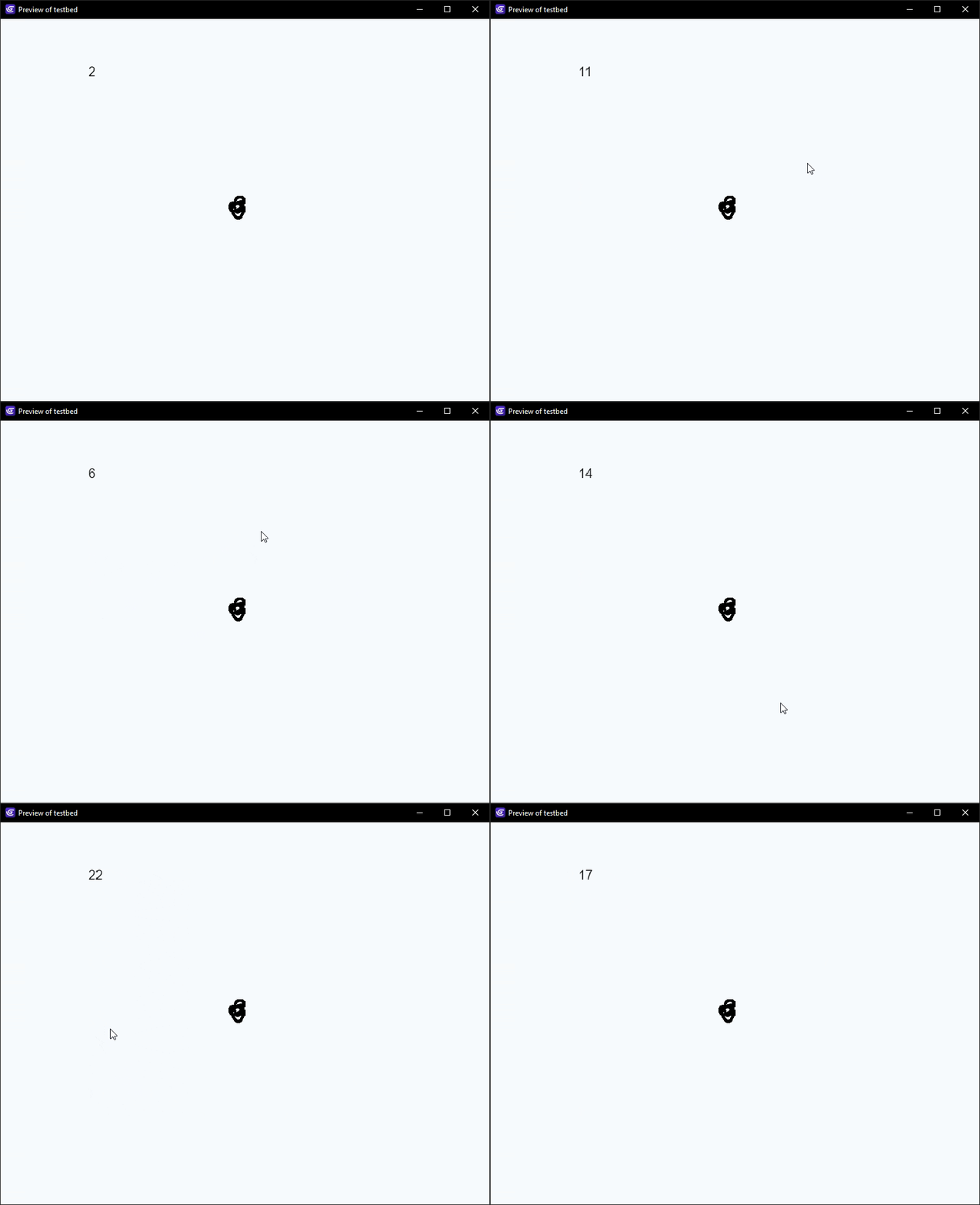
but i couldn’t think of a way of limiting it to 0 and -90 and so you’ll need to do that in the conditions if you use this. at the moment it does 0 to 6 between 0 and 90 as well as 0 and -90
I’m not sure they wanted to limit between 0 and 90, I thought the example drawing was just showing that to give an idea of the goal
@Darzen Just FYI, the way angles work in GD is “up is negative” - in other words the ones you have drawn would be negative, until 180 (due West/left) at which point it will switch to positive.
If you just want values 0-22 for each 15 degree chunk, you could do this:
I’m curious about why exactly you want unique sprites for each angle range? You could just rotate an object instead which would give you a more exact representation of the angle.
what I am really trying to make is I want the mouse to be the way to aim the projectile in my 2d platformer game. Basically they will aim with the mouse by moving it in the direction they want to fire the projectile and then click the left mouse button to lock it and fire the projectile. I just didnt think of that approach of rotating the object sprite of an arrow up until now, but I would consider it. Any suggestions on how can I impliment it?
Hi there’s been a few threads on rotating objects to cursor…here’s one. The angles are flipped when an object is flipped. Here’s a crossbow aiming at cursor