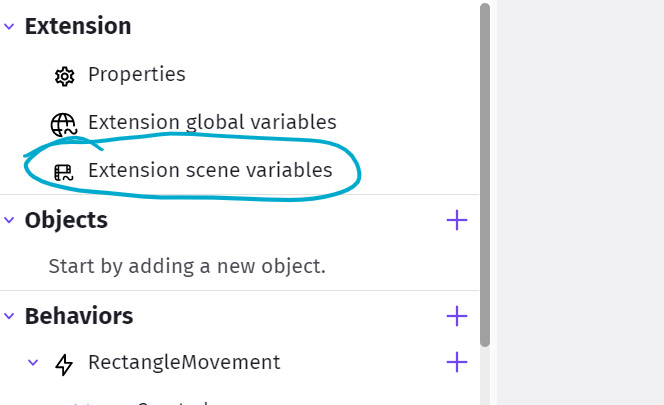
I’m going to write a guide that I hope will help people who are new to making extensions. Also to help future me when I’ve forgotten. Someone in another post asked for help and I thought it best to start a new post that I can add to later. Of course, you should read the wiki, but I’ll try to explain things in terms of decisions to make. It’s not going to be a complete guide but it will get you started .
Please note, I am not an expert in GDevelop, I just do what I need and there are many things I don’t know.
Part 1
Firstly, some extensions are behaviors and some are functions. A behavior is something you add to an object and usually it’s for something you want to happen most or all of the time.
For example, the Sticker extension is a behavior. You add it to an object and then it sticks to something all the time until you tell it not to.
Do you want the user of the behavior to have settings that they see in the object properties behavior tab?
The Sticker behavior has two settings, Destroy when the object it’s stuck to is destroyed and Only follow position.
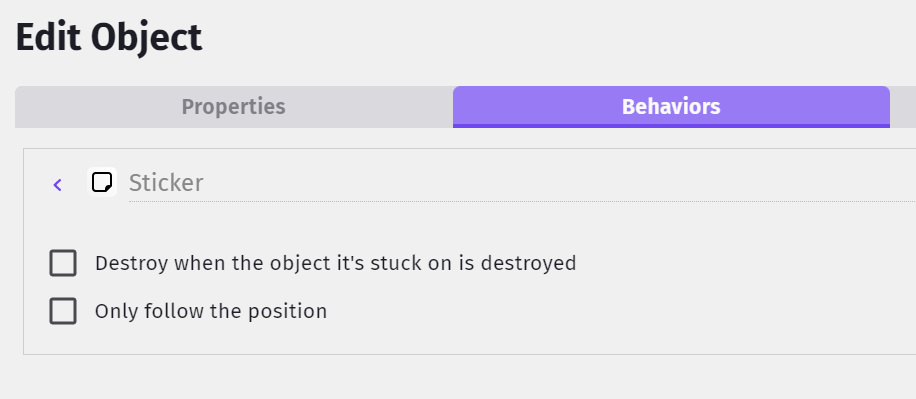
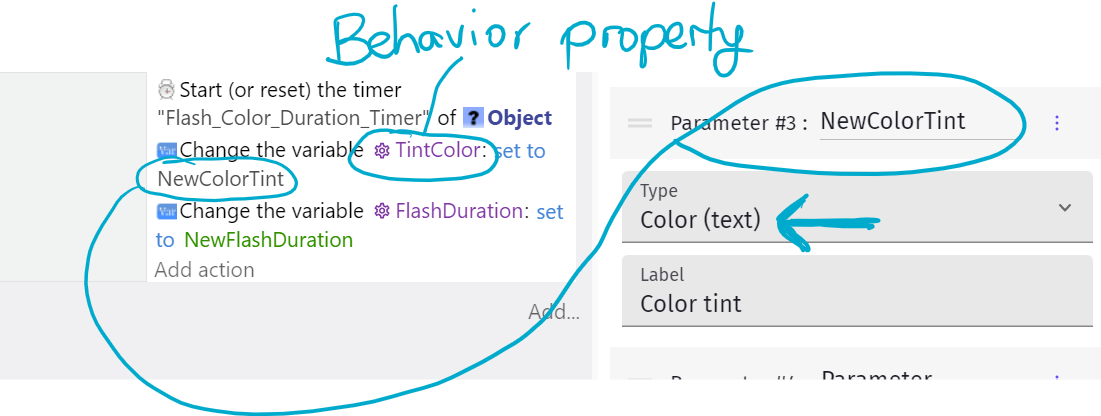
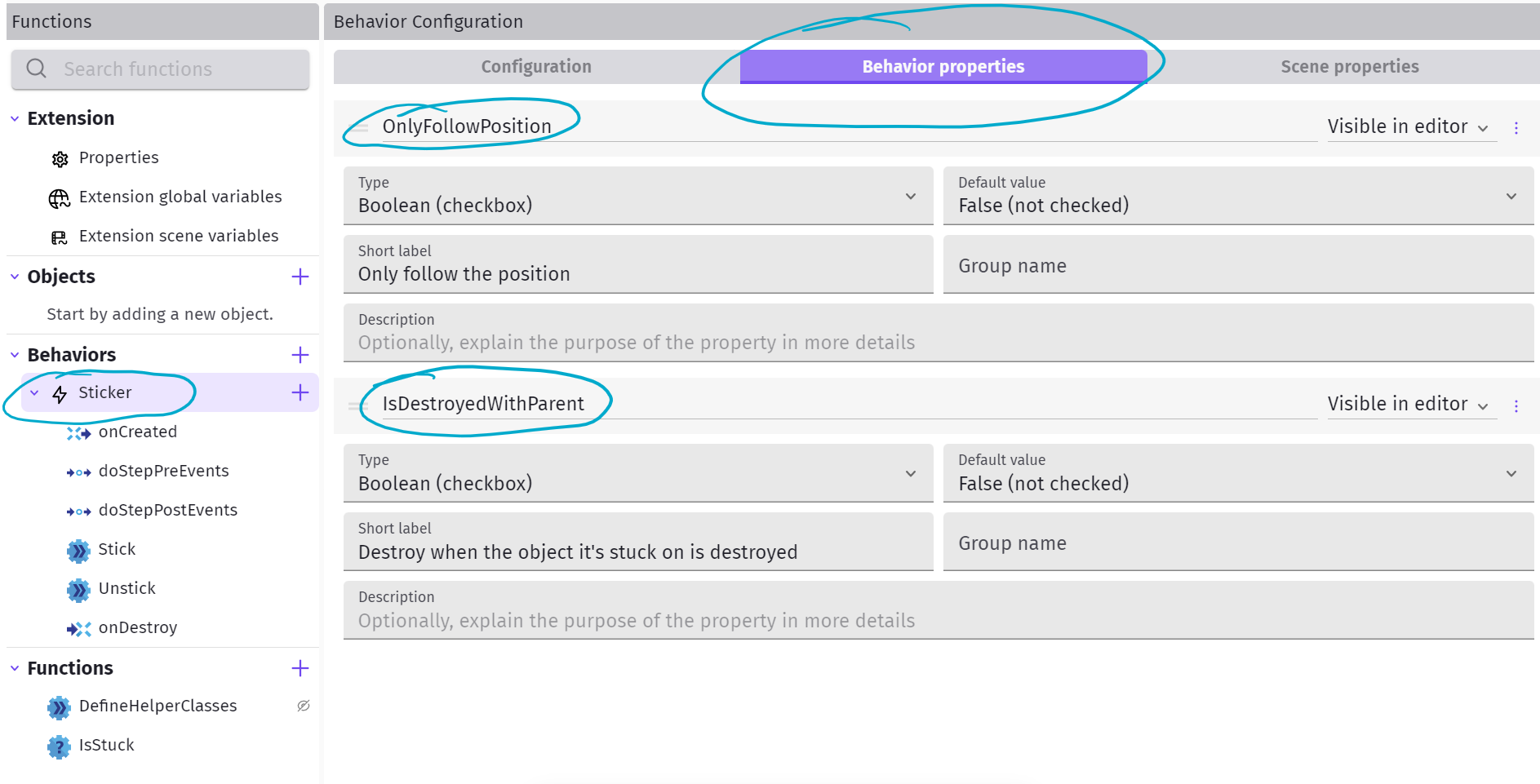
If you click on the name of your behavior, a new window will appear, one of the tabs is for Behavior Properties. This is where you’ll add your settings. Both the Sticker properties are Boolean variables.
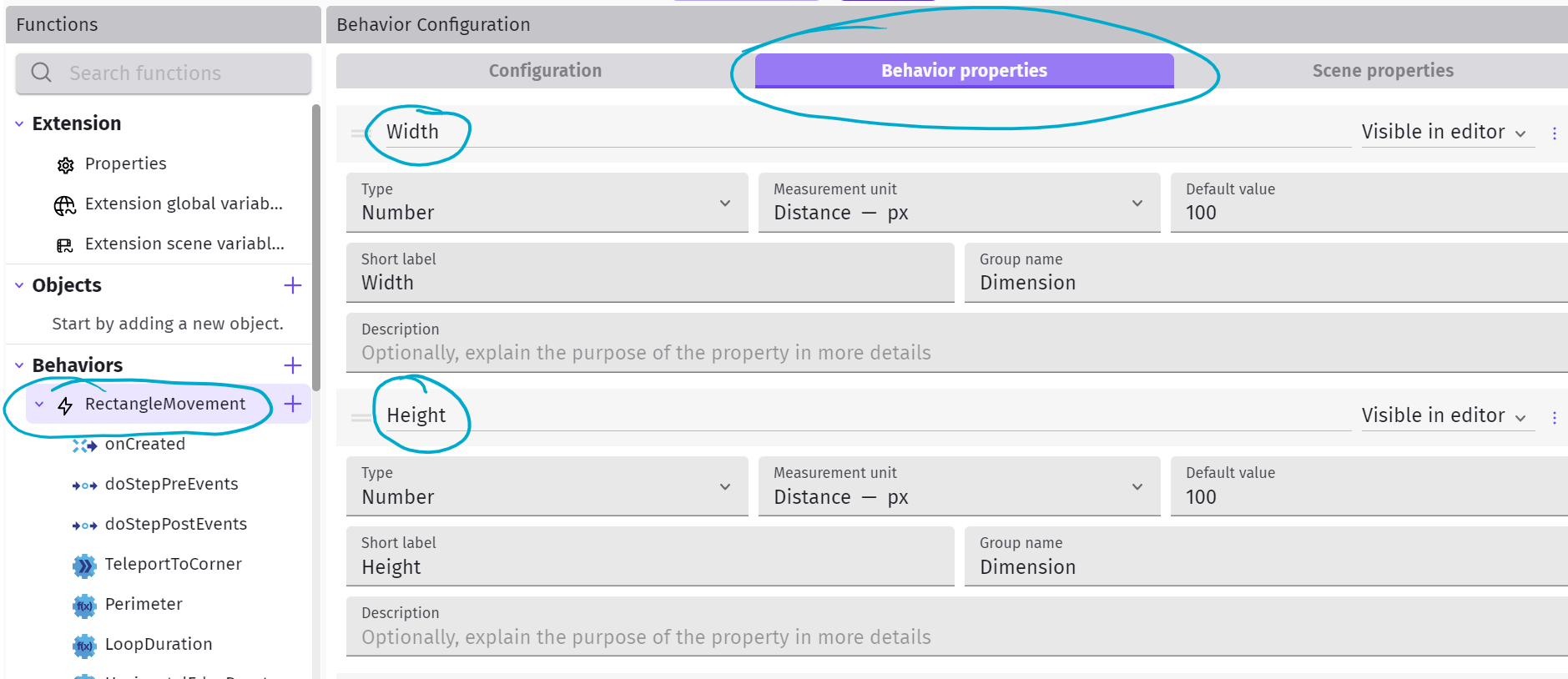
The Rectangular Movement behavior has some number properties like height and width. These properties let the user of the extension change it to what they want.
But what if you want the extension user to be able to change things dynamically in events? That’s where functions come in. You can add different kinds of functions to your behavior. How do you know which type to add? If you want the user to change settings in their event actions then you need an Action function.
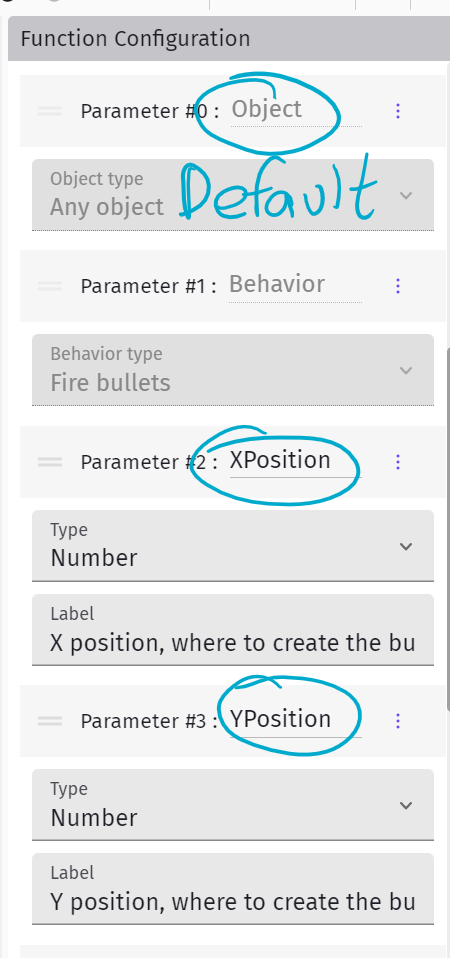
The events in the function are where you define what you want to happen for that action. The Fire Bullet behavior has a Fire function where it creates an action using x and y position, angle, speed etc. These values in a function are called parameters. Every function has a default Object parameter. This is the object that the behavior is added to. Here are some of the Fire parameters, each one has a name, type and label.
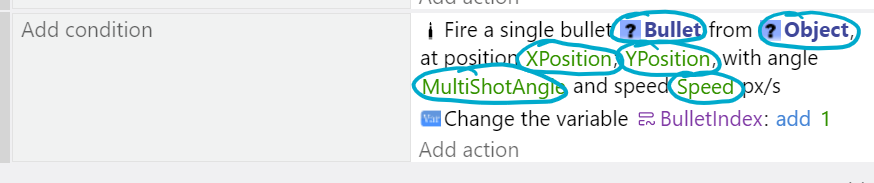
And here is an event in the Fire function using some of these parameters and others as well. All the names in the green circles are parameters.
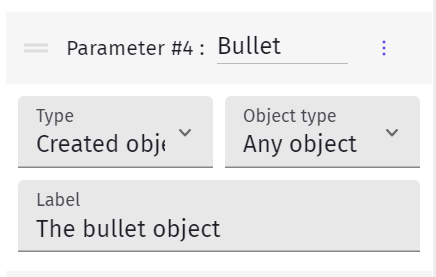
Why does the Bullet parameter look like the default Object parameter? Because it’s a parameter of type object. It’s the gun object that has the behavior but every gun needs a bullet. The parameter is how the extension user picks their Bullet object.
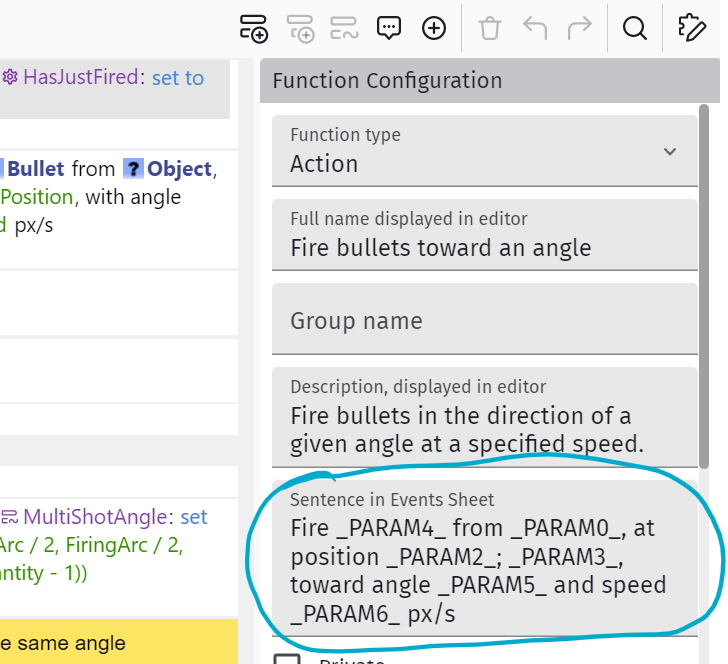
An important thing in the Function Configuration panel is the Sentence in Events Sheet section. This is the sentence the extension user sees in their event action. Even though you gave the parameters names, you need to reference them by their number in the event sentence. So, for the second parameter, XPosition, you will need to type
_PARAM2_ and make a meaningful sentence so that it makes sense in the event sheet. Here’s what the Fire parameter sentence looks like in the function and how it looks like in the scene events action.

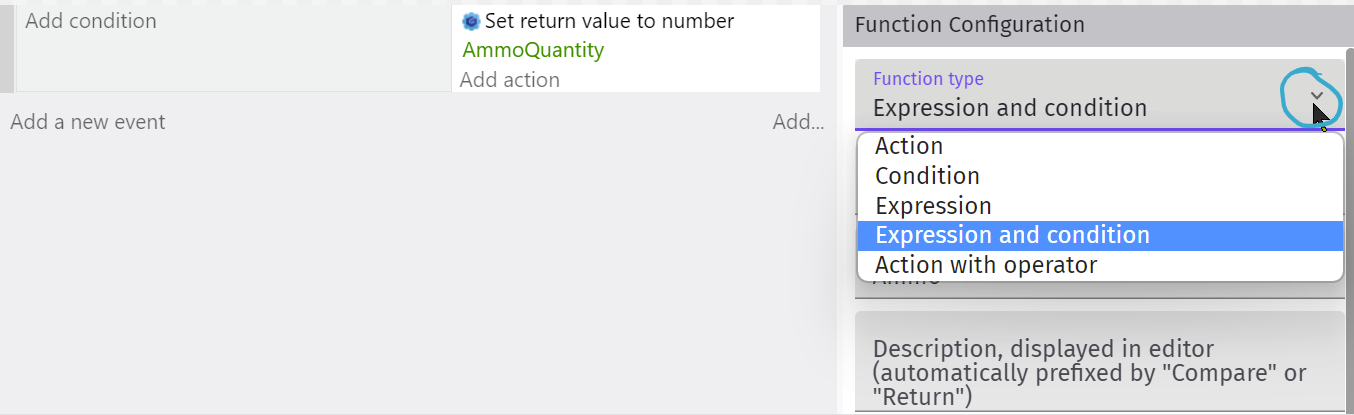
But what if you want the extension user to check something? For example, in the Fire Bullet extension, it makes sense to check if there is any ammo left. It does this with a function called IsOutOfAmmo. This function is a condition function. And because a condition checks whether something is true, you will need to have a condition. But what do you have in the action? This is where you give the function a result, is it true? To do this you go to Event functions and select Set condition return value.
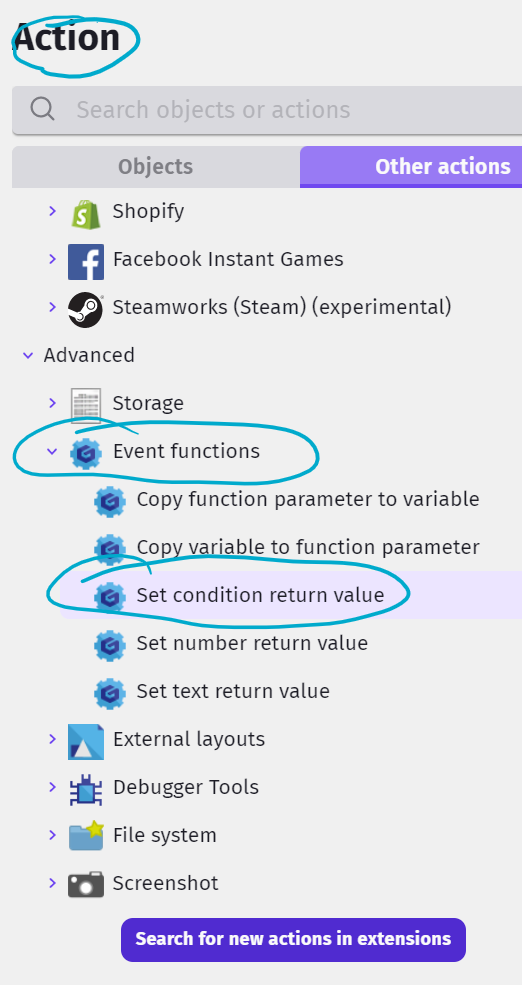
This is how it looks in the function event and how it looks in the scene events.
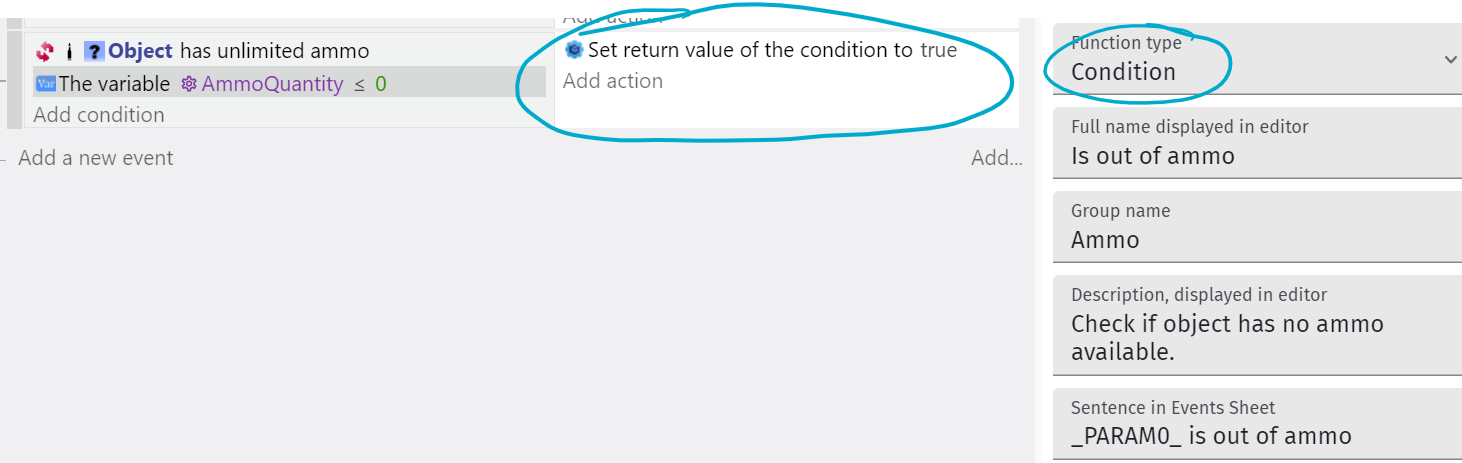

That’s it for now.
Part 1
Settings - behavior properties, event sheet parameters
Actions and condition functions
Event sheet sentences
Part 2
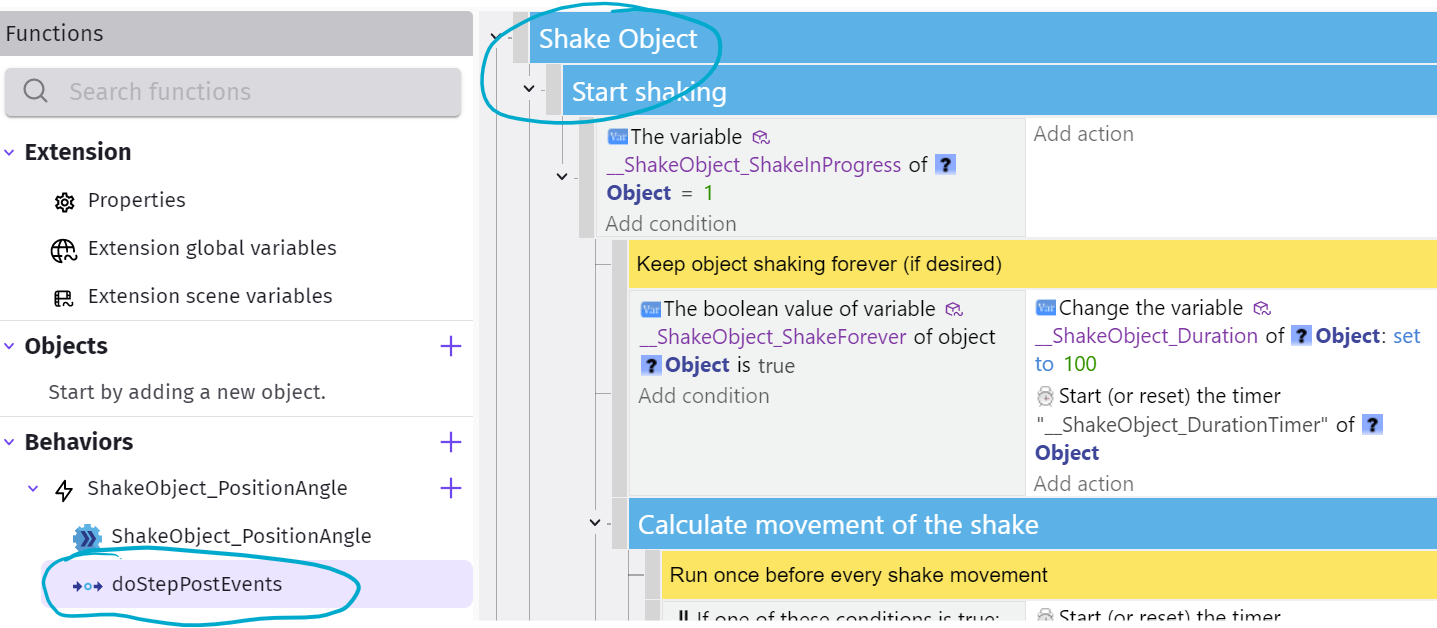
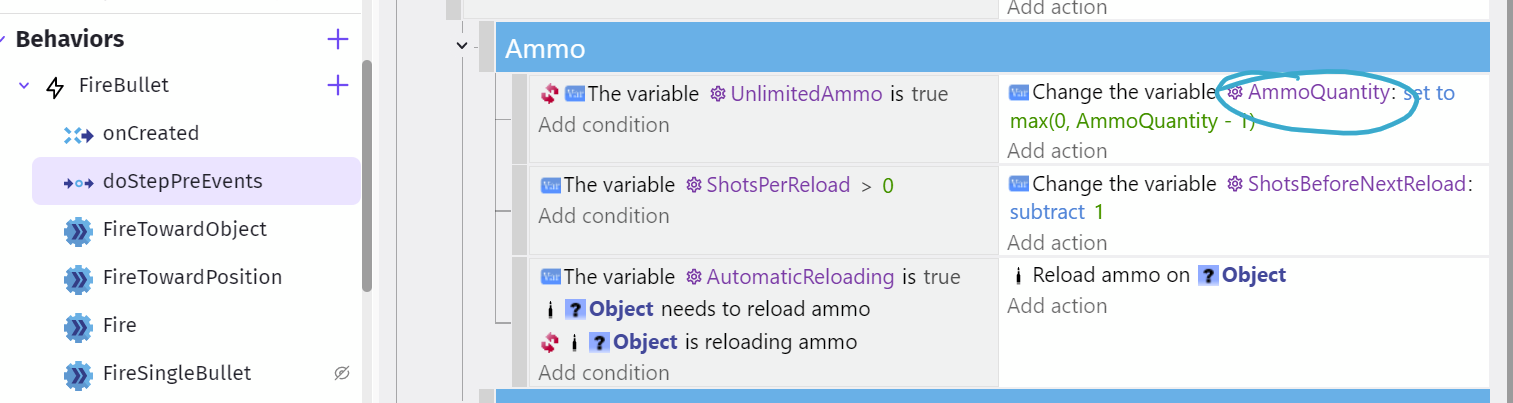
Lifecycle functions that run every frame - doStepPreEvents and doStepPostEvents
Part 3
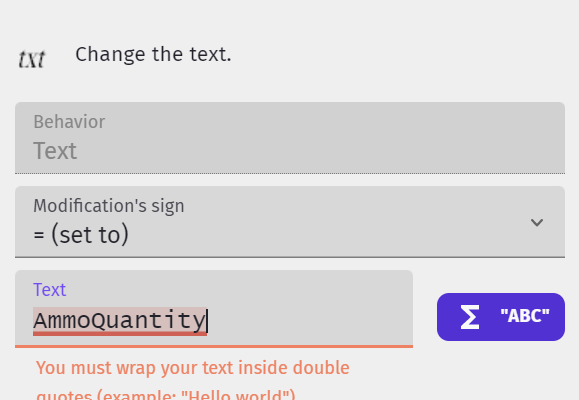
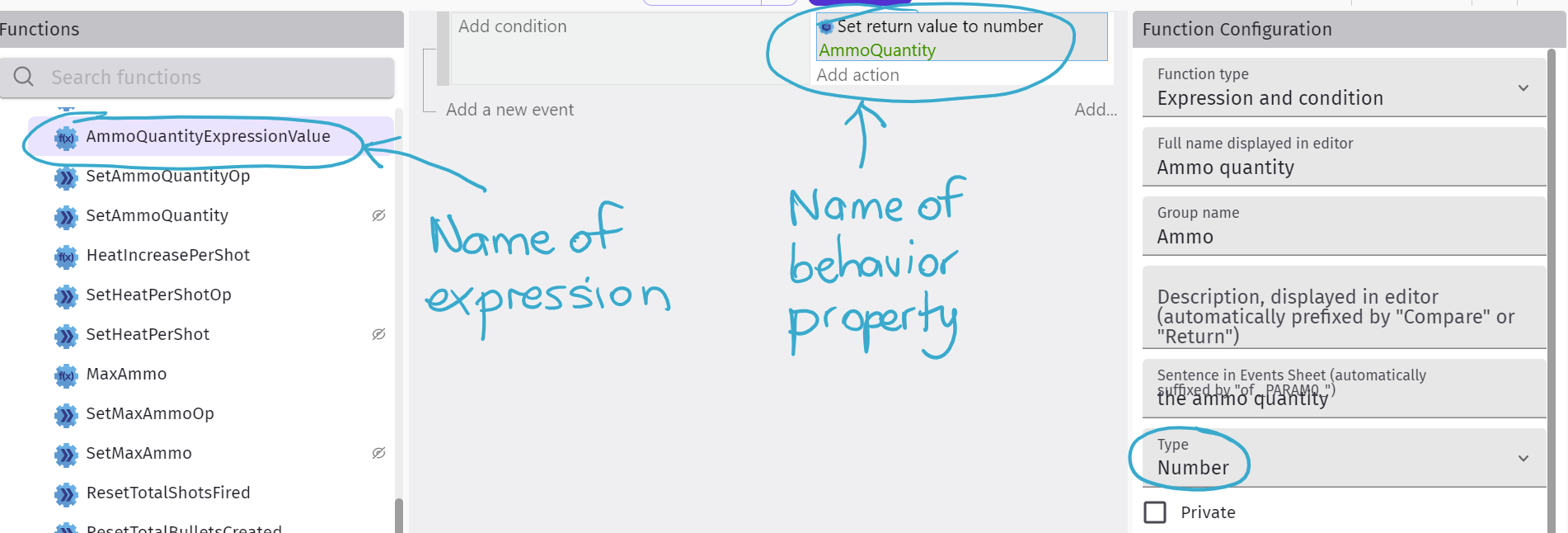
Variables and Expressions
Part 4
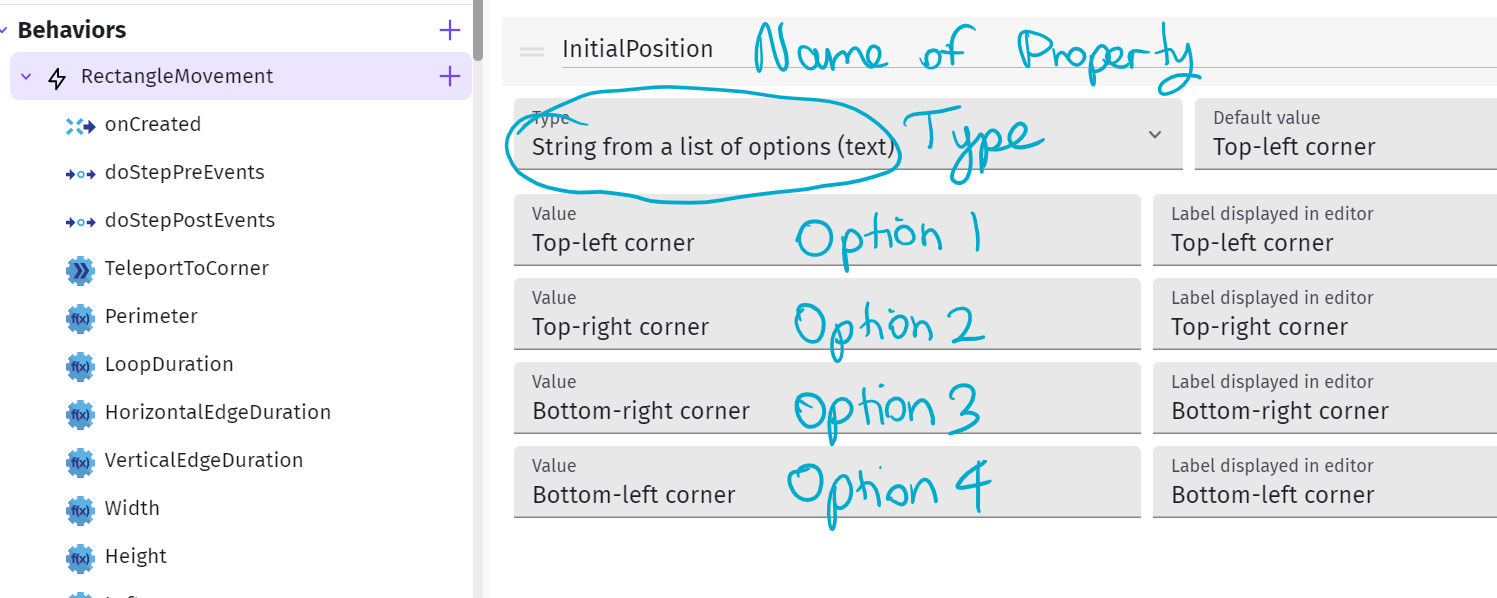
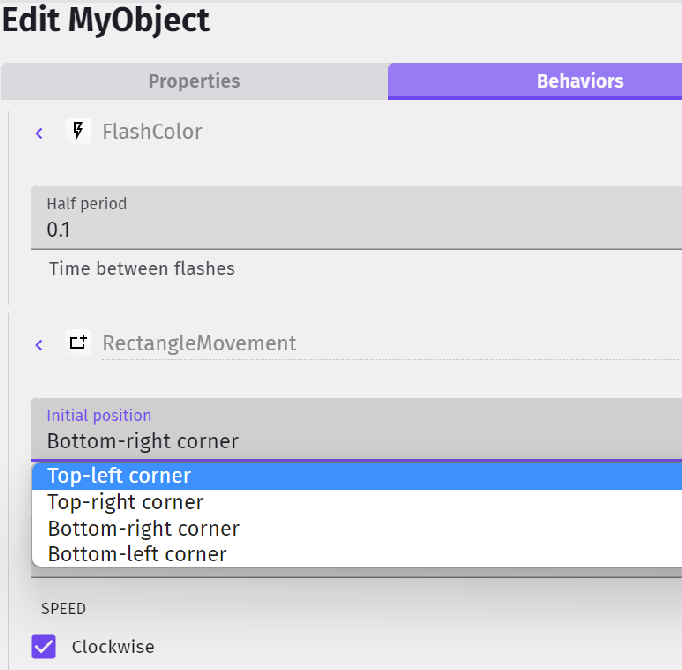
Other parameter and property types
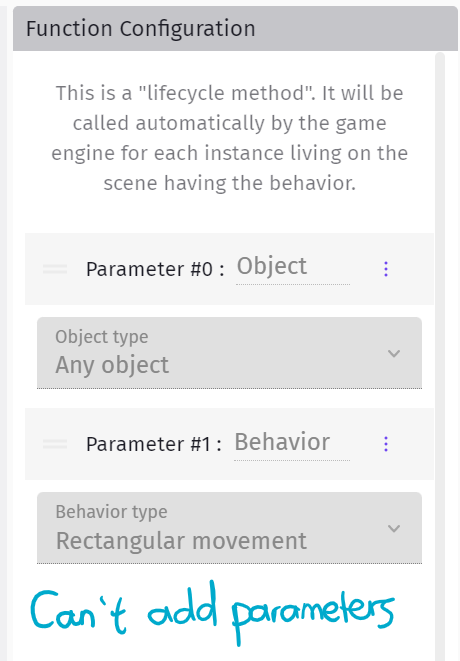
Lifecycle function limitations
Extension variables
Part 5
Functions external to a behavior
Function extensions
Shortcut functions (my name for them)
Part 6
Get your extension ready for export
Part 7
Cheat sheet