I know that you say you’re too shy to put pictures of the game up - but honestly I think that more of the regulars would have got involved here if you had - as it draws attention to it. Yesterday they were all playing with the rope thing as it looked like fun. Use a gif - get ‘screen to gif’ and use a clip less than 4mb
i tried just cloth.x and cloth.y - still doesn’t work 
i’d really appreciate if you showed me how you would do it
GD updated the variable system awhile ago. There are still tutorials and other sources that tell you to use the Variable() expressions but they’re no longer needed. You can just use the variable name.
Here’s how I would do it.
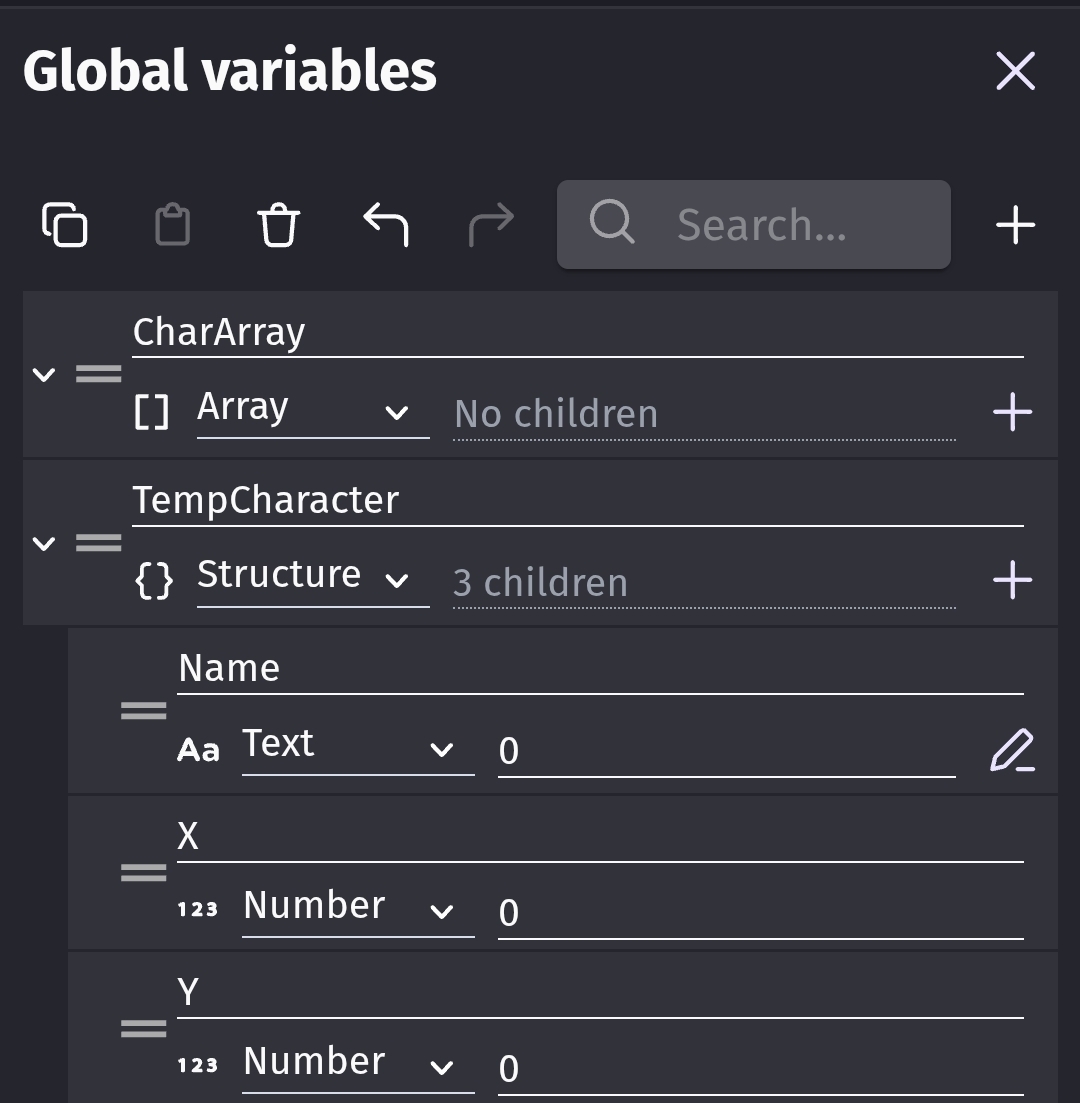
To test it, I used buttons and put the objects into a group named CharGroup. Before switching scenes trigger the save event and when the other scene begins then trigger the load event.
To save

To load

You can modify the structure to fit your needs. You can add animation name, size, color, etc…
is that for characters? cuz characters show properly in the game, the issue is with the clothes
or it’s just an example and i do the same for clothes?
either way thank you for reply!!
It can be used for whatever you want to save. Place the objects you want saved and created into the group.
If you wanted it by character, then you could use a structure of arrays or array of arrayd with the same method. I’ll create an example and add to this post.

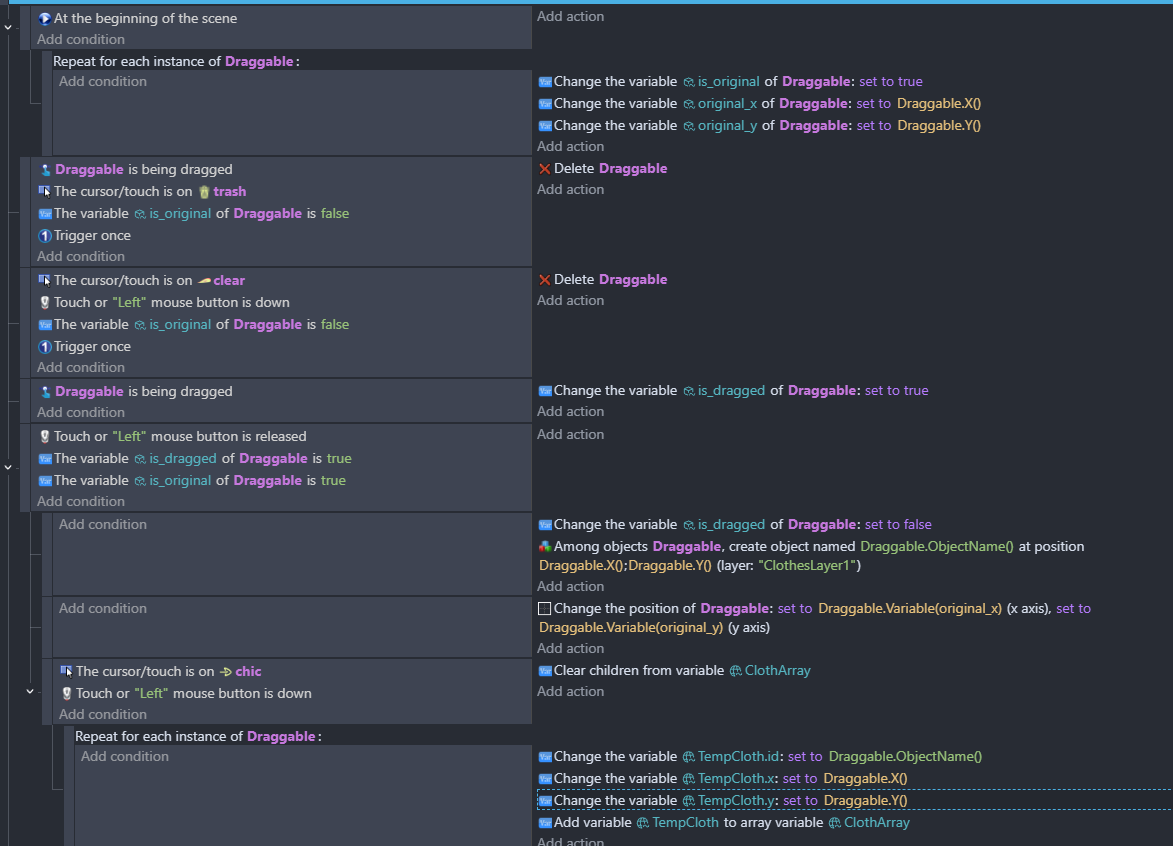

i decided to show you my game and all the events - here’s a link with the videos game - Google Drive
thank petimpet for the suggestion!
as you can see, characters properly show on display, but the clothes that i gave them in dressup - don’t
I didn’t look at the video yet.
Here is a version that uses a structure of arrays. That way each character can have their own list of objects.
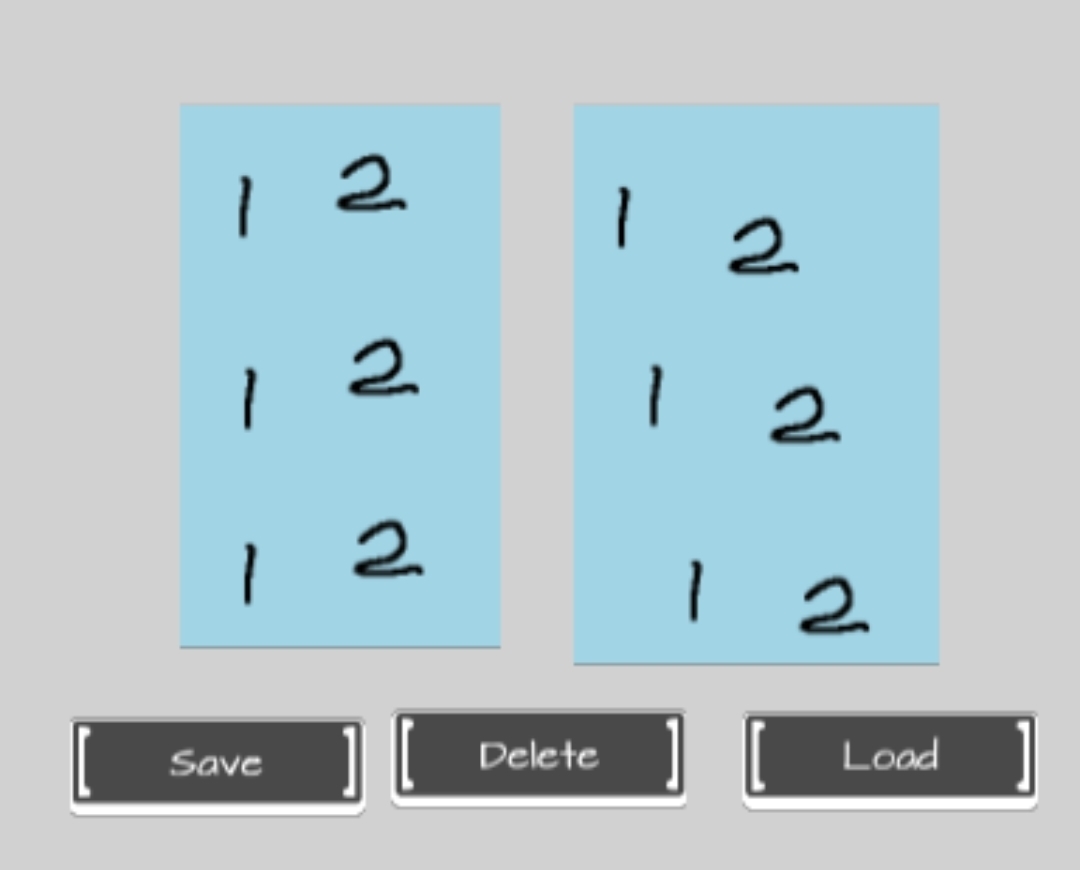
I needed a way to add multiple objects. So, I created rectangles to represent people and then used the collision between the rectangles and the clothes. The clothes are represented by 1’s and 2’s. You could save the clothes to the variable one at a time.
Here’s my scene.
Update variables
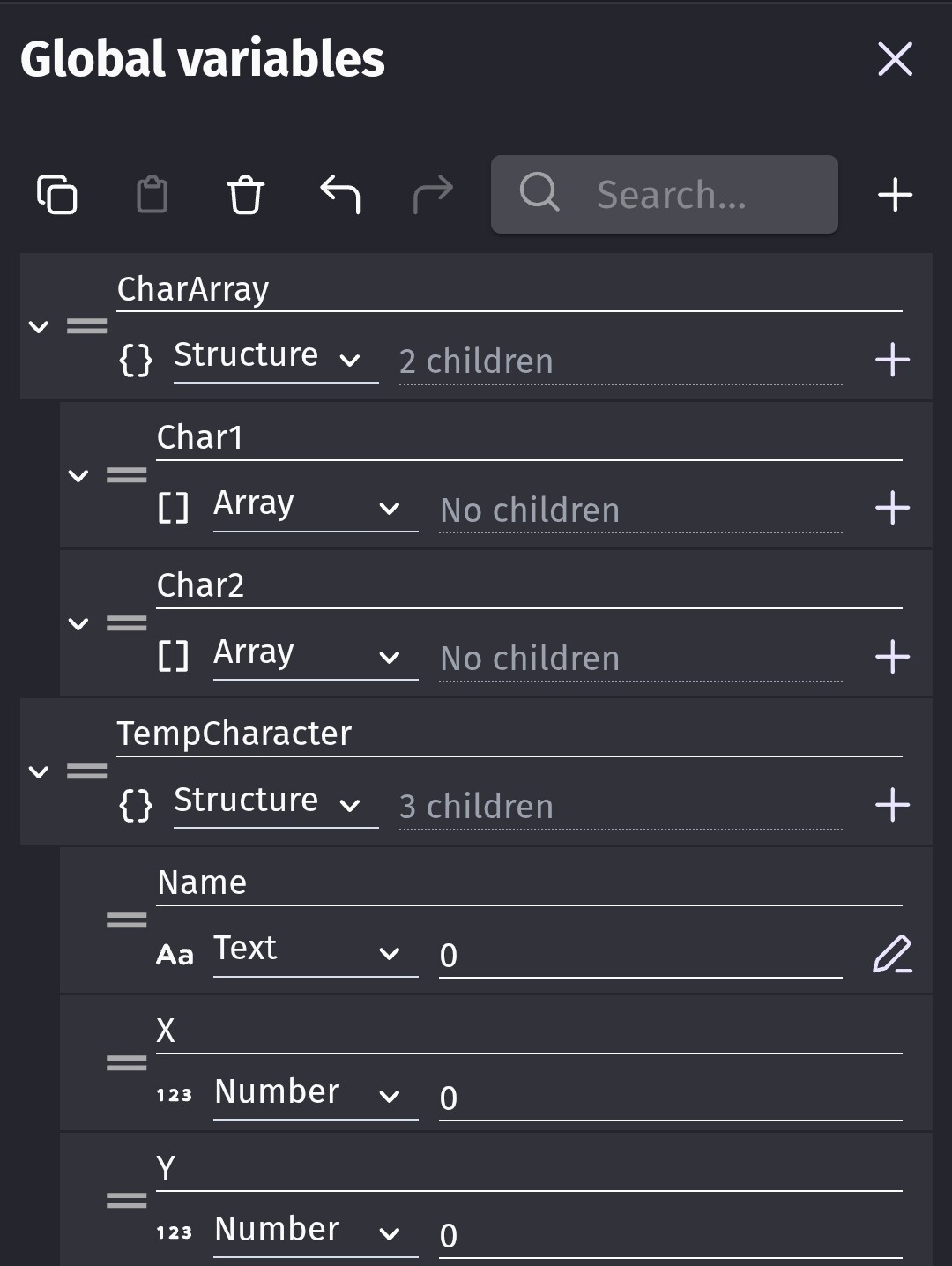
Save

Load

This is more concept than exact events that might fit your needs.
I changed the coordinates to be relative to the object instead to the scene.
i still don’t understand how to do that for the clothes
so so sorry i really tried it’s just really hard for me to understand
also - should the clothes be a global group? or is it okay that they only exist in dressup scene?
If you’re using the same objects and groups in multiple scenes then it would help if both were setup as global then you wouldn’t need to add them to every scene.
If objects are unique to only 1 scene then it can help simply things by keeping them as regular objects. It would keep the object list short.
@tegort - Alice - don’t be daunted by this. I think that it’s probably the terminology being used. Have you watched helper wesley’s vids on variables? He doesn’t go into detail but he has a cheerful manner! It’s well worth digesting the wiki documentation on the different types of variables and how and why they’re used.
I’m not confident that the way that I do things is correct - but it works for me. @Keith_1357 will know the correct way to do this and so I’m glad he’s stepped in here.
Don’t feel daunted! If you’re finding ‘structures within arrays’, ‘saving relative positions’, and ‘global this and that’ a headache - you could try something simpler using points on the character like ‘shirt’ and then once the object is dragged - it goes to Point(“shirt”)
When the objects are global - these points are the same across scenes


That’s  …
…
But no character? 1300 x and 300 y - that’s off the screen on most settinga unless you change the camera to focus on the character
in my scene, at 1300*300 character stands in the center! maybe i should change this, but how? like make it screenwidth/2 …
but that won’t make my clothes automatically be on characters right? haha
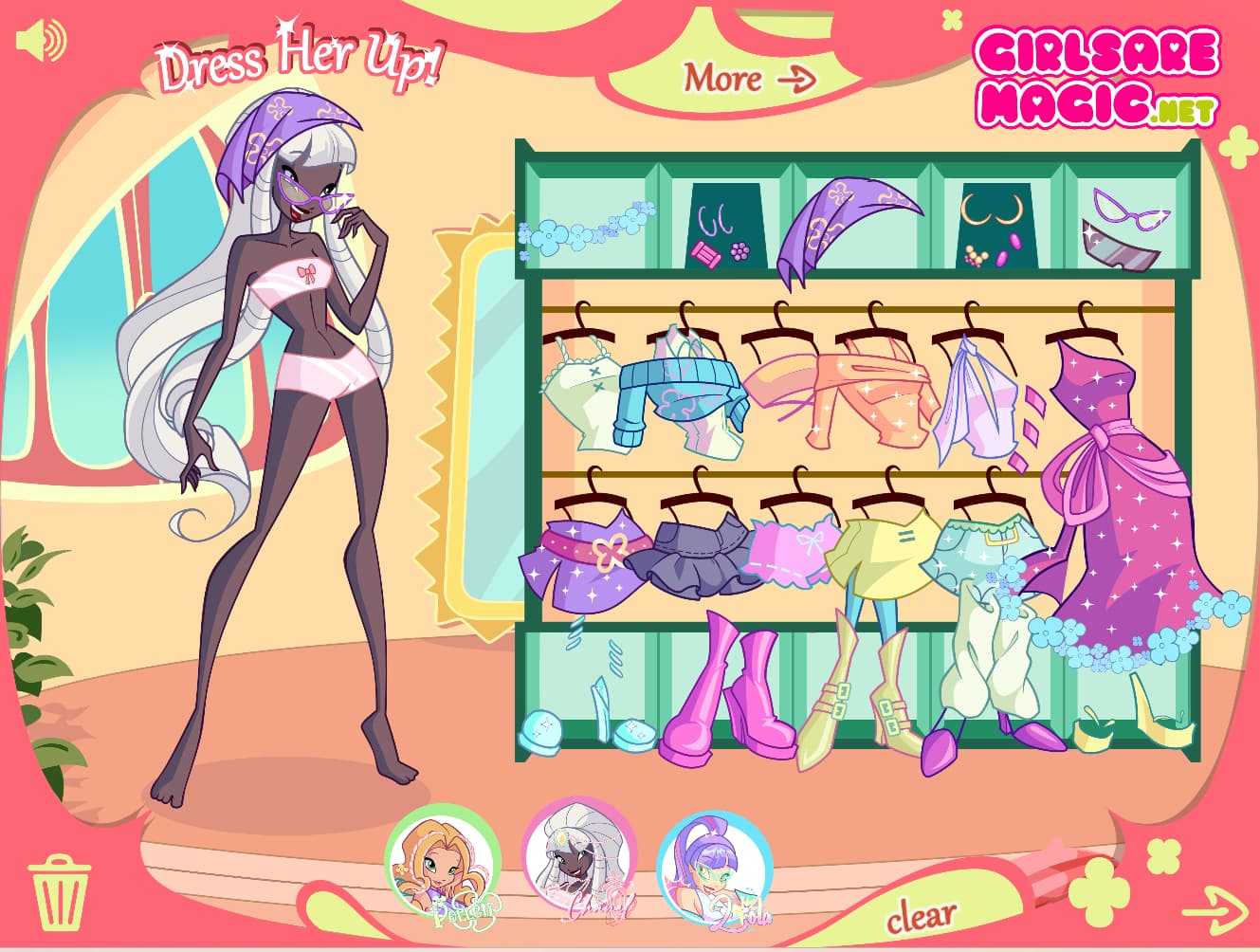

Nice! - Is the character definitely at the same x y in the display scene as it is in the creation scene? Are the right clothes being created at the right spot relative to each other?
Is it something to do with layers - characters on base layer and the clothes on ‘frame’ layer - are the settings for those different in the two scenes? Perhaps try putting everything on the same layer and see what happens?
at the creation scene there’s basically nothing - no clothes, no characters
see - on the screen they aren’t on the scene, but in objects
i don’t understand what you mean by ‘are the right clothes created at the right spot relative to each other’ - clothes don’t have a position, like you can drag them on any place on the character. its not like in usual dressup games - for example, when you drag a hat, it doesn’t automatically properly sits on head (sorryy for my poor english)
and no, i don’t think it has to do something with layers… or maybe you’re right and i’m understimating power of layers lmao
i put it in the “frame” layer since its like the highest (?) layer
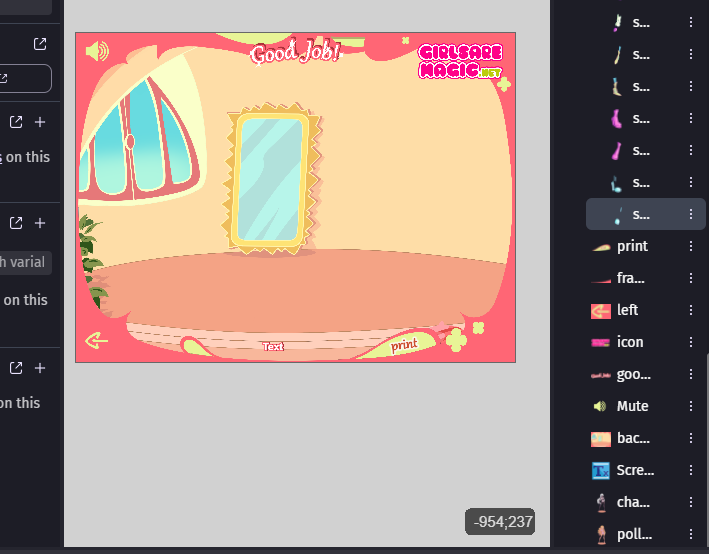
Sorry about that - I think I’m miss understanding things. its right to have them on different layers its just that sometimes when things aren’t where you expect - its a layers issue.
I’m going to re-read the whole thread tomorrow - I think I’m not fully understanding what you’re intending to do.
thank youu! somewhere at the top there’s a link to video how game is working in preview - maybe you’ll understand better
i’m sorry its really hard to explain the issues even on my mother language
don’t worry i already fixed it!!! now everything works and shows as i want to!
now i have other issue - i have multiple wardrobes and can’t manage them 
i’m trying to do that by my own now but i’ll probably need everyone’s help ahah