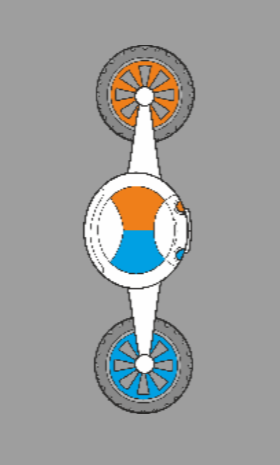
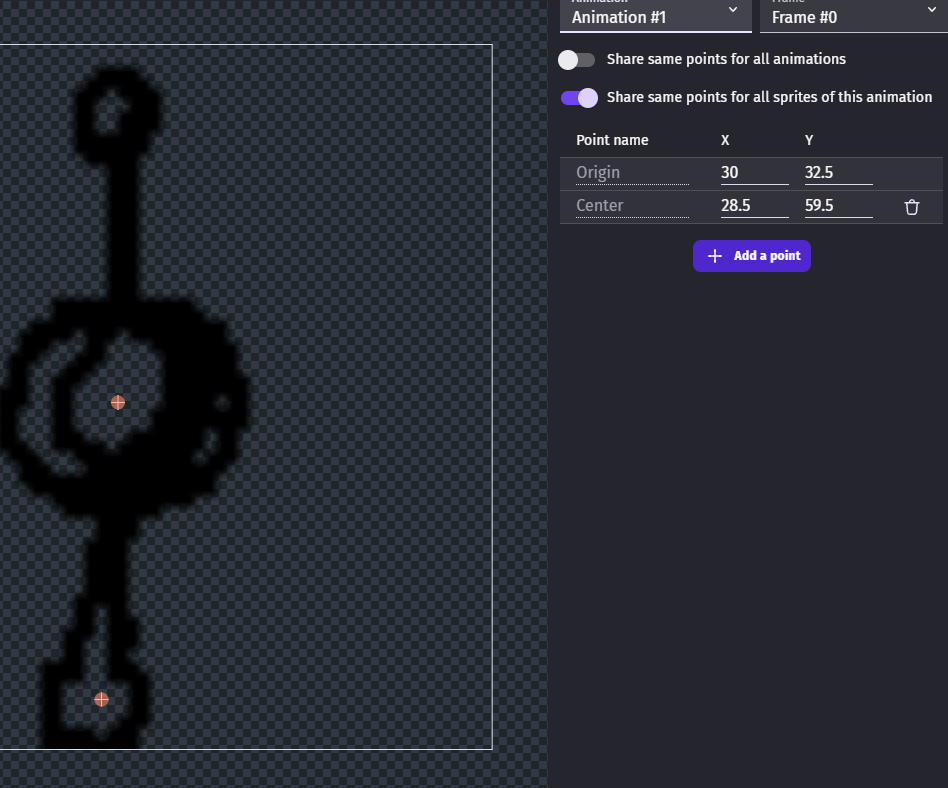
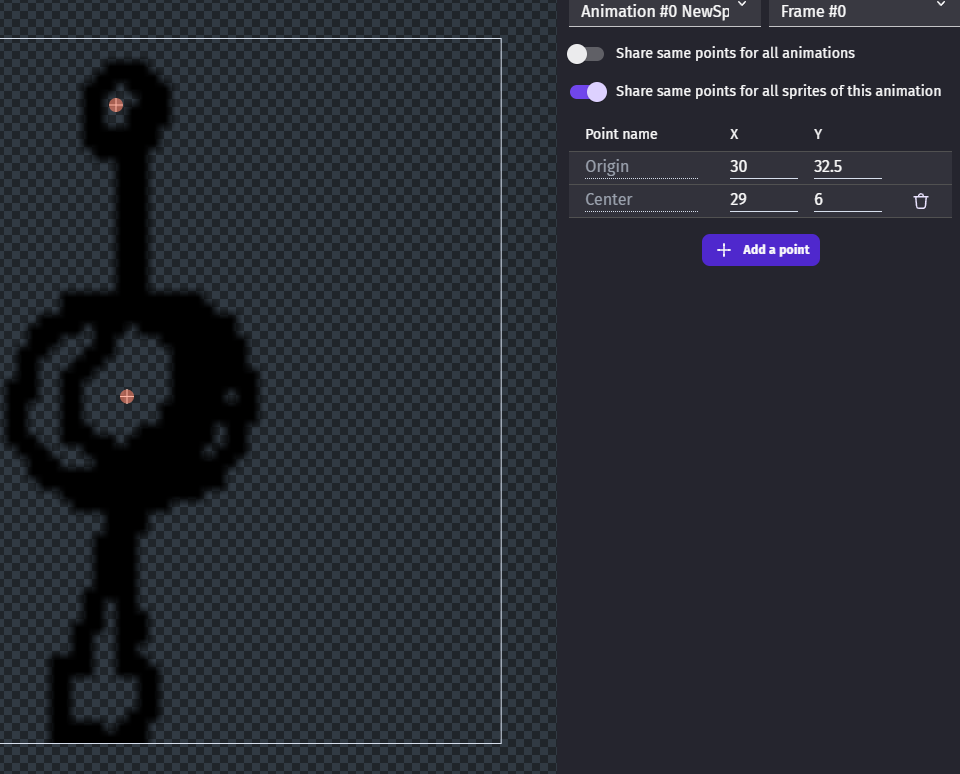
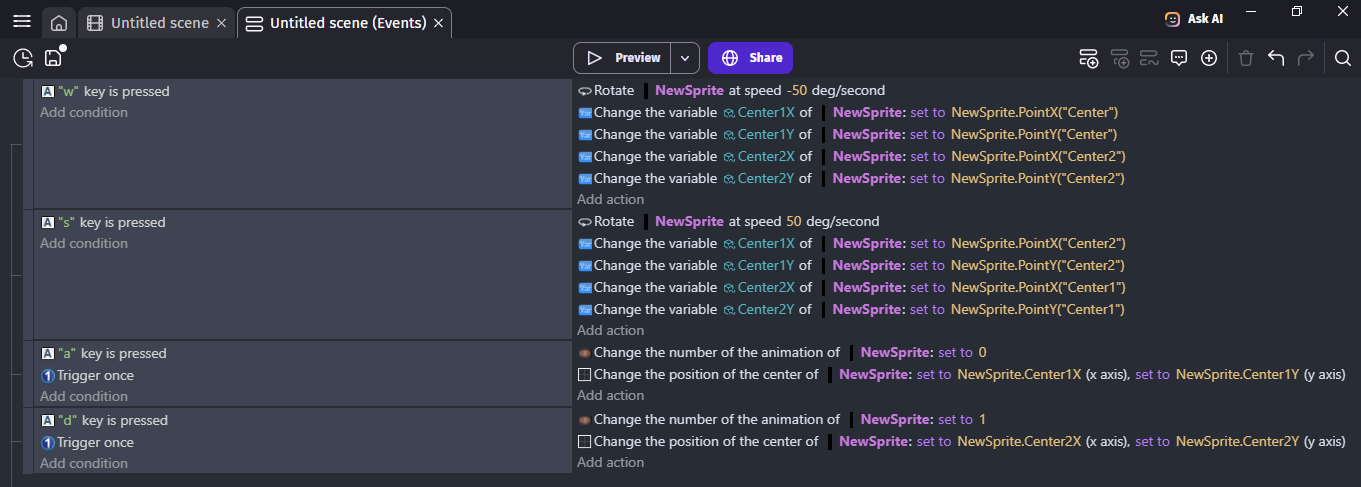
I realized that the object rotates relative to the center point. But I can only move the center point in the point editor. Is it possible to do this using events? Maybe there is an extension or a JavaScript method that allows me to change the center point.Or is there another way to implement my idea?
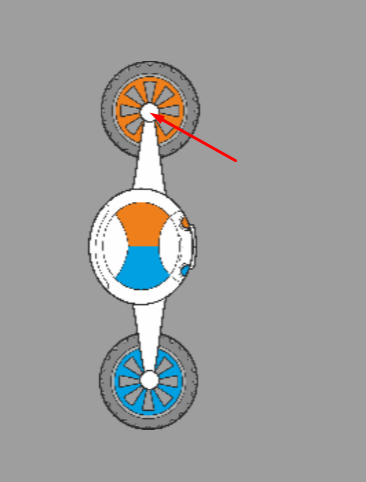
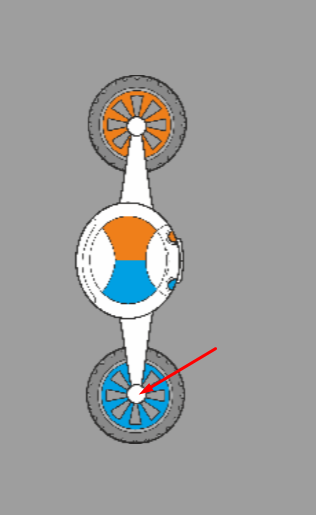
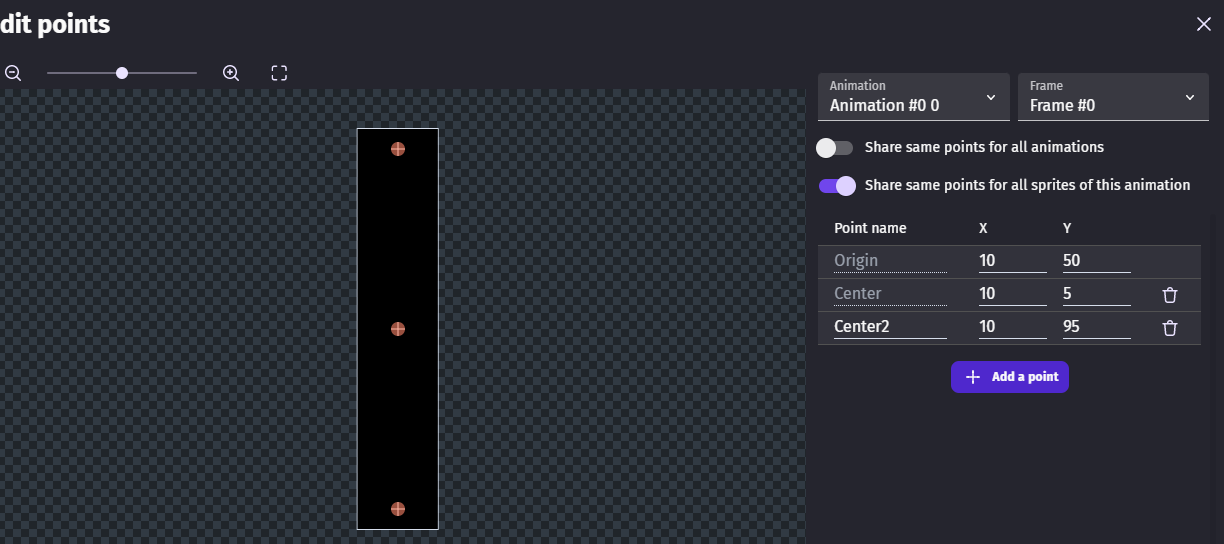
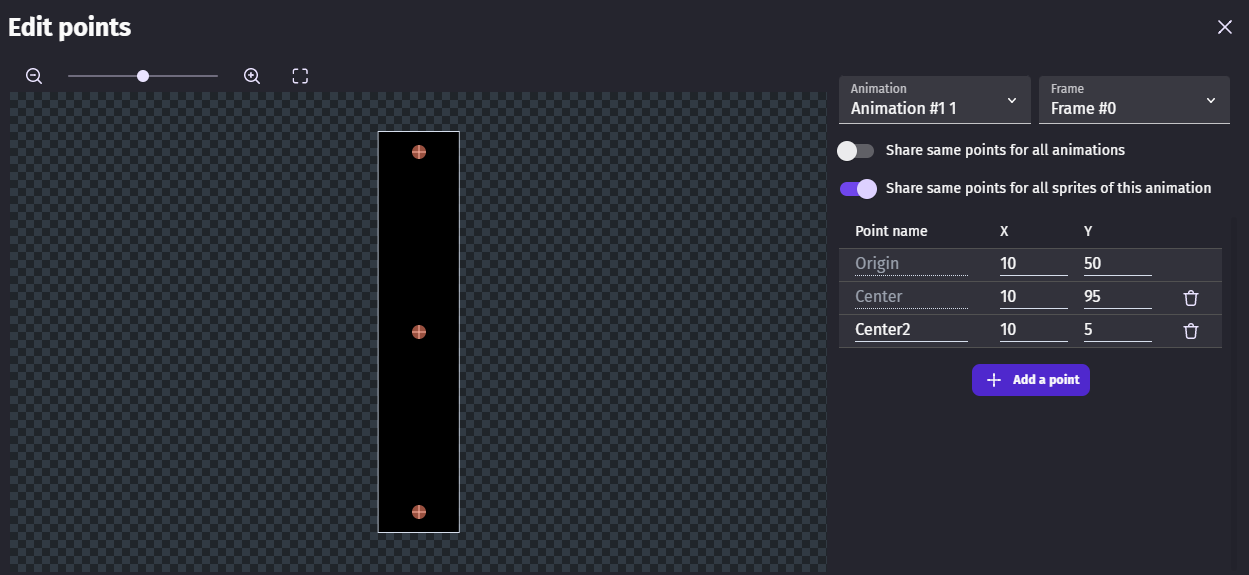
Hi - You can have different center points in different animations of the same object - i just checked. Keep the origin in the center and change ani when you want it to rotate the other way
Yes, I placed the original point in the center, just like you did. If you don’t rotate the object, the object stays in the same place when you change the animation, but if you rotate it, the object changes its location when you change the animation.
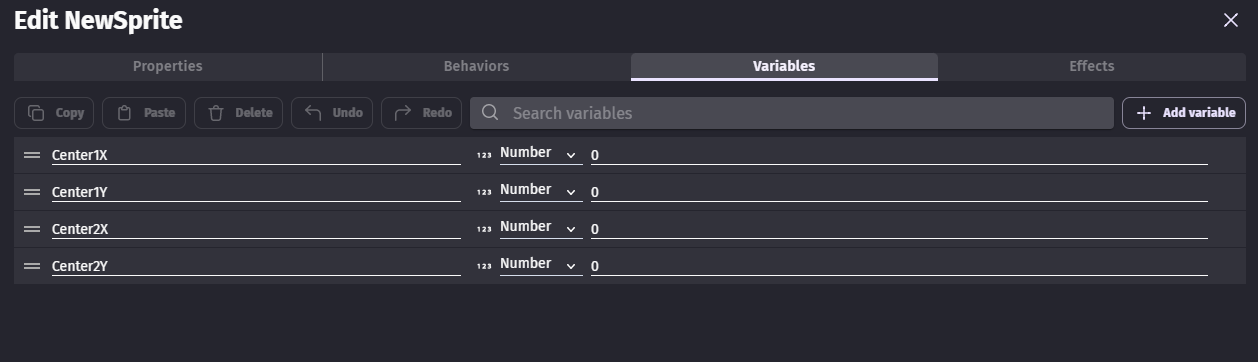
I like your solution! - I think you might be able to refer to the custom points directly in the change centre event rather than use a variable. Thinking back now - I had a similar problem when i had a collection of hinged stones - I can’t remember the solution that i used though! - all the best with it!