Hi how do I add a pixelate effect to a 3d game like those horror games where like it is 3d but the filter kind of like pixelates the camera.
What is the expected result.
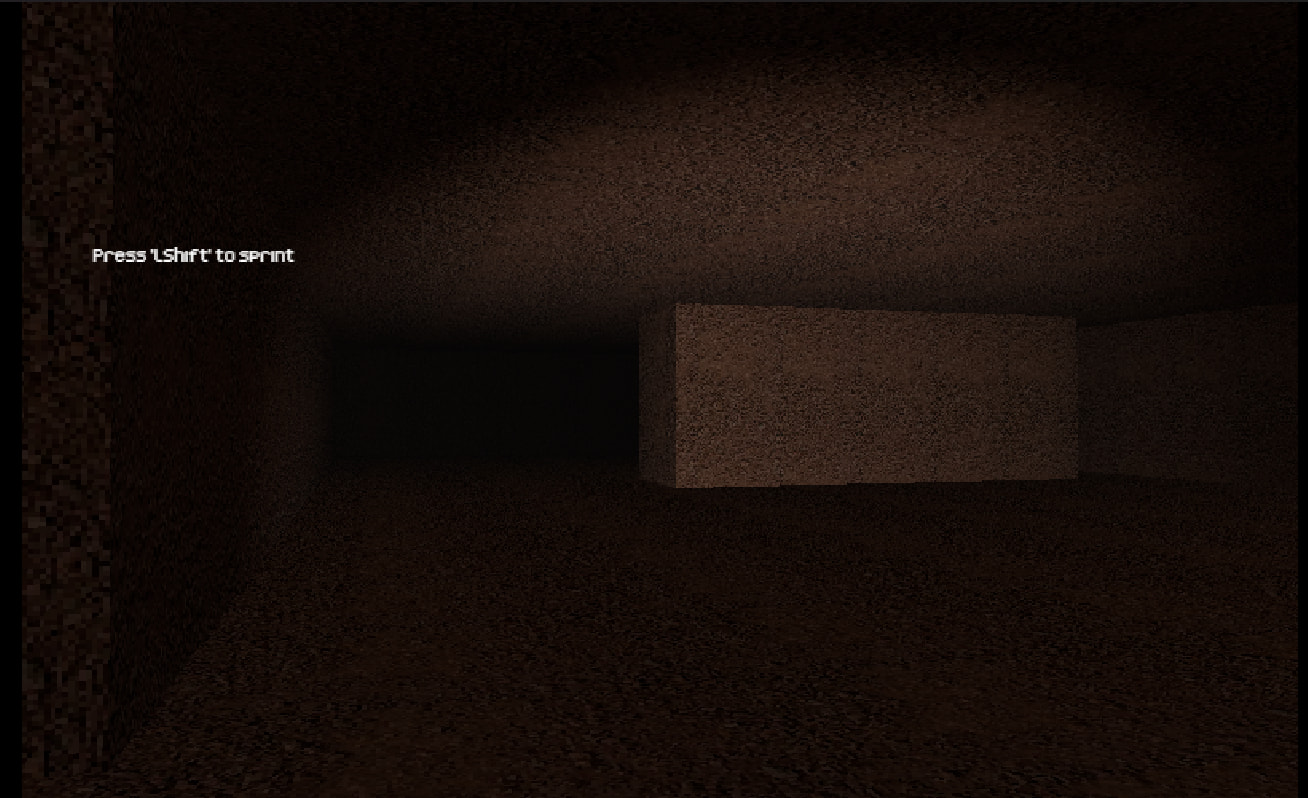
alright so with the result i want the game to be like those horror games that have a pixelated affect so when i move the player and camera all the items are 3d and smooth but the camera is pixelated so like my view i also want it black and white.
What is the actual result
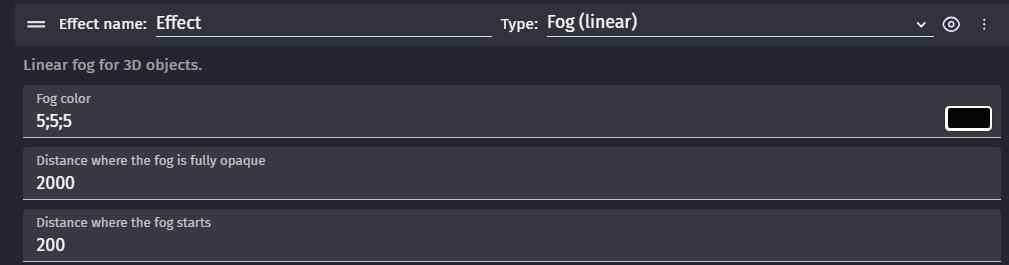
what is happening right now is when i add it to the base layer it does absolutely nothing and i dont know how to access the camera.
Wow thanks so this was actually my first thought but the problem is i don’t know how to like make the game only for pc since the mobile control area zooms in to much on the camera so ill use what you have used but the only thing i need help with is the mobile controls since the game is only for pc no mobile so if you can show me some pics and how to do it that would be great but thank yuo so much for the help with the pixelation i am so thrilled now:DDDDDDDDDDD
That effect is often referred to as “film grain”. It is a post processing effect usually. And/or handled by shaders. And I do not believe gdevelop has anyway to it or even current extensions.
However this forum post has someone who has create a custom extension that adds a bunch of post processing stuff
Here is the github
The only way I can I think of doing it Gdevelop right now with no code and no custom extensions or anything is adding a Seamless Texture that tiles over your entire scene. Then you will need to animate it. Then you can use gdevelop logic to format it and size it your screen , animate it and call it every frame
Here is my javascript code I usually start with for mouse/camera controls. It is setup to be 3rd person not 1st person but you can tweak the settings to get whatever camnera view you want.
const player = runtimeScene.getObjects("Player3dModel")\[0\];

if (!player) return;


const camera = player.getBehavior("ThirdPersonCamera");

if (!camera) return;


const vars = runtimeScene.getVariables();


// Always initialize once.

if (!vars.has("CamInit")) {

    vars.get("CamInit").setBoolean(true);


    vars.get("CamRot").setNumber(0);

    vars.get("CamElev").setNumber(20);


    vars.get("TargetDist").setNumber(500);

    vars.get("CurrentDist").setNumber(500);


    vars.get("PrevMouseX").setNumber(0);

    vars.get("PrevMouseY").setNumber(0);


    vars.get("Dragging").setBoolean(false);


    vars.get("RotationSensitivity").setNumber(0.09);

    vars.get("ElevationSensitivity").setNumber(0.25);

}


// One shared gate for all gameplay mouse control.

const uiOwnsMouse =

    vars.get("ControlsMenuOpen").getAsBoolean() ||

    vars.get("WaitingForKey").getAsString() !== "";


if (uiOwnsMouse) {

    vars.get("Dragging").setBoolean(false);

return;

}


const input = runtimeScene.getGame().getInputManager();


const mouseX = input.getMouseX();

const mouseY = input.getMouseY();


const leftPressed =

    gdjs.evtTools.input.isMouseButtonPressed(

        runtimeScene,

"Left"

);


if (leftPressed) {

if (!vars.get("Dragging").getAsBoolean()) {

        vars.get("Dragging").setBoolean(true);

        vars.get("PrevMouseX").setNumber(mouseX);

        vars.get("PrevMouseY").setNumber(mouseY);

} else {

const dx =

            mouseX - vars.get("PrevMouseX").getAsNumber();

const dy =

            mouseY - vars.get("PrevMouseY").getAsNumber();


let rot = vars.get("CamRot").getAsNumber();

let elev = vars.get("CamElev").getAsNumber();


        rot += dx \* vars.get("RotationSensitivity").getAsNumber();

        elev -= dy \* vars.get("ElevationSensitivity").getAsNumber();


if (elev > 80) elev = 80;

if (elev < 0) elev = 0;


        vars.get("CamRot").setNumber(rot);

        vars.get("CamElev").setNumber(elev);


        camera.SetRotationAngleOffset(rot);

        camera.SetElevationAngleOffset(elev);


        vars.get("PrevMouseX").setNumber(mouseX);

        vars.get("PrevMouseY").setNumber(mouseY);

}

} else {

    vars.get("Dragging").setBoolean(false);

}


const wheel =

    gdjs.evtTools.input.getMouseWheelDelta(runtimeScene);


if (wheel !== 0) {

let target = vars.get("TargetDist").getAsNumber();


    target -= wheel \* 1;


if (target < 100) target = 100;

if (target > 1500) target = 1500;


    vars.get("TargetDist").setNumber(target);

}


let current = vars.get("CurrentDist").getAsNumber();

const target = vars.get("TargetDist").getAsNumber();


current += (target - current) \* 0.20;


vars.get("CurrentDist").setNumber(current);

camera.SetDistance(current);
Alright thanks i dont use gifthub but think it will be cool to have i did just get a way where a dont have to download additional stuff by using except advance lighting i think ill use it thanks
The typical proper way to do it is a film grain shader. The film grain shader adds noise think of old B movie horror flicks.
The issue is by default gdevelop doesn’t have that shader . So you of you want the true film grain you need to hope:
someone has created a custom shader extension.
Be good at JavaScript and create a custom shader
Paid llm like chat gpt or Claude could probably create one for you but you need to still know some stuff to guide it
The other way to do it aka pseudo film grain is you need a seamless texture of the film grain noise. Then about 6-8 different frames of the film grain noise to animate it.
You would just add that 3d sprite or 2d depending on your game over the entire scene. Use events to cycle the animation and boom your scene has film grain
But you would either need to find this free asset somewhere out online, find a paid asset or create the seamless asset texture yourself. .
Now chat gpt if prompted correctly can in fact create seamless textures.
1a.) Use this exact ai prompt:
Create a seamless texture on all sides of [material name], Albedo
In your case the material would be (film grain noise). Now you will have to try msnt versions and might need to add a % to it like (film grain noise 35%) or whatever till you get the effect you are after. And the non noise part has to also be transparent.
Besides that you probably have to layer default gdevelop effects to get something close to your desired effect but it’s not going to be real fim grain.
I might give creating an extension a crack. I’ll try to create a film grain shader extension in JavaScript. Pretty sure I could do it in straight JavaScript since gdevelop is sitting on three.js 3d engine. But I don’t know enough about the gdevelop extension system from a creation standpoint. I’ll try and research it.
Right now honest film grain is either a difficult task or a very tedious task. Not ideal either way