How do I…
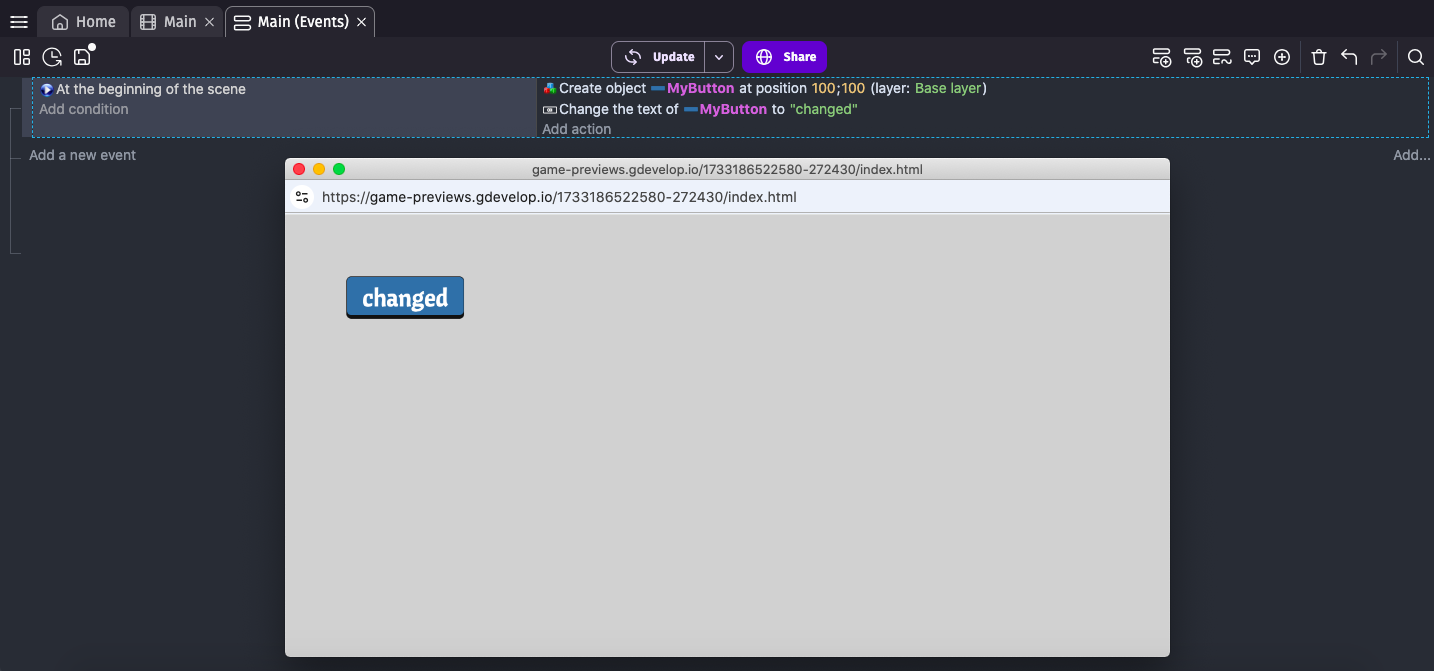
How do I change the text of a button after creation?
I can change the size but not successful with the text.

What is the expected result
I would expect the button text to be updated.
What is the actual result
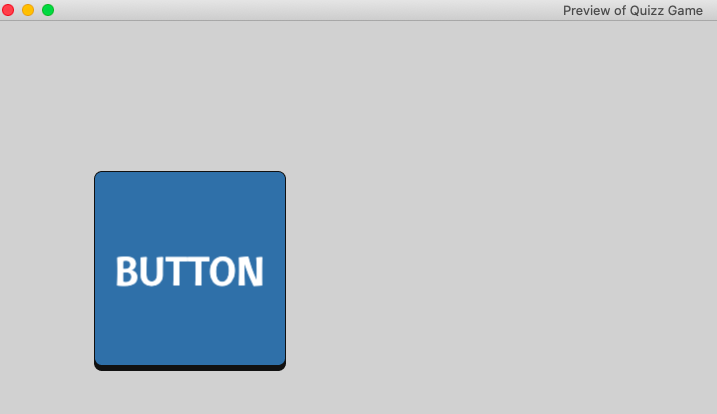
The button text is empty.
How do I change the text of a button after creation?
I can change the size but not successful with the text.
I would expect the button text to be updated.
The button text is empty.
If you don’t modify the text via actions, is there text on the button when you run it?
Can you try it with the online editor? If it works, then raise it as a bug.
Any chance that the text might be “under” the square and hide…?
Ok. Raise it as a bug, specify it’s on iOS and use your test project as an example.
Done.
Issue has been identified with the/my Panel Sprite Button.
Re-installed the Panel Sprite Button, and it’s working now.
I did not made any change to the Panel Sprite Button, that I know off, but I’m a newbie to Gdevelop so … might have clicked at the wrong place.
Thanks everyone.