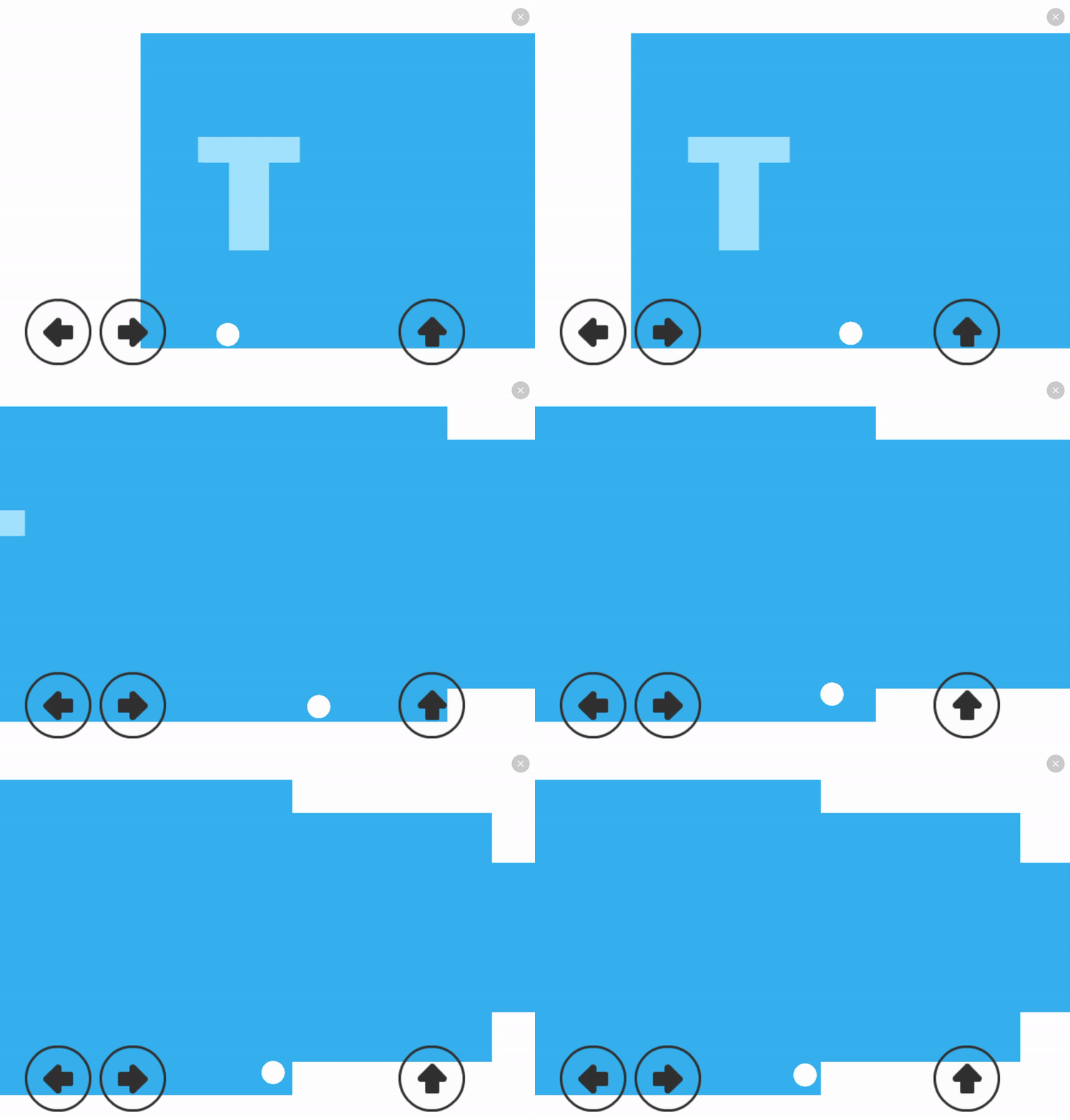
I am in the progress of making a game similar to Phases, a 2D platform game where players control a little ball of light and must overcome all the obstacles that come their way.
I have just started making progress on the game a few days ago and right now I am doing some work on the tutorial level for the game, I have managed to create the ball that the player will control along with the buttons to control said ball.
This is how it looks like right now:
Is there anyway to add a tap and hold touchscreen mechanic to control the ball?
And is there anyway I could get the ball to bounce properly?
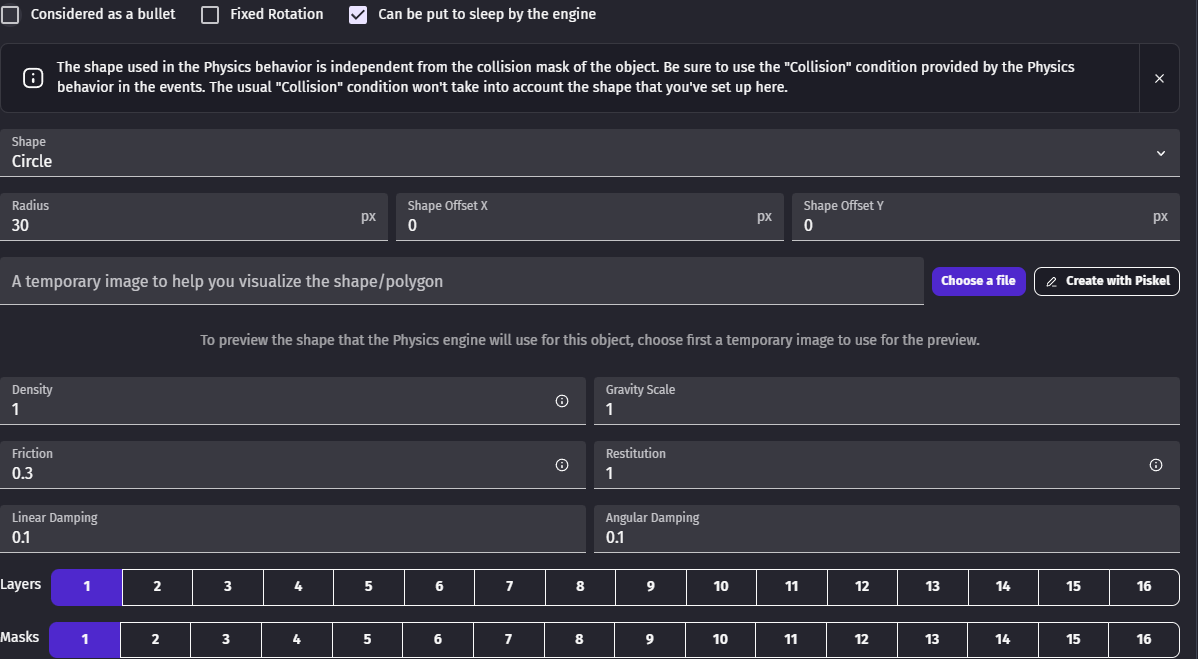
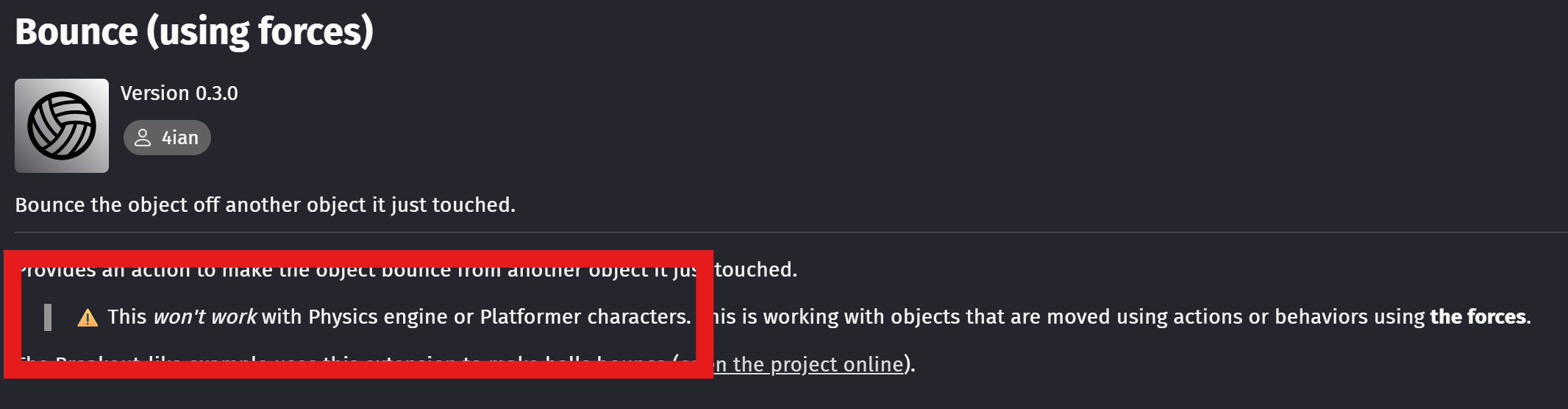
for the actions of the Ball Sprite I added a permanent force with the angle between 0 and 359 degrees and 100 pixels in length, I then added a Bounce Behaviour to the Sprite along with the 2D Physics, Smooth Camera and Top Down Movement Behaviours, I had also added the 2-D physics behaviour to the platform for the ball to bounce on.
I later used the 3 arrow buttons to control the ball, I could show you some photo examples of them if you like.
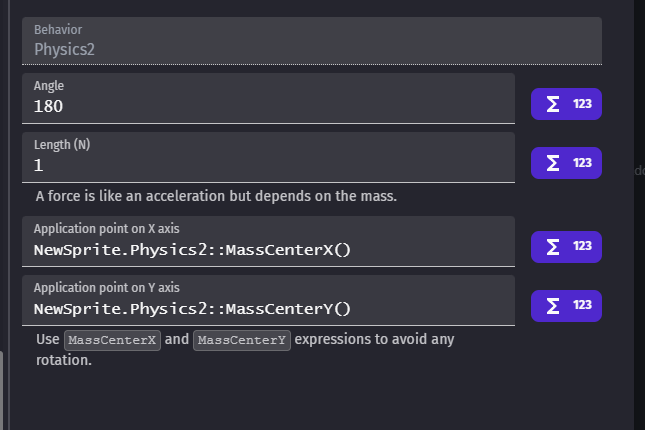
ahh that’s why its wobbling about in a weird way. Do you want it to do that? Do you really want a permanent force on it? It’s generally frowned upon mixing the old physics action with physics2 behaviour. I just sent it 180 degrees when pressing left and 0 when pressing right.
you need to do it at object.masscenterx() and object.masscentery()
Hi Yes - i don’t think you need a permanent force. The ball already has a permanent force with physics 2 - you just need to add a gentle push in the direction you want it to go in. So 0 degrees is right and 180 or -180 is left.