Hello! I was just wondering how would I make a circle transition effect like the one in the gif? I want to have the game scene contained inside of the white area. Thanks!
Hello! I was just wondering how would I make a circle transition effect like the one in the gif? I want to have the game scene contained inside of the white area. Thanks!
Use the shape painter command to draw a circle then a tween to increase its size.
https://wiki.gdevelop.io/gdevelop5/objects/shape_painter/#draw-a-shape-using-events
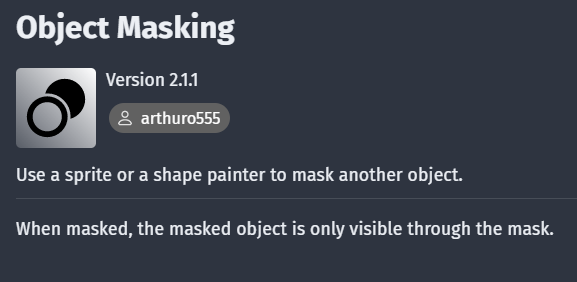
If you mean the circle transition is revealing the scene, then what AquaEcho wrote + the “object masking” extension.
There are quite a few ways to do this.
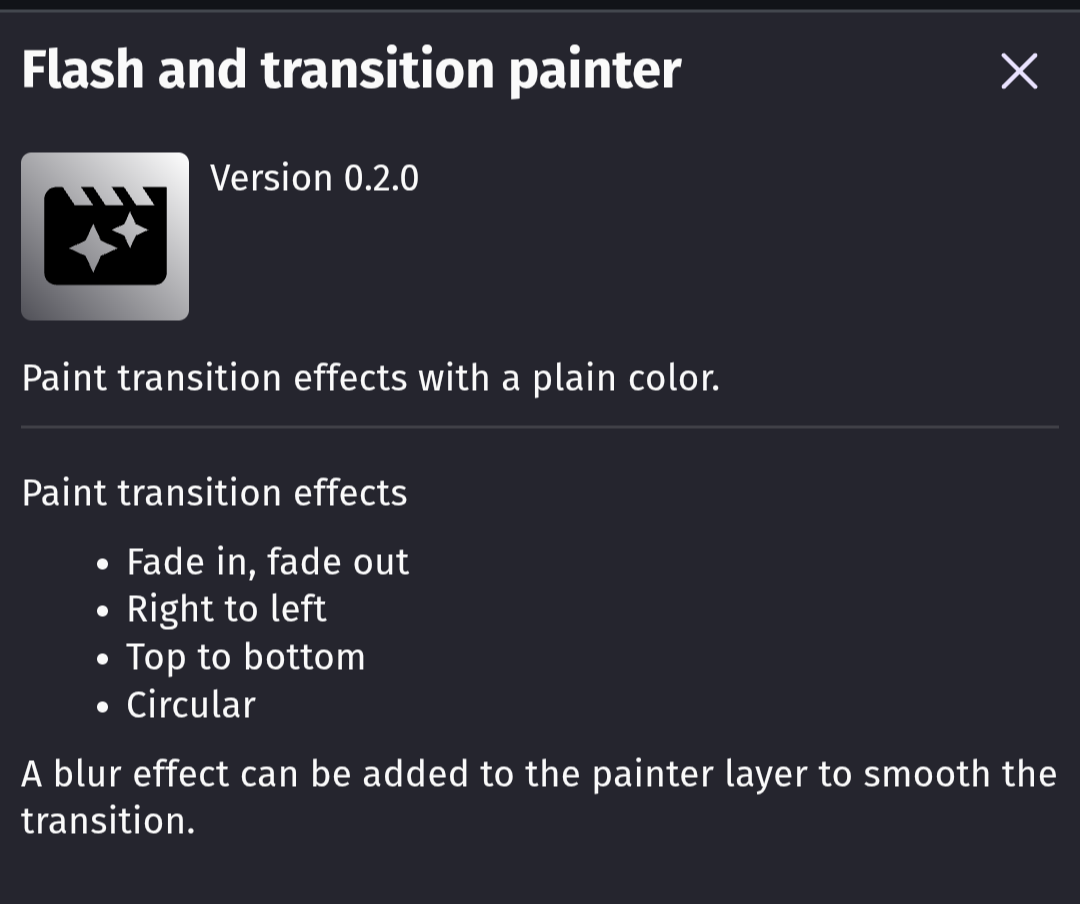
However, the easiest is probably to use the flash and transition painter extension.
what excactly do i mask and with what?
I have the circle shape painter and all of the objects from the scene.
Alright, first you install the extension “Object Masking” in your project.
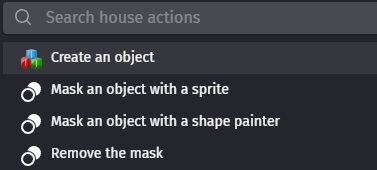
Now, under actions in the event sheet you have additional options if you click on an object.
Important: you click on the object you want to be masked. In your case this are the objects in your scene. It is probably best to put them all in an object group instead of applying the same action to each single object.
You select “mask an object with a shape painter” and now the scene is only visible through the shape of your shape painter object.
mmm ok i got the circle working i think but how would i make the black border around that engulfs the scene?
I would make a black sprite that covers the screen during the transition.
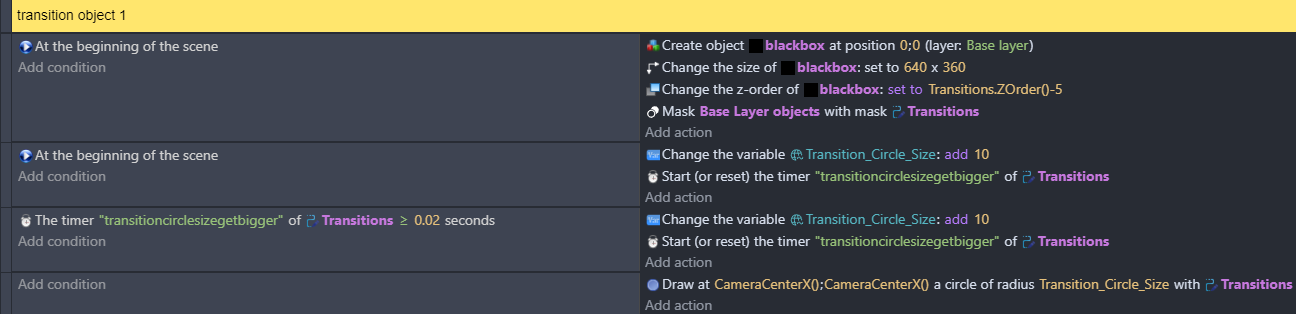
Just a small mistake. In the last event you draw the circle around Camera.CenterX(); Camera.CenterX() instead of Camera.CenterX(); Camera.CenterY().
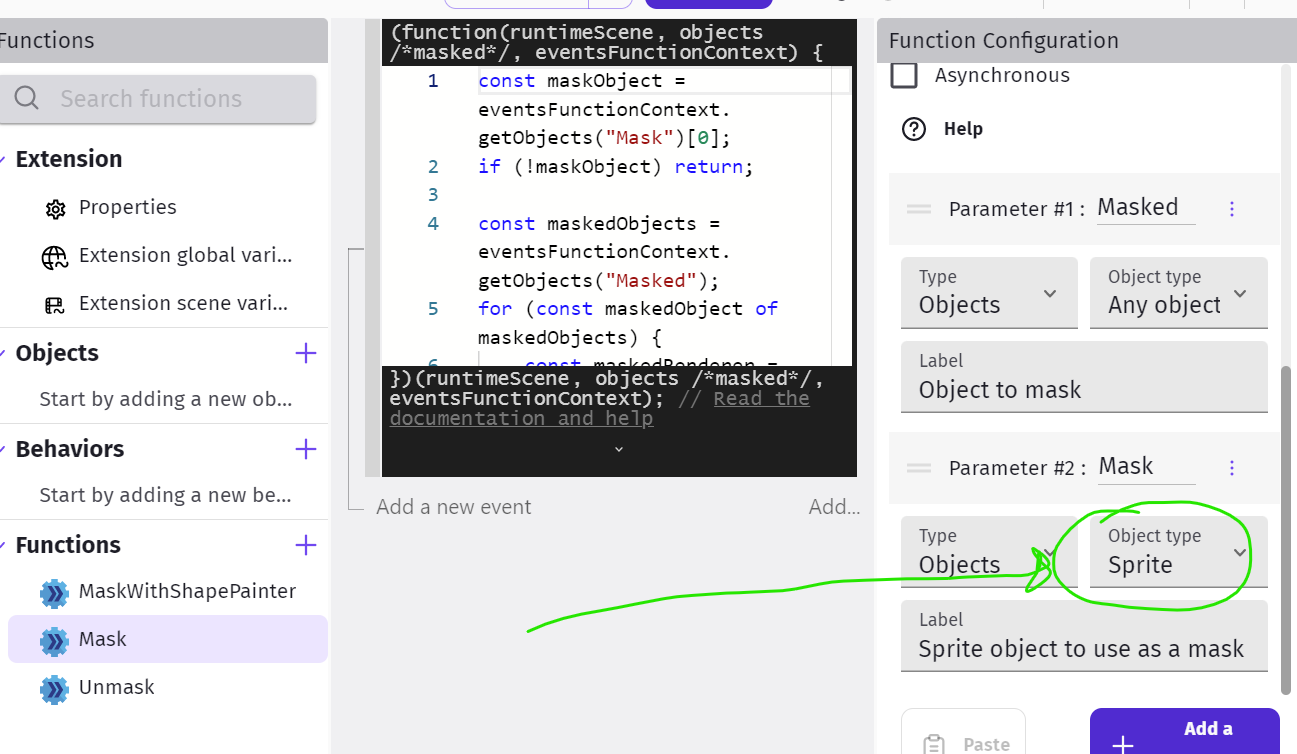
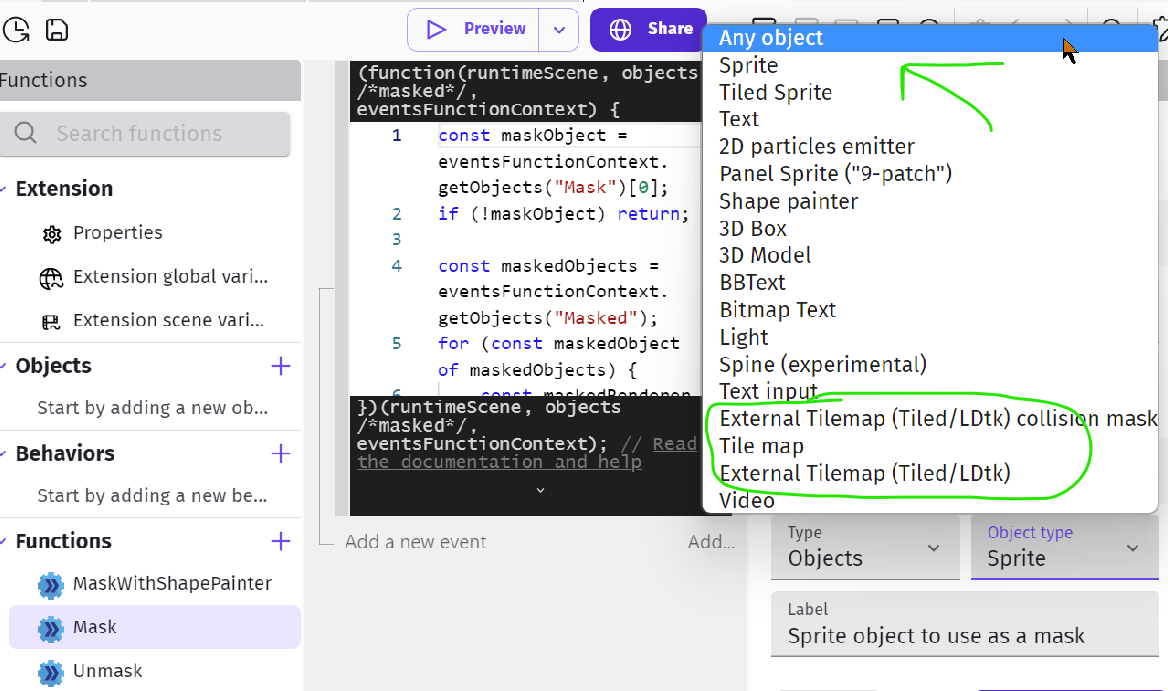
Ok, I think I’ve figured it out. Apparently, you cannot mask tilemap objects for some reason. I’ll definitely ask for it to be added, as I think it’ll be very useful|
Thanks for your help though, all of the non tilemap objects are working!
Yes, it may be useful but requesting any implementations, which someone will work on or not, is not solving your problem at the moment.
A workaround could be to take a screenshot of your scene as it appears in the game, put it in front of the actual scene objects and mask it with your circle. At the end of the transition you can delete it and your actual scene is visible.