so i want the enemies spawn randomly at what time and then the enemies follow the player and i want each enemie do different things like enemies jumping or throwing weapons and i want it so when a player get a distance between a object then i want that object to follow the player
Im having the exact same problem rn
2 Likes
i also have the rectangle movement behavior so uhhhhh yeah
1 Like
also how do i make throwable objects like shruikens
1 Like
I figured out the following thingy, i will send screenshots of code in a sec

That will make the enemy follow the player
1 Like
@Sharxxy @Fun7a
There is even better action
Where yo add force to one object toward another object
Try that one
It all depends on the type of game.
Top-down with obstacles use pathfinder. Either the standard pathfinder or nav nesh.
Top-down without obstacles use force toward object
1 Like
mines is a platformer
can anyone plz help my game is a platformer
It depends if it’s just left or right or the enemy needs to jump gaps or climb ladders.
The usual method is to have the enemy patrol or go back and forth until the player is within a certain range and then the enemy attacks.
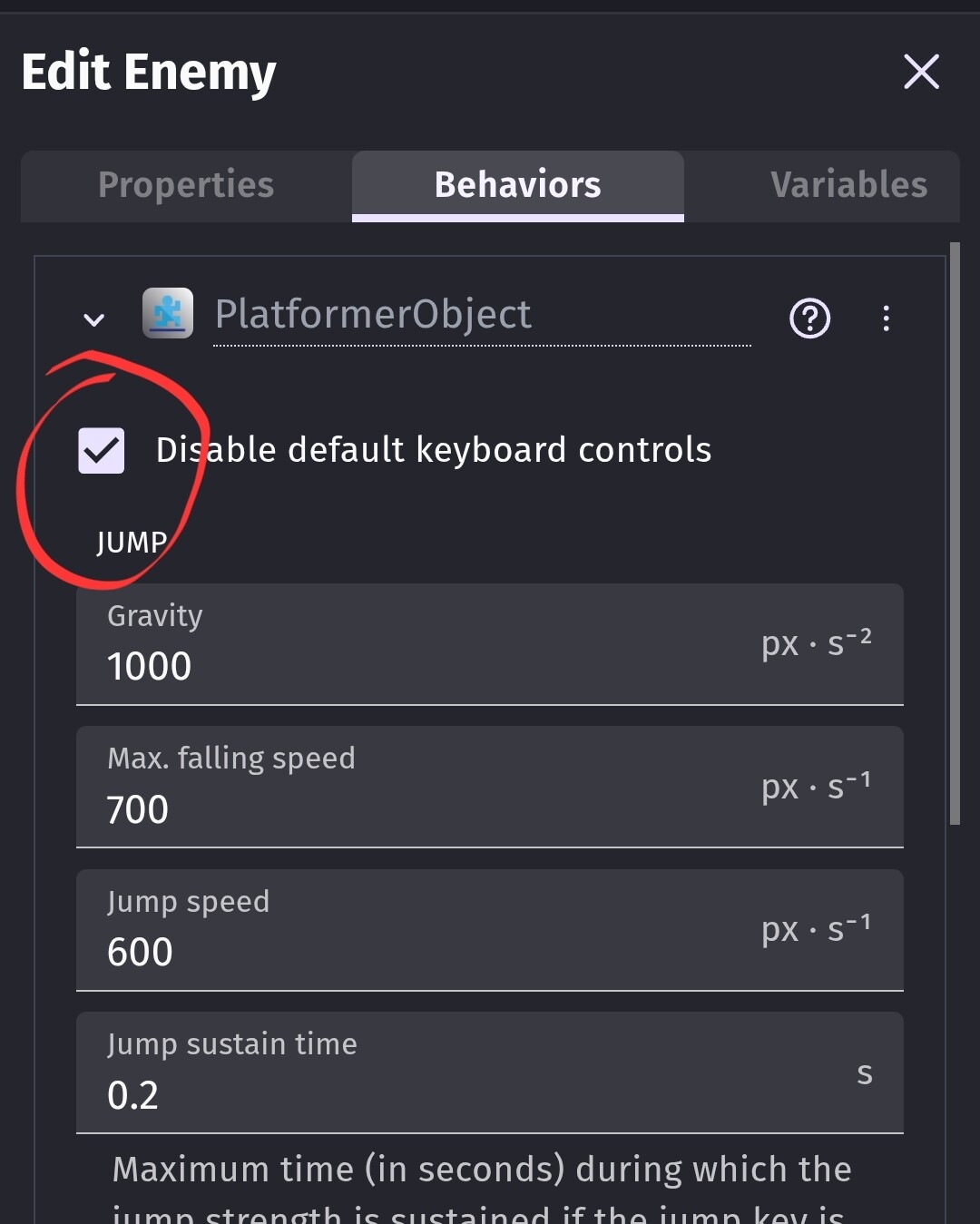
You can use forces or since it’s a platform, you could use the platform behavior. Be sure to disable the keys.
Player distance to enemy is less than a certain amount
If player.X() < Enemy.X()
…Apply force or simulate the left key
If player.X() > Enemy.X()
…Apply force or simulate the right key
1 Like
how do i disable the RectangleMovement behavior
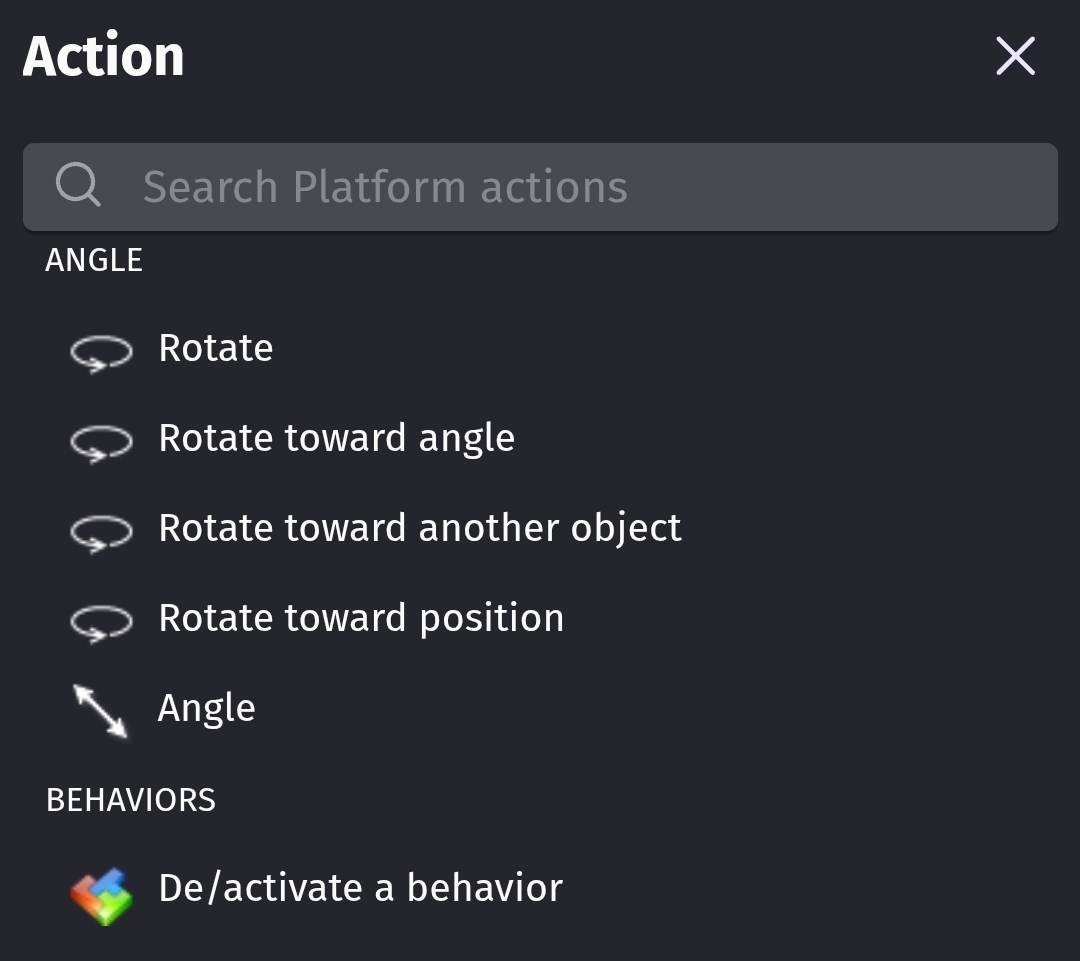
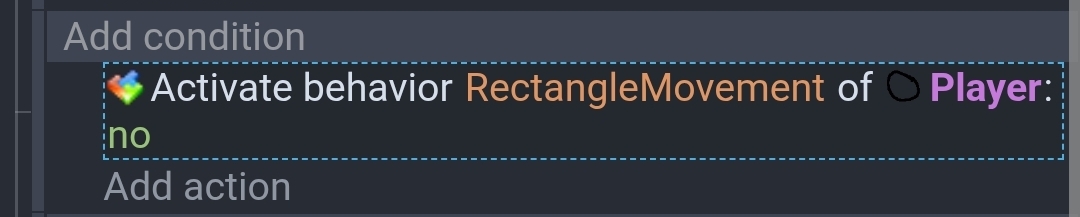
so what action or condition is it cuz i dunno where is the
If you want to use the platform approach then you need to add the platform object behavior and disable the keys. Otherwise, the enemy will mimic the players moves.
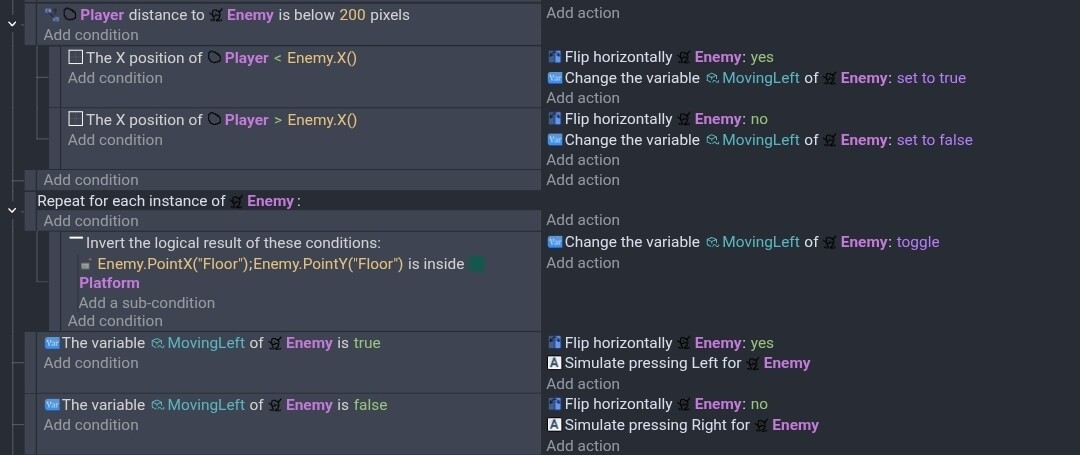
These are my test events. I added a point to the enemy to detect if it wasn’t on a platform. It uses an enemy boolean object variable named MovingLeft.
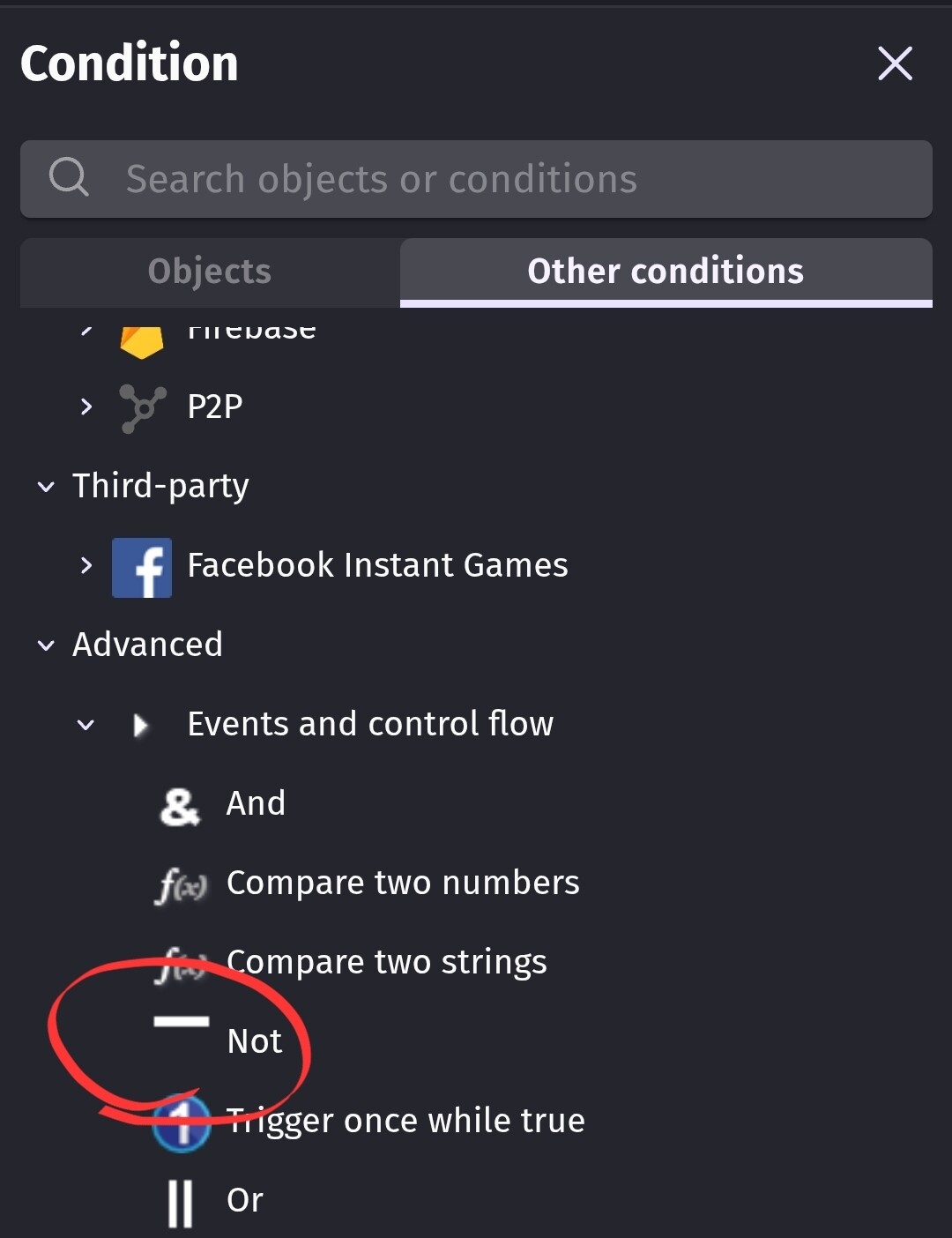
I’m not saying this is the best method or is flawless. This is 1 method. The invert the logical result condition is a NOT condition.
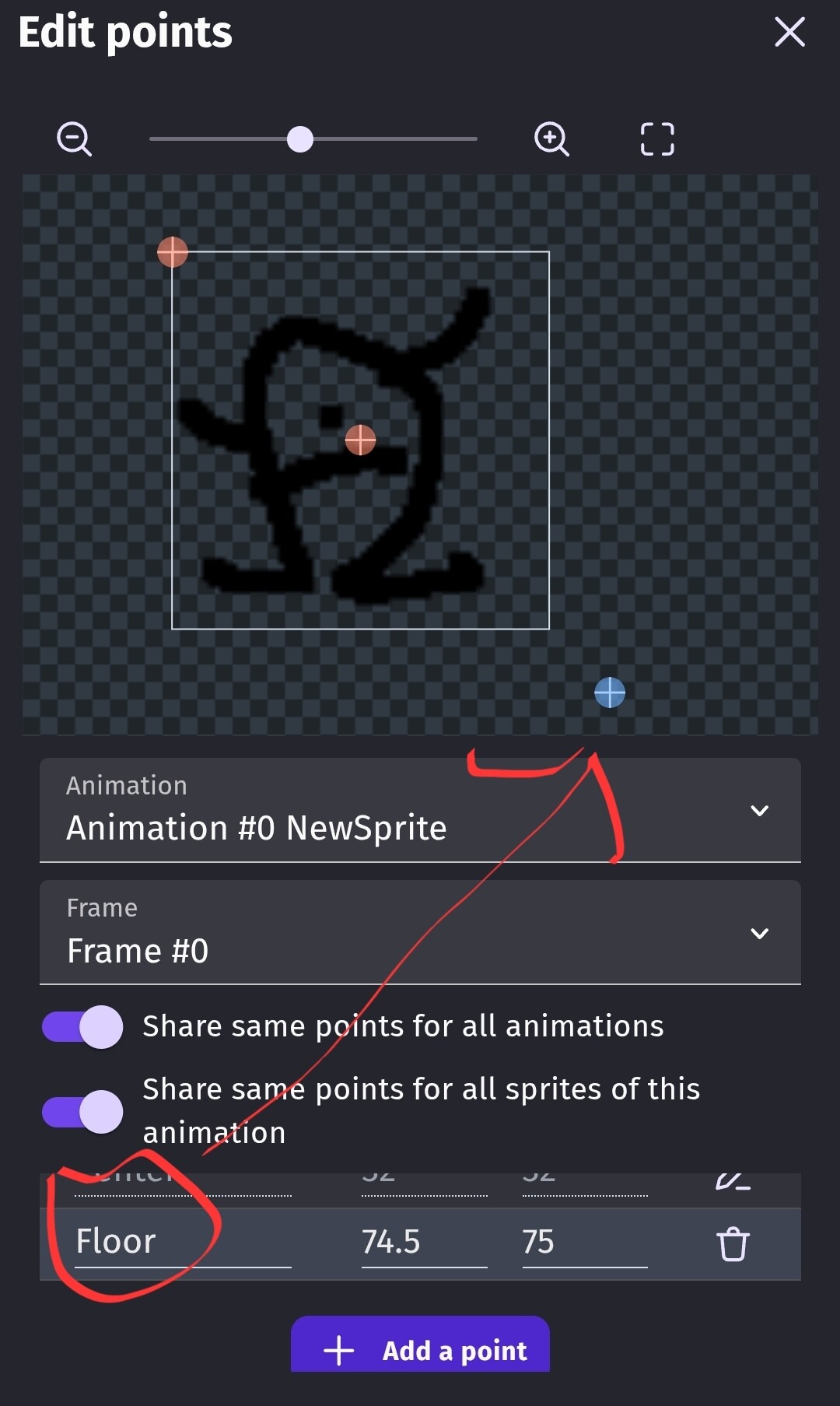
My test scene. The player is just a circle. I’m on my phone, so instead of adding a joystick, for testing I just dragged the player around.
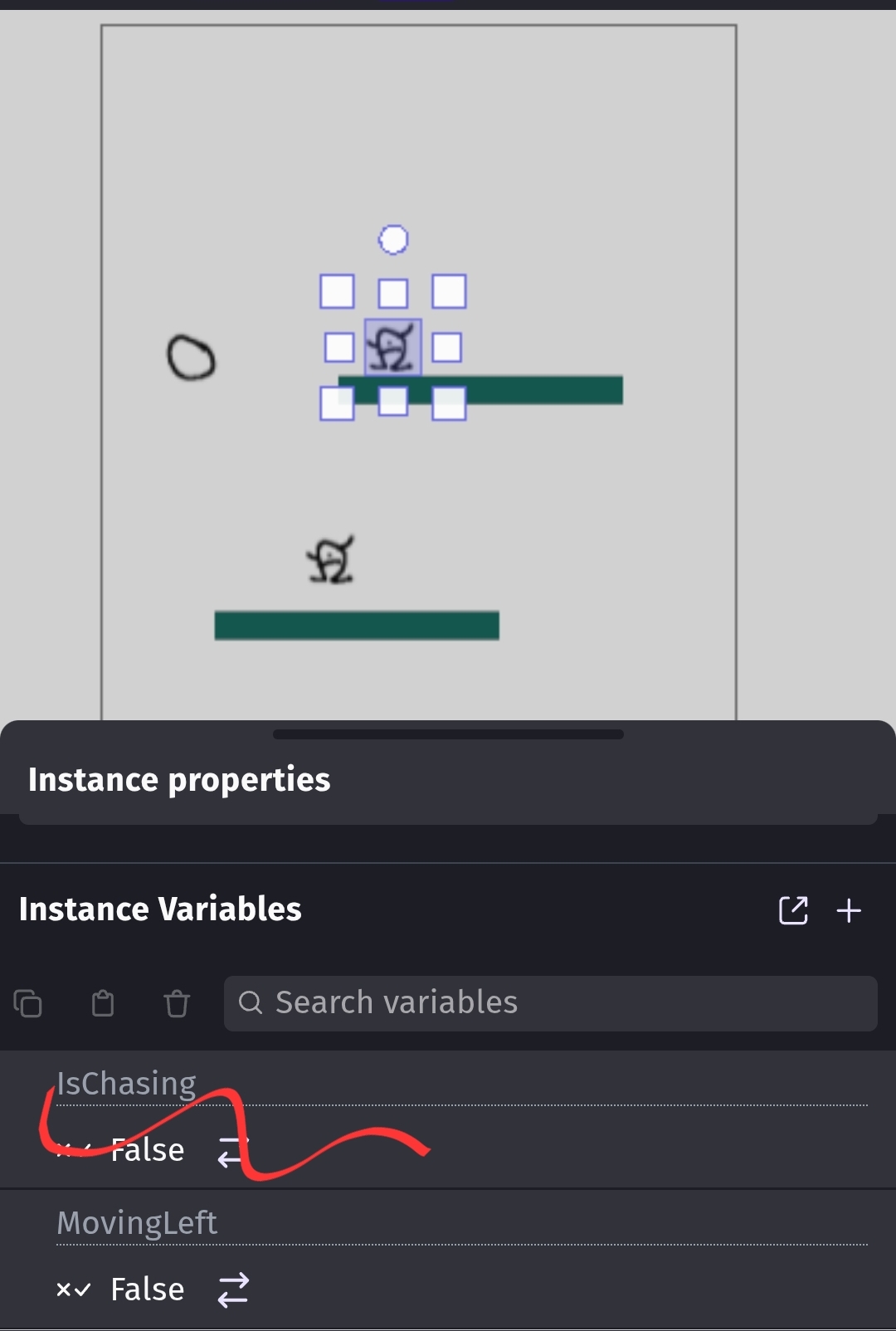
If you don’t flip your character then you could add a point to each side. It would require more events.
2 Likes
where did u get these conditions
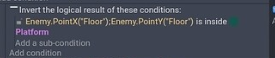

Which condition?
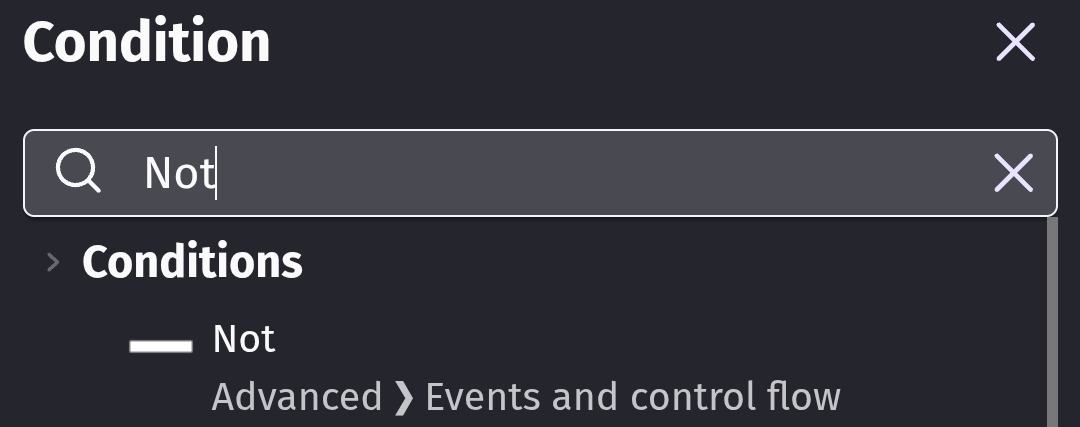
The NOT condition is under advanced or you can type NOT in the search.
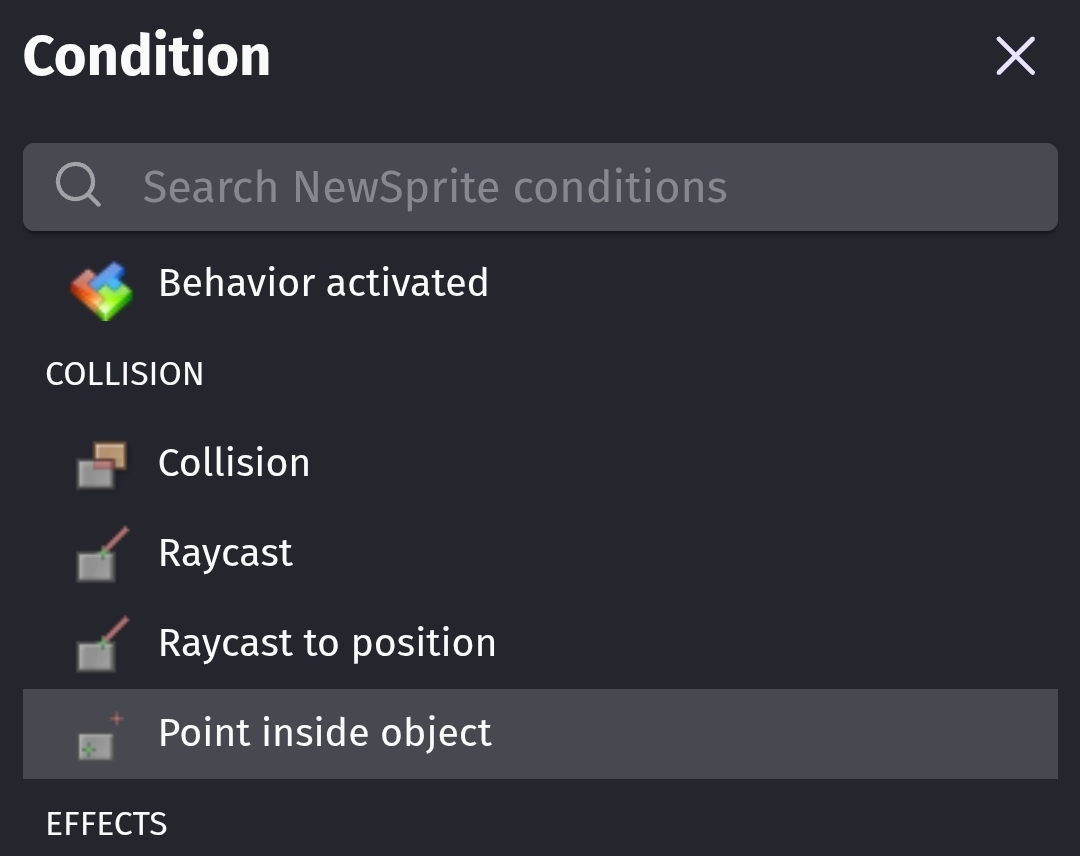
The other is point is inside.
1 Like
where is the repeat for instance condition
never mind i found it
1 Like