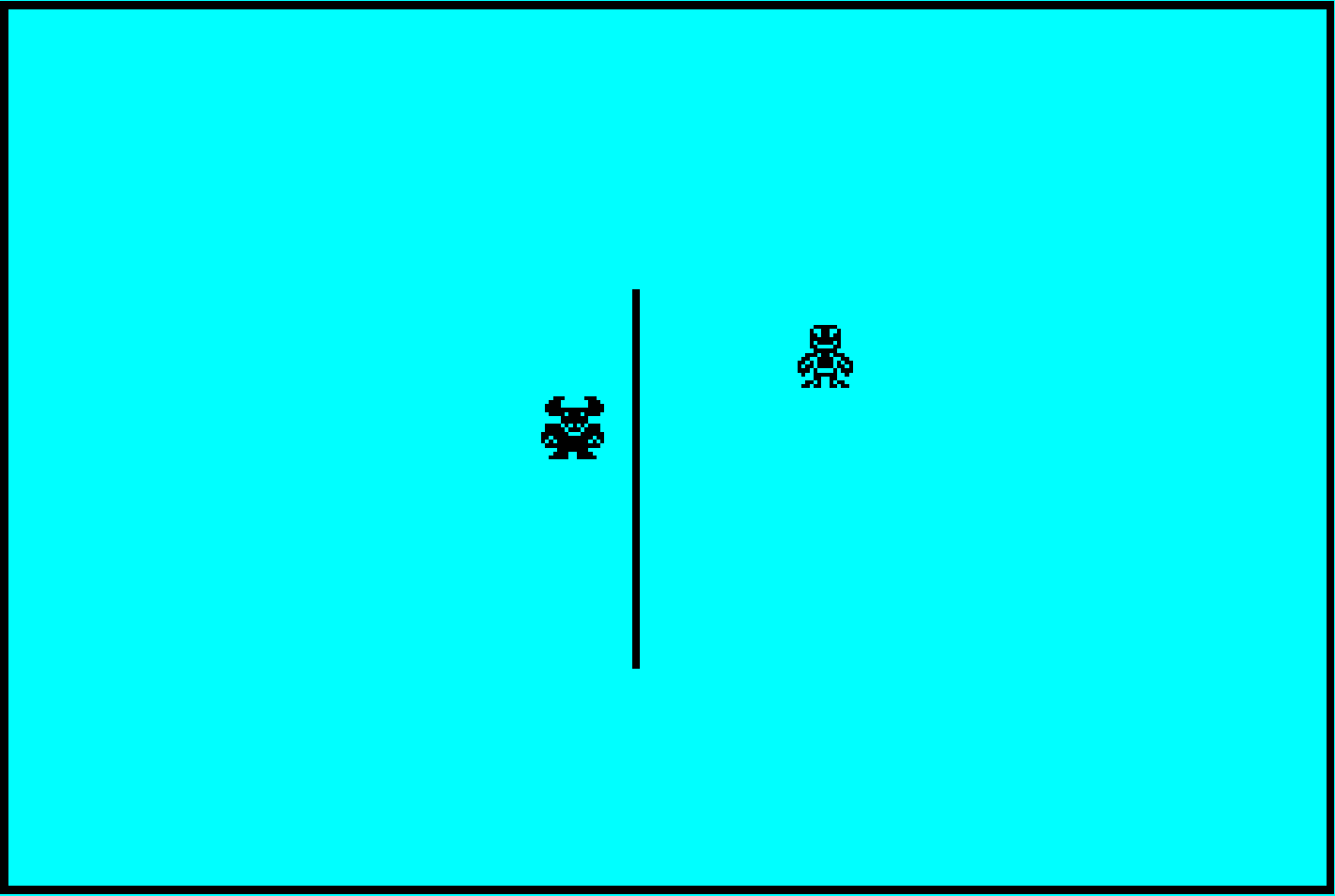
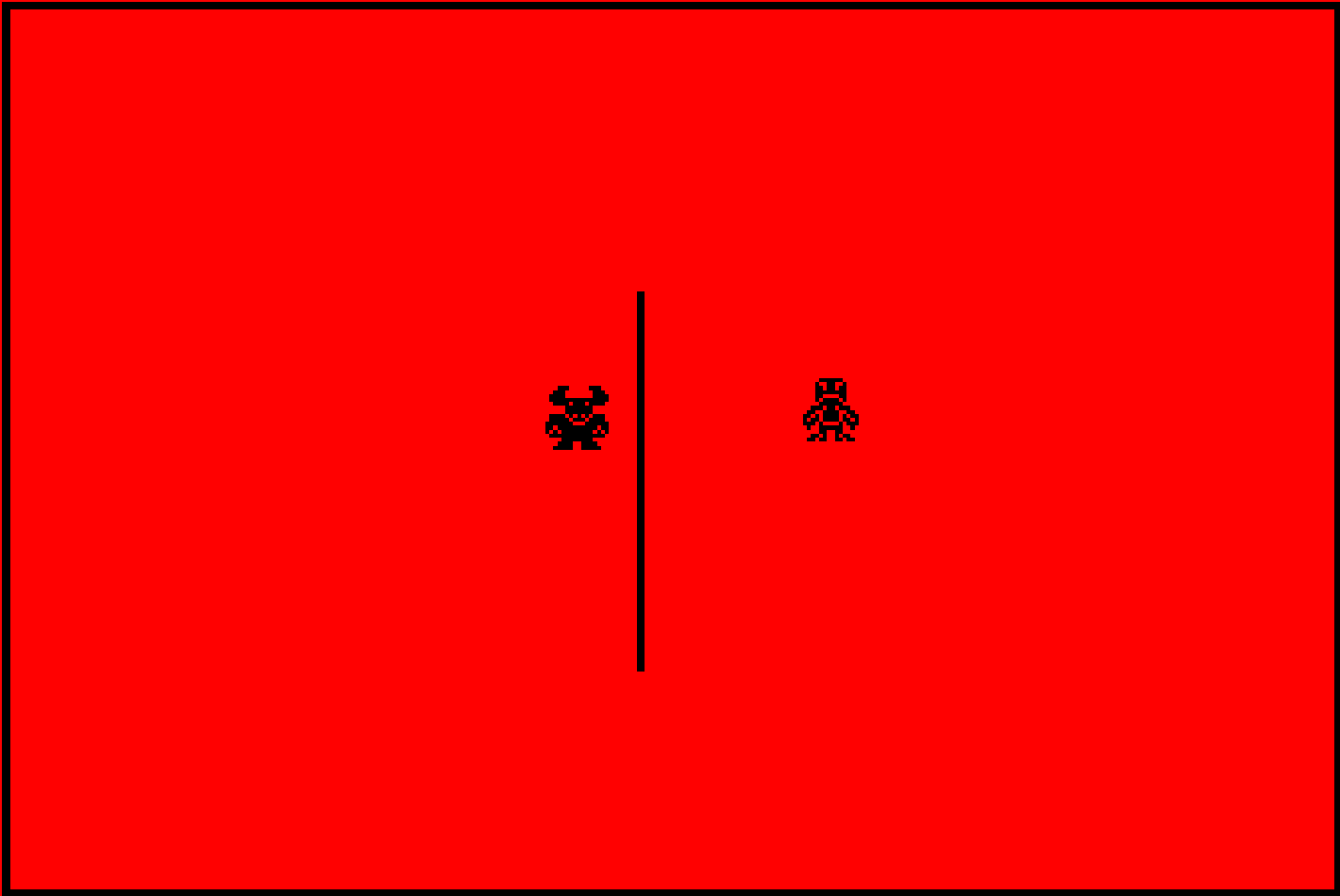
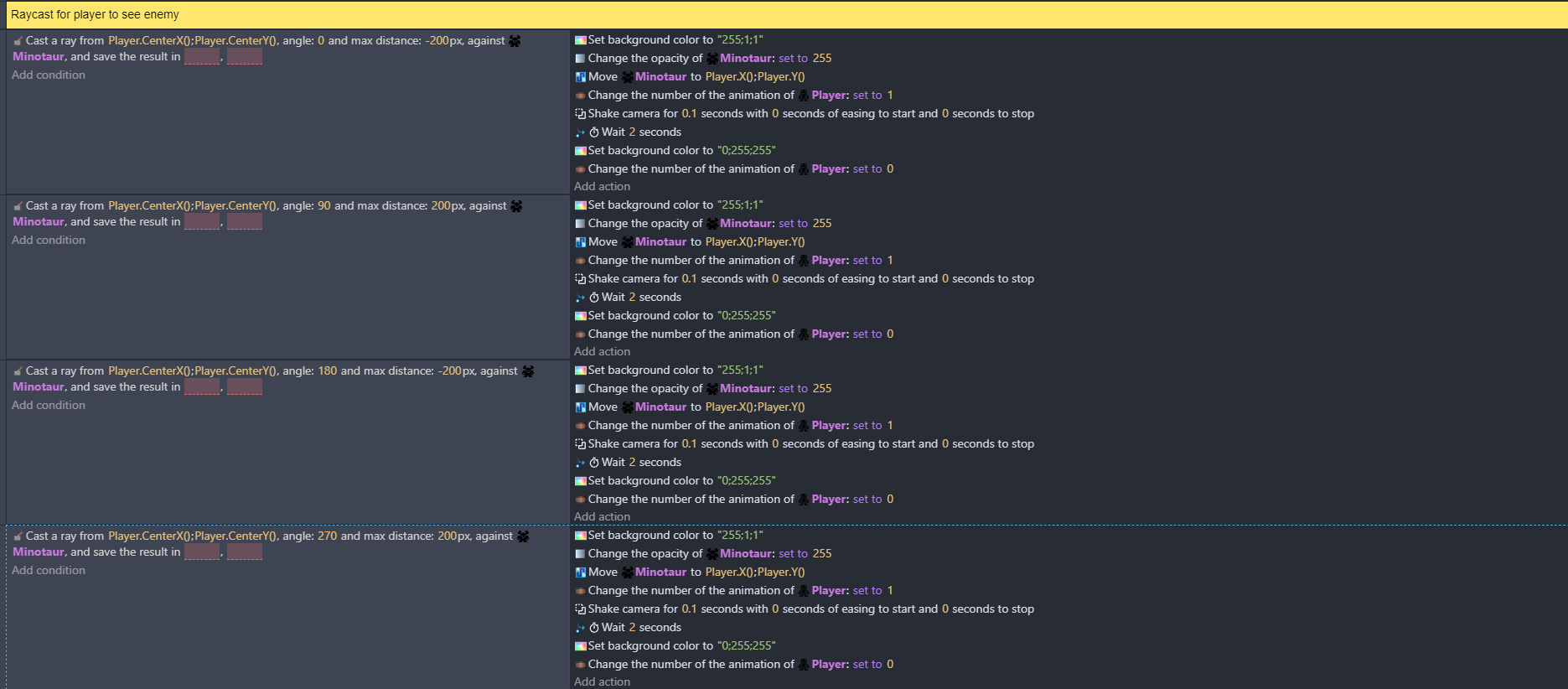
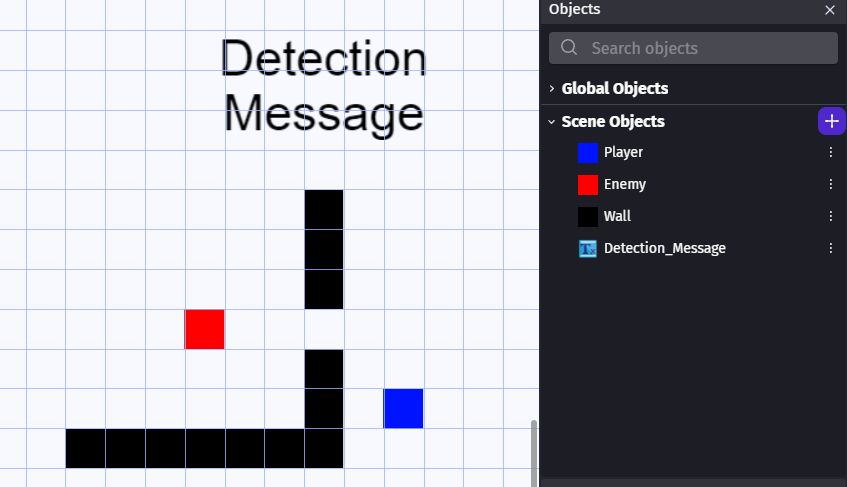
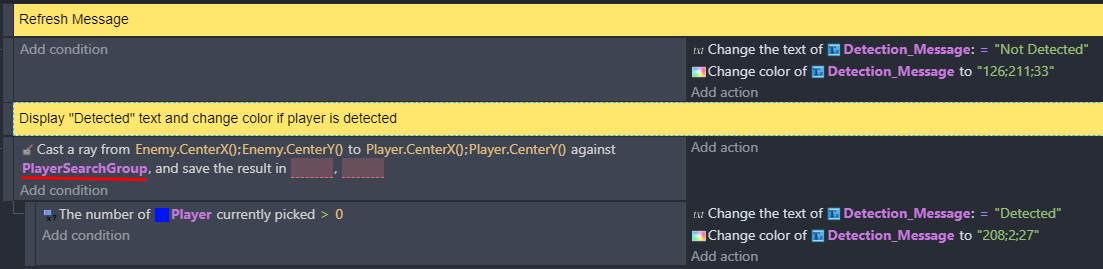
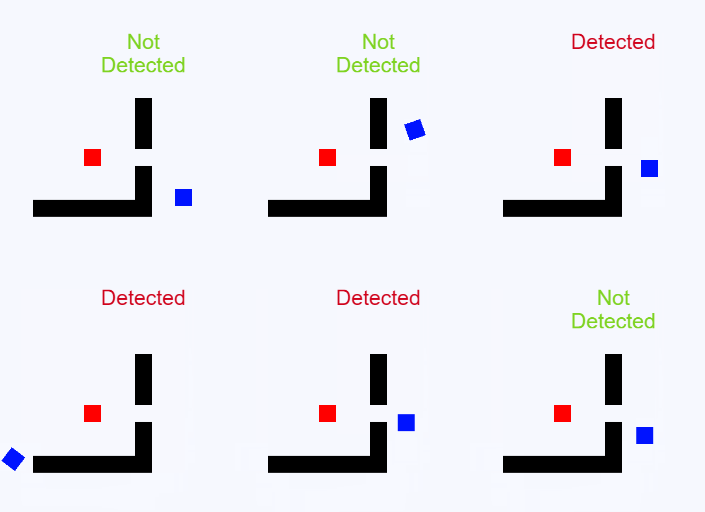
I’m working on a game where an enemy can chase the player, but I can’t figure out how to not make the player see through walls to trigger a chase.
I have a raycast on the player that can trigger when enemy is in sight. However,
if there is a wall in the way, I don’t want the enemy to go into chase mode
Blue means that the enemy isn’t in sight of the player.
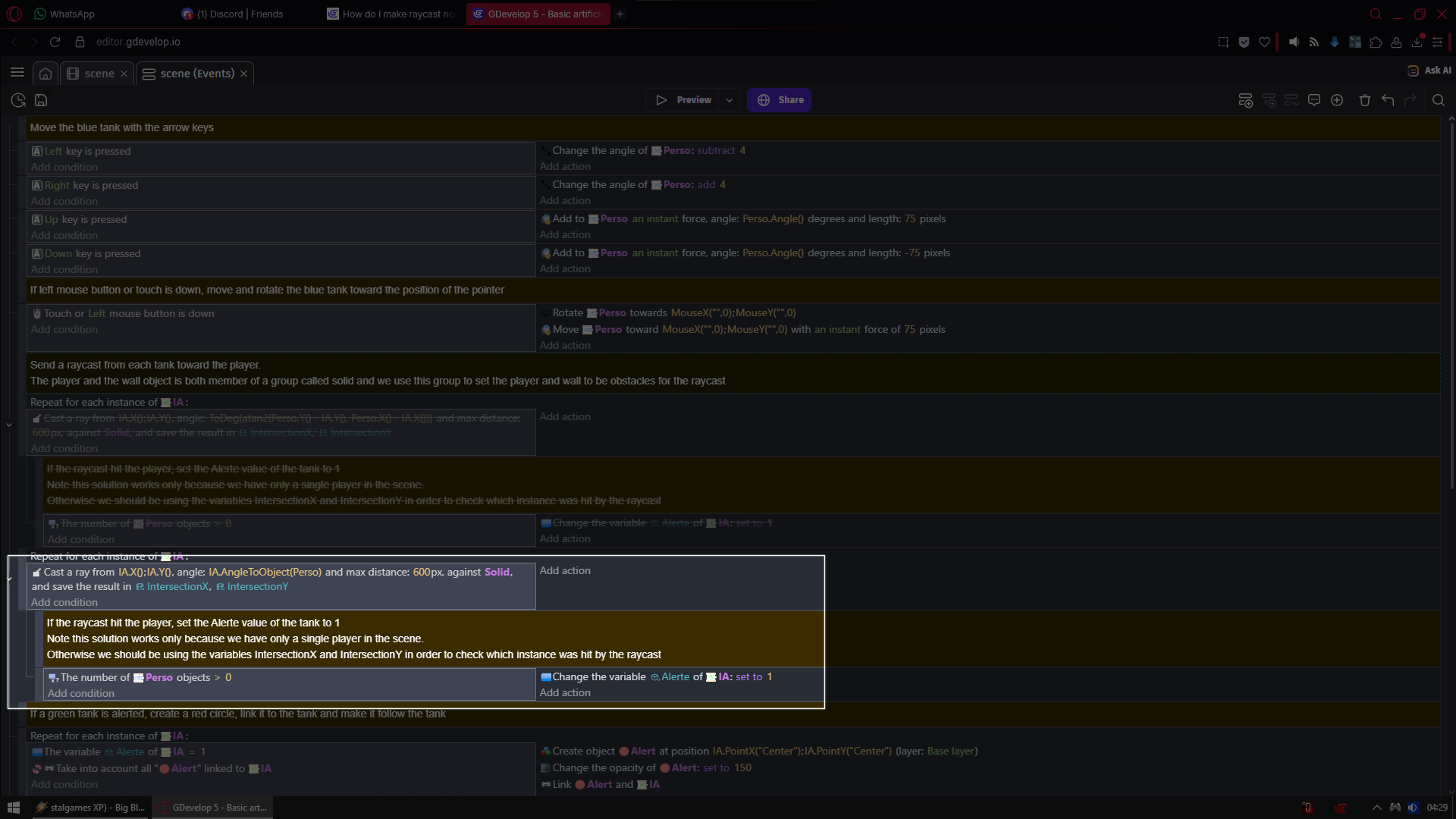
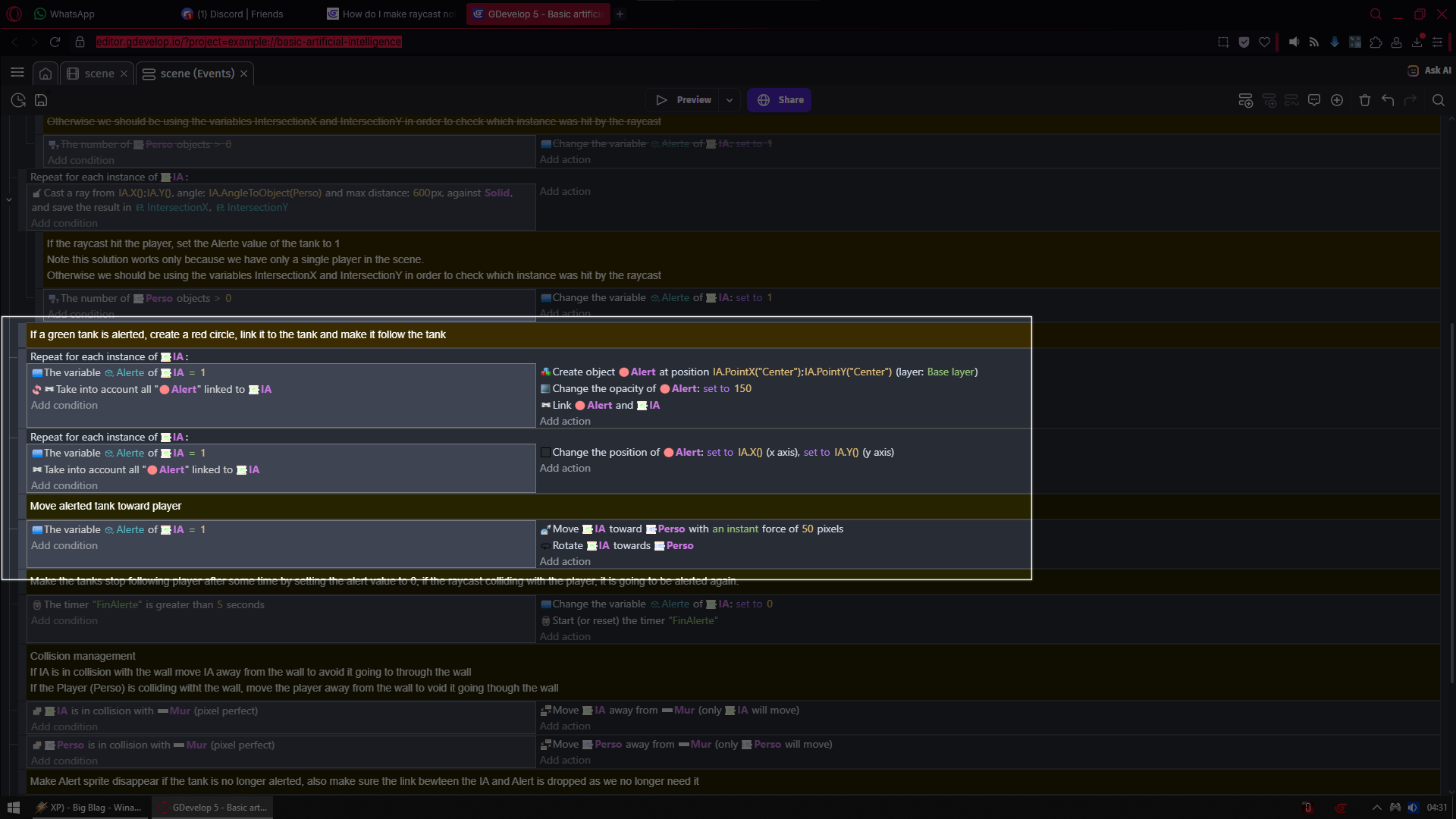
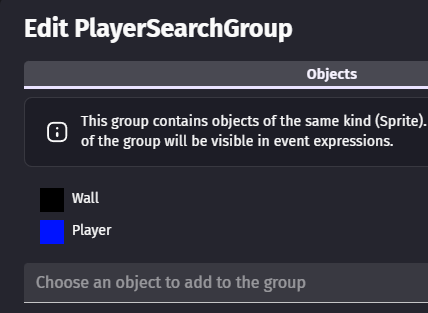
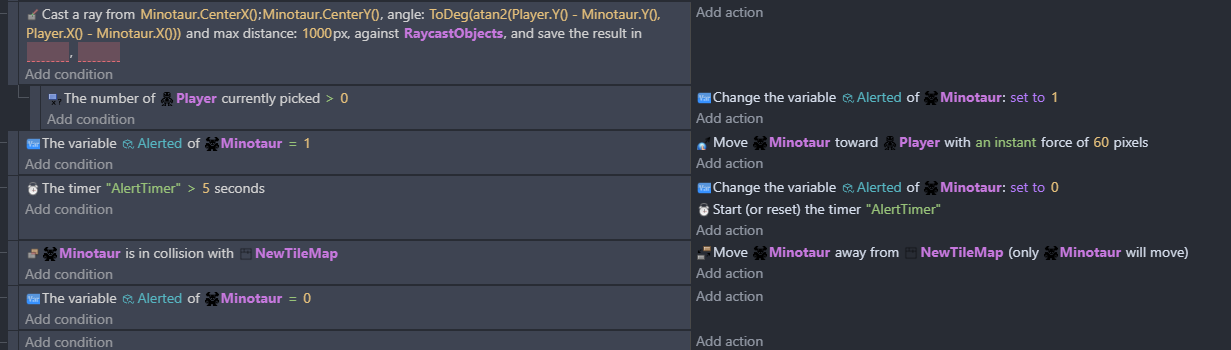
What is done here is that objects like all walls and obstacles are put into object group called solids
And from each IA (which is enemy tank) is cast ray into direction of player tank (perso)
If ray hits player instead of solids (walls)
Then variable Alerte of tanks (enemies is set to 1)
I have been trying for a few hours to get it to work with your code, but my enemy still sees the player through the wall after he has intersected the raycast. I think I need to try and simplify the enemy.
I think its very old example
I never even paid attention to its timers
BUT if i am right and it is so old then its from time when timers did not need to be started
Now they do
So try adding event on top of your events sheet
Condition
At beginning of the scene
Action
Start (or reset) the timer “AlertTimer”
This should fix your issue which is not your fault but example being old