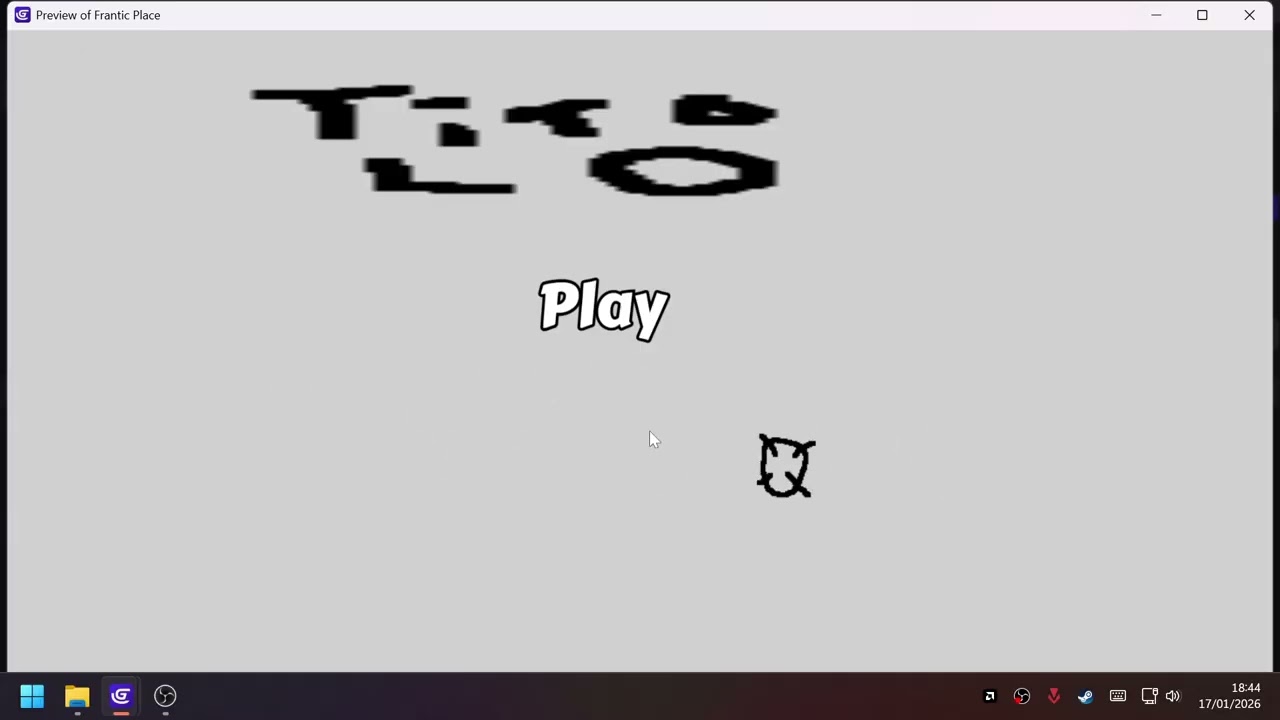
i did the classic code i find everywhere for the mouse cursor
Conditions : No conditions
Actions : Hide the mouse cursor
Put CursorObject at MouseX();MouseY()
But the input lag is massive, is there a more reactive way to do it?
I made this clip to make you understand better the problem
if you pause the video while the preview is playing you can see that my custom sprite is never in the exact mouse position, i want to fix that input lag the cursor sprite has to be in the exact position of the mouse always
I will give you even more simple test
Try to move very fast your cursor in game window and outside of it
For example above top edge of game window
When game is in window mode
I bet you will see sometimes cursor icon will not hit dead end of top edge
It will be few pixels down from it
Wai?
Cause you are moving something faster than game can register it
Or speaking human language
You are moving something faster than your frame rate
With above example what is going on
On one frame cursor icon FOR EXAMPLE is 10 pixels away from top game viewport edge
BUT when its time to drawn next frame cursor position (mouse cursor not cursor icon) is not inside of window
SO game cannot take new value of mouse cursor position to apply it to cursor icon position
THAT is what you are experiencing its not like actual lag
But more like how it just works
Its like you ran faster than me and you would say i lag cause i am behind you
NAH i am simply slower than you
Hide mouse cursor and you will not see it and avoid confusion
Other workaround is mouse pointer lock extension
Which automatically hides mouse cursor
BUT calculate movement of mouse or like adds force with which mouse is moving into something instead of setting that something to mouse cursor position
SO with change cursor icon to mouse cursor position you are asking game each frame
Hey check what is pos of MouseX() and MouseY()
And now set to these values cursor icon
If it fail to register faster move between frames you can say it lags
BUT if you would hide mouse cursor (there is action for that)
You would not notice it
Try it before you say anything
With mouse pointer lock
You are EACH FRAME adding some value to position of something
SO if on one frame you are adding 200 to cursor icon
Then on next frame it will be 200 pixels away from where it was on previous frame
NONE of these solutions are ideal its just matter of which route you gonna go
I say try both and pick your poison