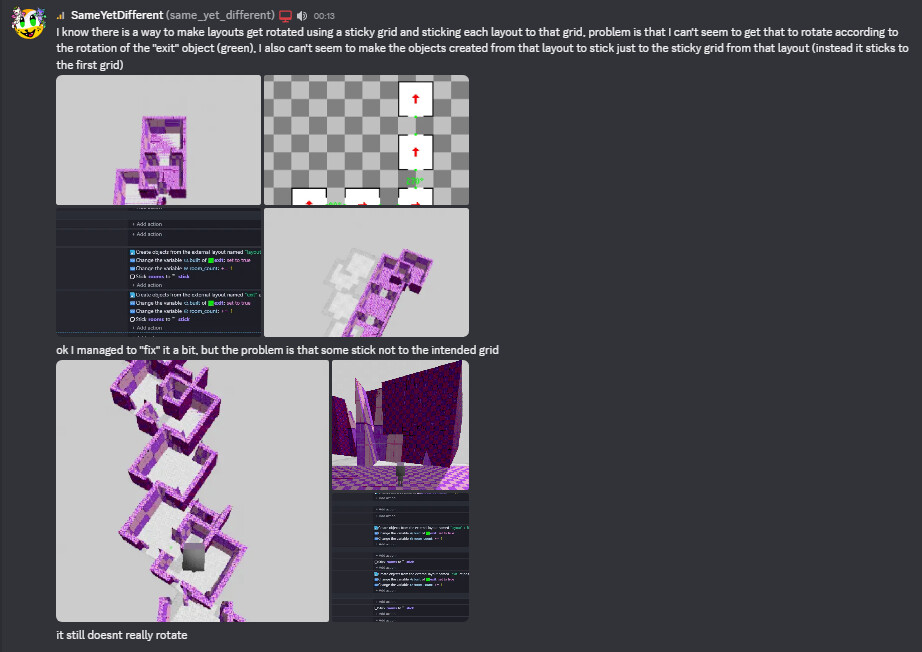
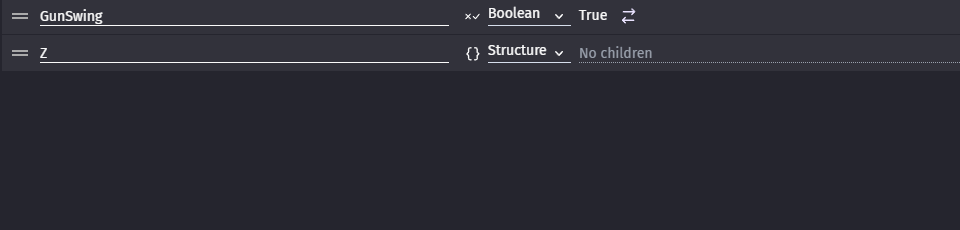
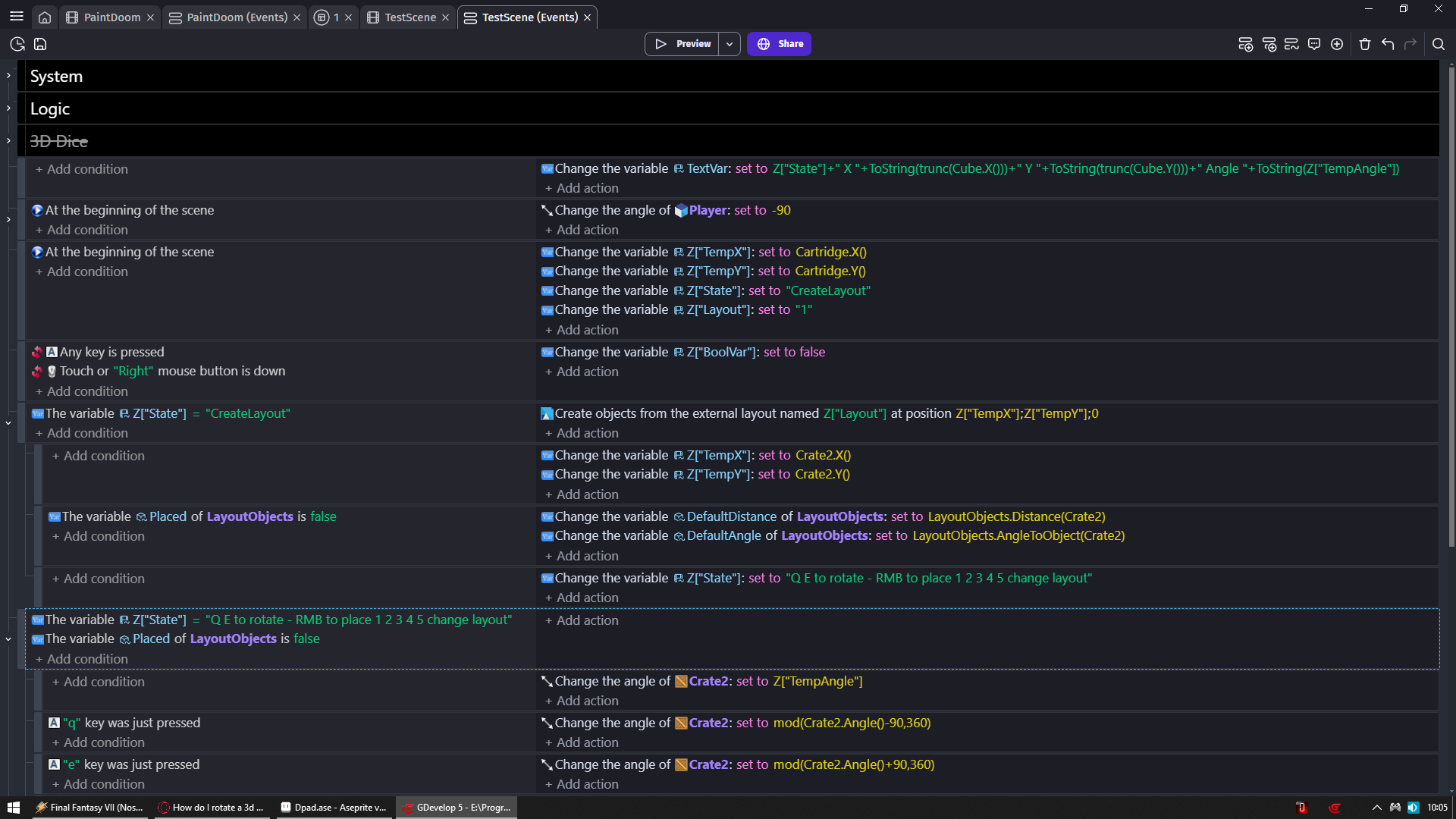
1 - Z is structure variable with no child vars
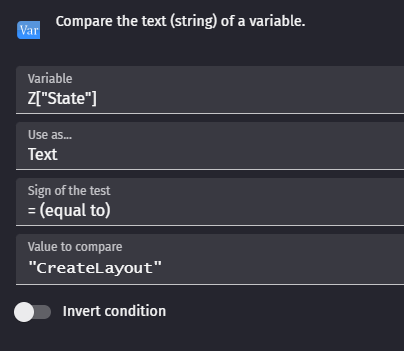
So now i can dynamically create vars in events with Z[“SOME NAME”]
I just need to go into condition/action if i want to set them to anything else than number
I don’t like clutter my variable window that is why i use this for tests
I strongly suggest copy/paste names of these variables between actions/conditions instead of typing them
So you avoid for example doing Z[“State”] and then somewhere else Z[“state”] which would be 2 different variables
2 - I have 5 layouts but you can create as many as you want
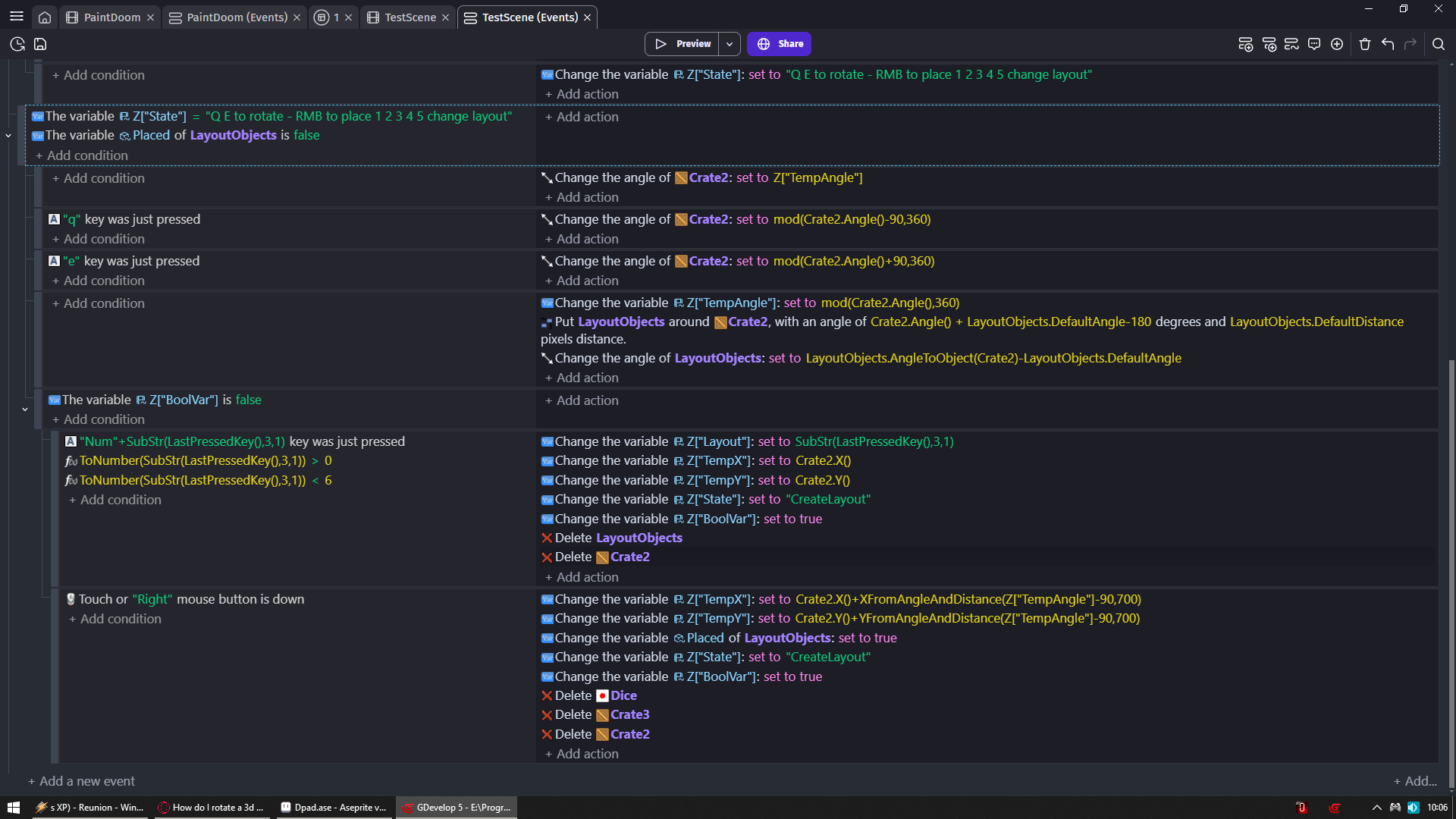
I named mine 1 2 3 4 5 so when you press 1 2 3 4 or 5 they are being created
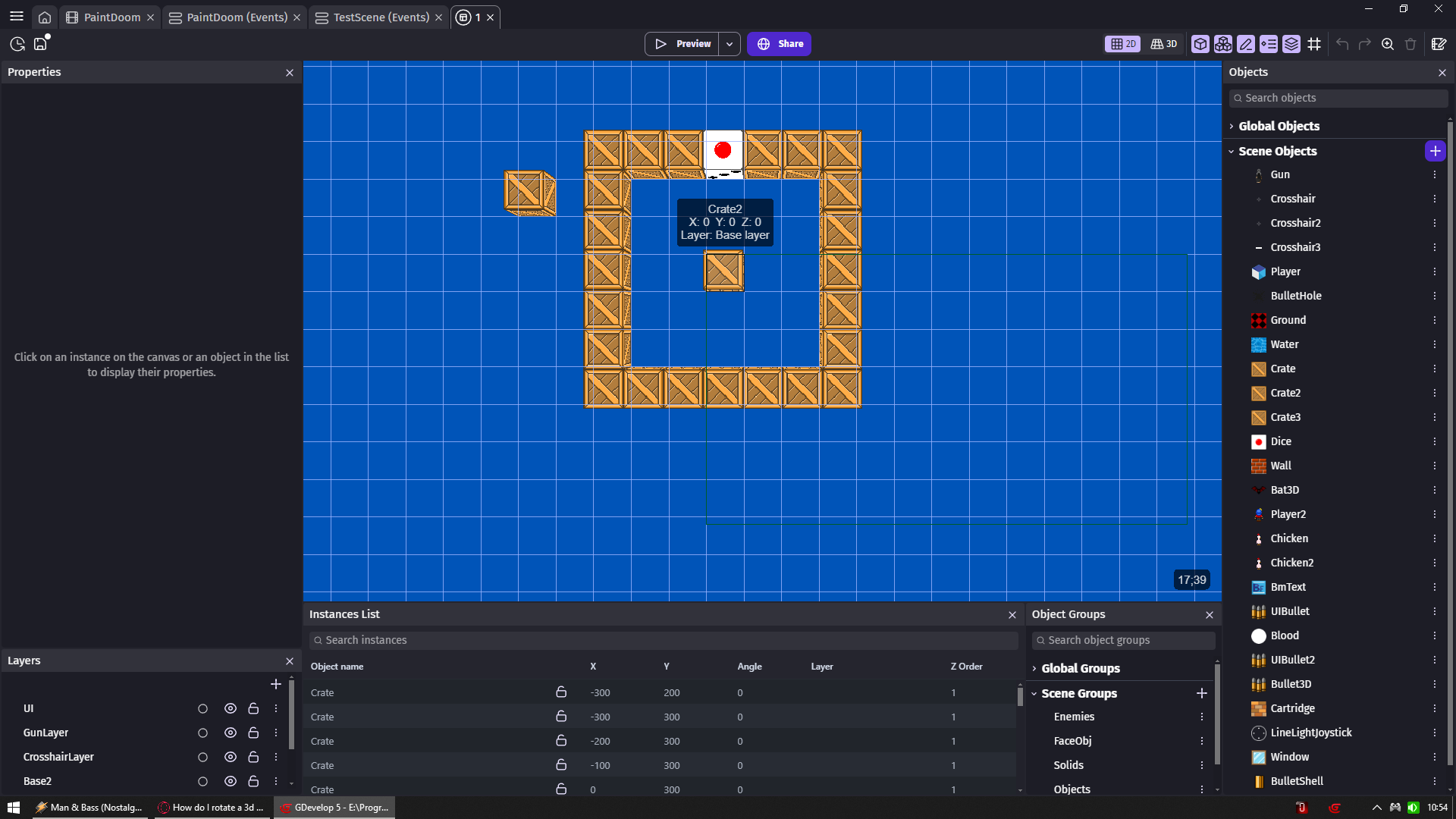
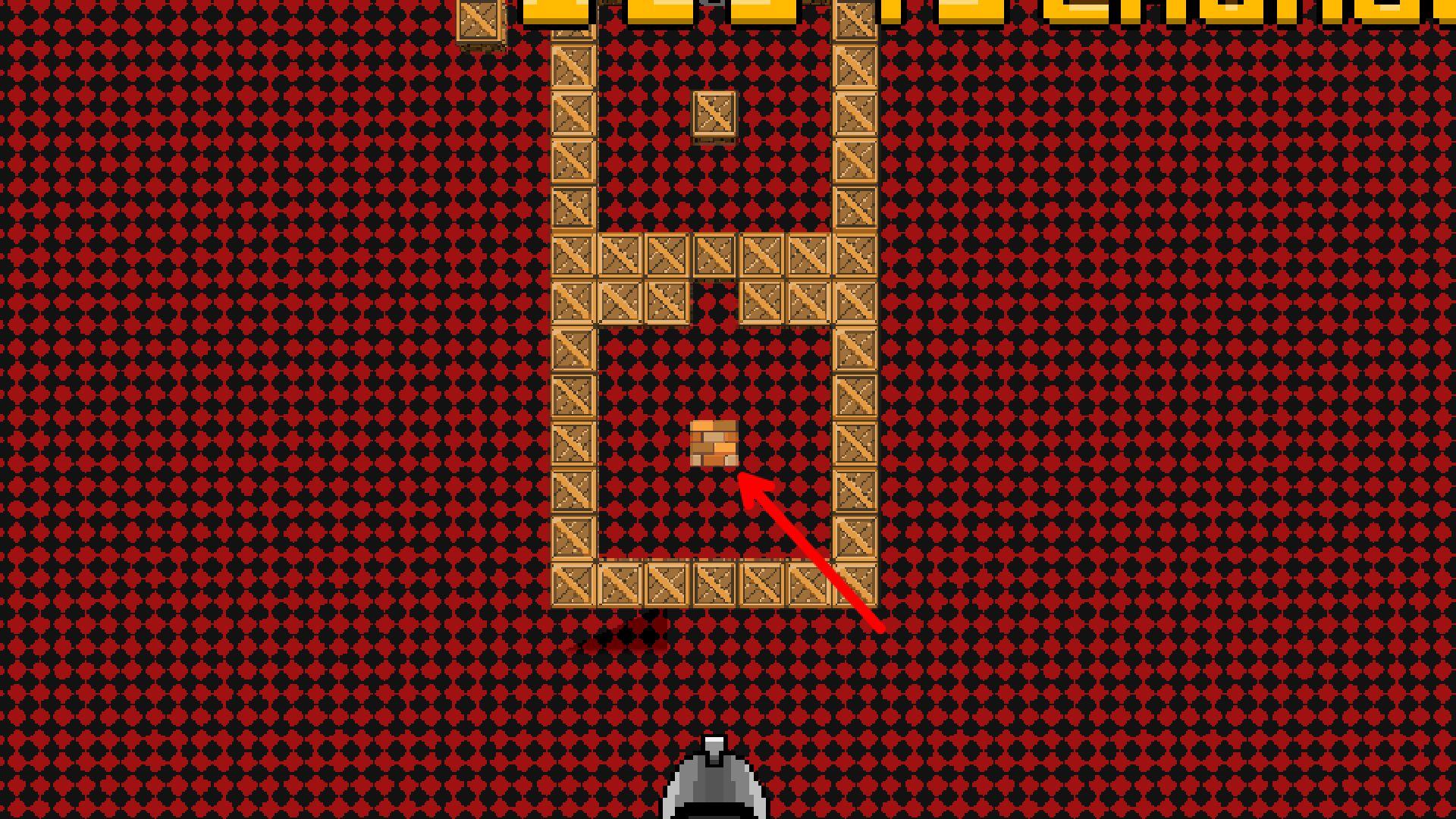
3 - My crates are 100x100 and rooms are made of 7 of them so all math related to them rely these numbers
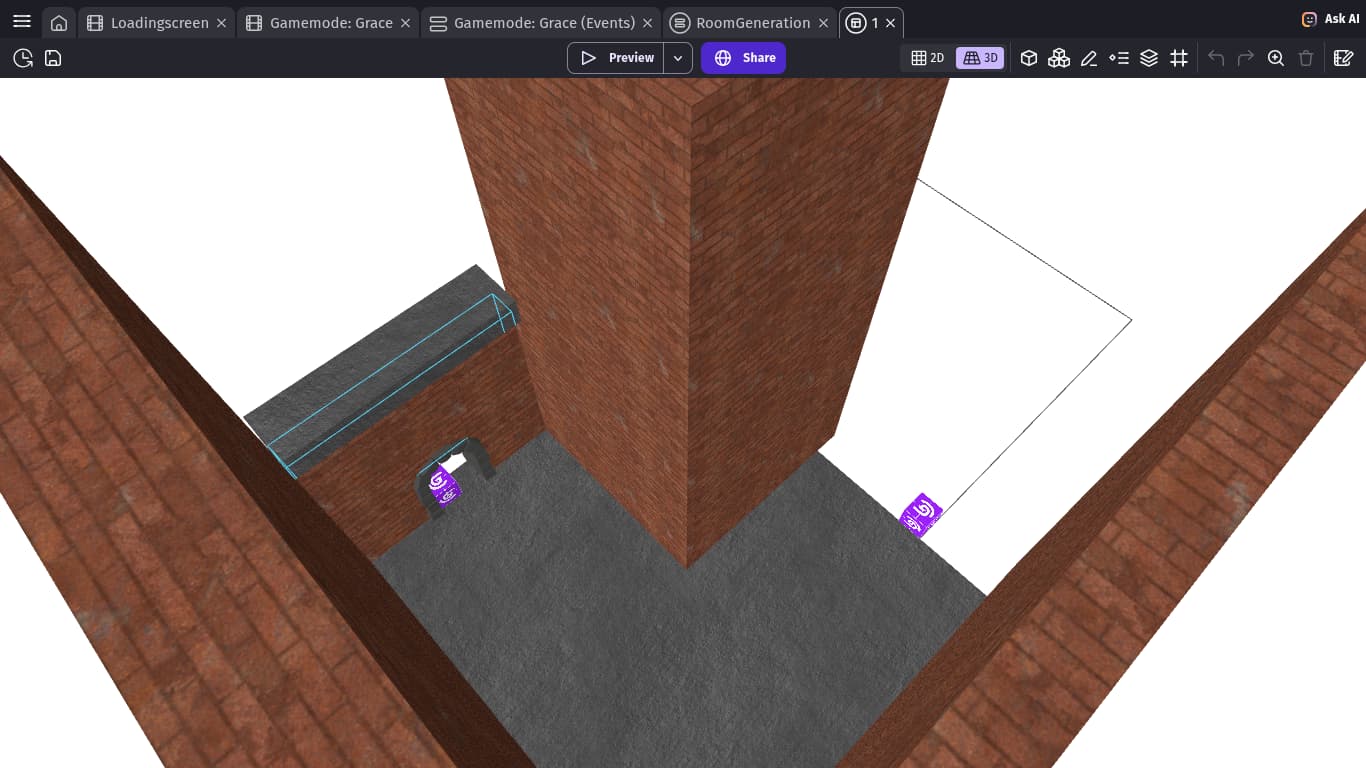
4 - I created 1st layout like in screenshot below where X and Y of center object is in top left corner of viewport so at position x0 y0
From that i just duplicated layouts and edited them
You only need to get 1st layout to work then you can make as many duplicates as you want/need
5 - Cartridge is object on which i start creating my rooms
Which looks like wall cause why not
And you will see it as soon as you create 1 layout
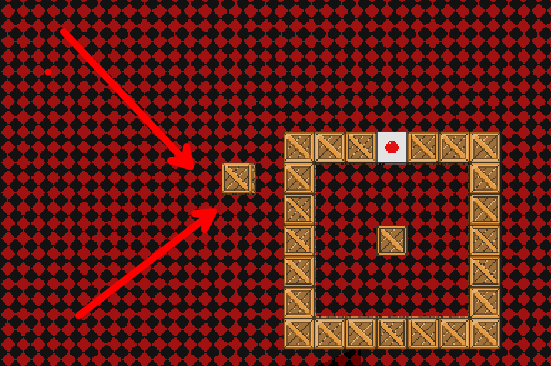
6 - When i shared link on discord to another user to my spin room logic (the one in my 1st message here) that user told me it works only cause all objects are in same distance from center object
So i placed Crate3 5 spaces to the left and 2 to the top from each layout to prove it will rotate perfectly fine with everything else
In case you will have same idea
7 - WASD to move and Tilde (button below escape) to reset scene
8 - When you place new layout it will be rotated based on where you placed last one
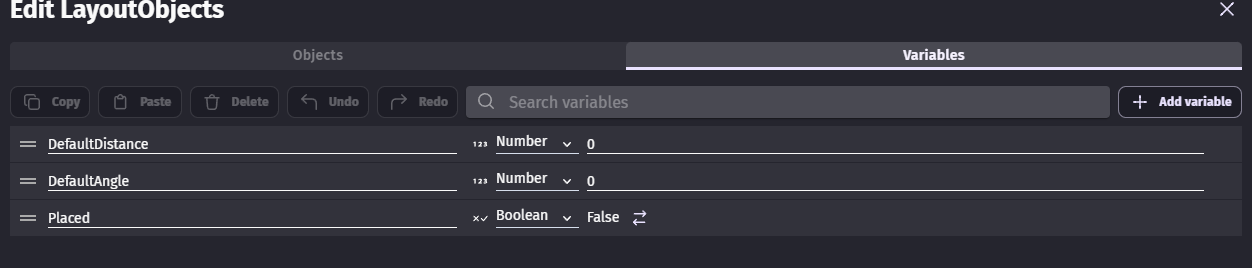
9 - That BoolVar is needed to block you from spamming deleting everything
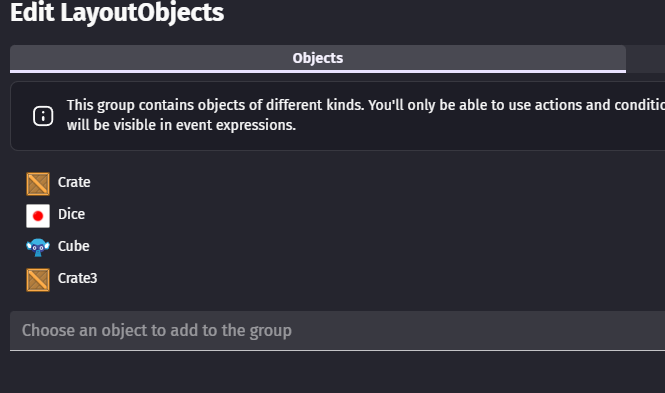
10 - My layout objects
Have only 3 vars
CENTER OBJECT Crate2 CANNOT be in that group
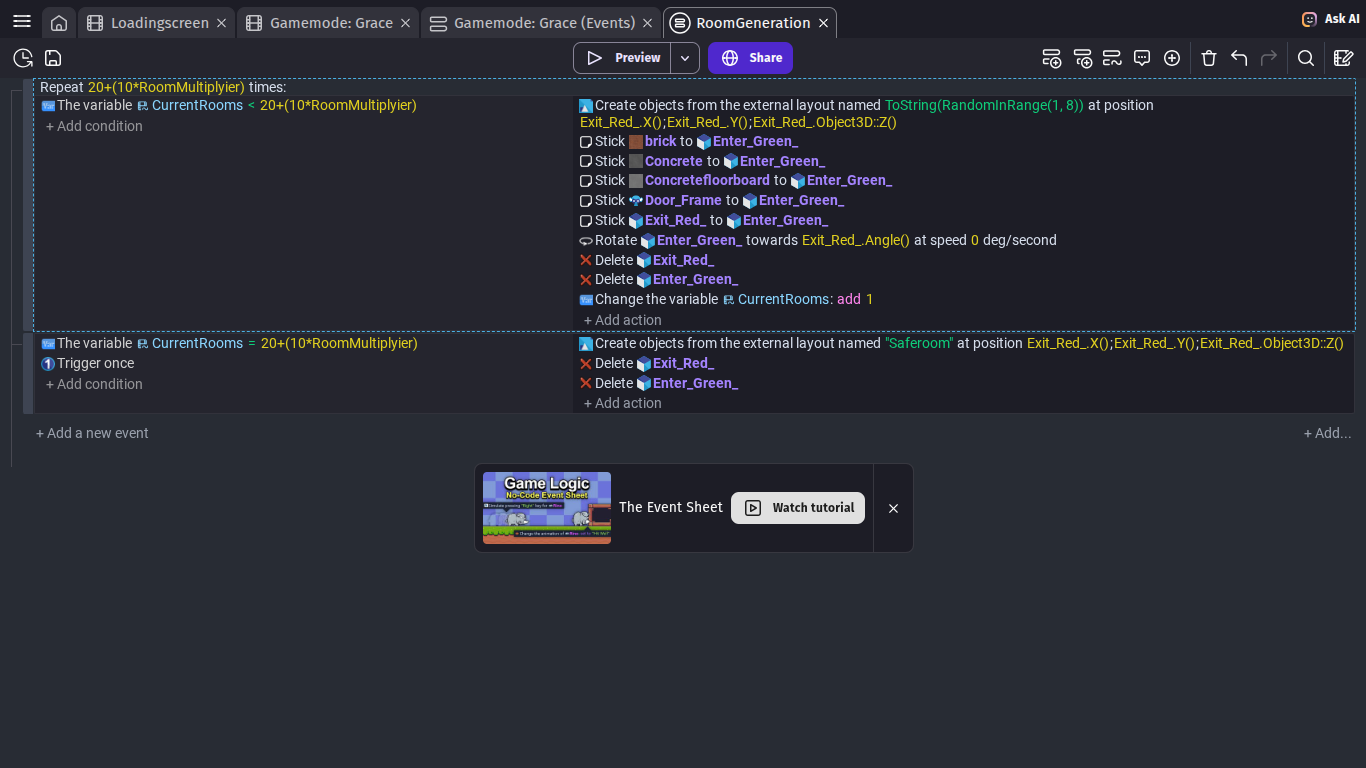
11 - ORDER of everything you see is crucial for it to work
So don’t tell me it does not work if you cannot show me screenshot of exact same events/conditions/actions setup
12 - By default my player is facing right that is why you see me rotating it -90 and now all objects crate facing UP
13 - Dice is your room exit so you have better orientation which way you wanna have room rotated
14 - You could make array and place there names of your layouts
For example you have layout called Up
Then on called UpDown another called UpLeft and so go on
Then if you place them all under array you could still use what i have
But in create objects from layout set Array[Z[“Layout”]]
In case you don’t want to rename your layouts
Enjoy