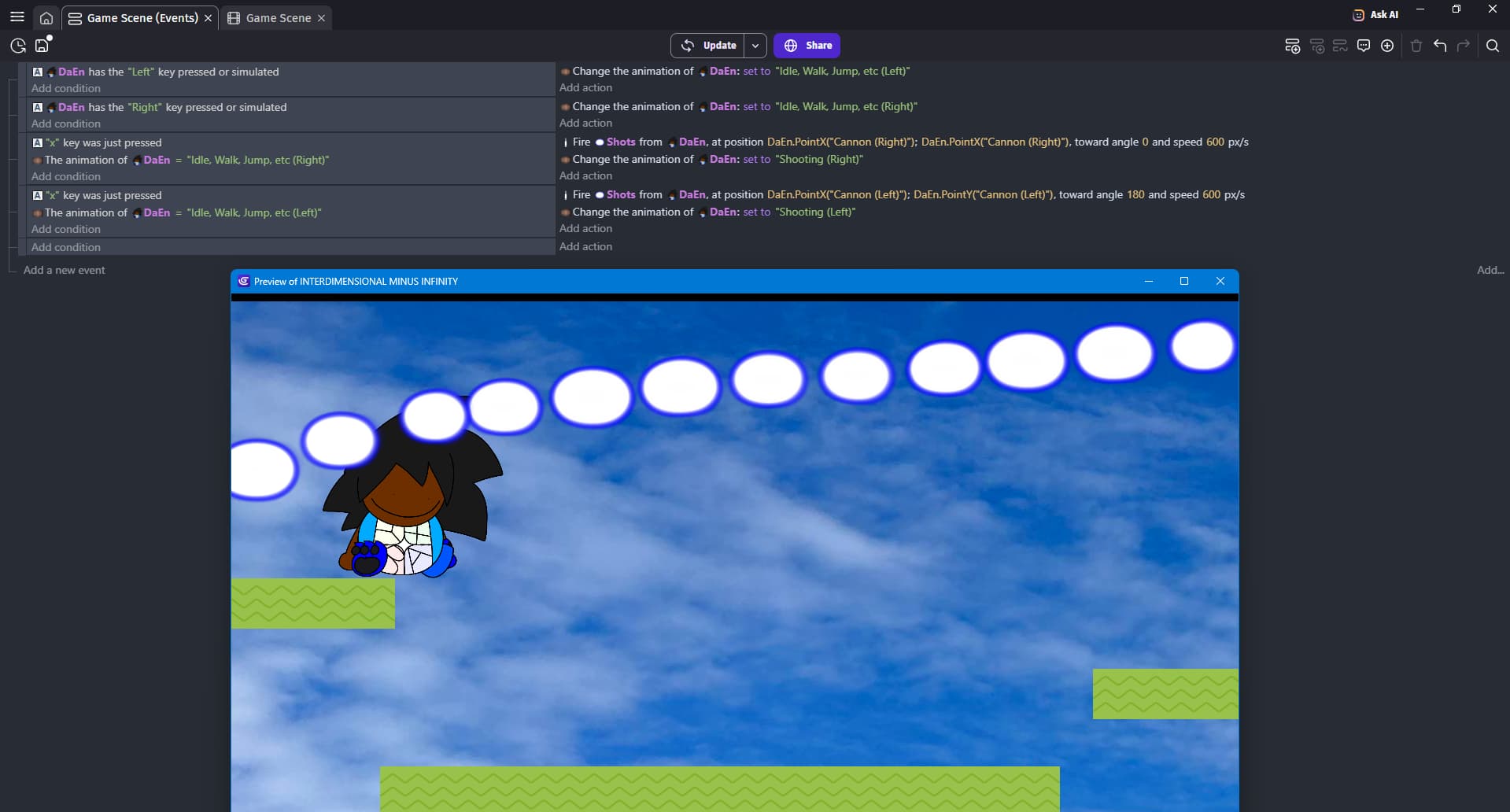
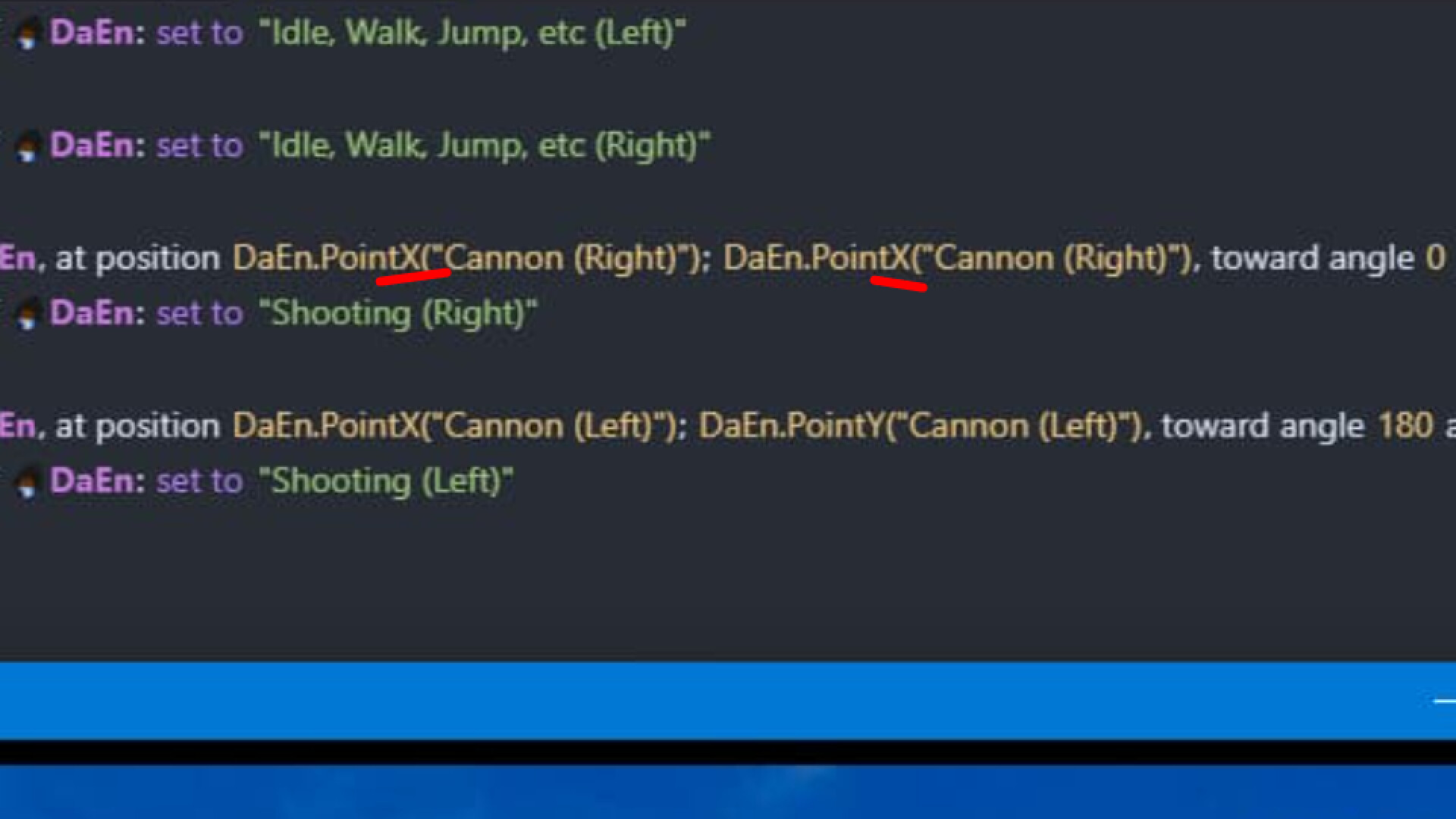
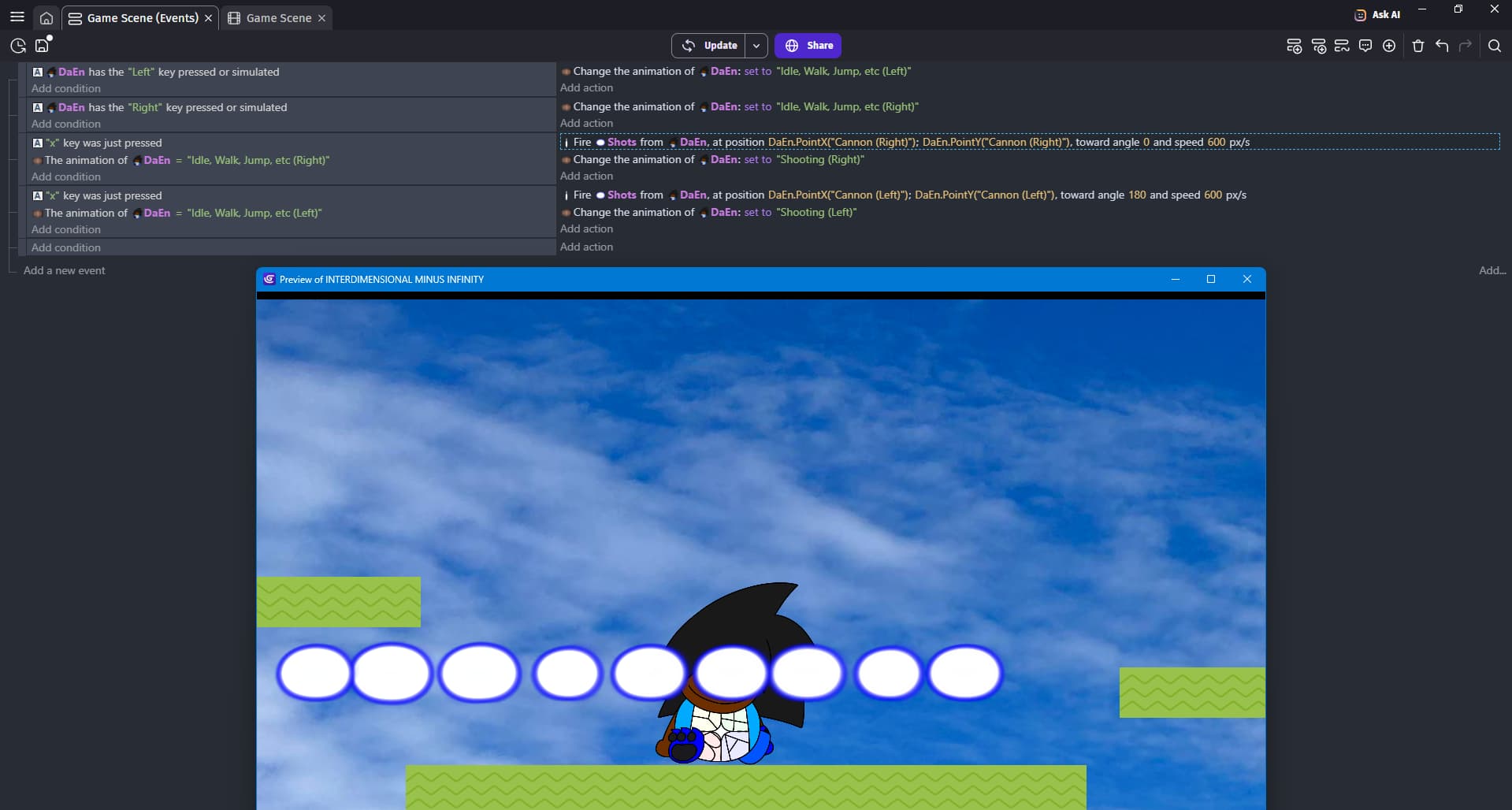
If you use create object instead of fire bullet
Where does it create it?
Also
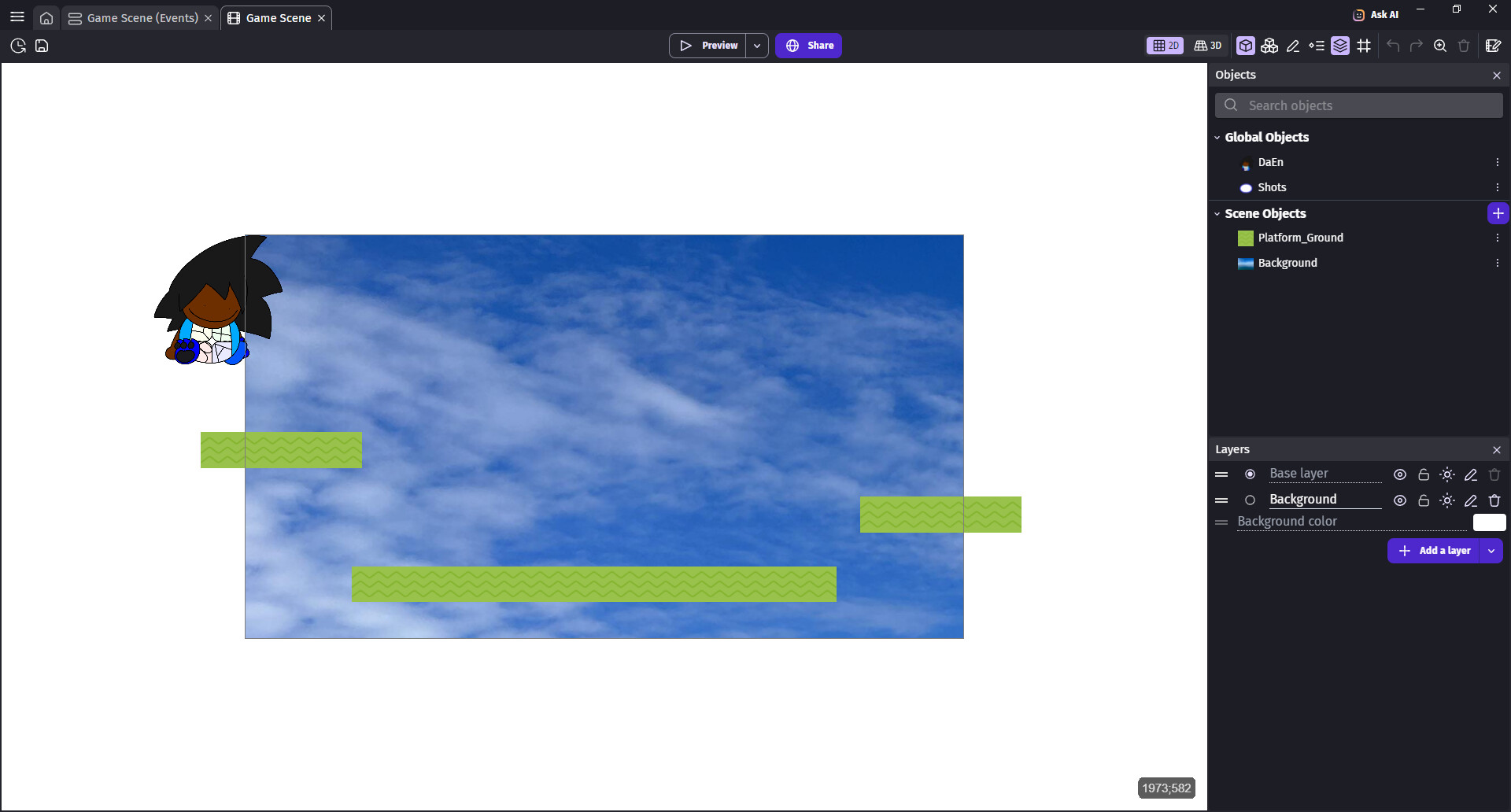
Do you have separate layer for player and bullets?
1 Like
yea @Dreski19 , perhaps u either have a separate layer for it, or put it on another layer by accident.
1 Like
Remove background layer (you will add it back later)
And check how now shots are appearing
Also you did not check does simply create object action solves anything
Sorry to chip in but…I wonder on this…Have you got the bullet firing point on all the animations? It might be that the point that you’re referencing isn’t recognized as it hasn’t taken the change in animation into account when you refer to it. Try the animation change above the bullet creation. Also I don’t think brackets in the point name is a great idea. And…you don’t really need left and right animations as you can just flip it on the X axis
1 Like
I just have the firing point on the two specific animations. I DO need left and right facing animations, though. the character would look awkward when facing left otherwise.
Hmm is there something u did to the player that we dont know?
like a behaviour or some other event idk.