How do I set bullets to their correct position?

What am I trying to do?

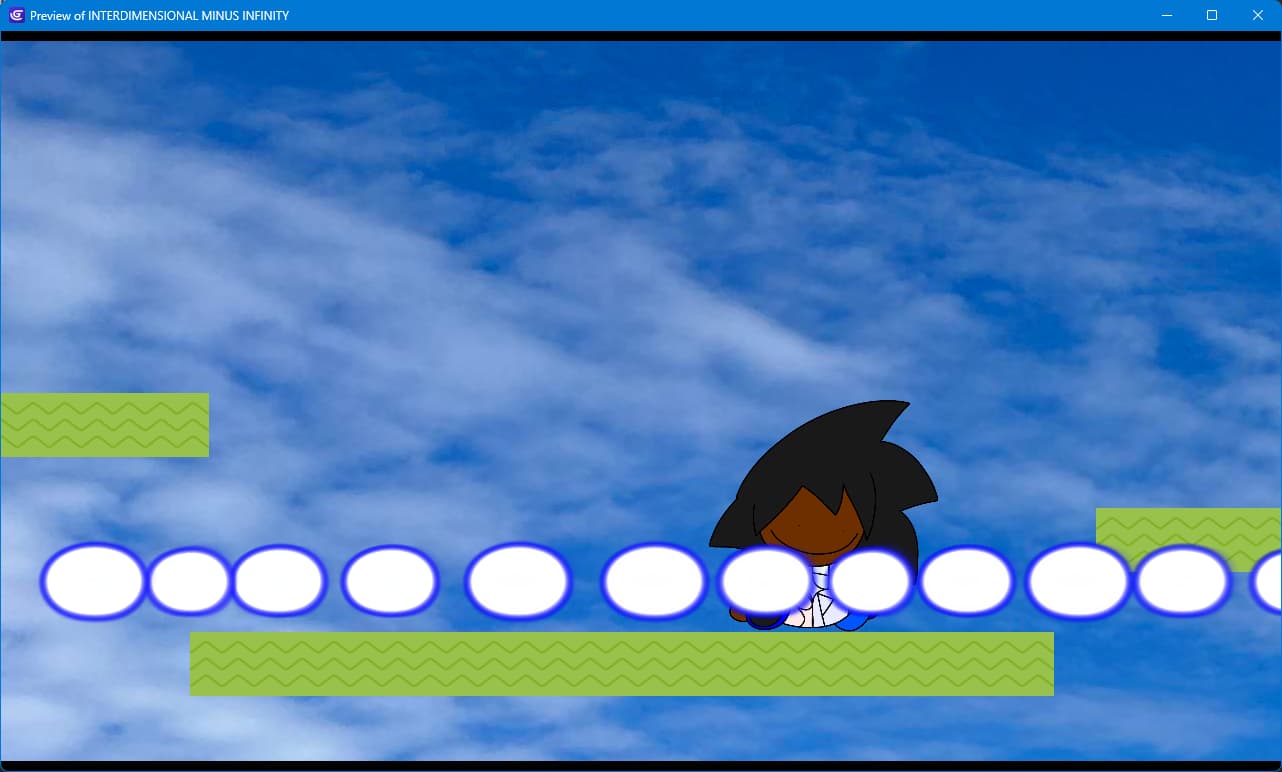
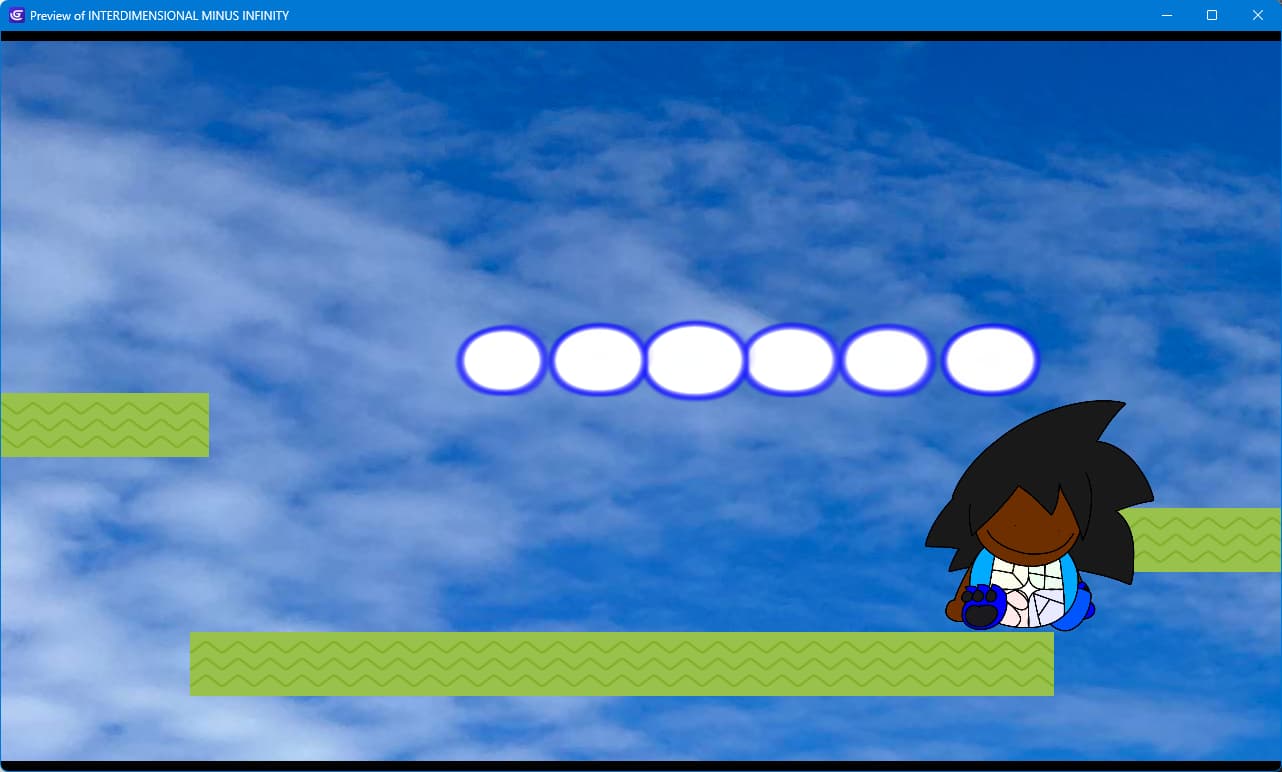
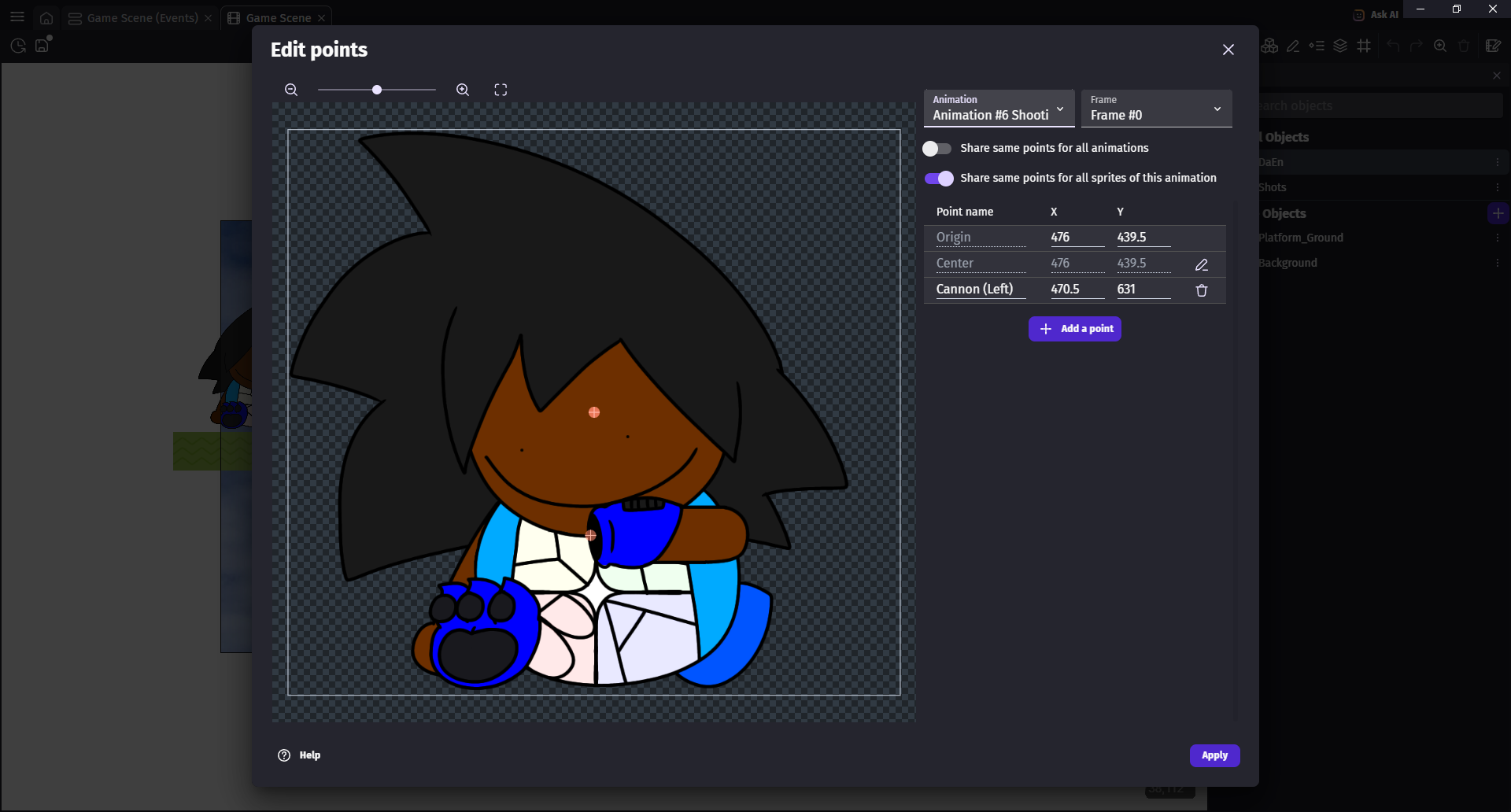
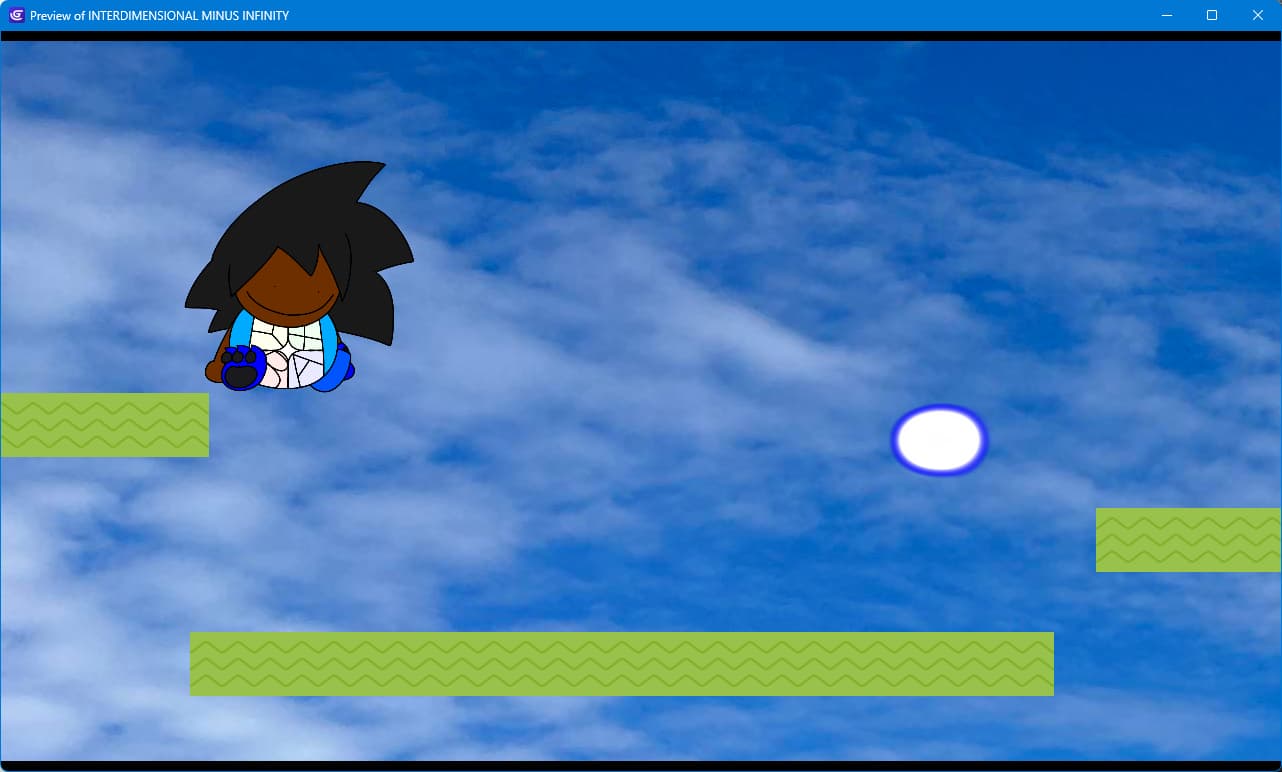
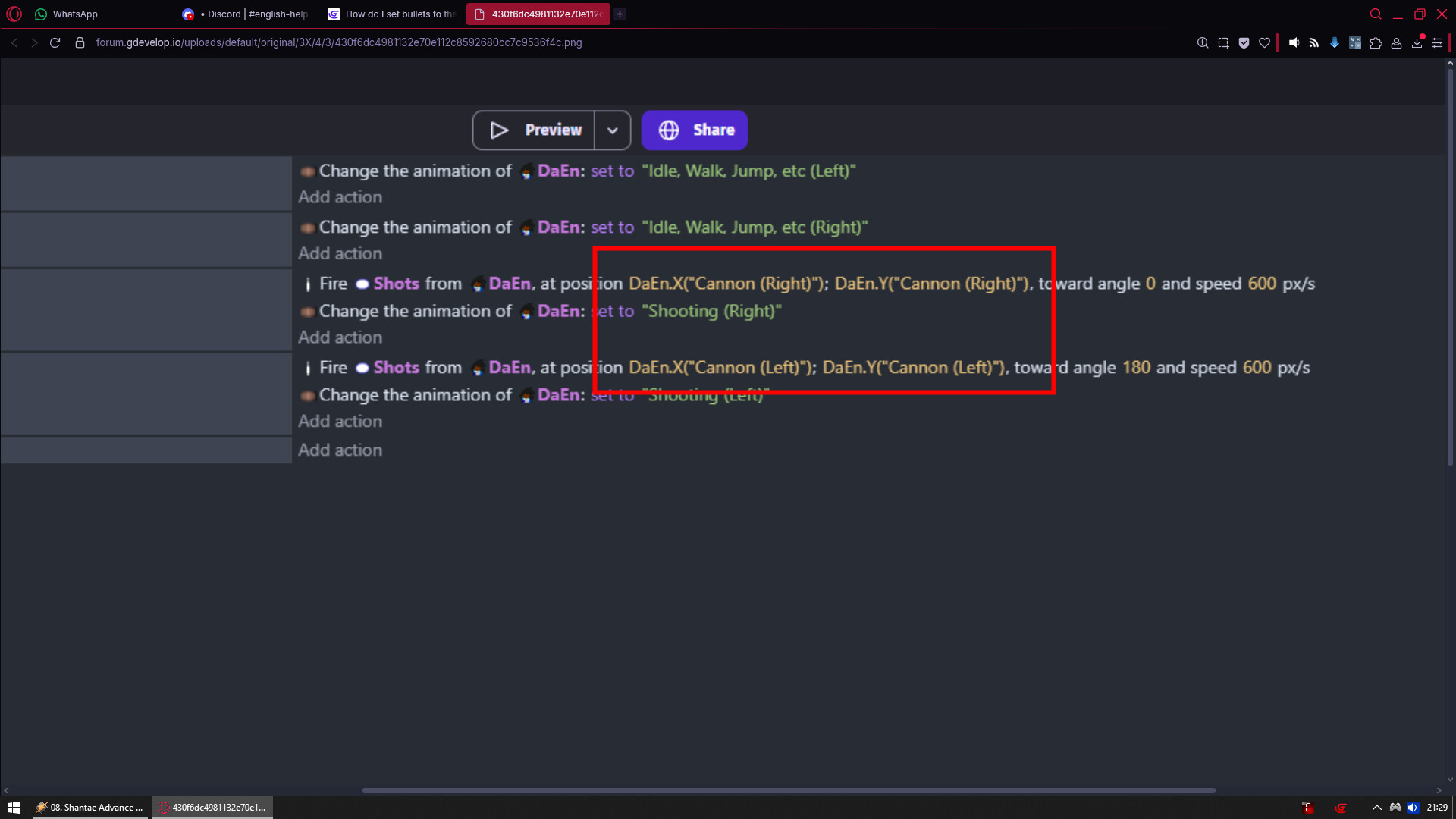
I’m making a Mega Man like game, and I’m currently working on the bullets function. However, the bullets appear somewhere that ISN’T the character, and they appear offscreen somewhere.

What is the expected result?

For the bullets to actually appear from my character.

What is the actual result?

The bullets appear offstage somewhere. And i can only shoot one at a time before I’m “animation” locked, but i can likely fix this with the shooting timer.

Related screenshots?

So yeah, please help!!

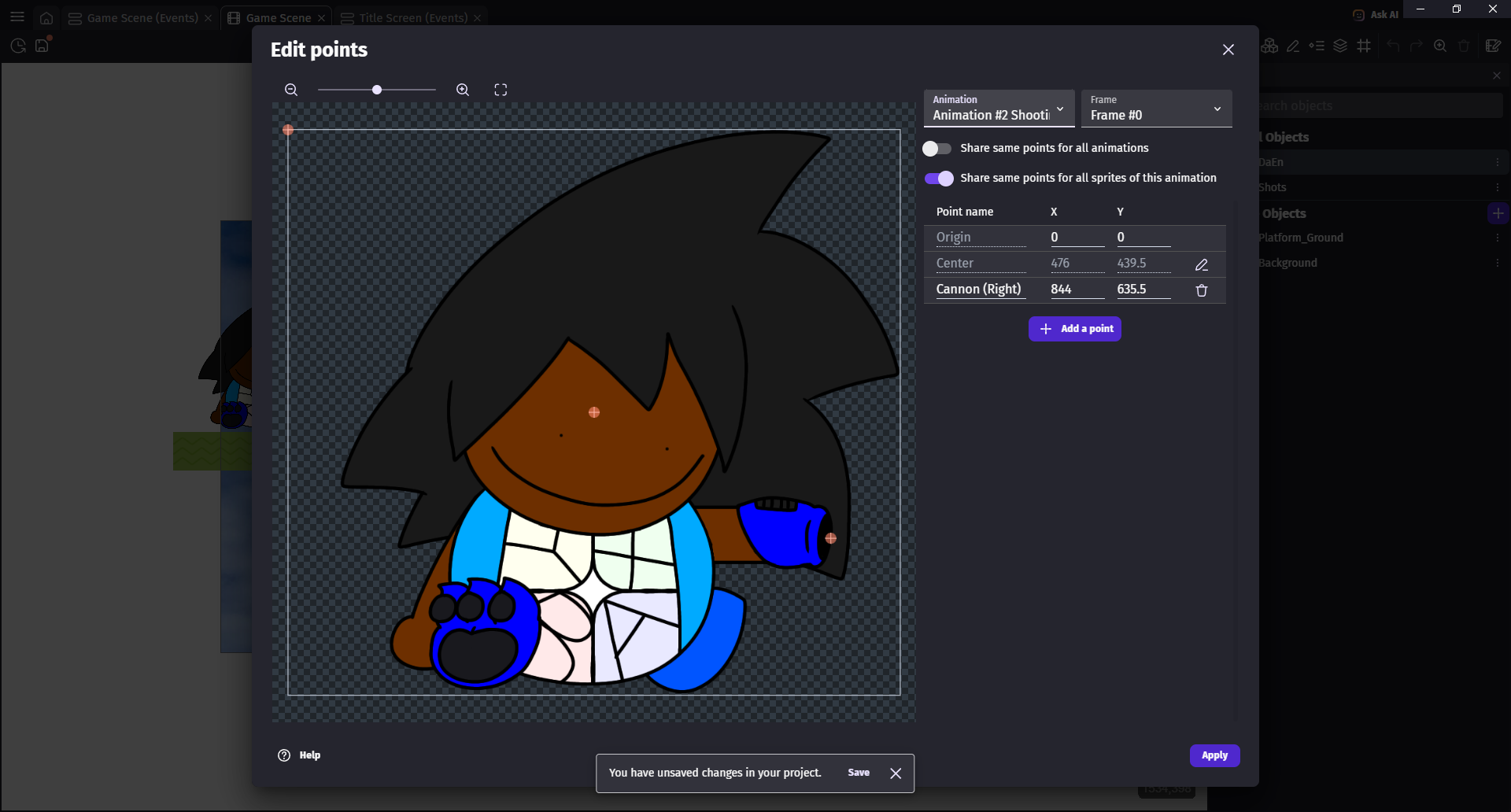
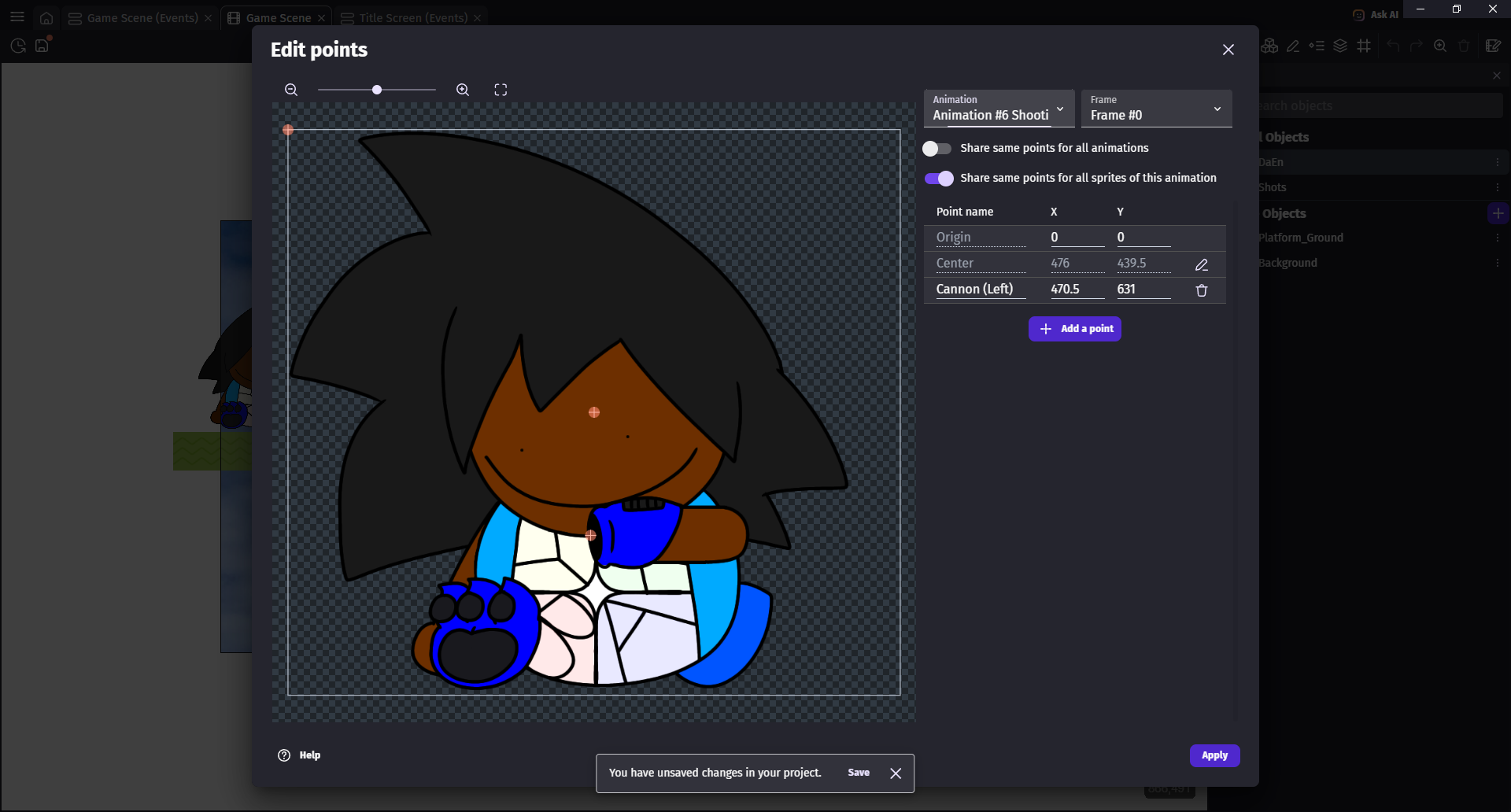
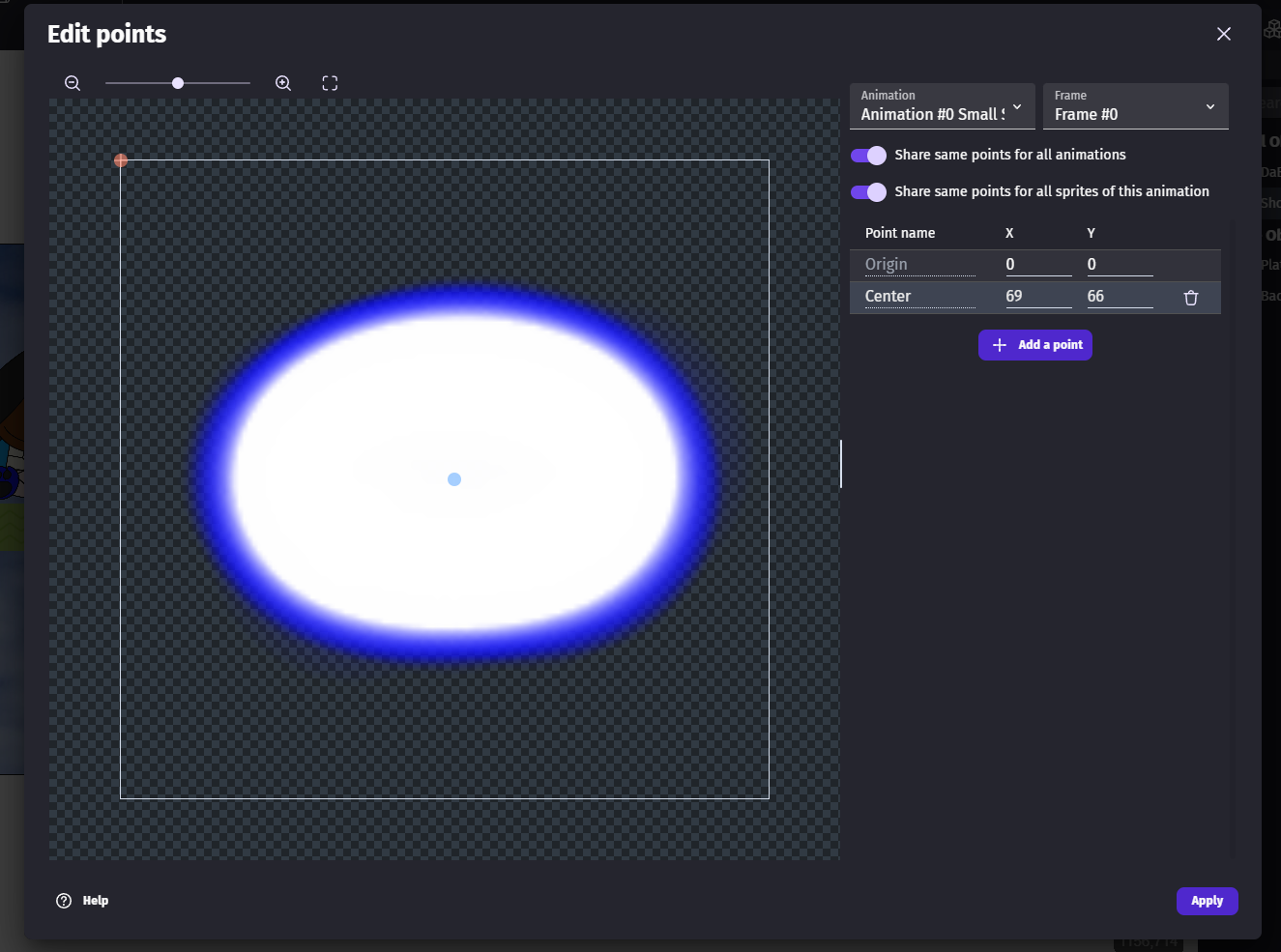
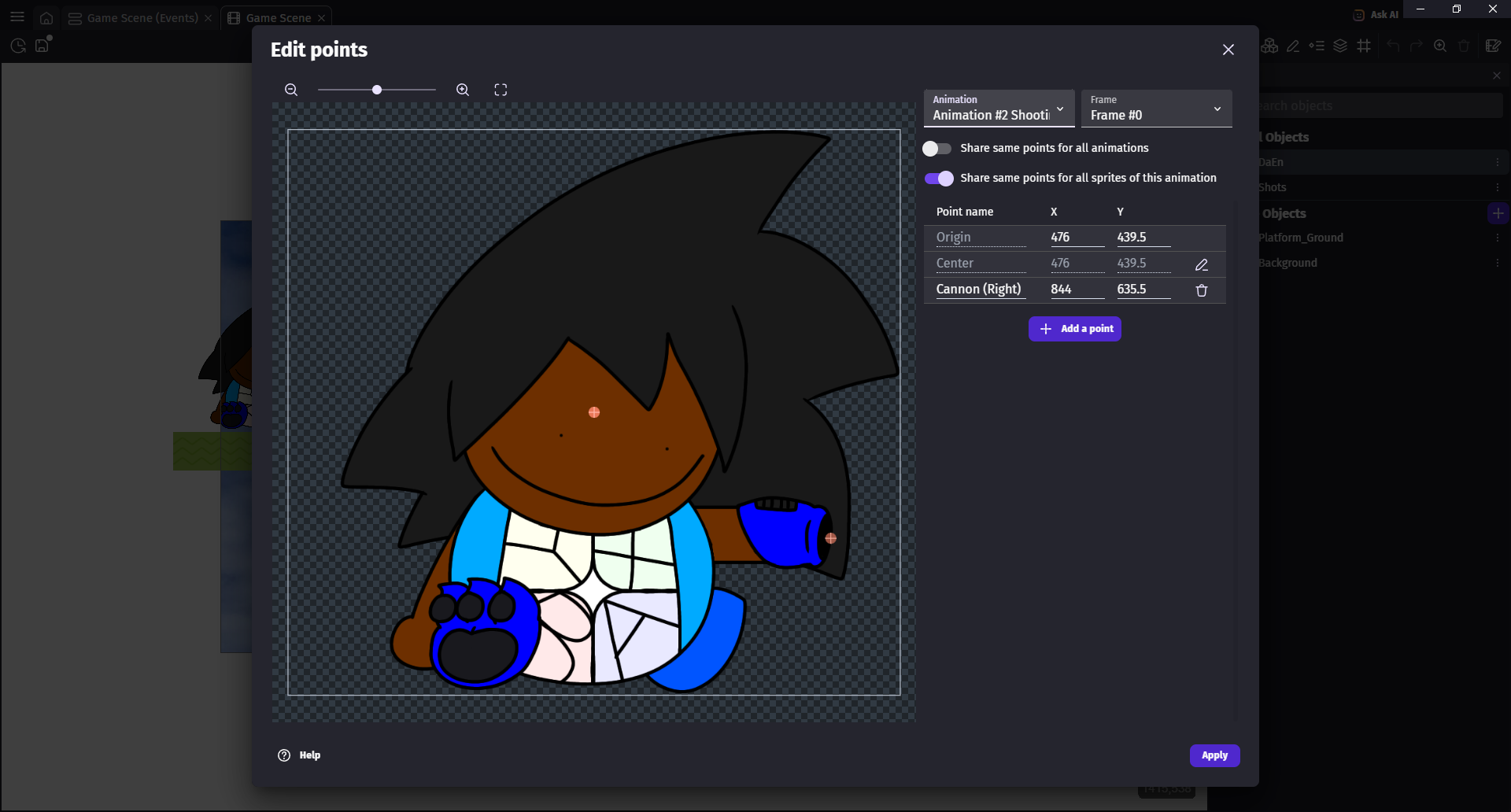
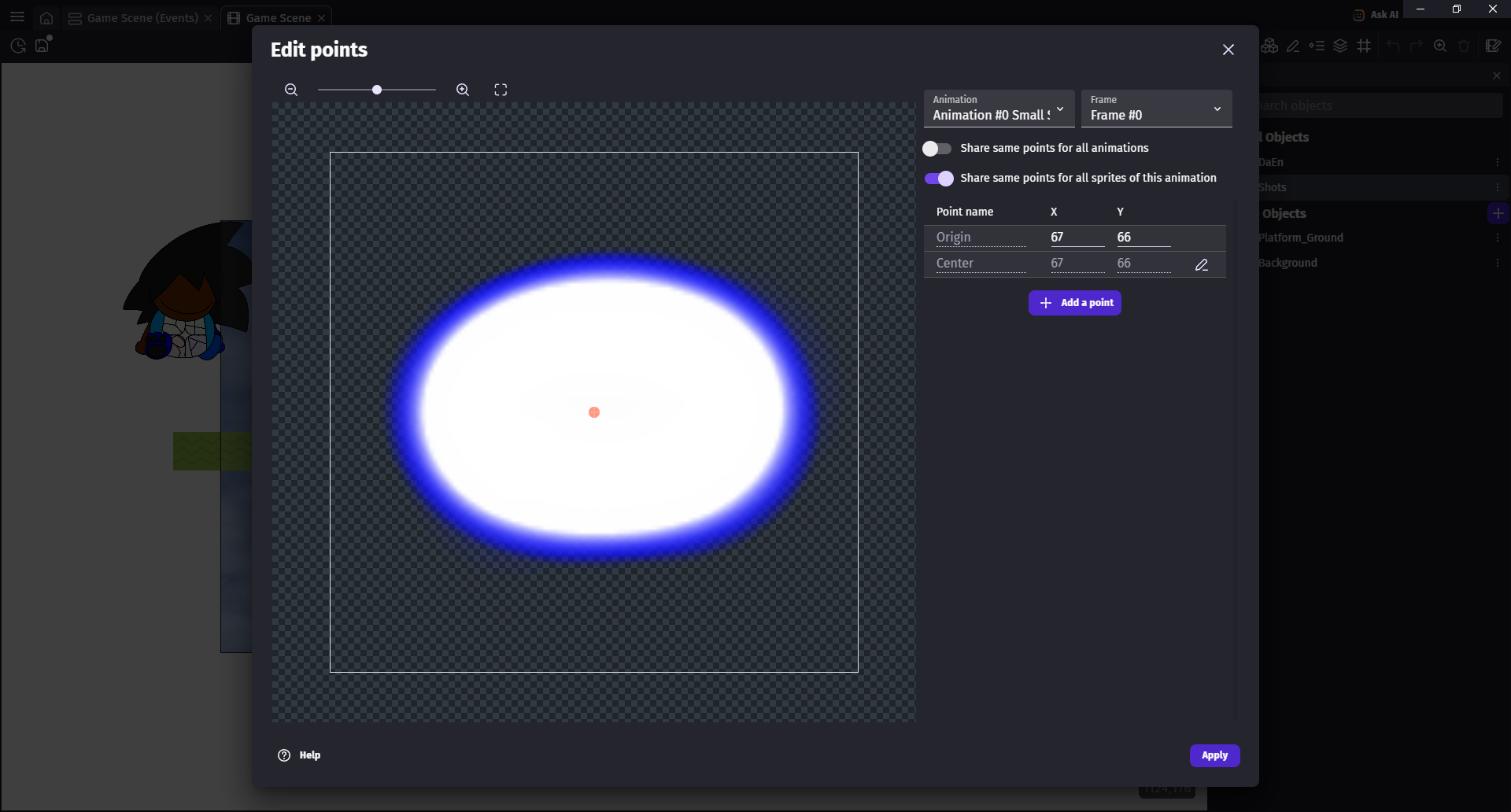
And screenshot of bullets from its points window?

1 Like

Instead of using DaEn.pointX() and DaEn.pointY(), use DaEn.centerX() and DaEn.centerY() and see if it works and let me know!!

1 Like


nope… the bullets still appear randomly from the left side of the screen.

Can u take a screenshot of all your objects, and the scene editor?

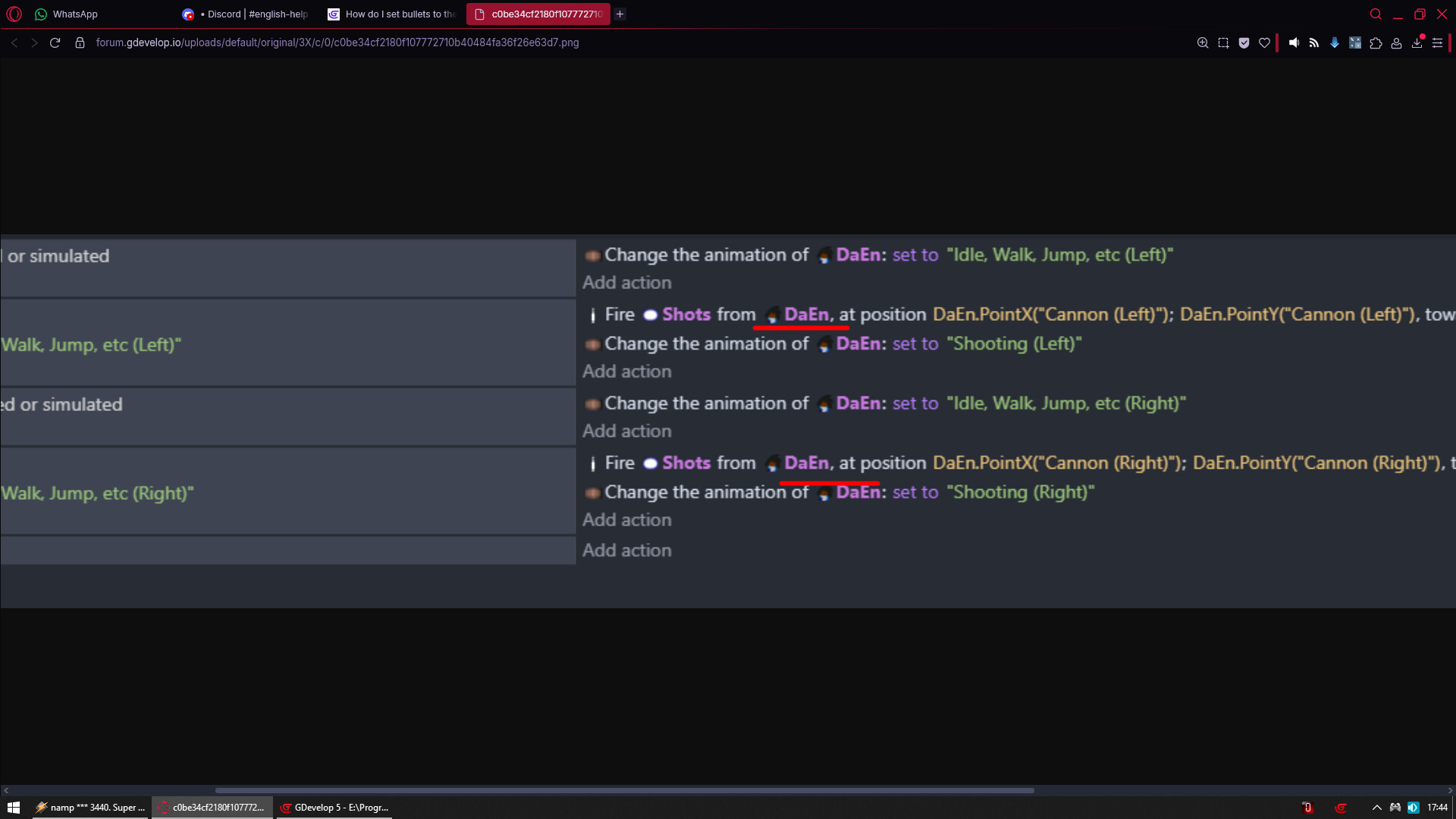
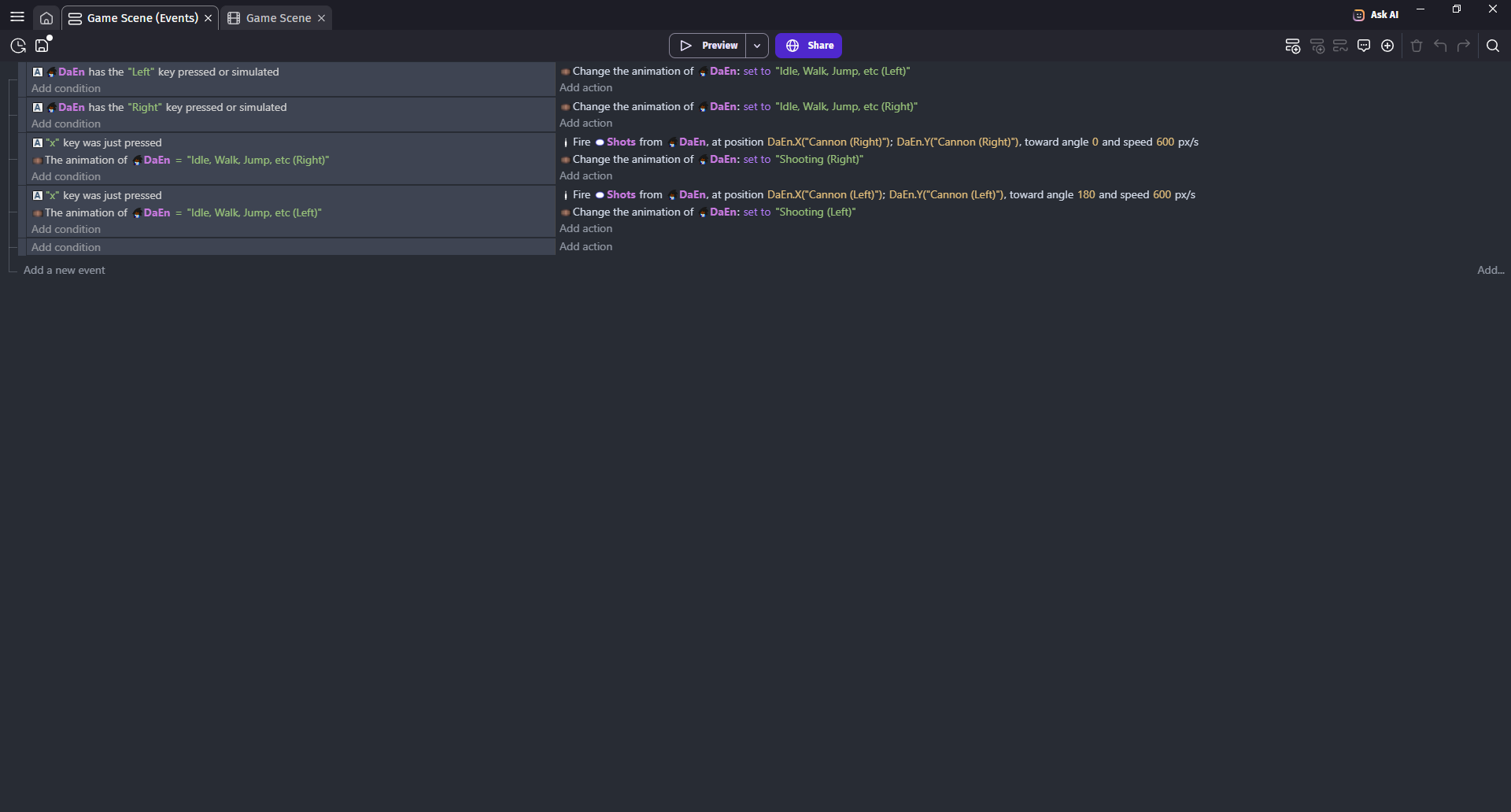
(also all your events in case theres a misplaced action)

Just for calrification which object did you apply the bullets behavior to? The bullet or the Player?

If the answer is player then it should be working perfectly fine. Can I see all properties (behavior, animations) of both player and bullet?

Move origin point to center point like literally drag it over to center

@Phoenix You cannot fire bullets from objects that don’t have fire bullet behavior
I mean you can select origin position of the bullet like where it will be created
But you cannot use object for it that does not have fire bullet behavior since that object is holding all values

And in this case DaEn is object with behavior otherwise we would see red text error

And setting it to center X and Y would mess up what Dreski want to achieve
He have 2 different points depending on if player arm is erected or not


I tried this… But now the bullets appear even FARTHER offscreen.

[grid]

Make event like

Condition
Left mouse button pressed
Trigger once

Action
Create Shots at CursorX()_CursorY()

And let’s see is it creating them in correct position of cursor or not


It did work, the shot was fired to where the cursor was

OMG

DeEn.PointX(“Cannon (Right)”)
DeEn.PointY(“Cannon (Right)”)

DeEn.PointX(“Cannon (Left)”)
DeEn.PointY(“Cannon (Left)”)

Yeah its supposed to be like that, the points have X and Y coordinates don’t they? Or am i missing smth?

It should be
DeEn.PointX(“Cannon (Right)”)
DeEn.PointY(“Cannon (Right)”)

DeEn.PointX(“Cannon (Left)”)
DeEn.PointY(“Cannon (Left)”)

NOT

DeEn.X(“Cannon (Right)”)
DeEn.Y(“Cannon (Right)”)

DeEn.X(“Cannon (Left)”)
DeEn.Y(“Cannon (Left)”)

Correct syntax is
ObjectName.PointX(“Name of your point”)
ObjectName.PointY(“Name of your point”)