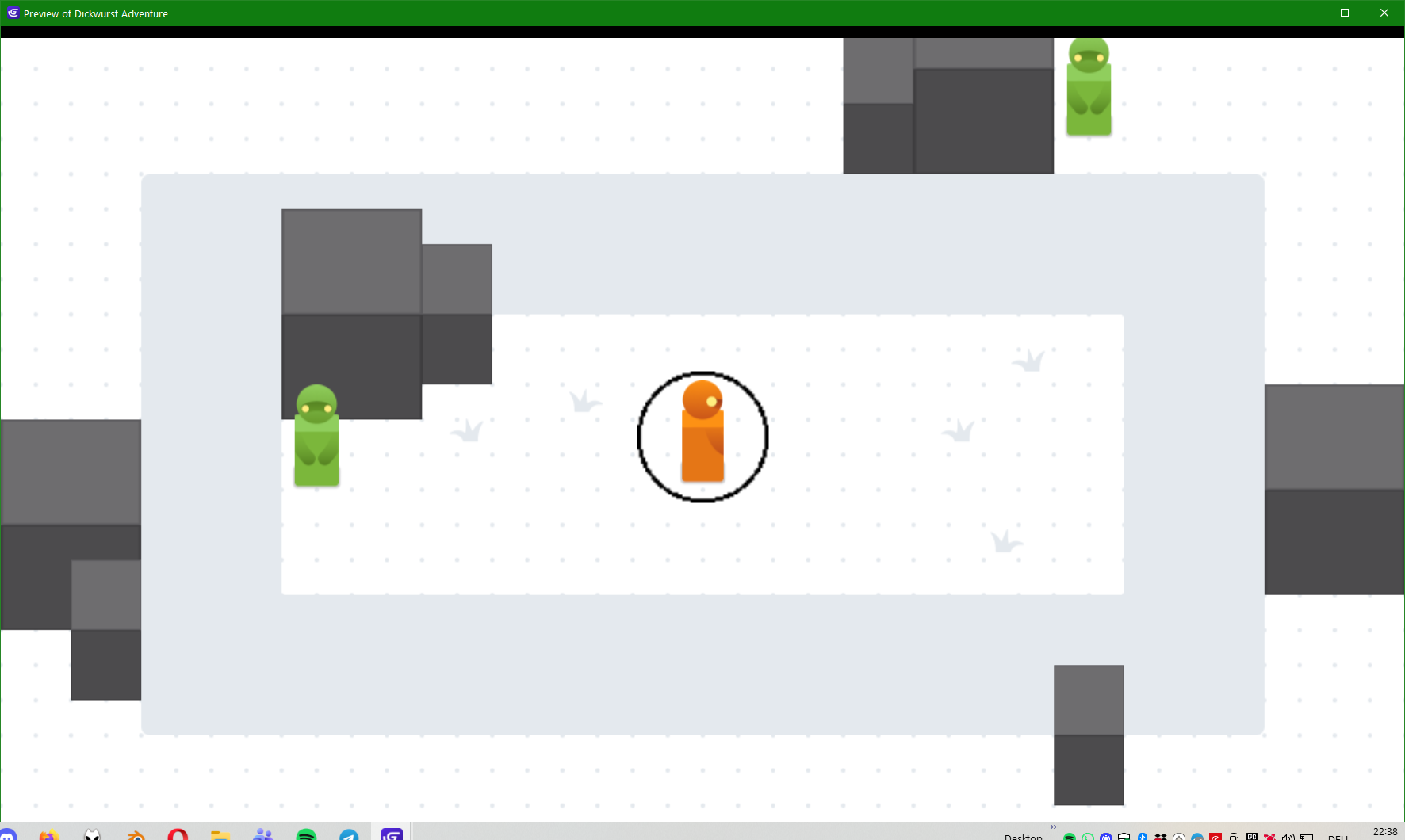
I use the template of the 2D RPG with a smooth camera which follows the player.
The player move on the Base layer. There is another layer for the UI. I want a circle of the UI to be always centered on the player. I want this circle belong to the UI layer, so it is always on top layer, and the whole UI layer can be turned on and off when relevant.
What is the expected result
I expect the circle to follow the player.
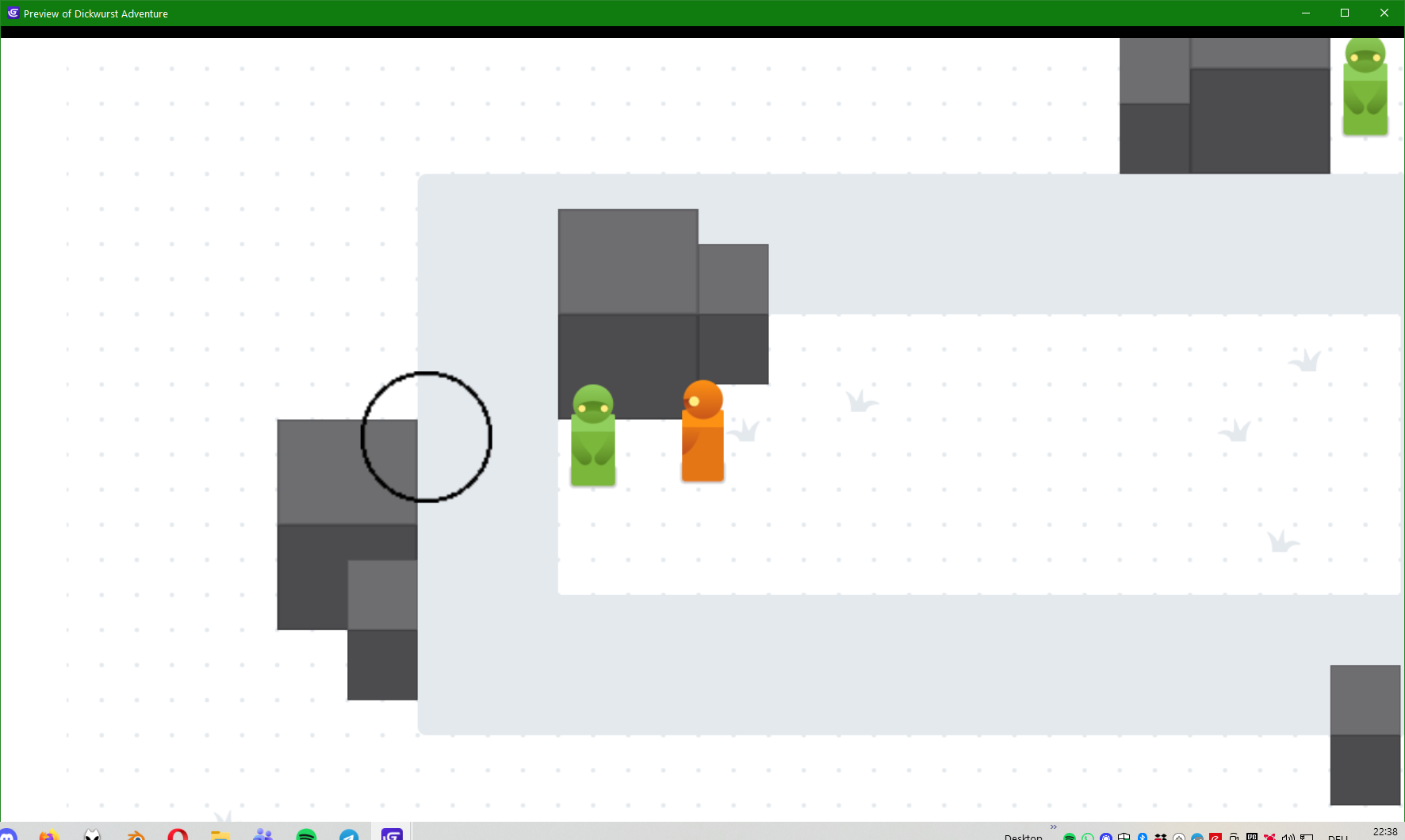
What is the actual result
When the player move around, if I set the center of the circle on the player position (or use sticker extension), the circle move around differently as the player, because they are not on the same layer.
Cause easy fix would be to install extension called copy camera setting
Make new layer let’s call it circle layer
And now you would copy camera settings from base layer to cricle layer
And now sticker would work as you described it for your circle object
And last thing to do would be to hide/show that layer depending if UI layer is visible
Other solution would be to anchor your UI objects BUT NOT CIRCLE to UI layer camera borders like change position of HP bar to CameraBorder.Left(“UI”, ) + 20 FOR EXAMPLE
And same for other objects BUT not circle
And again use copy camera settings
If you insist on having it on UI layer
You would need to / or * position of that circle by player position and zoom and play area depending on which have what zoom and which have how big of offset
Which is doable but would take some trail and error