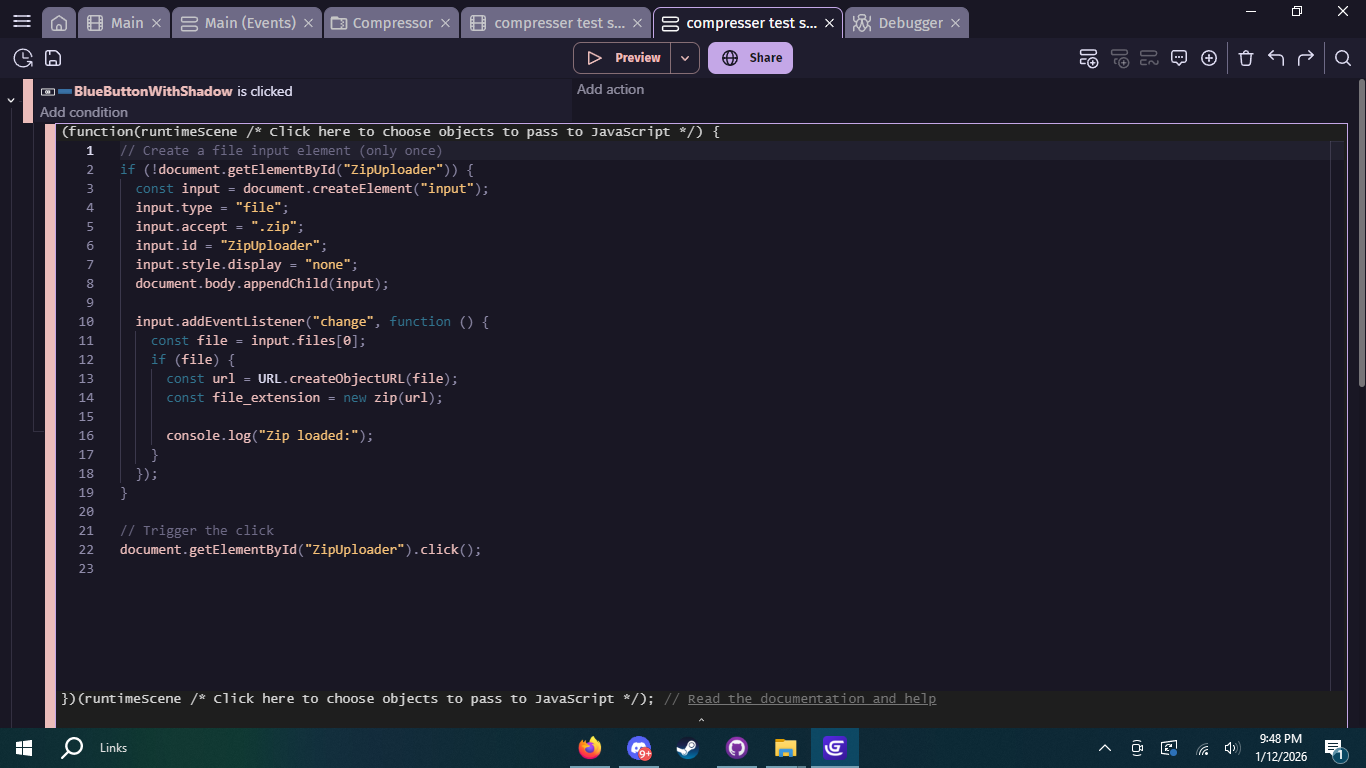
I want to import a zip containing a test image (.png), text file (.txt), and a music file (.mp3) into a running scene, but the farthest I’ve gotten is opening the zip, and I have no idea how to access the files or if it even loaded. I know I should use JSZip, and I have that downloaded when the scene loads, but that’s it. I really don’t want to use AI anymore than I have, so can someone please help 
I’ll go through this one by one:
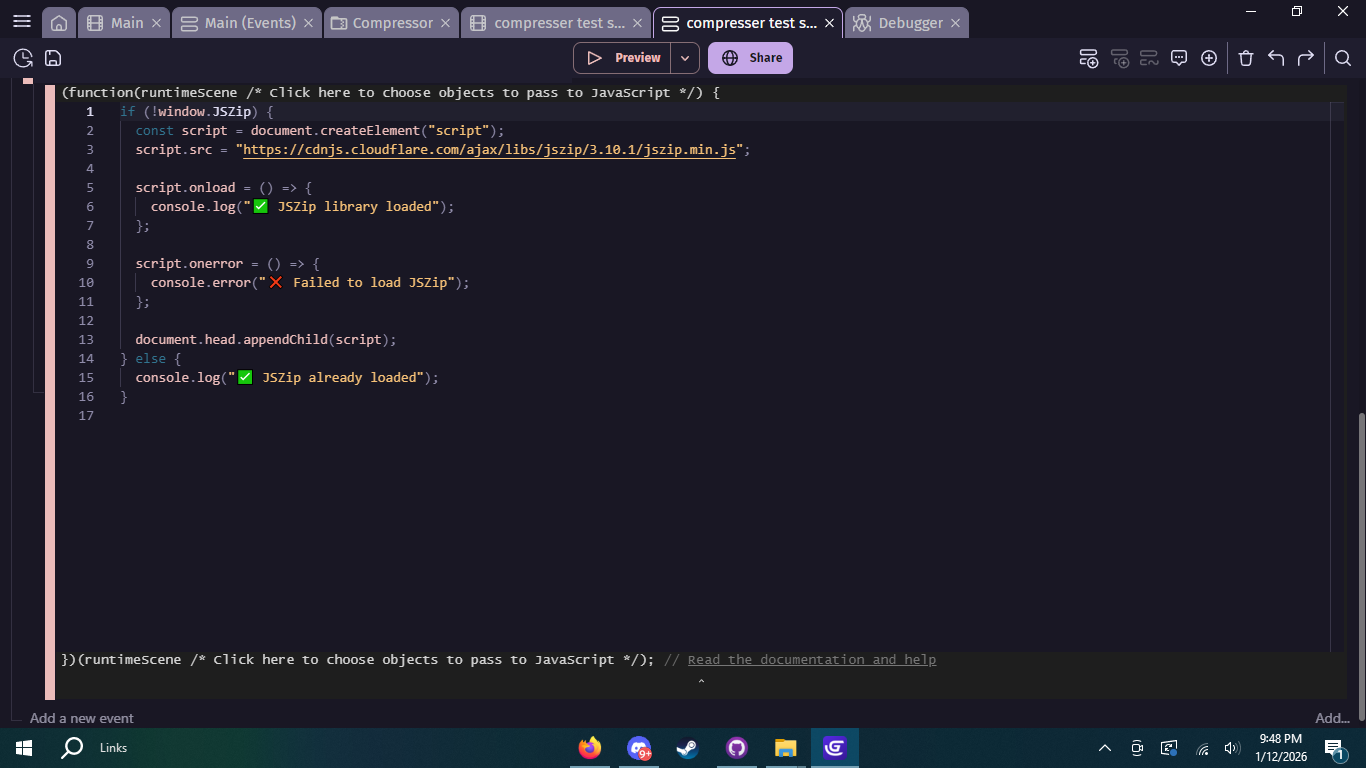
Firstly get the browser cdn verison of jszip:
https://cdnjs.cloudflare.com/ajax/libs/jszip/3.10.1/jszip.min.js
Save it and add it to your project file because saving an offline verison is more stable (This is though optional).
To add to Gdevelop:
- Create new extension named js doc
- Click this

- Under the Dependencies tab, add an extra source file. Done!
- Create an empty action, call it anything prefer “Load JSZip”
- Add it to the top of you scene (this is needed so Gdevelop includes the extension)
And a JS event:
function loadJSZip() {
if (typeof JSZip !== “undefined”) {
console.log(“JSZip is already loaded.”);
return;
}
const script = document.createElement("script");
script.src = "jszip.min.js"; // Ensure this matches your filename
script.onload = () => console.log("JSZip successfully loaded!");
script.onerror = () => console.error("Failed to load JSZip!");

document.head.appendChild(script);
}
loadJSZip();
This is the code you can use for reading a file make it run only when a coditionhappen (key press):
const input = document.createElement(“input”);
input.type = “file”;
input.accept = “.zip”;
input.onchange = (event) => {
const file = event.target.files[0];
if (!file) return;
const reader = new FileReader();
reader.onload = (e) => {
    const contents = e.target.result;

    // Initialize JSZip and process the data
    const zip = new JSZip();
    zip.loadAsync(contents).then(function(zipData) {
        console.log("Zip file loaded!", zipData.files);
        // Your logic for handling the unzipped files goes here
    });
};

reader.readAsArrayBuffer(file); // Zip files should be read as ArrayBuffer, not Text
};
input.click(); // Opens the file dialog
 This was a bit rushed so please pretify
1 Like