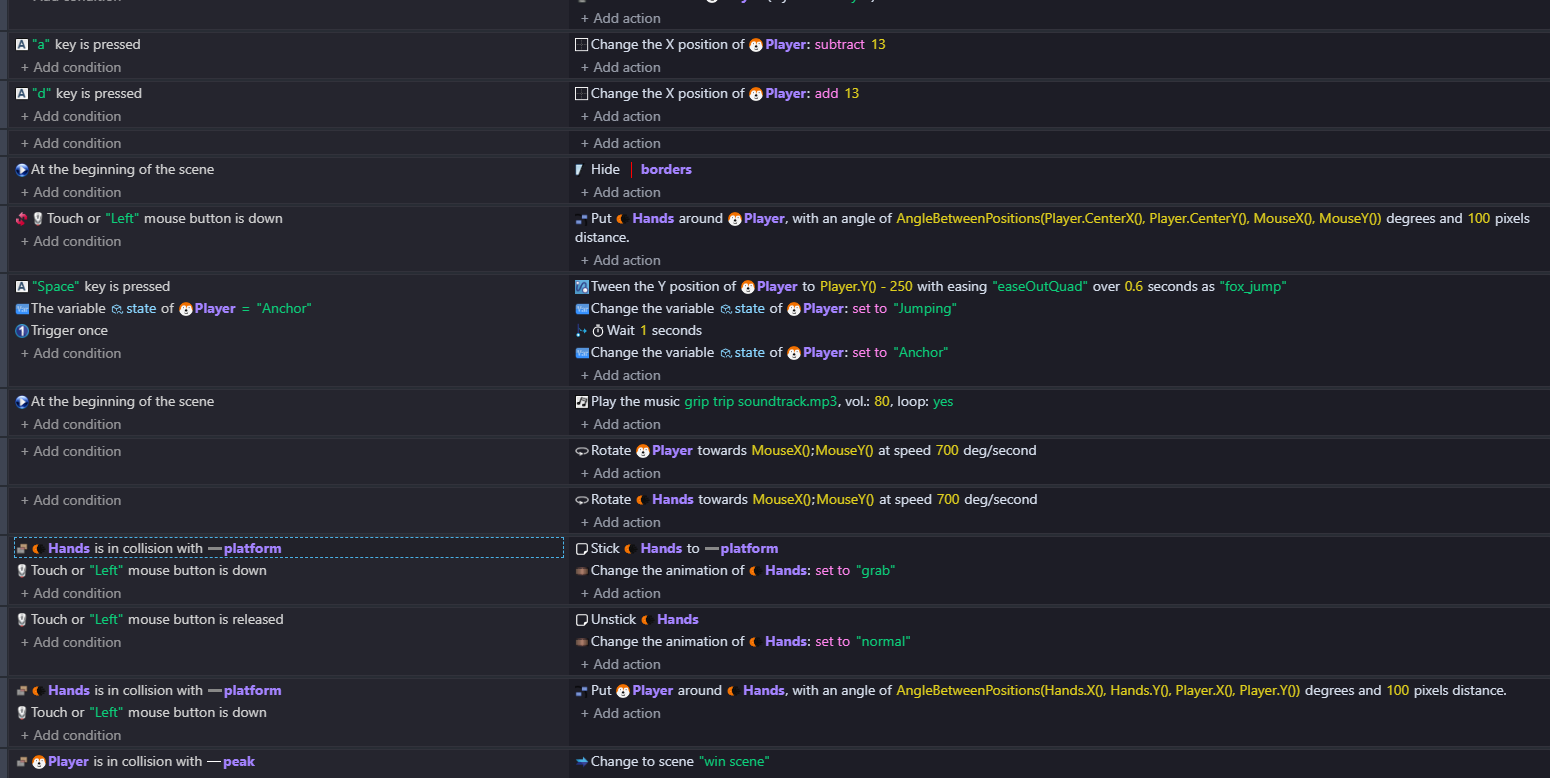
I want to make the object hand stick to only to the platform (since its a grabbing-based game) the hand sticks to everything and I want to make it stick to the platform only
What is the expected result
The hand should ONLY stick to the platform not anything else
What is the actual result
The hand sticks to anything even background or empty spaces
then you probably use the very wrong extension for what you want to do.
do not simply read the title of an extension.
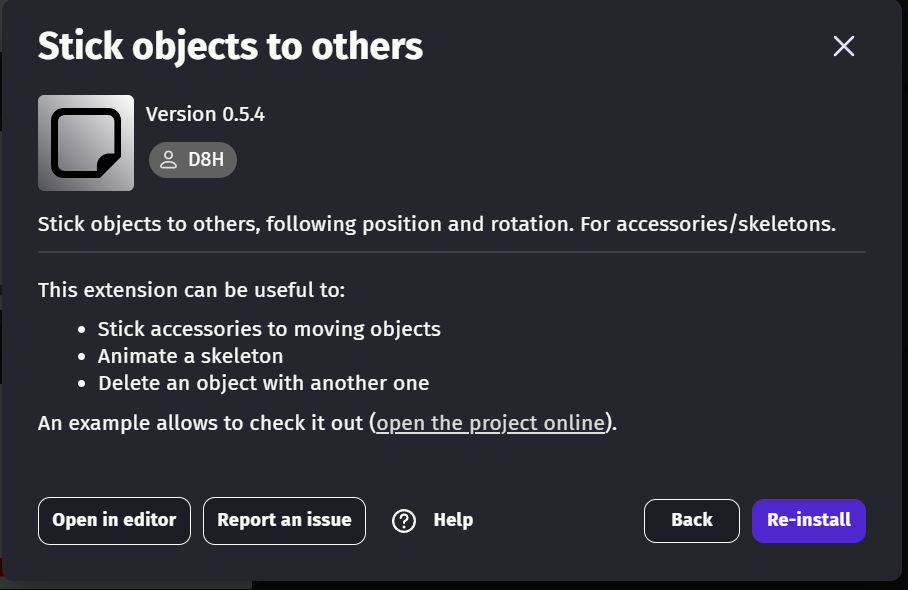
“Stick objects to others” i meant to copy the difference of position to another object (if one move 30 pixels to the right, the other also move 30 pixel to the right) it is used to avoid teleportation of the first object.
what you want is to “toggle off” whatever was moving the hands.
if it was draggable (mouse): simply put an event to deactivate behaviour “draggable”.
same for physics 2.0 or any other behaviours
if it was a key input. Simply store the information that hands are stuck inside a boolean. then, inside your key input event block that moves the hands, add a condition that checks the boolean.
if you put the condition to stop the movement of the hands using your “ckeck animation name = ‘normal’”, than your hands will stop moving when the event isnt triggered (it will look sticked)
if that is what you want, then the stick behaviour is useless.