Before proceeding, please use the forum search feature at the top of the page to check if your question has already been answered.
other topics about dynamic calling don’t talk about this
How do I…
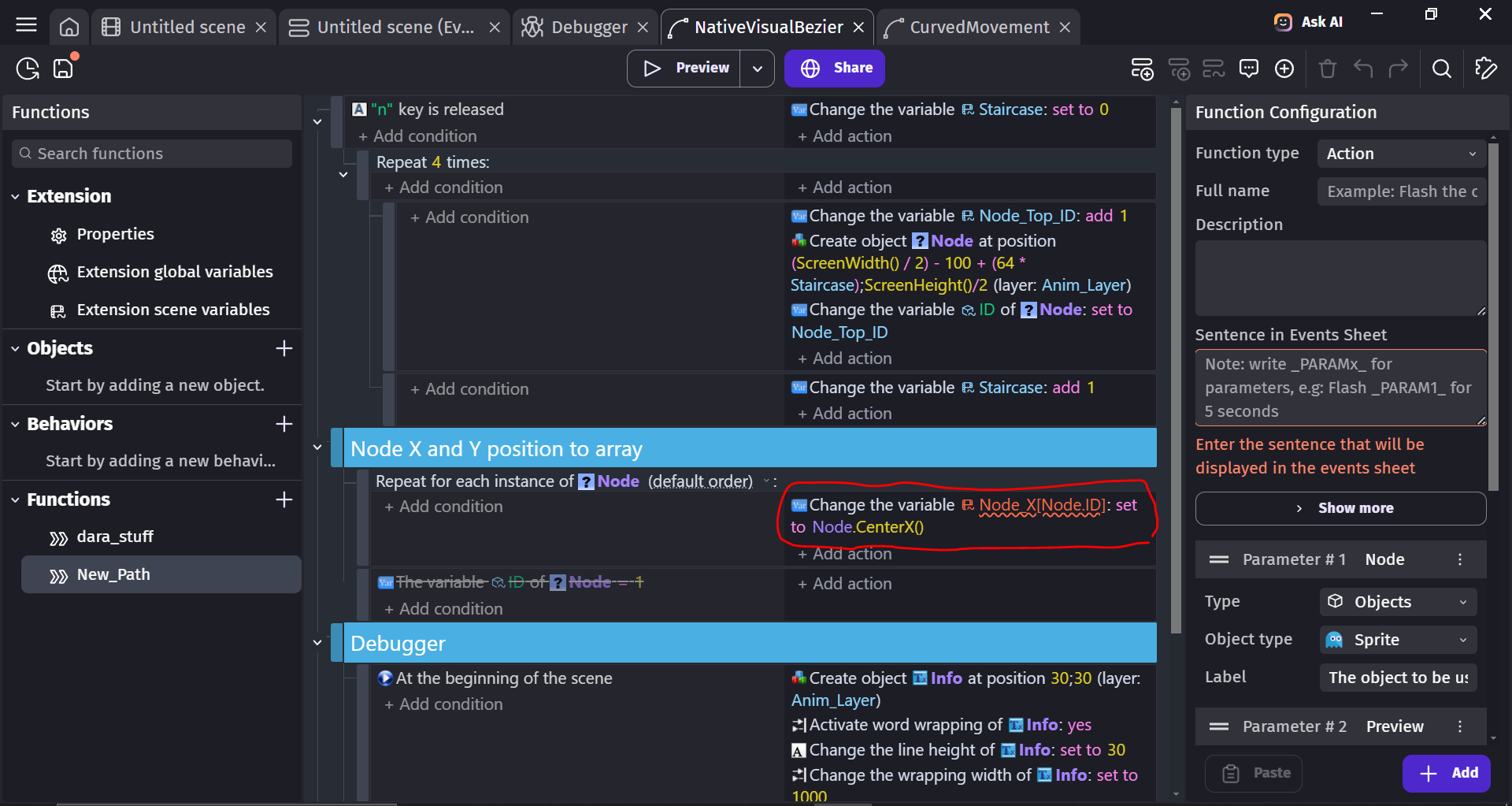
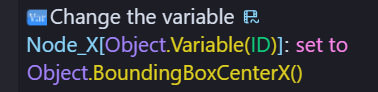
Dynamically Call a child variable of an array inside an extension event? (the array is inside the scene variables of the extension)
What is the actual result
The sintax is wrong
when i specify which child is it by its index inside the bracket, it works.
the only case it doesnt work is when I try to put anything else. Basically, i can’t seem to put an expression here
The editor has no way to know that the Node.ID exists for the object provided which will cause edge cases if it doesn’t that why you shouldn’t.
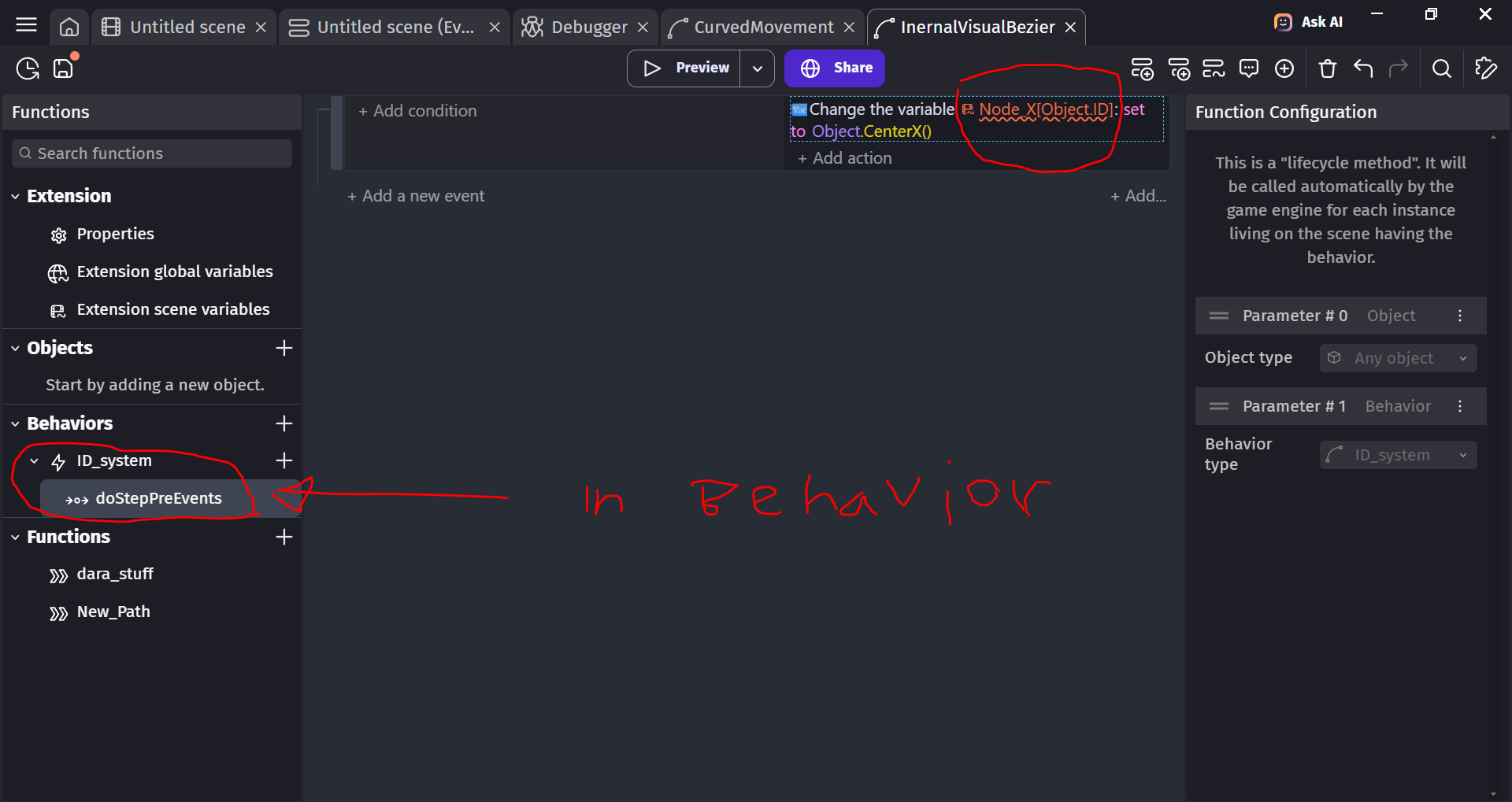
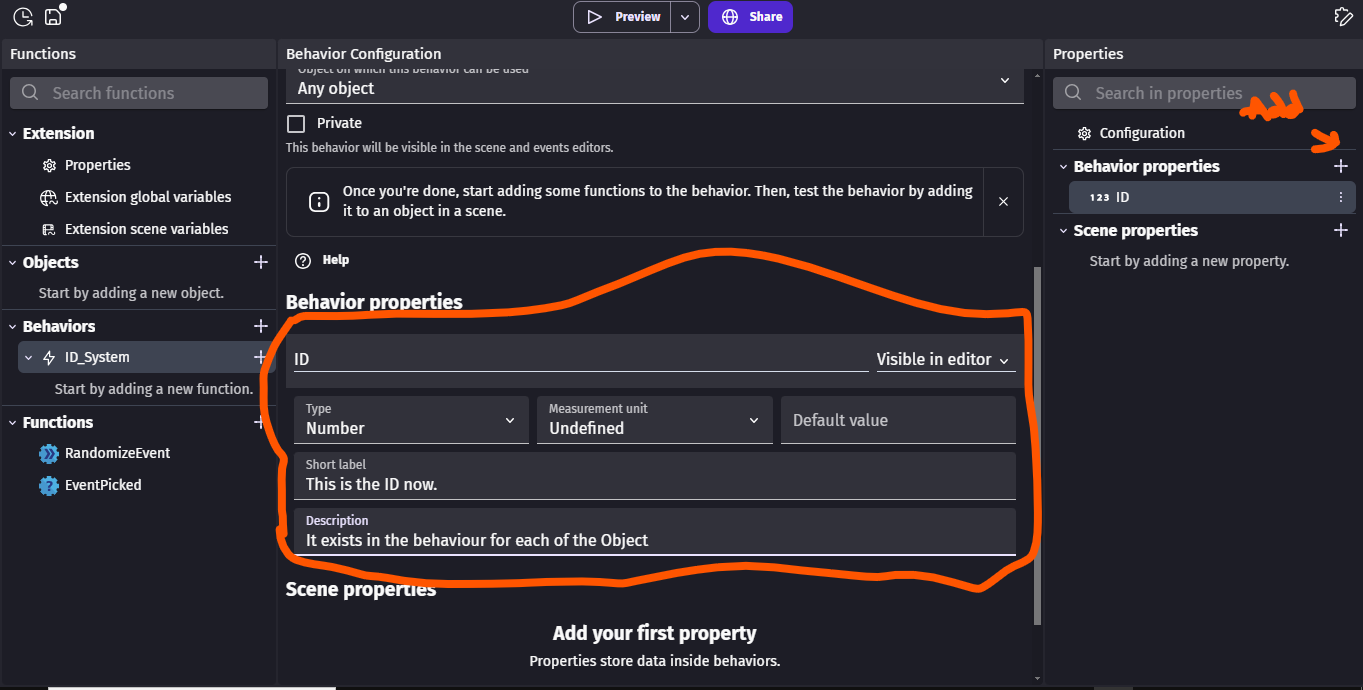
You can give Node object a behavior that managers the ID. That is, you have actions to set. conditions to compare and expressions for the ID and the ID exists inside the behavior. So, you have it for every object
You can also use a number parameter instead and just pass Node.X instead.
Actually, no, the old variable system is still visible only because behavior properties can’t be array or structure. For numbers, you should use behavior properties as suggested by AnselGames in this last message (which should be tagged as the solution).
is it just a best practice to use behaviour properties?
its actually better for my extension to not use behaviour since behaviors must be assigned by the user. Variables are assigned automatically if they don’t exist (which is actually awesome). I assume that best practices want this because the variable I assign might be in conflict with a variable that the user puts. But there is a easy fix for that. (just put a name no one will use)
as a bonus… its easier to debug since it shows in the inspector
and why is that? are there general reasons as to why?
my extension is super different than the other ones
oh and btw… it only saves one click (adding behaviour)
also… I wish we could set many messages as solution. There is not a single instance where i made a topic and ONLY ONE comment was answering like godly everything. Often, there are two people that brings a valid but different solution
my extension is meant to be able to edit Bezier curves visually without and external app (like inkscape) (externallllyyyyy YUCK)
It basically preview Bezier curves and everything using the scene preview, then when everything is set, it saves the location of the nodes inside the storage in the SVG command format in order for the CurvedMovement extension to pick it up and animate using the path saved in the storage
if there is an extension doing precisely that, please tell me. Because I searched for hours
It would save me countles countless time. OH soooo much time
custom object for what? the drawing of the path or the node itself?
it looks to me like its only meant to obligate the user to choose MY objects when it really doesnt need to. (aka. the user will have to choose the custom object type in the drop down)
I only need the user to choose a “sprite” type for the nodes.
And a “shape Painter” for the path’s drawing.
It is true that “custom objects” would prevent the user to put an object that they already use elsewhere (which is what they shouln’t do).
do you think its worth it just for this restriction?
Are you making an extension for an app or an extension that people can use in their own projects?
I agree properties are more user friendly compared to object variables bc they don’t need to manually be defined. The extension or behavior provides them.
IMO, in this situation if you’re making a behavior then it’s easier (once setup) because the properties are already defined as part of the behavior. You just add the behavior and the properties are added and the objects can be automatically numbered.
If you’re making an extension then an object variable is probably a better option. Although, it’s not as user friendly because the user might not know that they need to create an object variable. It wasn’t a problem in the past because there was a time when variables didn’t need to be declared. But, since they do, it can be an issue.
If it’s an extension not a behavior then it would probably be better to use something other than an object variable with an ID. Although, another option currently escapes my mind. Maybe the default creation order or some other internal reference.
An object variable or a behavior with a property are probably your best options.
Another object is a custom object because the node object could be a child object that already has the object variable.
however… I think that your infos are deprecated or something. If i change an object variable using the event from the extension editor (in functions), but that variable isn’t declared (aka. doesn’t exist) … then i gets created automatically. No input required from the user.
in fact… I wanted a feature like that in GDevelop, Im so happy that its there in the extension
It looks like you assume that I want the user to be able to wiggle with the variable that I create. But Its the complete reverse. The user does not need to touch any of the variables that I create. In fact, its awesome that they have no idea whats happening in the background. Its user friendly BECAUSE the extension does everything for you in the background.
Now I get what you actually mean. Our infos are not outdated, extensions are the ones that has access to outdated actions. In Gdevelop currently you are not/should not use undeclared variables - variables you just enter their names, and it just work - but instead you should declare the variables/properties that you need.
It was in Gdevelop before, but it was replaced with a new variable system.
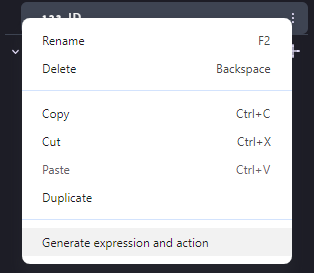
Its the same in the new system the user doesn’t touch declared variables. Because their properties and managed by the extension. Think of it like the platformer extension, we have a expression to read the Player’s current speed, the extension is the one that sets/manages it in the background and it is a property.
To simple put it, what you’re saying did exist before but was deprecated.