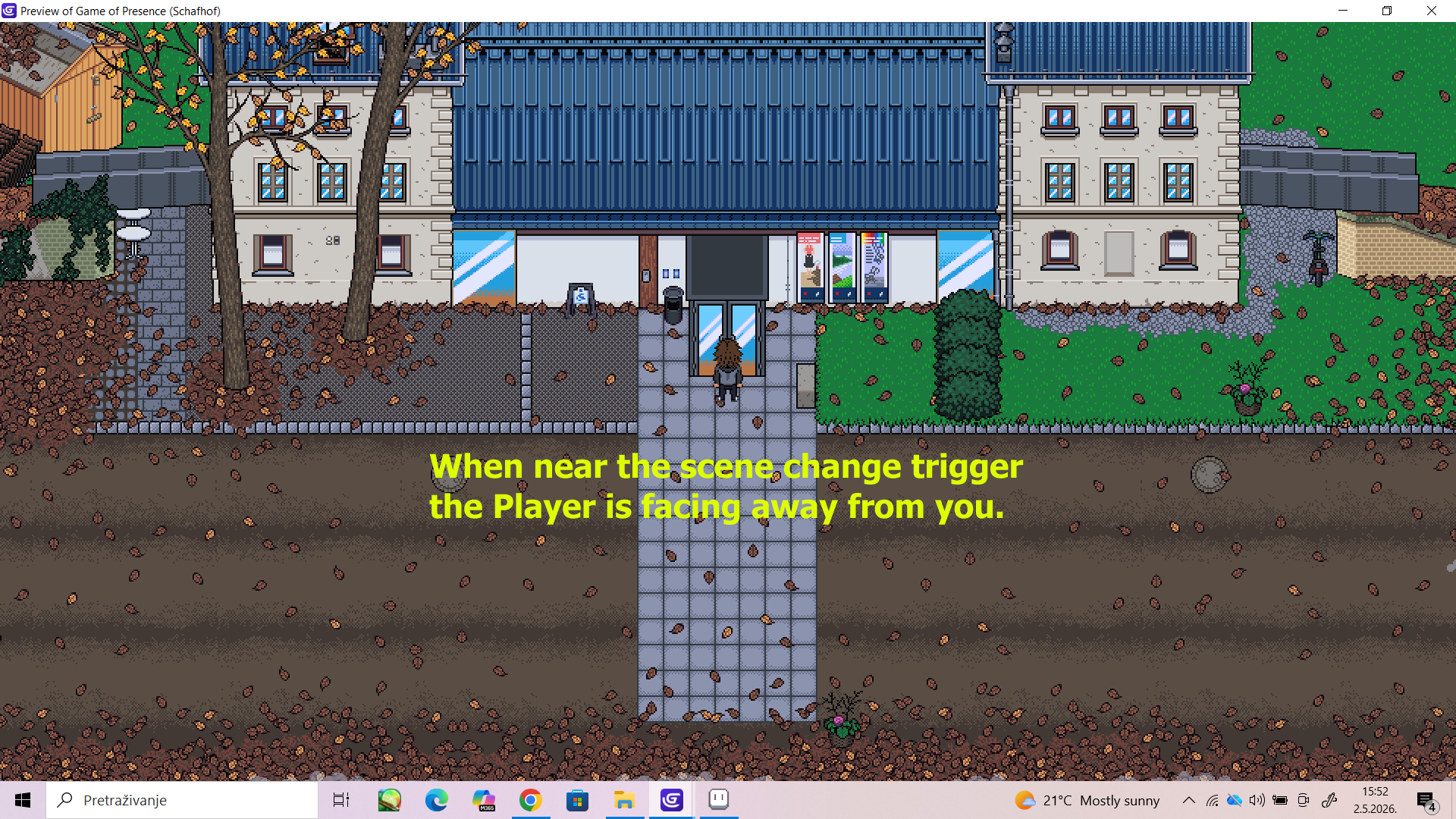
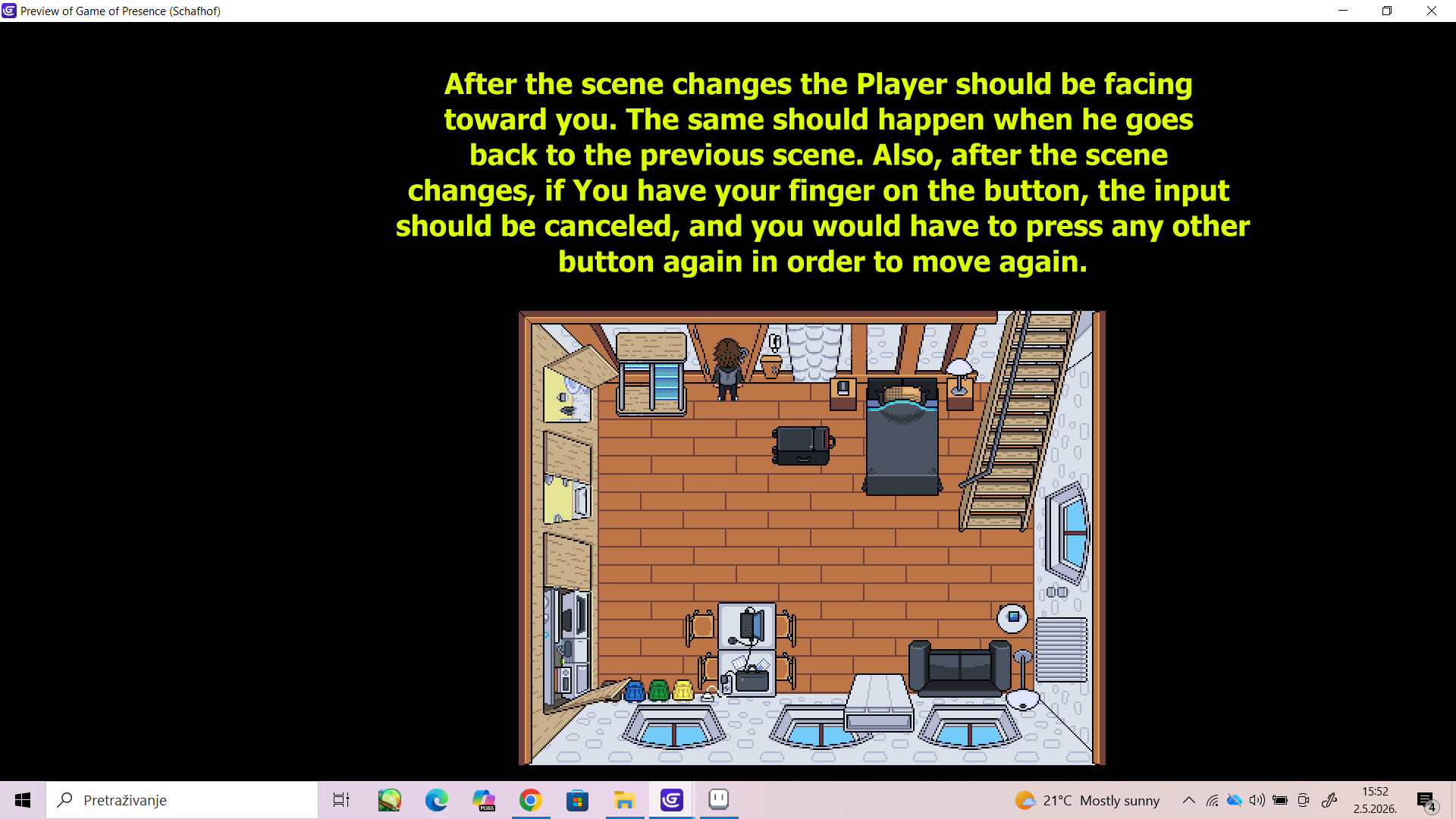
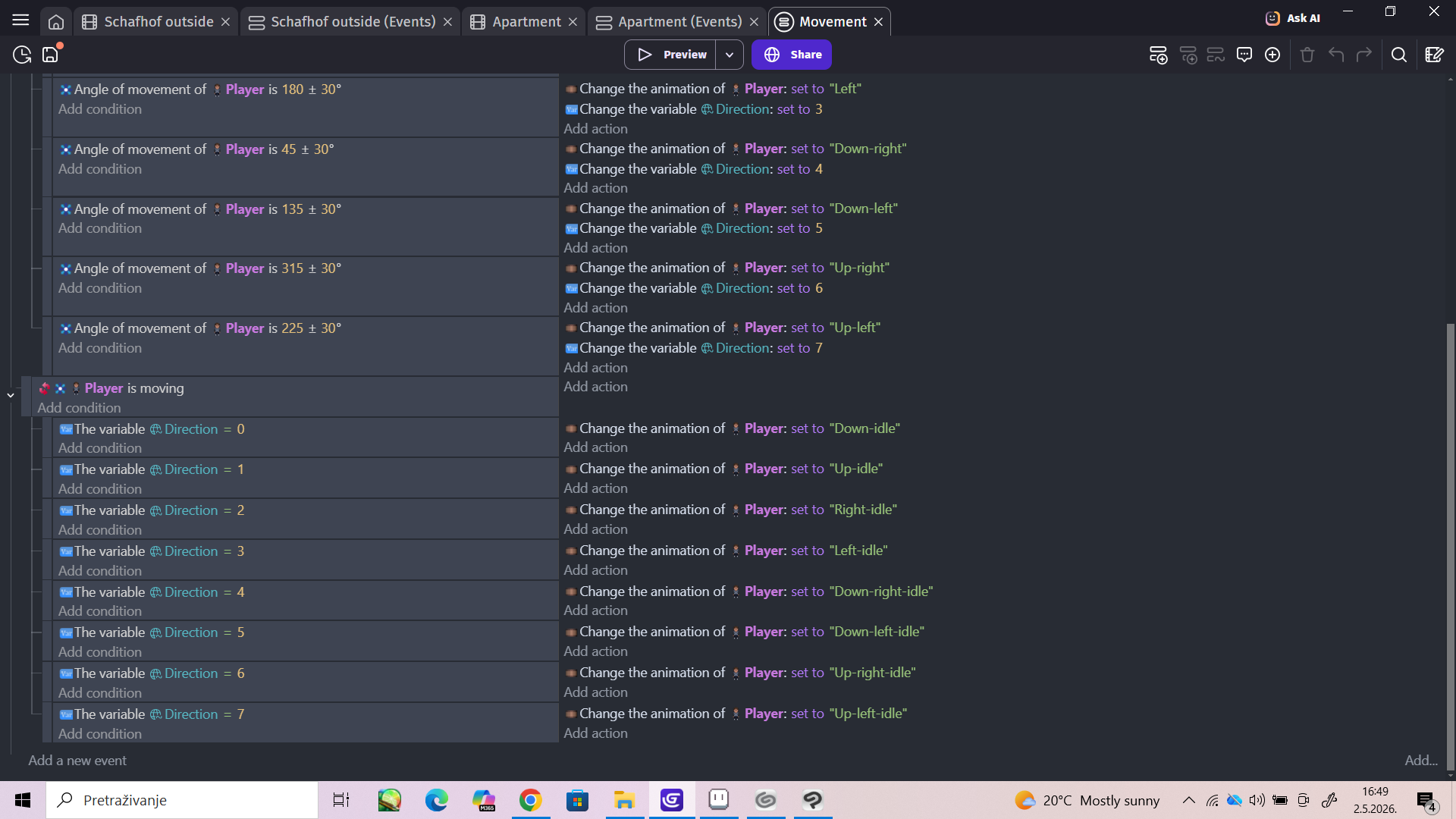
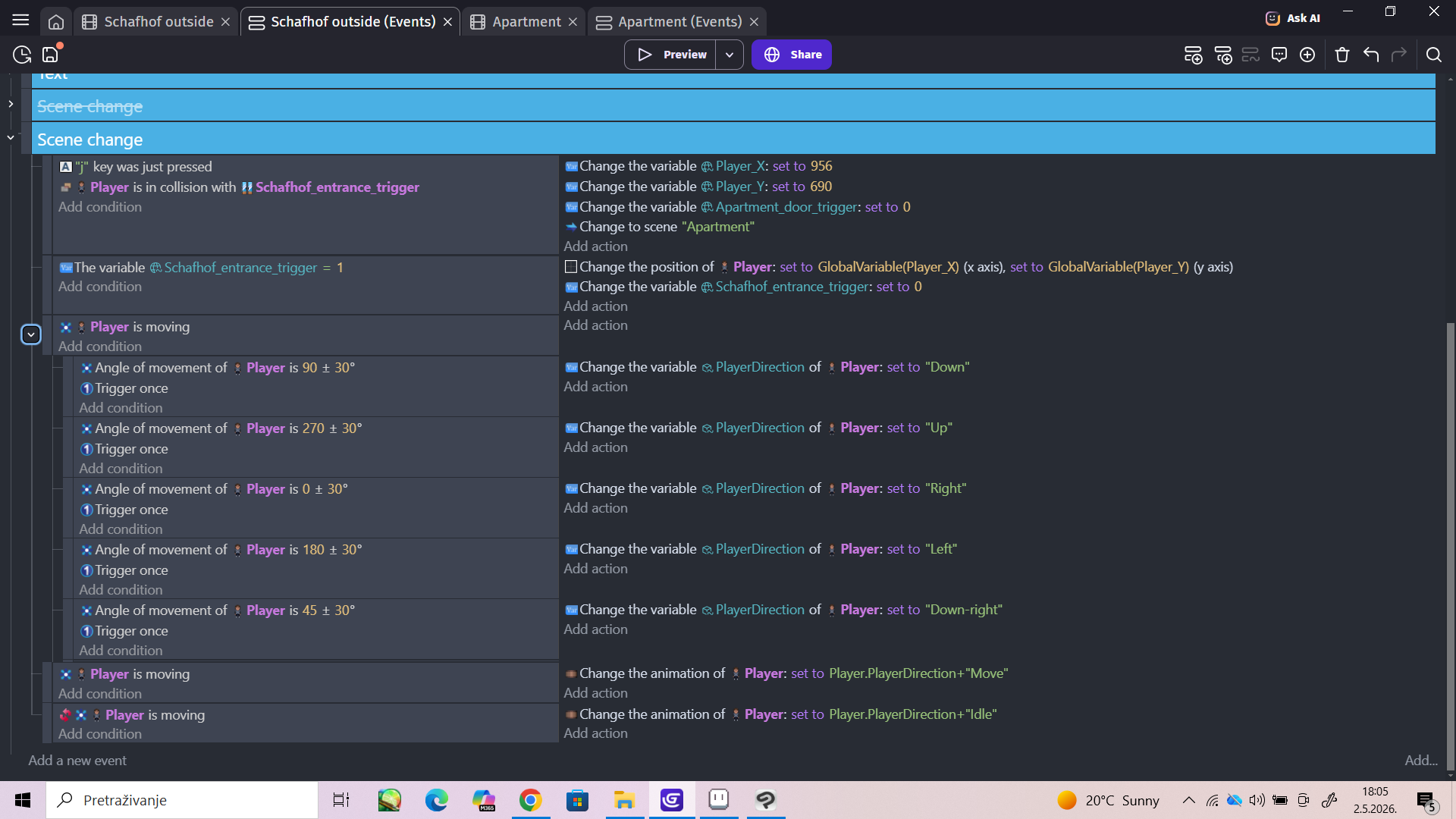
I’ve set up events that allow the Player to move from one scene to another while staying near the doors after the scene change. But when the scene changes the Player stays in his usual position (turning his back to you) and he should instead be facing you.
I would like to make it so that whenever the scene changes the Player is facing you. And if you’ve kept your finger on the up button (or any of the other ones) during the scene transition, that that input gets canceled when the scene changes, and you have to press any button again in order for the Player to move again.
Can anyone help me with that?
I’m new to GDevelop, so I would appreciate detailed instructions and visual examples.
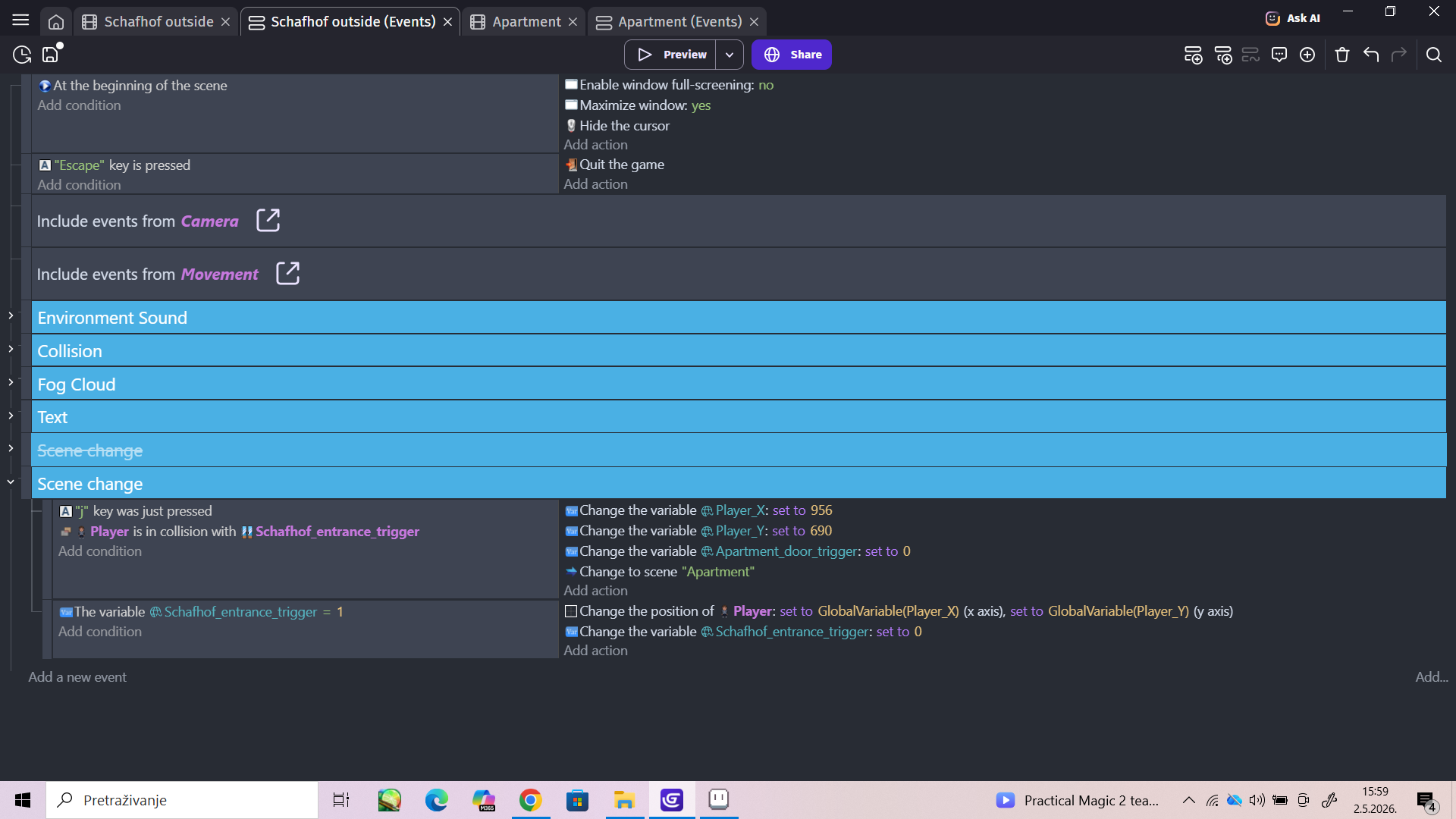
Here are the screenshots:
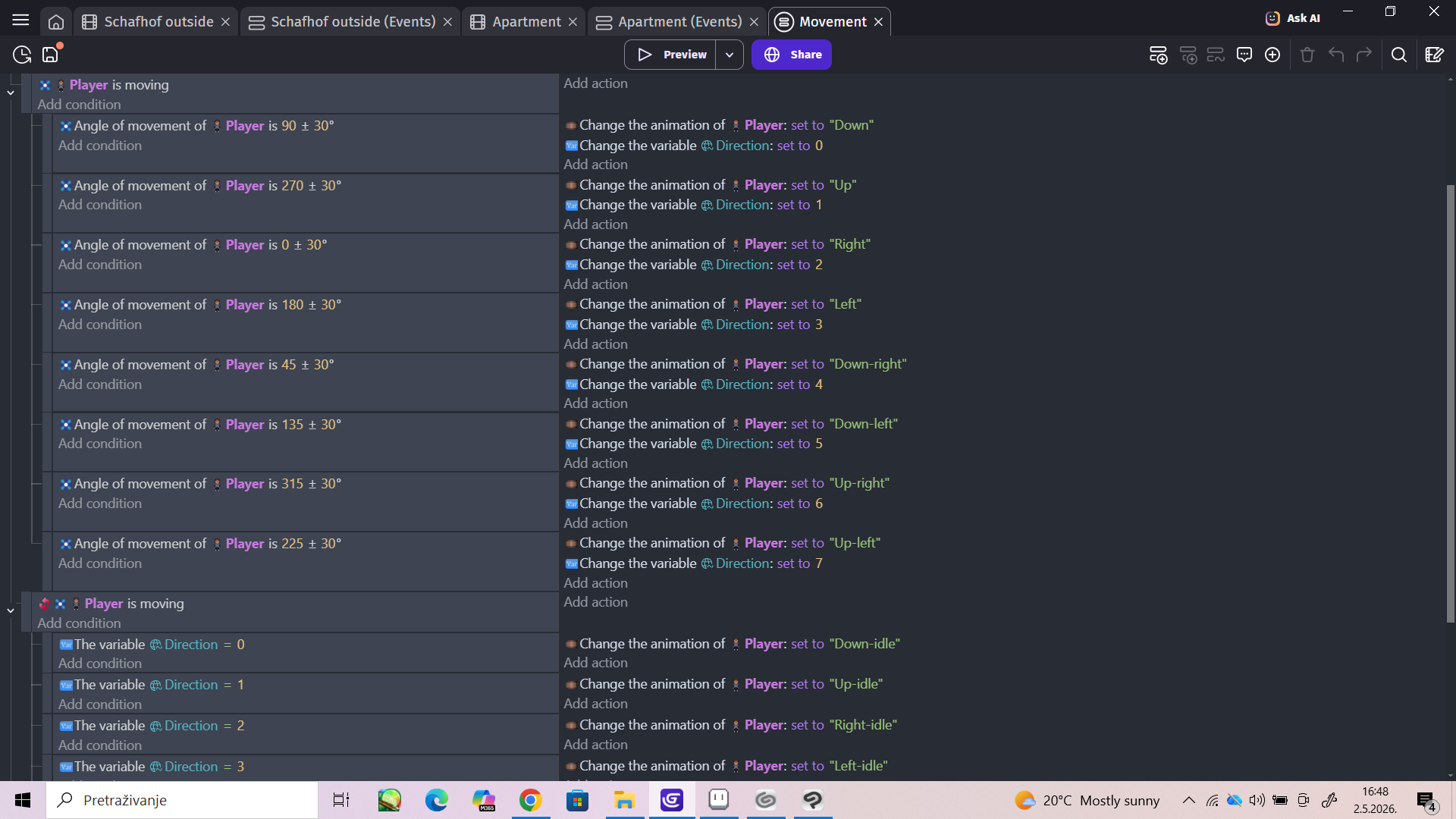
Also, here are Events for Player movement if anyone needs them:
Just set global variable to something and at beginning of scene you can check if that variable is something and if yes then change direction variable
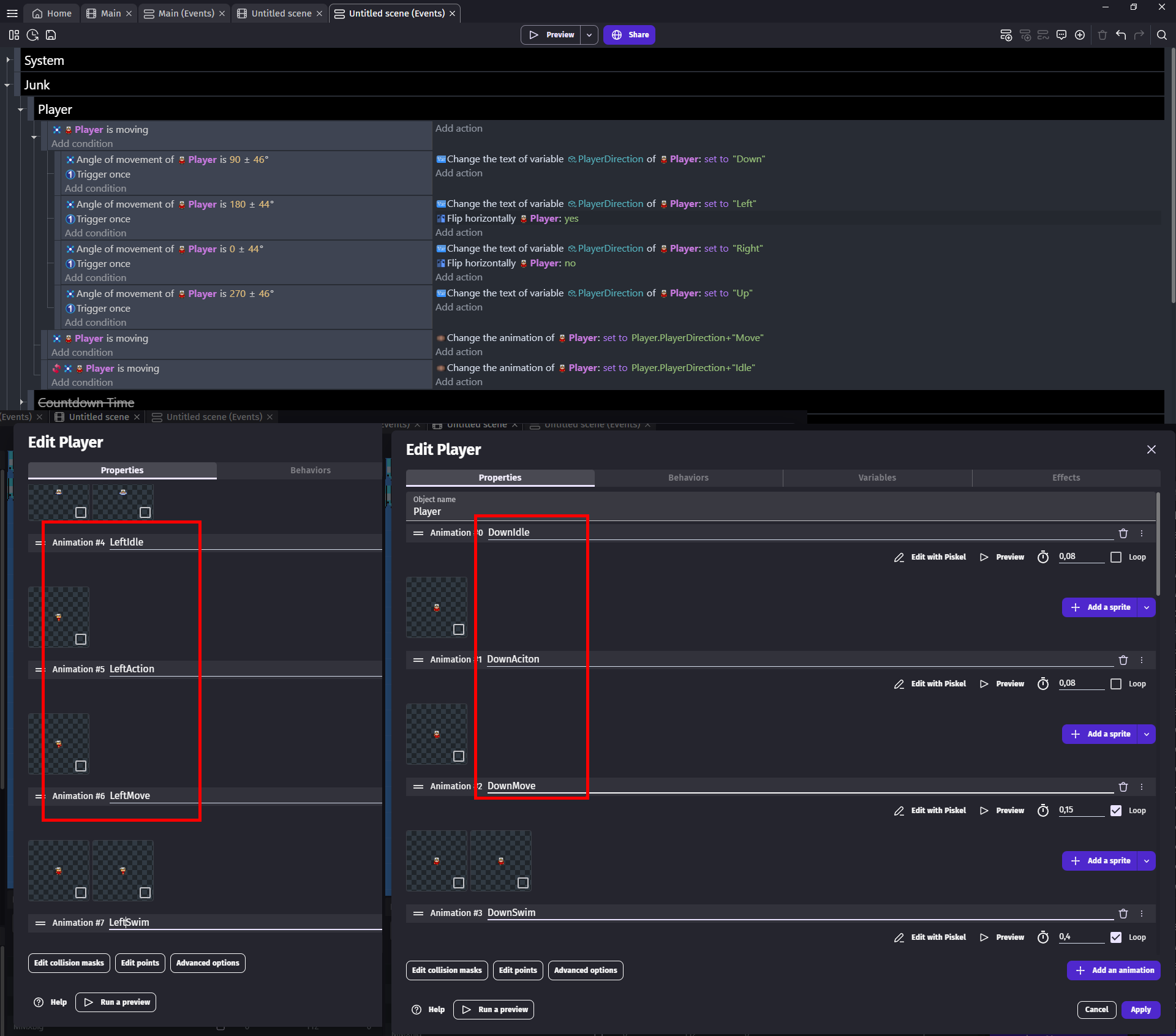
Look at my events for idle and moving and you will learn why you should use text variable for direction
This didn’t help, I couldn’t figure it out. It was still doing the same thing. Did I do something wrong? Or is there a different way to do it?
1st of all why you called it PlayerDirection?
I mean it will still work but its like
Bullet object have variable called BulletAngle
Well since its object var why add object name there?
Anyway
If you have have animation called Down-Idle
And another called Down-Left-Idle
Then when player is moving down you change Direction variable to Down
If he is moving down left then to Down-Left
And now
You change animation of player to Player.PlayerDirection+“-Idle”
If you have Down-Walk and Down-Left-Walk
Then Player.PlayerDirection+“-Walk”