how to connect my SlugCore_9_body and SlugCore_9_gun_head_shoot together and kill both of them at the same time from my player_bullet and kill 1 of the time
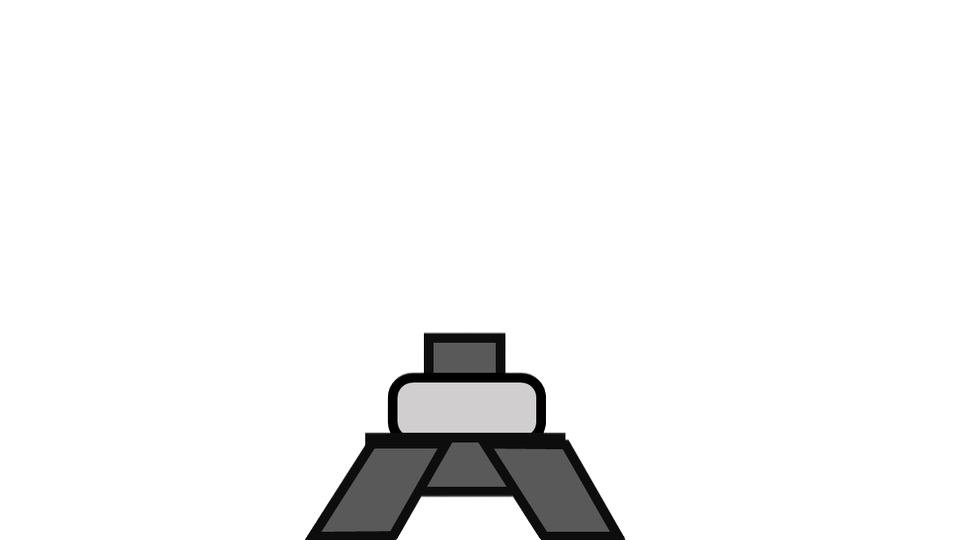
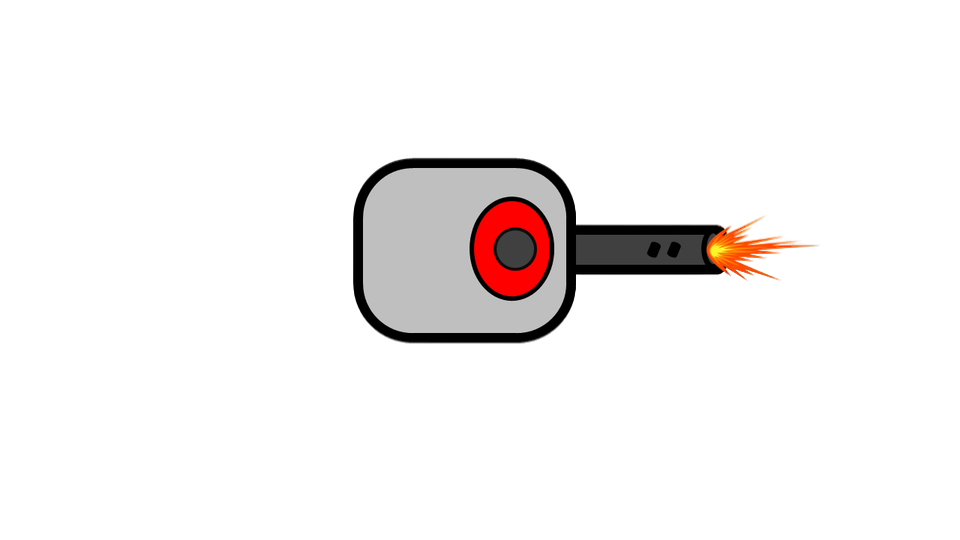
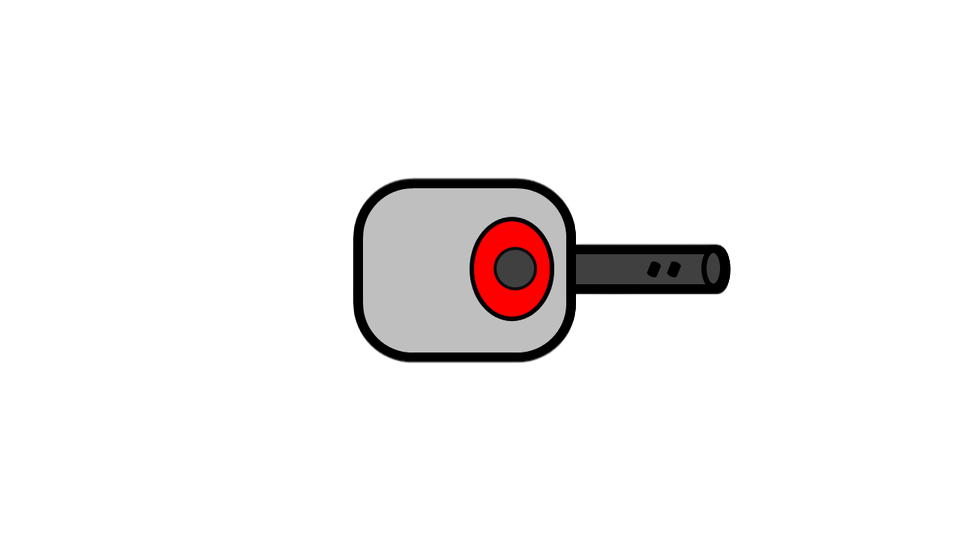
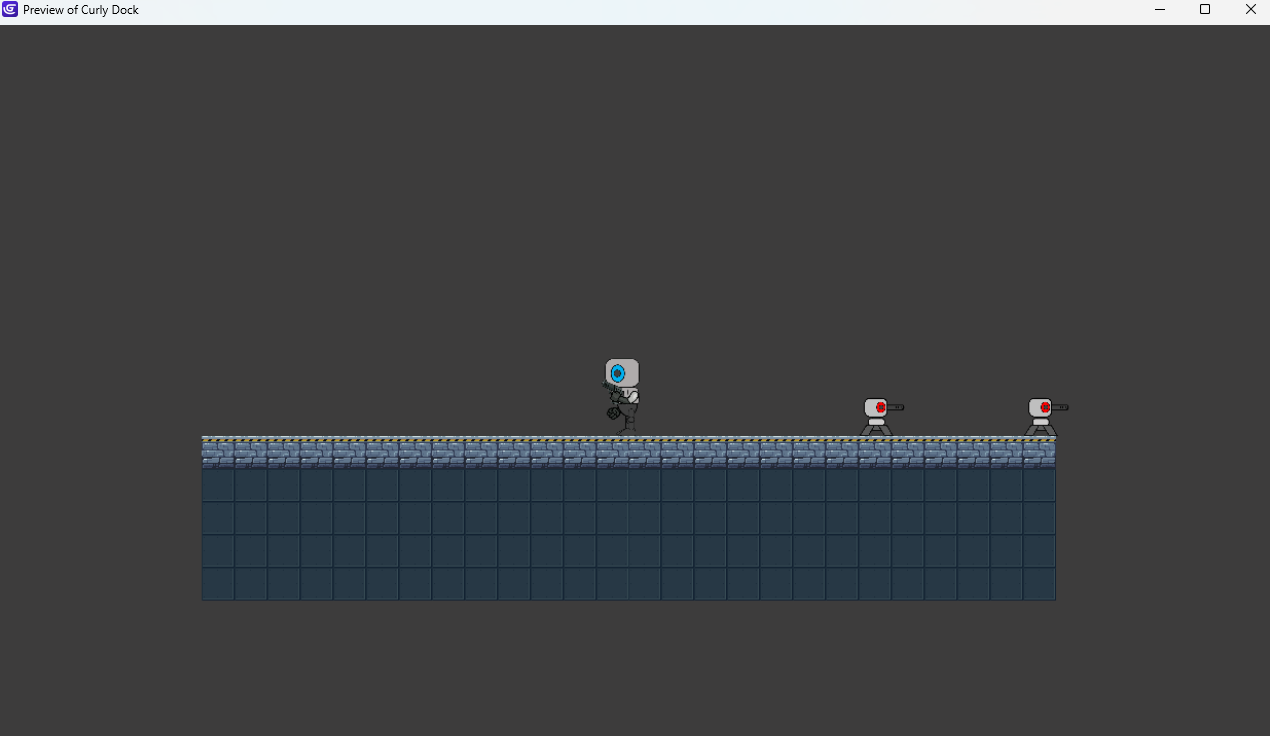
You could also use the sticker behavior (you can get it from adding new extensions)
add it to SlugCore_9_gun_head specifically and tick Delete when object it’s stuck on is destroyed.
In the events, add action. Select SlugCore_9_gun_head, look for stick, in the parameter, input the object you want it to stick to: which is SlugCore_9_body.
In the events it should look like this:
Repeat each instance for each SlugCore_9_body (for if there are more than one object)
Condition: Trigger once (recommended)
Action: Stick SlugCore_9_gun_head to SlugCore_9_body
That way, both objects stick together, with the body being the root; if it’s destroyed, the head also is. This is the way I will do it. Hope this helps.
1 Like
Like with any task, there are infinite solutions.
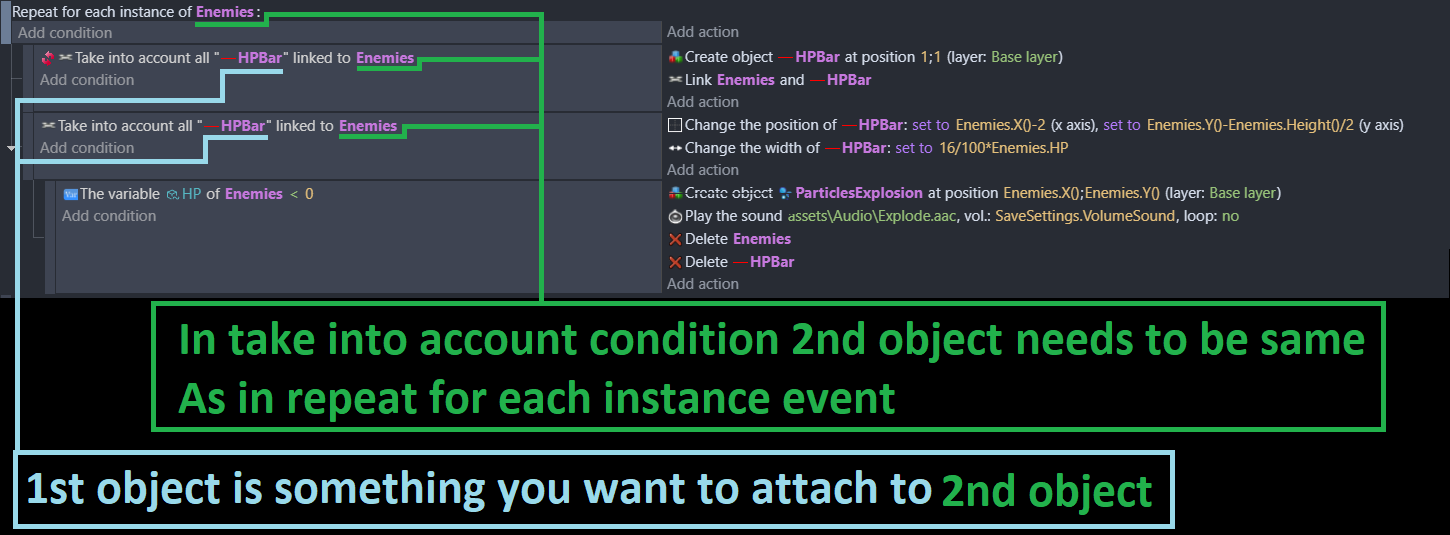
If either part was destroyed, you could delete both using linking. You would need 2 sets of events to check collision with 1 part and destroy the other part. You’d also probably need a for each instance as a subevent of each collision event.
Or, if the top is destroyed then destroy it. This could also be done with a destroyed animation instead of immediately deleting it. If the bottom is destroyed then destroy the linked top part as well. You could animate the destruction of the bottom part and then have the top crash downwards or fall over and explode.
Or you could use a hidden hitbox the size of both objects. When that object is destroyed then you could delete the matching parts based on linking or by checking if the parts are in collision or the nearest objects with the hitbox object.
Or you could create the entire structure as a custom object. Then just check for collision with it and then animate and/or delete the custom object.
2 Likes