I’m encountering a tricky issue and hope to get some advice from fellow developers here.
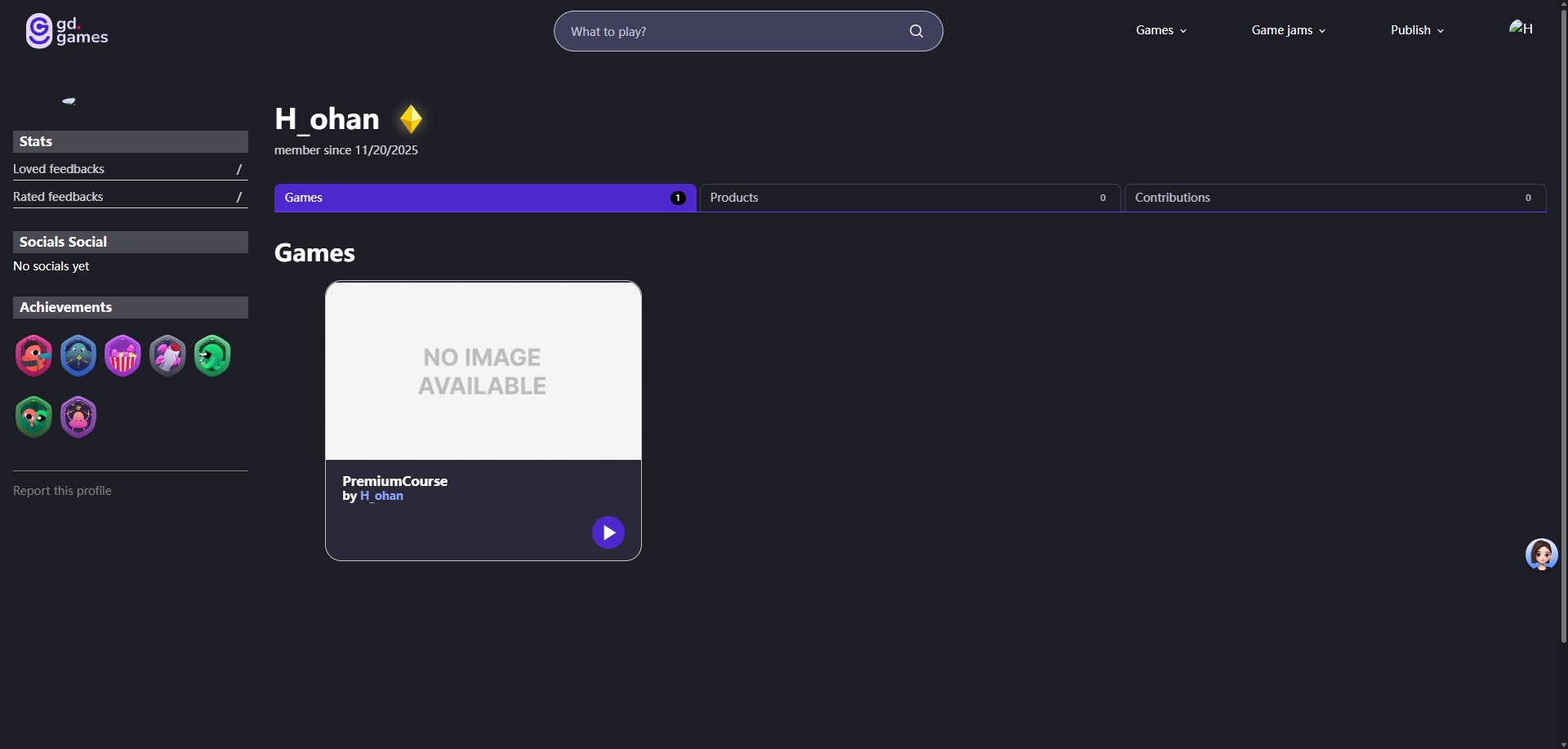
I published a game using the template provided in the official GDevelop course, strictly following the task guidelines. After publishing, I closed the template project immediately without saving the project file at all. Now I want to remove this game from my public gd.games profile, but I can’t find any option to do so.
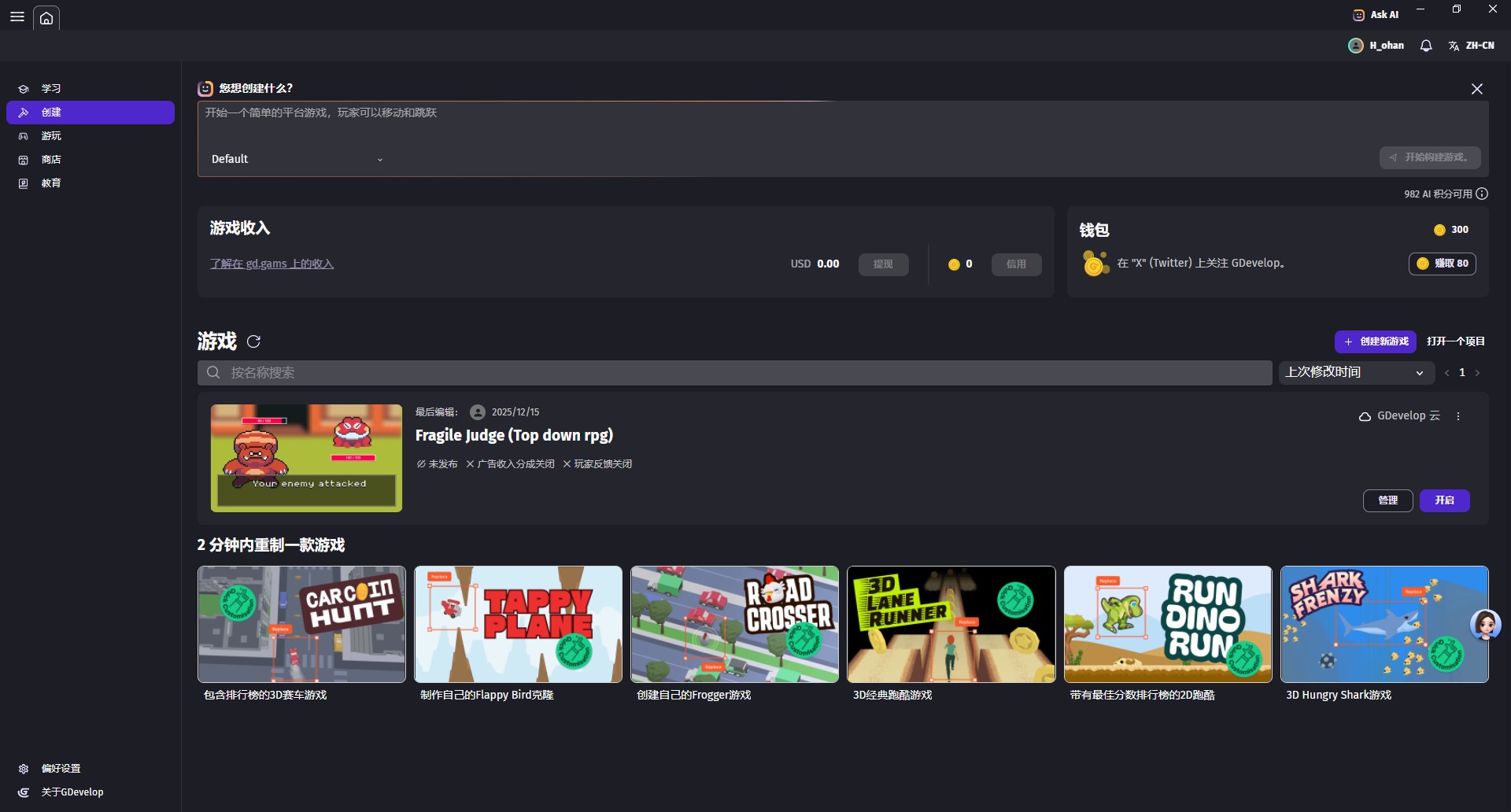
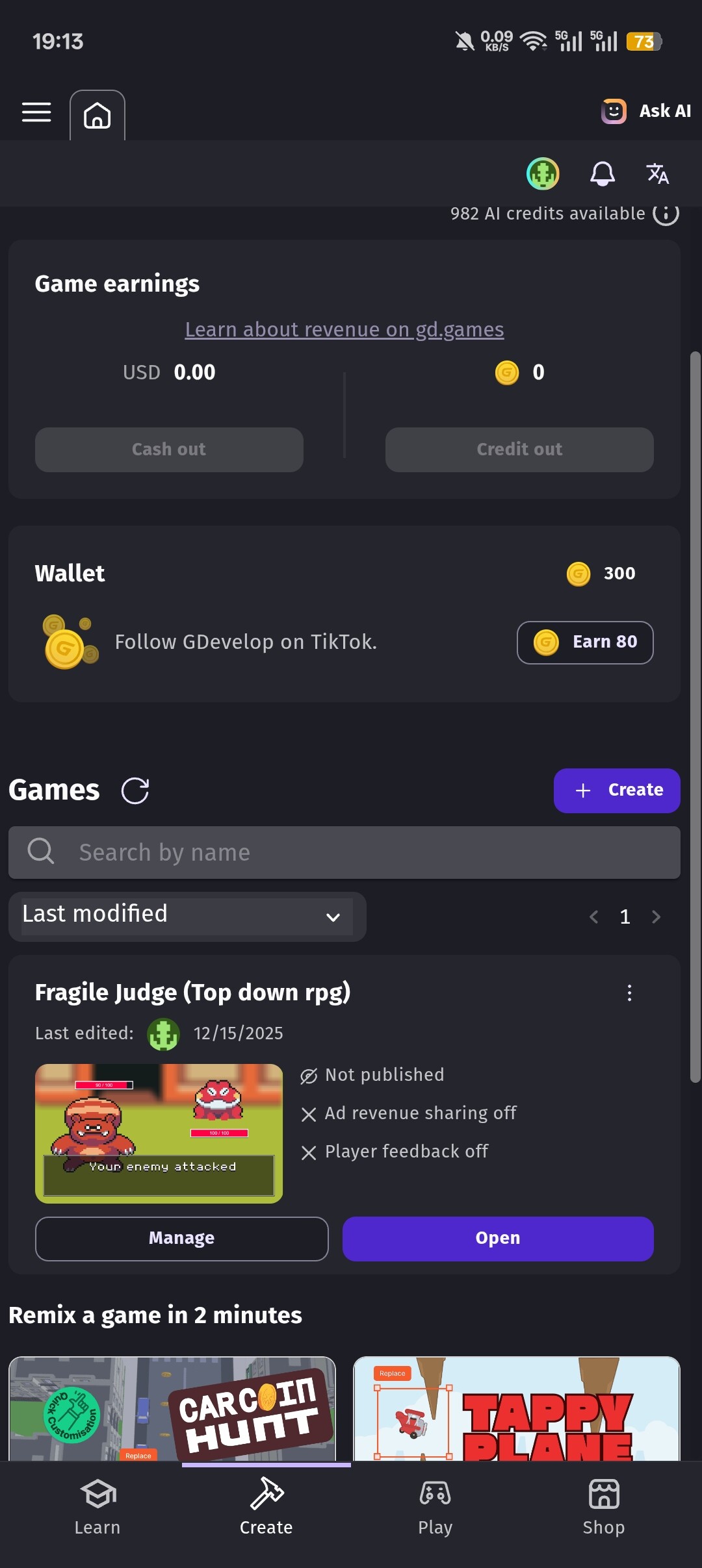
This captures the GDevelop software interface, where no corresponding project file for the published game can be located.
I’ve tried consulting an AI for a solution, and from its response, it seems that deleting the game on my own may not be feasible without the saved project file.
I’m wondering if any of you have run into a similar situation. If so, could you kindly share how you managed to delete the published game under these circumstances?
Any advice or workarounds would be greatly appreciated. Thank you!
Thank you for your help! Unfortunately, I never saved the project file, so I can’t find the target game I want to delete on GDevelop’s “Create” page. This also means I’m unable to manage or hide it following your steps.
The game I want to delete displayed on my gd.games profile is called “PremiumCourse”, but there is no project file for this game on GDevelop’s “Create” page; there is only another unpublished project file that I am currently editing.
The game I want to delete was never saved via the Save button during the editing process, so it doesn’t exist on my desktop or in the GDevelop Cloud.
The solution you suggested afterward is definitely worth a shot, thank you!
By the way, can I just @bouh right here with my question, or do I need to create a new topic ? (I’m new here and not sure if this is in line with the rules here.)
Hey!
You can always just ping Bouh directly to this topic, but he is one of the many different moderators on this forum. I would recommend leaving your question on this topic, and directly messaging the moderators your question if you can.
Since your account is new, you might not have unlocked messaging. If you have unlocked it, you can send the mods a message here: https://forum.gdevelop.io/g/moderators