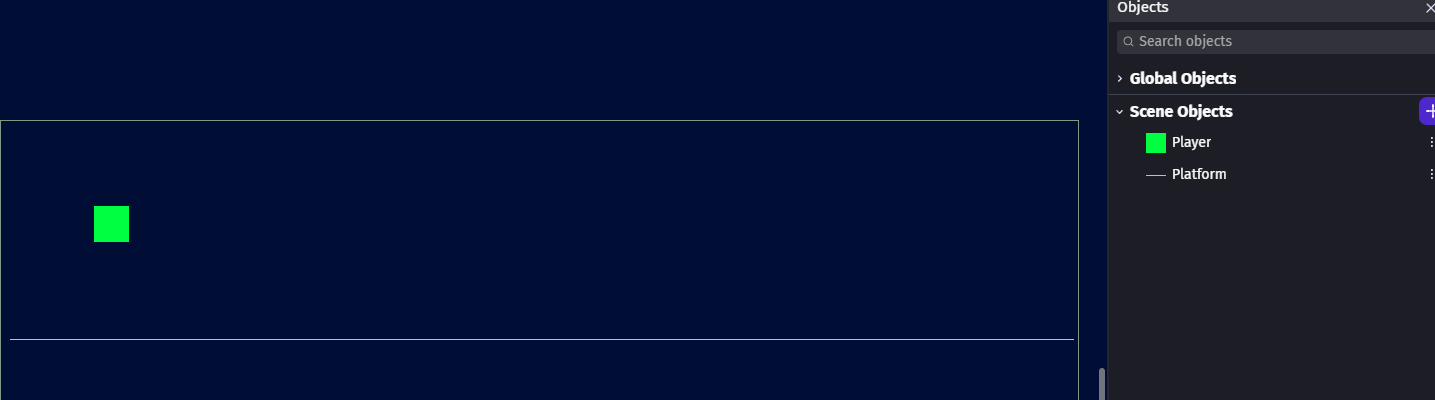
Hello everyone. I’m having trouble enabling sprint while holding down buttons. The expected behavior is to have the Player dash when the user holds arrow and Lshift but return to normal speed when Lshift is let go. Currently, the dash works but when I let go of Lshift, the dash speed remains.
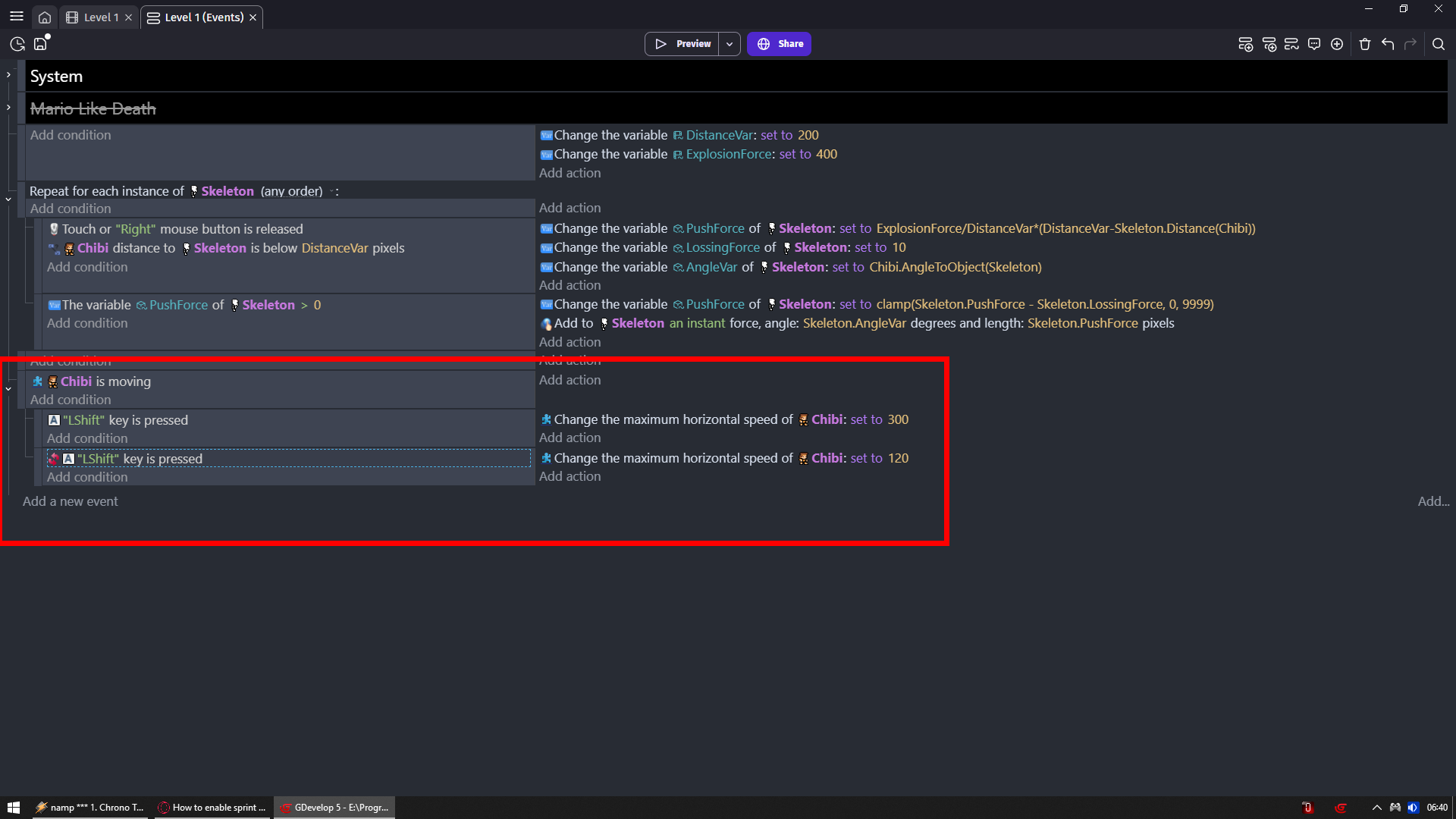
Screenshot below, also Player.DashSpeed = 800 and Player.SlideSpeed = 100.
Then check don’t you have anywhere events that are overwrithing these ones cause i tested it and your logic works perfectly fine
I know its a little bit different but i testes EXACTLY what you have and it was working just modified it to work with both ways and WASD
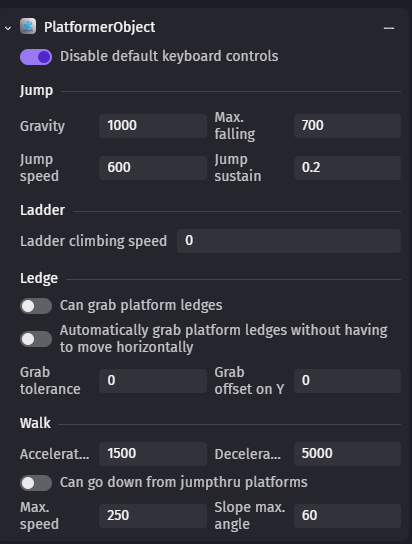
And i have absurdly high acceleration and deceleration
And setting CURRENT horizontal speed is not needed
Only maximum horizontal speed is required
@DesmonDev no but cause he is setting current speed
Then without right key pressed
His player will just move on its own
Hello thank you for providing screenshot but even after copying your logic, it still refuses to return to normal speed after letting go of Lshift. Do you think “simulate pressing right” is causing an issue?
Created a new scene and tried it again, still nothing. Even created a new project and the behavior doesn’t change. Perhaps I’m misunderstanding how the platformer object works.
The expected behavior is:
Hold right arrow which is normal speed (works)
While holding right, if I hold Lshift then dash speed (works)
When I let go of LShift (still holding right) then go to normal speed (doesn’t work)
The current behavior:
Hold right arrow which is normal speed
While holding right, if I hold Lshift then dash speed
When I let go of LShift (still holding right), the object is still in dash speed. Only when I press LShift again it returns to normal speed.
I’ve tried a bunch of alterations with this logic with no luck.
Try different key than LShift
For me everything you have should work
And it is working for me with LShift
But that would be my 1st suspect if that won’t help then we gonna make different dash system
Looks like the Lshift button on my keyboard is messed up. I tried it using my laptop and it works now. Sorry for wasting yalls time but I very much appreciate the help!