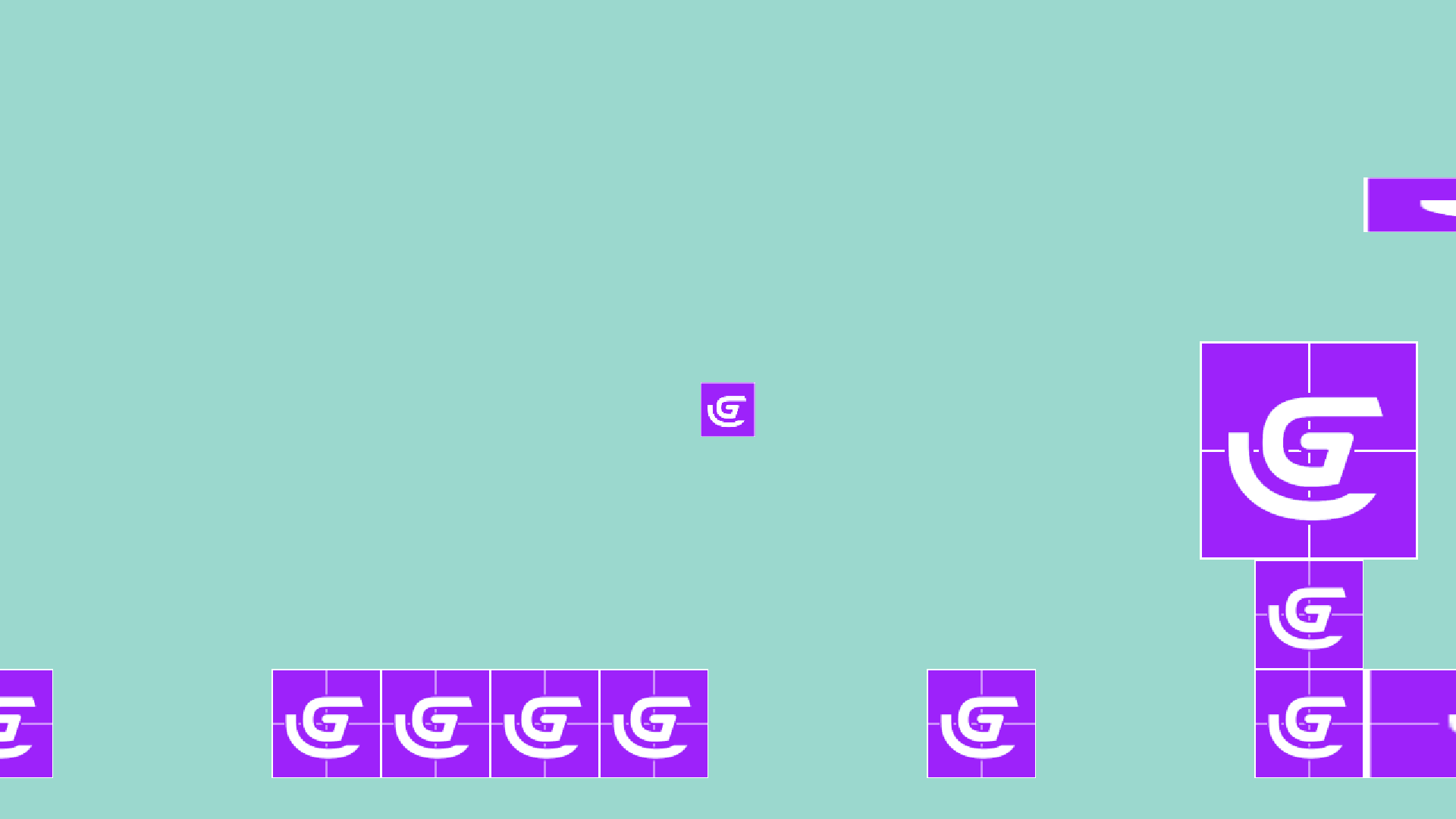
Hey!
First of all, welcome to the community!
Unfortunately, I can’t help with this problem just by the photo. Can you give some backstory on what you did before this happened? Thanks!
I see it only for ppl who went with cloud saving
I never used cloud saving
NEITHER my project and/or my resources are on cloud
They are on my pc and i never had such issue
And so i never seen in other ppl projects who are NOT using cloud saving
It has happened to me before without cloud saving. If you swap where the folder is located or have certain computer settings on, it can happen.
It happened cause you did something you should not do
Like
You should not even bring it up
Cause its like you complain that you had mp3 file on C drive in folder called Music
And you open your music player and it was just there playing
Now you moved that Music folder to D drive
And you now complain it don’t work anymore
Like what did you expect?
What i am talking about with cloud saves is happening to ppl with them doing absolutely NOTHING
This is case from yesterday
User needed help with his project and i ask him to zip it and paste it on discord
But he had it on cloud
So i told him to go File > Save As > Desktop
Check this out
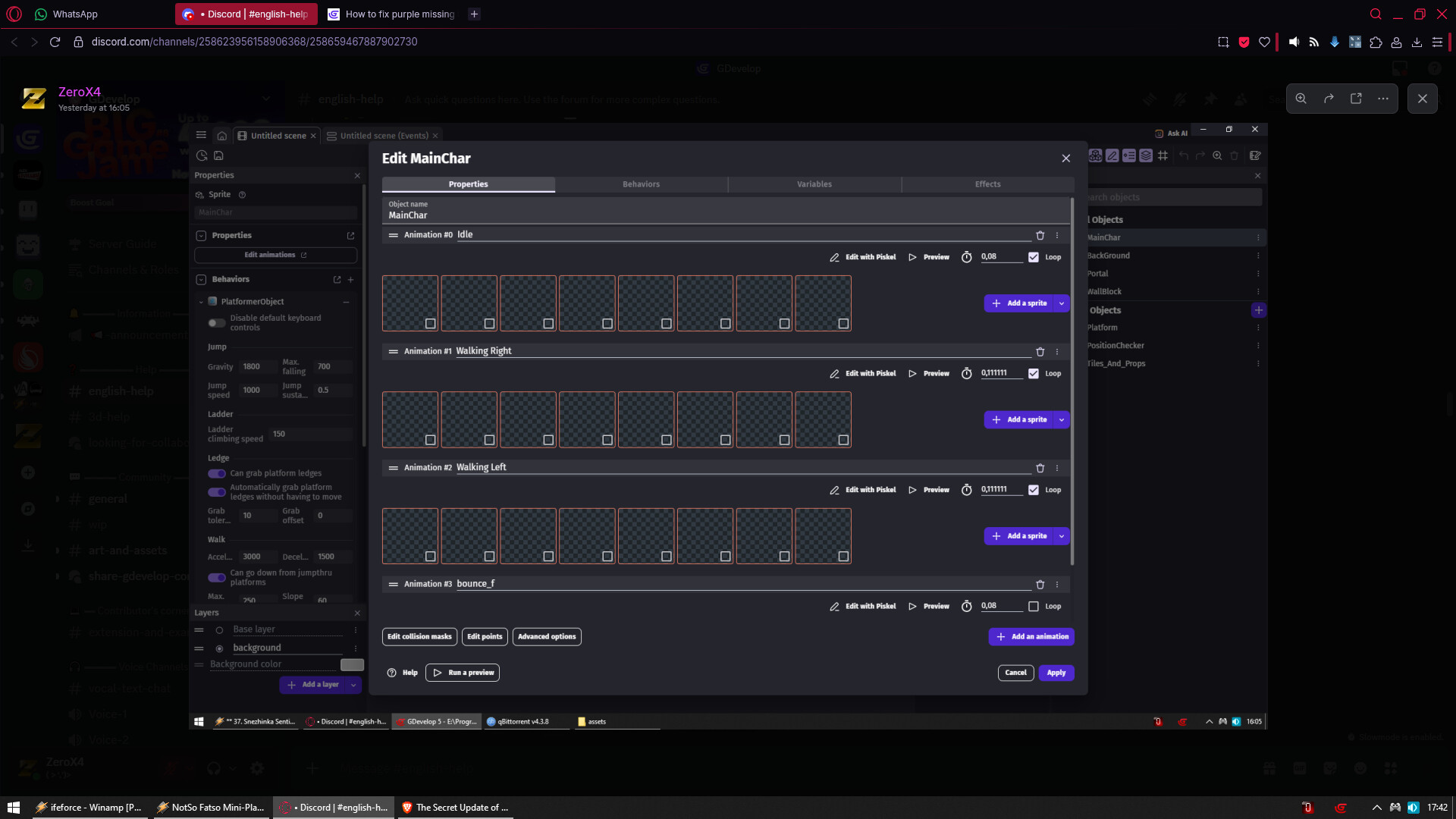
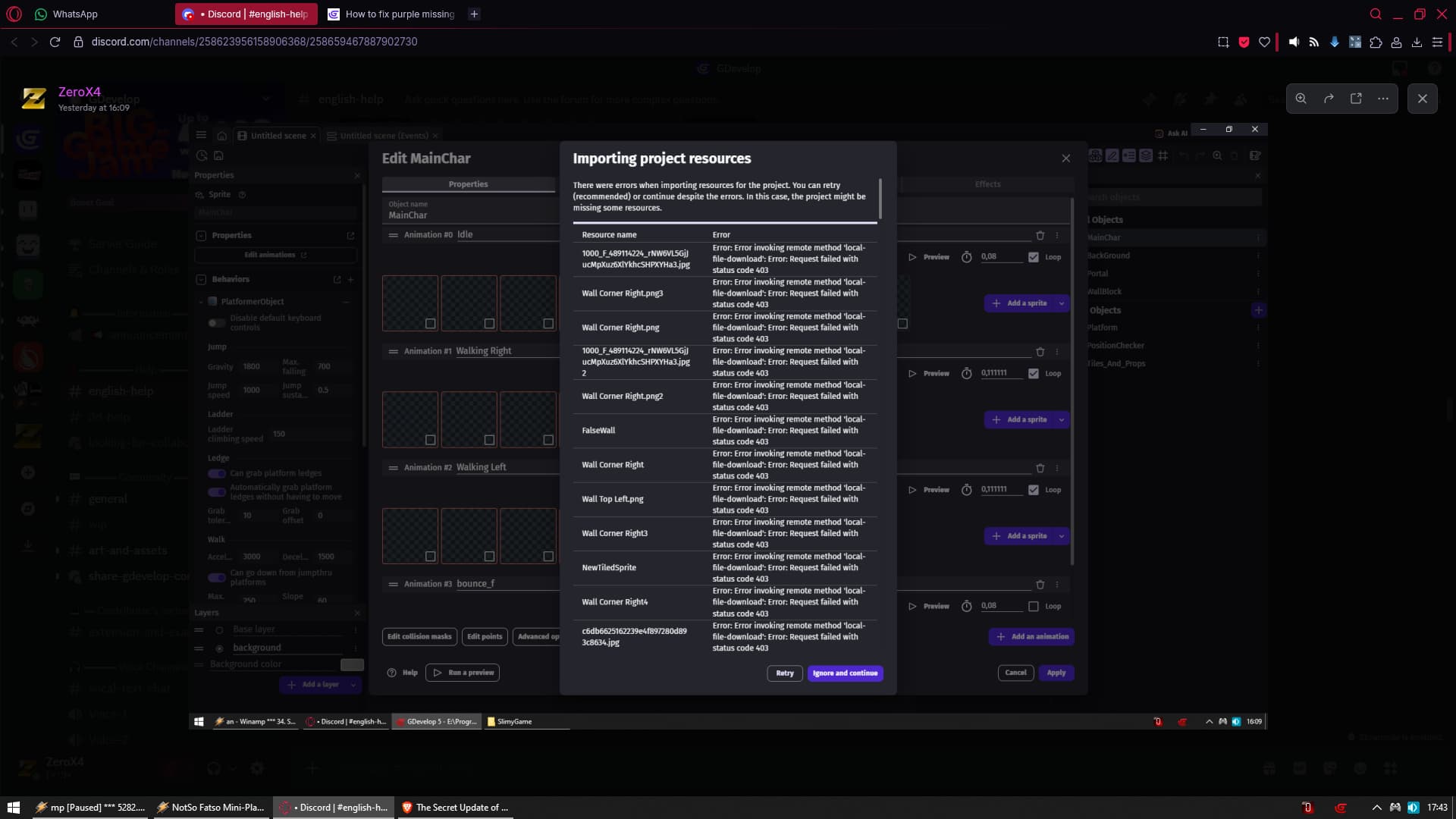
THIS would never happen if was NOT cloud project with all assets on cloud
Not to mention users i see every other week complaining that in their game instead of image of enemy/wall/ground/player OR whatever
They have purple square with white G
THAT happens only to ppl using cloud saves
IDK why for some ppl it works perfectly fine but for some it is causing issues
But i would not trust something that MAYBE will stop working properly
When i have something that for sure will work perfectly fine
Where maybe Blxmesnowmxn777 did same thing as you did
Cause all his assets seems not loading
However i would still suspect cloud saving in the first place
But there is still a chance he did one of the things I brought up right?
When I was about 60% of the way through making my game (Duck Game which wasn’t on cloud), I made a huge mistake and my whole game started bugging out. Thankfully, I figured out how to solve it AFTER AN ENTIRE WEEK.
So to the point, yes this could easily happen without a cloud project, therefore it is worth bringing up as a potential cause. 
If Blxmesnowmxn777 moved his project folder or renamed assets folder or whatever that required his input
I will have no problem saying
So i assumed wrong and it was not fault of cloud save
But from what i seen so far its ULTRA RARE for purple squares being caused from user did something
And rather its from my project is on cloud
Again i have no problem admitting i assumed wrong if that will be the case here
But at the same time i have no problem suspecting something i seen breaking stuff for other users each other week
most of the time this happens to me when i dont close gdevelop, and leave it open for more then 24 hours. @blxmesnowmxn777 , is it still like this?
Case from today
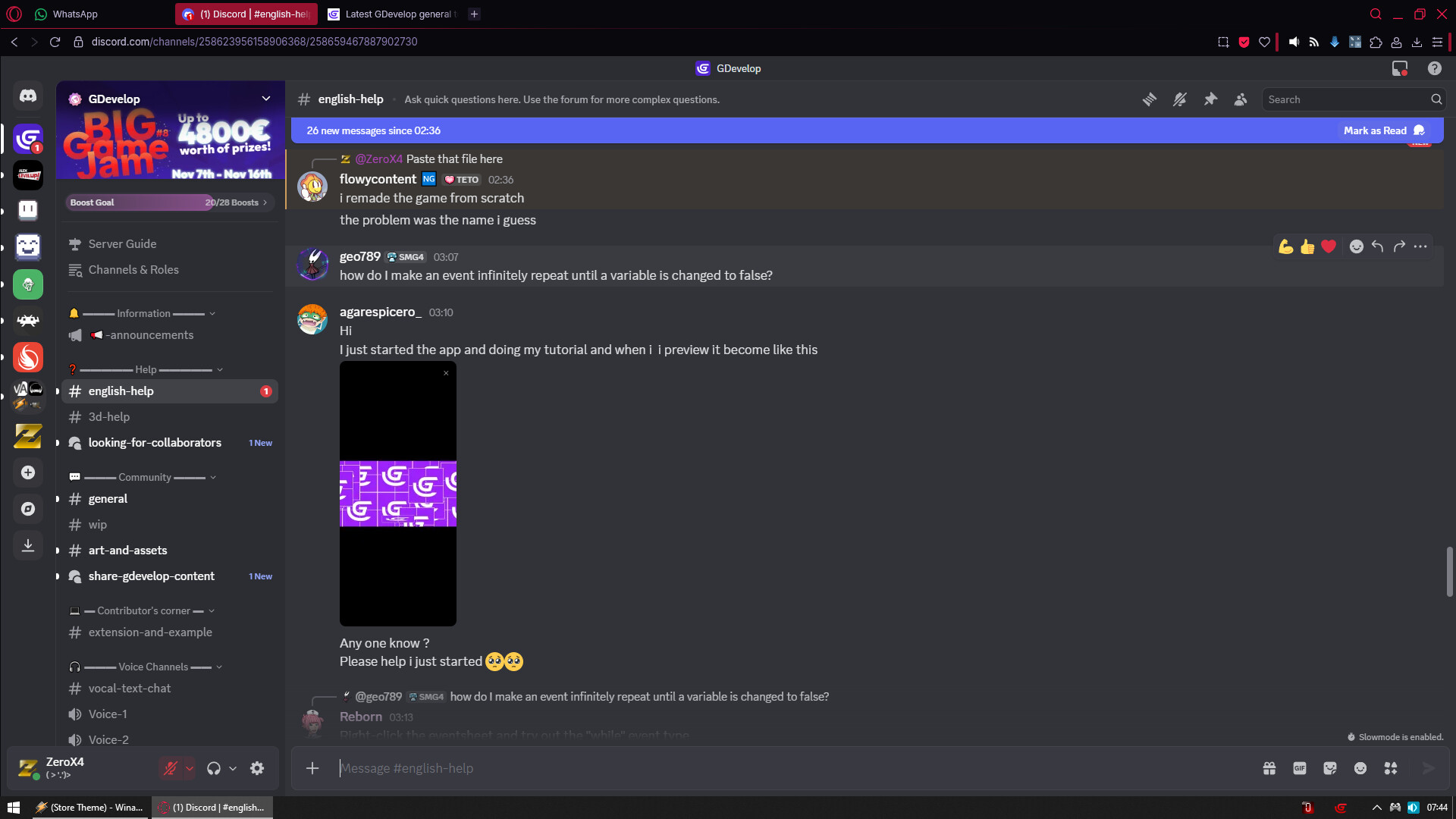
But this user is using mobile app
He have no choice
THAT is when you are justified to use cloud
But not when you have choice between cloud and your device
Why did you made that message?
Why you reply to me when there was no question about what you wrote?
On one hand you wrote something everyone can notice
You gonna go trough all topics and reply to me about ppl who did not reply for few days?
On other hand nobody is required to even reply
They can read it and just ignore giving feedback
So what was the point of your message?
Sheesh @ZeroX4 i meant no harm at all. all i said was the person hasent come on from the moment he made his topic no need to get so offensive. I meant Zero harm to anybody.
My question was not about you doing any harm
My question was about sense of what you are doing
You gonna go trough every single topic now and report me on users who don’t reply since they ask question?
No i was just saying it thats all.i was just wondering. its fine, maybe i should have just not said it.
(post deleted)
@blxmesnowmxn777 Provide more context if possible next time for a bug report.
Nevertheless, to answer you why this is happening.
If you are using a cloud save or on mobile/tablet:
Keeping GD open on its project for too long expires the tokens linked to the URLs and therefore the URLs of the resources, so the resources are broken and this default texture is displayed.
But if you are on desktop, with a local file, then look where your project is in the folder explorer of your OS, and where the resources are.
Then from GDevelop, open the resources tab and click on the folder-shaped button at the top right, if you don’t see your resources there, then they are not in the right place.
From the resource tab you can also see each resource linked to the project, if there are red lines then correct them by clicking on them and modifying the path to the resource.
–
As for the other people in this thread, do you fight with each other often or is it just to kill time?
Frankly, I feel sorry for blxmesnowmxn777 who came here looking for help and sees individuals fighting in the comments to know who is right, take a step back from the things you are certain about, being too certain of yourself is being closed to other ideas.
In any case, congratulations, you have managed to ruin another individual’s topic.