I am trying to create 2d-like platformer in 3d, but I hit the wall with rendering the 2d character.
I want to animate the 2d character. Sprite3d however generates artifacts with both AO and 3d particles!
I can use the texture changer extension + 3d plane (to change the material of the 3d plane runtime). It doesn’t have artifacts, but this works for very rudimentary texture swaps, not really for frame animations.
Ok guys. (I am a bit worried)
Our overloads (Claude) present us with a fix:
in the 3DSprite extension, Replace this line updateFrame():
const material = frame.texture;
with:
const material = frame.texture;

// --- Transparency fixes ---
if (!material.userData.__sprite3DPatched) {
    material.userData.__sprite3DPatched = true;
    material.transparent = true;
    material.alphaTest = 0.05;      // discard (near-)transparent pixels: no depth, no AO
    material.depthWrite = true;     // set to false for option B
    material.depthTest = true;
    material.side = THREE.DoubleSide;
    // Texture edge quality for PNG with alpha
    if (material.map) {
        material.map.premultiplyAlpha = false;
        material.map.generateMipmaps = false;
        material.map.minFilter = THREE.LinearFilter;
        material.map.needsUpdate = true;
    }
    material.needsUpdate = true;
}
Raise alphaTest toward 0.3 to 0.5 if you see faint halos. Lower it if you lose soft edges.
This seems to work and fixes both the issues.
PS:
It’s worth including those two lines in if (material.map) {
material.map.wrapS = THREE.ClampToEdgeWrapping;
material.map.wrapT = THREE.ClampToEdgeWrapping;
Because without them the texture of the Sprite3D actually wraps and causes edge bleeding.
Taken from here:


 but this works for very rudimentary texture swaps, not really for frame animations.
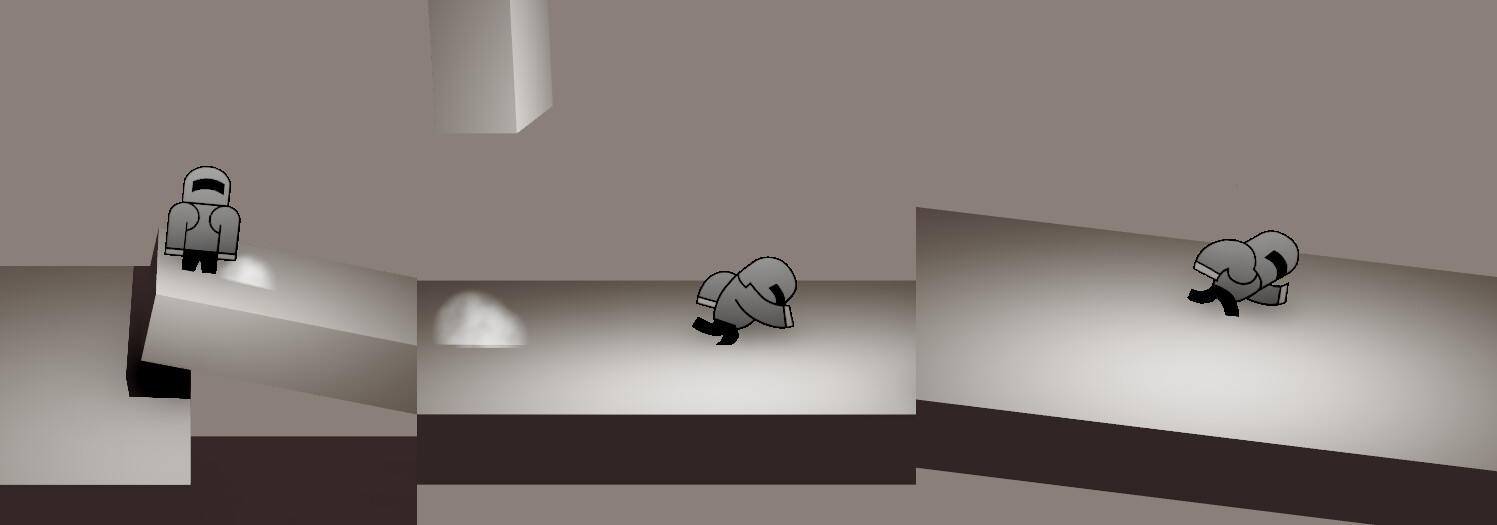
 Ok guys. (I am a bit worried)
