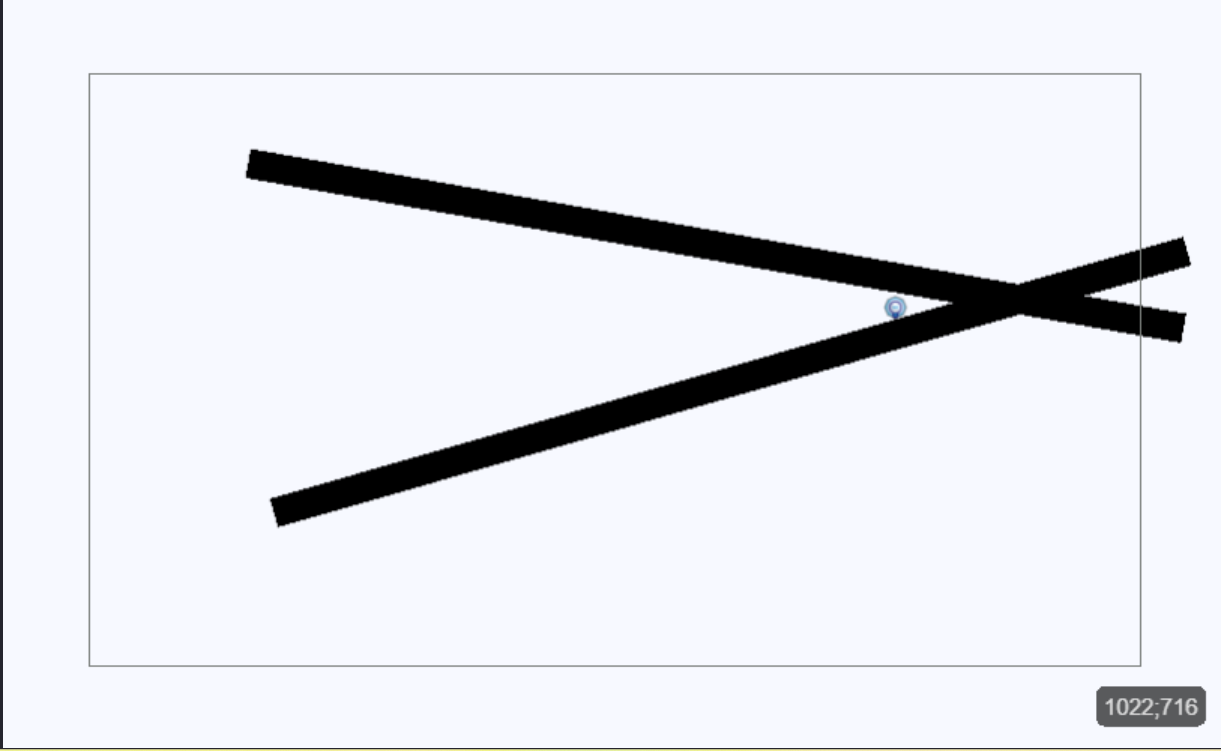
You don’t edit sprite itself (IMAGE) you edit its collision mask as i told you in your other post
If you insist on this method
Then simply do it first for one object
Change its center position to center position of your light object
And now change its angle to light object angle with some offset i think 25 or -25 would be enough
Maybe 45
And i am not sure if just changing position of blocking object will do
Maybe you will need to change it to LightObject.CenterX() + XFromAngleAndDistance(LightObject.Angle() -25 , 60)
LightObject.CenterY() + YFromAngleAndDistance(LightObject.Angle() -25 , 60)
Hi Sir Bob..if you look back at the other thread zero did show you how to add another collision mask. Click add collision mask. You could if you are going to use two objects use a scene variable for the angle and set one objects angle to that var minus 15 degrees and the other to plus 15 but it’s easier with two collision masks
thanks for the help ill try it
thanks i guess ill try that out