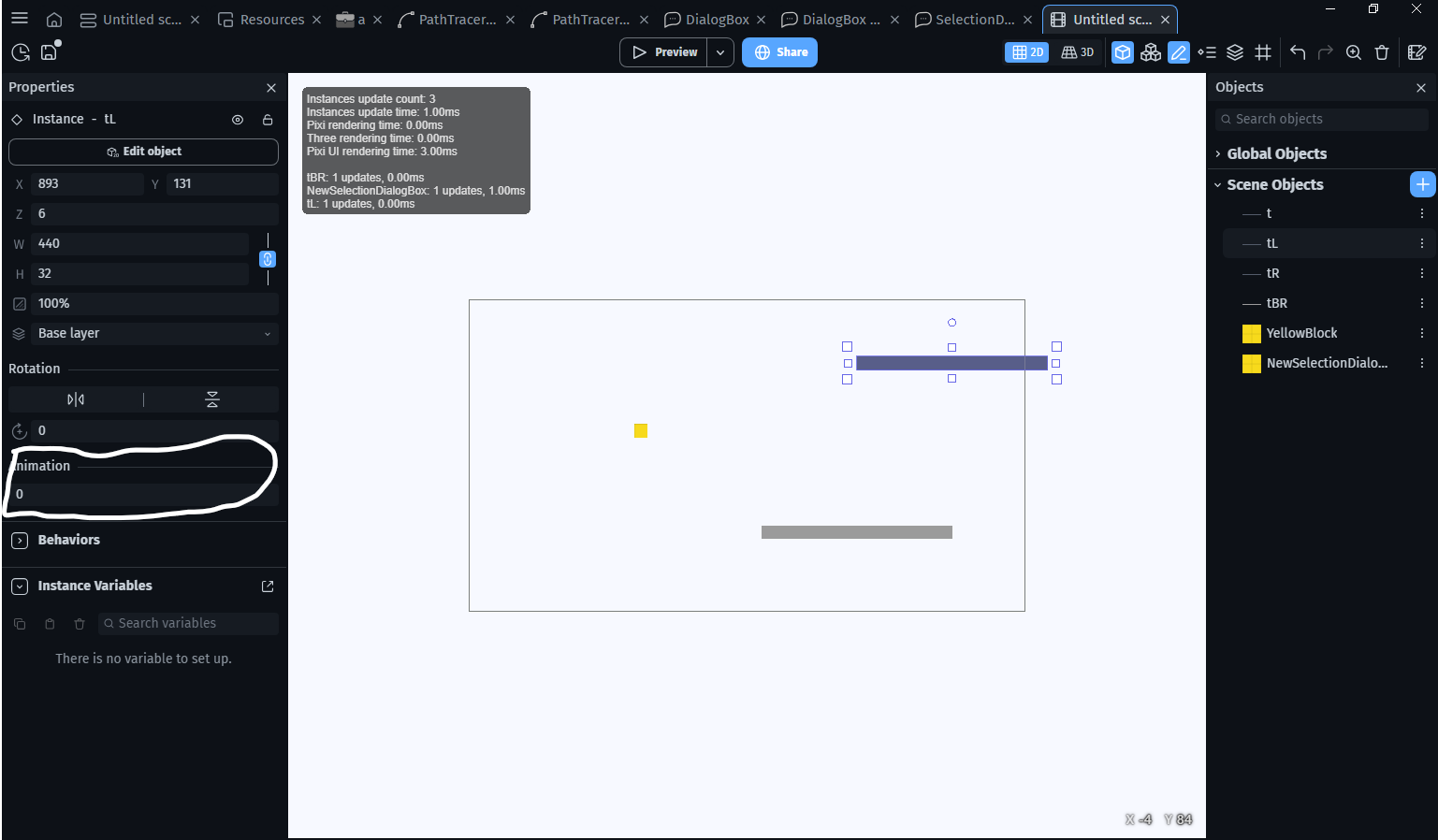
I’m trying to preview a stage with multiple animations and where the characters need to stand without having to play through the whole scene every time, but dragging an object onto the stage force its first animation and there’s no way to change it.
I’ve been getting around this by moving the animation I want to see to the first spot and moving it back every time I preview the scene, but its still pretty slow. Is there a way to see a different animation this way?